The Best Stocks to Buy in GTA 5: Lester’s Mission Trades
The best stocks to buy in GTA 5 are the companies tied to Lester Crest’s assassination missions in Story Mode. The profitable route is a sequence, not one magic ticker: buy Betta, Debonaire, Fruit, or GoldCoast before the related mission; buy Redwood, Facade, or Vapid only after their prices fall. The Hotel Assassination is required to advance the story, but you can save Lester’s other four jobs until after The Big Score, when Michael, Franklin, and Trevor have more cash to invest.

Quick list: GTA 5 stocks for Lester’s missions
Use the exchange and timing shown below. The before-and-after column matters: buying the right company at the wrong point can make you miss the mission-driven rise or buy before a planned drop.
| Lester mission | Stock to buy | When to buy | What to do next |
|---|---|---|---|
| The Hotel Assassination | Betta Pharmaceuticals (BET), BAWSAQ | Before the mission | Sell near the post-mission peak; optionally watch Bilkinton (BIL), LCN, for a recovery trade after its drop. |
| The Multi Target Assassination | Debonaire Cigarettes (DEB), LCN | Before the mission | Sell DEB near its peak, then buy Redwood Cigarettes (RWC), LCN, after the price falls and sell on its rebound. |
| The Vice Assassination | Fruit Computers (FRT), BAWSAQ | Before the mission | Sell near the rise; Facade (FAC), BAWSAQ, can be a follow-up recovery trade after it falls. |
| The Bus Assassination | Vapid (VAP), BAWSAQ | After the mission, once the price drops | Hold through the rebound and sell when the recovery stalls. |
| The Construction Assassination | GoldCoast Construction (GCD), LCN | Before the mission | Sell after the mission-driven rise begins to flatten or turn down. |
These are GTA 5 Story Mode stocks; they are not real companies or a way to earn GTA Online cash. Reported returns differ among editions, saves, and exchange conditions, so treat old percentage targets and exact wait times as estimates rather than guarantees. Watch your own portfolio’s return and price history.
How the LCN and BAWSAQ markets differ
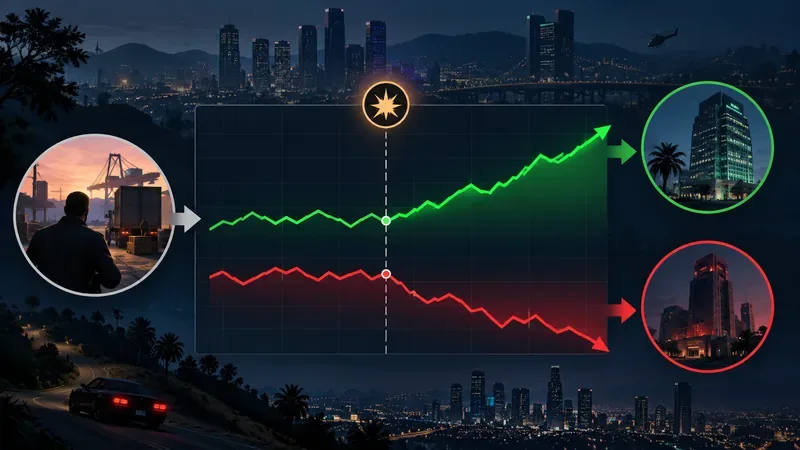
Open the in-game phone, choose Internet, then the Money and Services section to reach the exchanges. LCN follows events in your Story Mode save and is the exchange used for DEB, RWC, BIL, and GCD. BAWSAQ is the network-connected market used for BET, FRT, FAC, and VAP in the route above. Its availability can depend on the game reaching Rockstar’s services, so a connection issue may interrupt a trade. If a BAWSAQ ticker or exchange page will not load, do not substitute a different stock; wait until the service is available or proceed with an LCN trade that is actually available in your save.
Rockstar’s official manuals page provides access to game manuals. Rockstar also says PC Story Mode generally can be played offline, though account, cloud-save, or update tasks may still require a connection; see its offline-mode guidance. Those service requirements are separate from the fictional stock strategy described here.
How to use the stock route safely
- Save before a mission trade. Make a manual save before you buy and start the assassination. Confirm the company name, ticker, and exchange before placing the order; several fictional companies have similar names.
- Buy with each character. Michael, Franklin, and Trevor keep separate Story Mode portfolios. Switch to each character and place the same planned trade with the cash that character can invest. This multiplies the dollar value of a gain, but it does not change the stock’s percentage movement.
- Advance time and check the chart. After a mission, rest at a safehouse or let in-game time pass, then check the portfolio and price history. Stock movements do not follow a universal real-time timer, so check periodically instead of relying on a fixed number of hours.
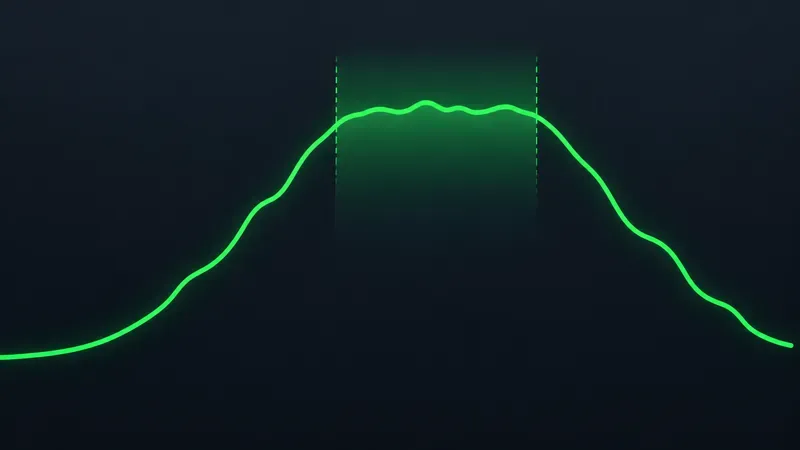
- Sell when the move turns. When the return stops climbing and the price flattens or begins to fall, sell rather than waiting indefinitely for a guide’s maximum figure. The market can correct after a peak.

The best stock sequence, mission by mission
1. The Hotel Assassination: BET before, BIL after the drop
This is the one Lester assassination you must complete to progress through the campaign. Before starting, buy Betta Pharmaceuticals (BET) on BAWSAQ with the characters you intend to invest. After the mission, monitor BET and sell when its rise peaks. Bilkinton Research (BIL) on LCN is a possible second trade: wait for its mission-related decline, buy only after the price has fallen, then sell after it recovers. The timing and outcome vary, so skip BIL if you cannot confirm the drop in your save.
2. The Multi Target Assassination: DEB, then RWC
Save this optional mission until after The Big Score. Buy Debonaire Cigarettes (DEB) on LCN before the hit. Sell DEB near its post-mission high. Then check Redwood Cigarettes (RWC) on LCN; the common route is to buy it after the mission pushes it down and sell after the recovery. Do not buy Redwood before the drop just because an older guide lists both companies together.
3. The Vice Assassination: FRT, with FAC as a follow-up
Before the mission, buy Fruit Computers (FRT) on BAWSAQ. Sell after its mission-related rise tops out. Some players then use Facade (FAC), also on BAWSAQ, as a recovery trade: wait for the decline, buy near the lower point, and sell on a rebound. Because this second leg depends on BAWSAQ being available and the movement appearing in your save, check the actual price before committing.
4. The Bus Assassination: buy VAP after the mission
This is the route’s important exception. Complete the Bus Assassination first, then watch Vapid (VAP) on BAWSAQ. Buy after the mission-linked price fall, not before the mission. Let the price recover, checking after each period of in-game rest, and sell when the upward move starts to stall.
5. The Construction Assassination: GCD before the hit
Before starting the final optional assassination, buy GoldCoast Construction (GCD) on LCN. Complete the mission, monitor GCD’s rise, and sell as it approaches a local high. As with the other trades, use your own chart rather than assuming one fixed number of hours or one guaranteed return.
When should you delay Lester’s missions?
Complete the Hotel Assassination when the campaign requires it. Leave the other four Lester assassinations for after The Big Score so each character has a larger bankroll for the linked trades. You do not need to finish every side activity or buy properties first. If you have already completed an optional assassination, you can still use the remaining stock opportunities; simply follow the correct before-or-after timing for each mission you have left.
For the broader game context and current product information, use Rockstar’s official Grand Theft Auto V page. The key rule for this stock guide is simple: verify the ticker, buy at the correct point in the mission cycle, and sell based on the movement visible in your own Story Mode portfolio.









