Home
» 🎮 Esports
»
TFT APK: How to Download Teamfight Tactics on Android Safely
TFT APK: How to Download Teamfight Tactics on Android Safely
TFT APK: How to Download Teamfight Tactics on Android Safely
Looking for a TFT APK? The verified way to download Teamfight Tactics on Android is through Google Play. Install the official app, complete any additional downloads, and sign in with your Riot account. You do not need to find a separate APK or enable installation from unknown sources.
There is an important correction to older installation advice: Riot’s current Android requirements include Android 9 or newer, 4 GB of RAM, and a 64-bit operating system. A phone that ran an older TFT release may no longer qualify. The requirements and download links below were checked on October 16, 2026.
Where to download the official TFT Android app
Start with the official TFT Google Play listing. The global listing is titled TFT: Teamfight Tactics and identifies Riot Games, Inc as its developer. Its package identifier is com.riotgames.league.teamfighttactics. That identifier helps distinguish the game from guides, companion apps, and the separate test client.
Riot’s mobile installation guide directs Android players to Google Play. The official pages checked for this guide did not provide a standalone, universally available TFT APK download. Consequently, this guide does not recommend an alleged “official APK” from a mirror or invent an alternative Riot download link.
Availability and publishing arrangements can differ by market. If the global listing is unavailable, use the official Teamfight Tactics website and its regional download links to identify the appropriate official release for your location.
TFT Android requirements: check these before installing
RAM is not free storage. Deleting files creates installation space, but it does not turn a 3 GB RAM phone into a 4 GB RAM phone. Likewise, a 64-bit processor does not by itself confirm that the installed operating system is 64-bit. Consult your device manufacturer’s specifications if those details are unclear.
Do not treat “4 GB free” as a guaranteed full-install size. Riot’s Unreal migration FAQ explains that the Unreal transition introduced a larger initial download. Storage needs change with game content and updates; check the amount shown on your device and leave room for additional downloads and installation work.
How to install Teamfight Tactics on Android
The interface examples below illustrate the main actions. Layouts, artwork, and button labels can vary by device and Play Store version.
1. Prepare your phone and connection
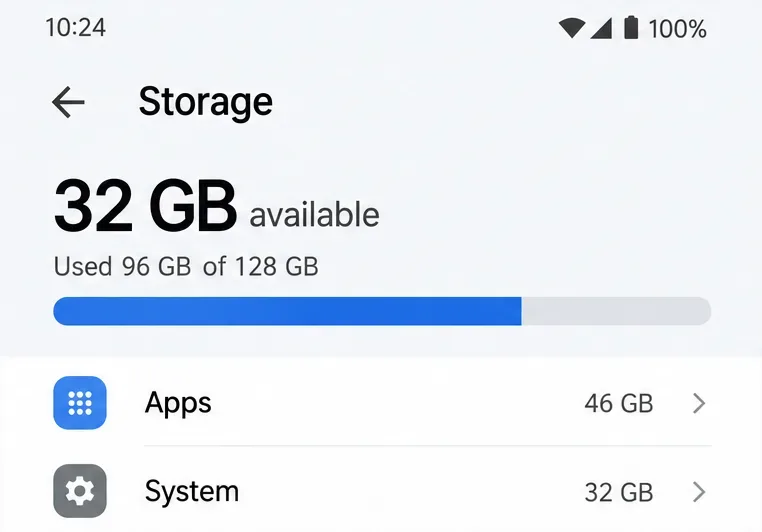
Check your Android version and available storage in Settings; menu names vary by manufacturer. Compare the hardware with the requirements above, connect to reliable Wi-Fi, and make sure you can access your existing Riot account if you already play on a computer.
Check available storage before downloading. The 32 GB shown is an example, not a TFT requirement.
2. Find the correct Google Play listing
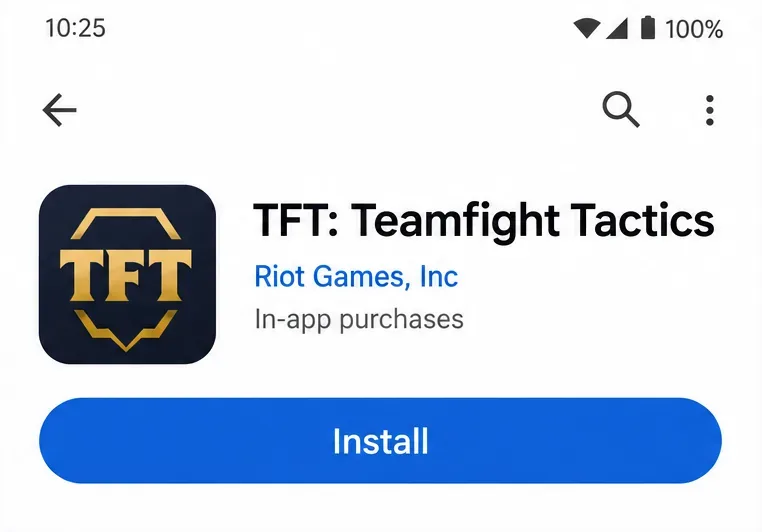
Follow the official Google Play link above, or search the store for Teamfight Tactics. Check the app title and publisher before continuing. For the standard game, choose TFT: Teamfight Tactics rather than Teamfight Tactics PBE, which is listed separately. A similar icon or title alone is not enough to identify the right app.
Confirm the app title and publisher before selecting Install.
3. Install the app through Google Play
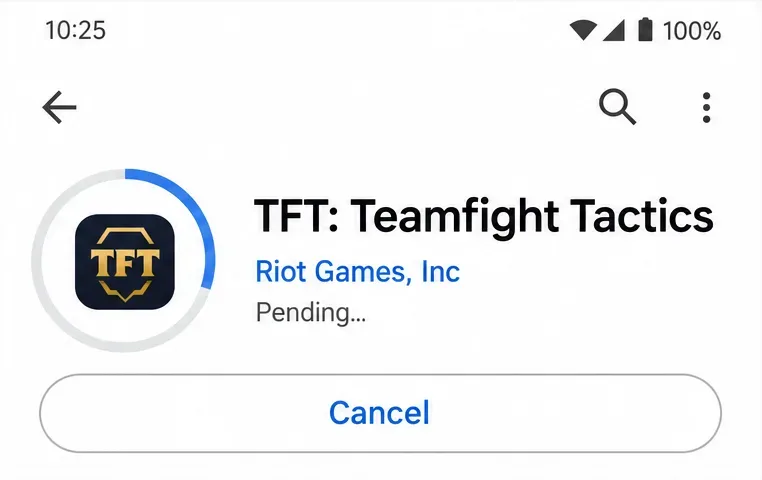
Tap Install and allow the store to finish. Google Play manages the installation files for you; there is no manual APK-opening step. If the listing reports that the app is unavailable for your device, stop and check compatibility instead of changing unknown-app permissions.
Allow Google Play to complete the download and installation.
4. Open TFT and finish setup
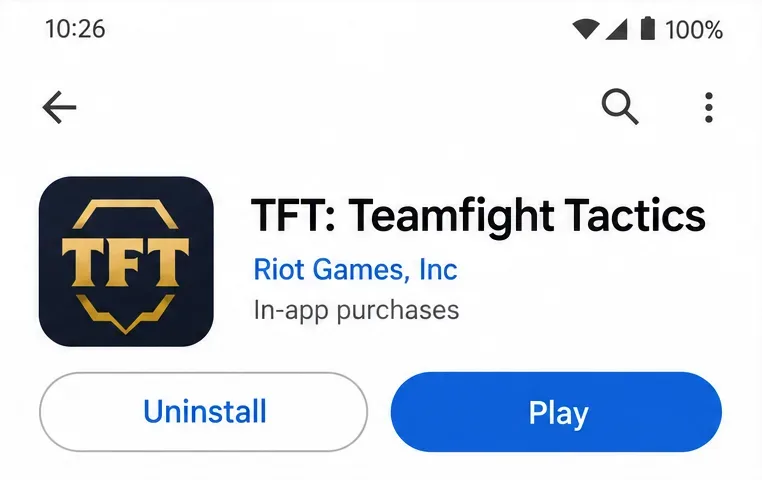
Launch the installed app from its store page or your app drawer. Follow the in-game setup prompts and let any required content downloads finish. Use the same Riot account you use on PC if you want to continue your existing profile. Check that the expected account is active before purchasing anything.
Launch the installed game, then complete its setup and account sign-in prompts.
What if Google Play is missing or TFT is unavailable?
A missing store, a country restriction, and an incompatible phone are different problems. Read the exact message first. Google’s single-app download guidance explains that an app’s store page shows whether it is available for the device.
No Google Play on the phone: check the manufacturer’s supported app services and Riot’s regional installation guidance. There is no verified universal standalone APK fallback in the sources reviewed here.
Not available in your country: follow the local official TFT website for distribution information. Another region’s package is not a promise of account or service compatibility.
Device not compatible: compare the operating system, RAM, architecture, and graphics support with Riot’s current requirements. An older APK does not upgrade your hardware or establish support for the current game.
Avoid download pages promising modified clients, unlocked cosmetics, or free premium currency. A filename containing “TFT” or “official” does not establish who supplied the file. Keep your installation path tied to the publisher’s verified store links.
Fix downloads, patches, and update problems
The Play Store download stays pending
Check your connection and storage, close and reopen Google Play, and restart the phone if necessary. Also check for Android updates. These are the first measures in Google’s basic download troubleshooting guide. Retry after each change so you can tell whether it helped.
Google Play still cannot install the game
If basic checks fail, Google’s Play Store troubleshooting guide describes clearing the Play Store cache. Start with cache rather than indiscriminately clearing account data. Clearing storage or Google Play services data has broader effects, so read Google’s cautions before taking those steps.
TFT opens but freezes or fails to finish downloading
Check for an available TFT update on its Google Play page. Riot’s Android troubleshooting guide recommends restarting, updating, force-stopping a frozen game, and clearing its cache when appropriate. Temporarily closing optimization apps can also help if they interrupt the game’s processes.
Before clearing TFT data or uninstalling, confirm that your progress is linked to a Riot account and that you can sign back in. Riot warns that non-Riot-account data can be lost. Reinstallation should not be your first response to every error.
Android download questions
Is TFT free on Android?
Yes. Teamfight Tactics is free to play, with optional in-app purchases. You do not need to buy an APK, a pass, or cosmetics to install the standard game.
Does Android TFT share progress with PC?
Riot’s mobile account explanation confirms that rank, pass progression, and purchased content are shared when you use the same Riot account. Currency and storefront details should not be assumed identical across platforms. Riot also noted that cosmetics were being migrated into the Unreal engine in stages, so temporary availability differences do not necessarily mean an account has lost ownership.
Can Android players play with PC players?
Yes. TFT supports cross-platform play across PC, Mac, and mobile. Use the appropriate account and service region to play with friends; installing a different package is not an account-transfer method.