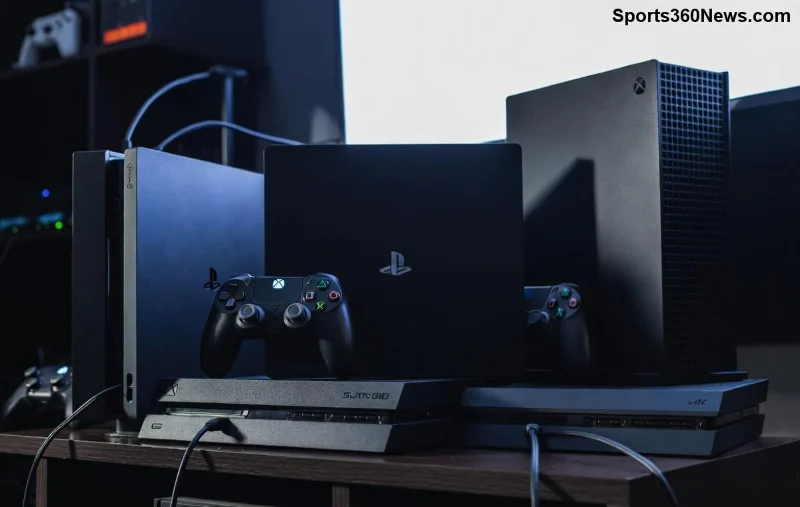
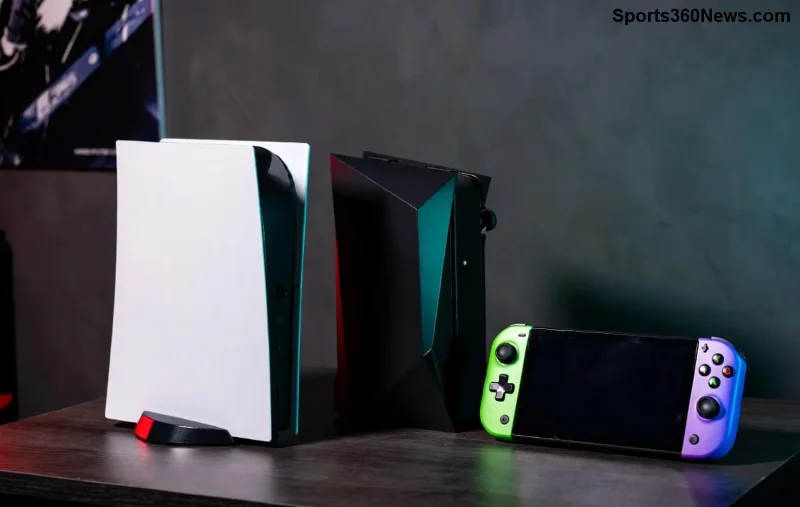
Upgrading to a shiny new Xbox console is thrilling, but nothing kills the vibe faster than a controller that won't connect. Don't worry, gamer! Syncing your Xbox controller to a new console is a breeze with the right steps. Whether you're switching to Xbox Series X|S or a fresh Xbox One, this guide delivers precise, up-to-date methods to get you back in the action. We'll cover wireless pairing, Bluetooth options, and pro tips to avoid headaches. Let's dive in and reclaim your gaming throne! 🚀
Understanding Xbox Controller Compatibility
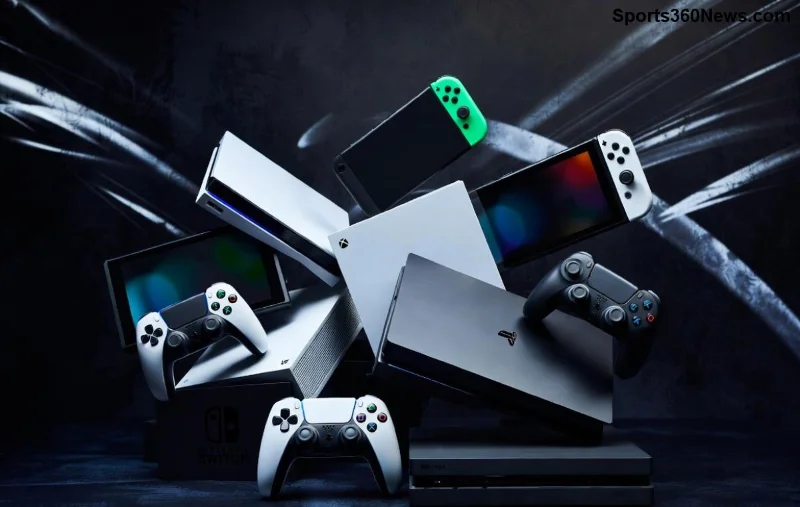
Good news: Most Xbox controllers are backward and forward compatible. Your Xbox One controller works seamlessly on Xbox Series X|S, and vice versa. Elite Series 2? Fully supported too. Newer models even boast improved battery life and textured grips for marathon sessions. Before syncing, ensure your controller's firmware is current—plug it into a PC or console via USB for automatic updates.
Pro Tip: ✅ Charge your controller fully. A low battery can mimic sync failures.
Quick Wireless Sync: The Easiest Method
The classic way to sync Xbox controller to new console uses the built-in wireless adapter. No cables, no fuss—perfect for couch gamers. Here's the foolproof process:
- Power on your new console: Press the Xbox button on the front. Wait for the home screen.
- Locate the sync buttons: On the console, find the small button near the USB port (Xbox Series X|S) or top edge (Xbox One). It's usually shiny and paired with a light.
- Press console sync button: Hold for 3 seconds until the Xbox light flashes rapidly. 🎯
- Activate controller: Press the Xbox button on your controller (center top). The Xbox light will circle.
- Press controller sync button: Top of the controller, next to the charging port. Hold until lights sync—controller light stays solid.
- Test it: Navigate the menu. You're golden!
This takes under 30 seconds. If it vibes with multiple controllers, repeat for each—console supports up to 8.
Xbox Series X|S Specific Sync Tweaks
For the latest beasts like Xbox Series X|S, syncing is even smoother with Quick Resume tech. New consoles auto-detect official controllers. Stuck? Try a USB wired sync first:
- Plug controller into console USB port with a micro-USB or USB-C cable.
- Press Xbox button—syncs automatically.
- Unplug for wireless freedom. 🔌
Bonus: Series controllers have a Share button for instant clips. Sync now, capture glory later!
![Step-by-step Xbox controller syncing process]()
Troubleshooting Common Sync Issues
Sync glitches happen—interference, outdated firmware, or button fatigue. Fear not! Here's a handy troubleshooting table for Xbox controller new console woes:
| Issue |
Symptom |
Solution |
| No light response |
Controller dead |
Charge 30+ mins or replace batteries (AA for older models). |
| Flashing but no sync |
Interference |
Move closer; power cycle console (hold power 10s). |
| Stuck on old console |
Prior pairing |
Forget device in old console settings > Devices > Remove. |
| Blinking orange |
Update needed |
Connect via USB to PC; download Xbox Accessories app. |
| Bluetooth fails |
Wrong mode |
Hold sync button 3s for pairing mode; check device list. |
Still stuck? Reset controller: Hold sync button 10s until lights flash. Factory fresh! 😎
For official fixes, check Xbox Support.
Bluetooth Sync for PC, Mobile, or Multi-Device Gaming
Want versatility? Pair Xbox controller via Bluetooth to Windows PC, Android, iOS, or even Steam Deck. Supported on Xbox Wireless Controller (post-2016 models):
- Enable Bluetooth on your device.
- Turn controller off (hold Xbox button 6s).
- Hold pairing button (top) until Xbox light flashes rapidly. 📱
- Select "Xbox Wireless Controller" in device list.
- Pair & play—works in most games natively.
PC Power Move: Use Xbox Accessories app for custom button mapping and RGB vibes on Elite models.
![Xbox controller Bluetooth pairing on PC]()
Advanced Tips for Pro Gamers
Elevate your setup:
- Multiple Controllers: Label them 1️⃣-8️⃣ in settings for party mode.
- Elite/Adaptive Controllers: Extra profiles sync automatically—remap on the fly.
- Low Latency: Stick to official adapters; third-party can lag. ⚠️
- Firmware Alerts: Console notifies updates—always install for new features like dynamic triggers.
Syncing unlocks cloud saves and cross-progression. Imagine picking up Forza mid-race on your new rig!
Wrap-Up: Game On!
That's it—you're now a master at how to sync your Xbox controller to a new console. Quick wireless wins for consoles, Bluetooth for everywhere else, and troubleshooting armor for any bump. No more downtime; just pure gaming bliss. Grab snacks, fire up that epic title, and dominate. What's your first game on the new setup? Drop thoughts below and level up fellow gamers! 👏
Stay synced, stay winning. 🎮✨