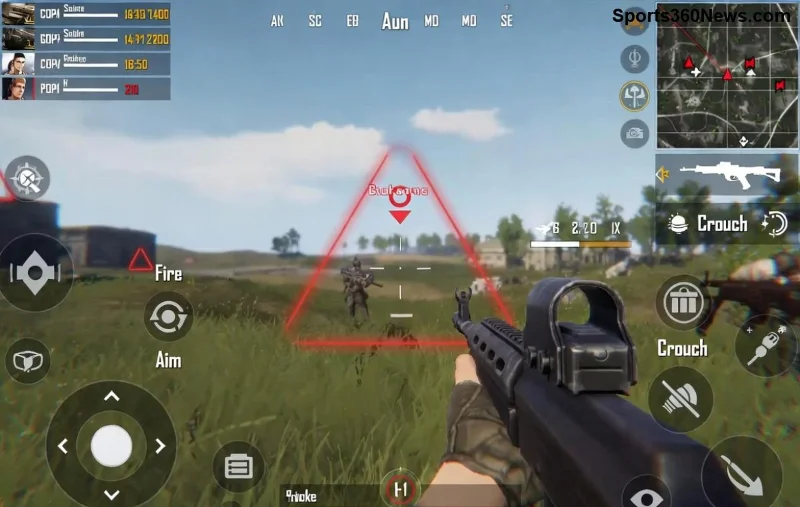
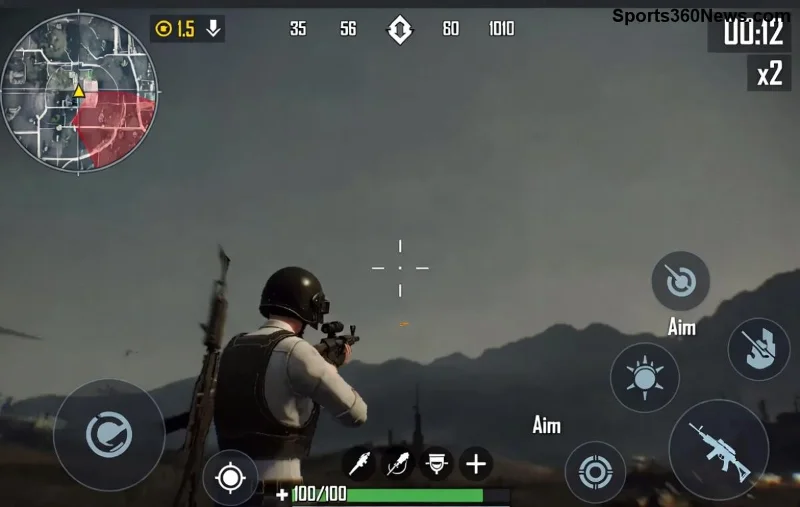
Imagine pushing into a heated close-quarters battle in PUBG Mobile, only for PUBG Mobile screen stuttering to ruin your aim and cost you the chicken dinner. 😩 That frustrating freeze-frame lag during sprays and peeks? It's a game-killer, but don't rage-quit yet! This guide delivers battle-tested solutions to fix PUBG Mobile screen stuttering during close fights, helping you stay locked in and clutch those 1v1s. Let's turn your device into a beast and get you fragging smoothly.
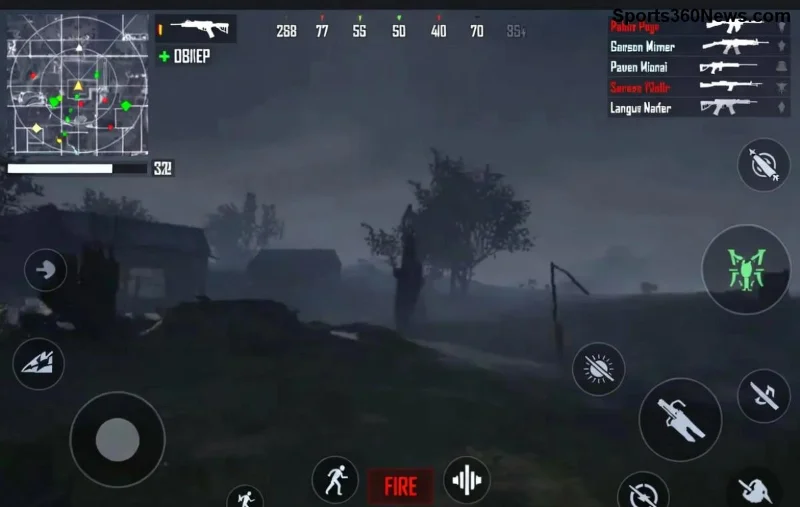
Why Does PUBG Mobile Screen Stuttering Happen in Close Fights?
Close fights amp up the chaos: rapid movements, particle effects from gunfire, and high enemy density overload your GPU and CPU. Common culprits include overheating, bloated cache, mismatched graphics settings, and background apps hogging resources. PUBG Mobile's demanding engine exacerbates this on mid-range devices, dropping FPS from 60 to unplayable stutters.
Quick reality check: Even flagships stutter without tweaks. But with these fixes, you'll notice 50-90% smoother performance in tight spaces like houses or compounds. Ready to dive in? 👆
Fix 1: Optimize In-Game Graphics Settings for Zero Stutter
The fastest win? Dial down visuals without sacrificing visibility. Head to PUBG Mobile Settings > Graphics.
| Setting |
Recommended for Anti-Stutter |
Why It Helps Close Fights |
| Graphics Quality |
Smooth or Balanced |
Reduces GPU load during sprays; keeps FPS steady at 60. |
| Frame Rate |
Ultra Extreme (60 FPS) |
Eliminates micro-stutters in fast peeks. |
| Anti-Aliasing |
Disabled |
Cuts edge-smoothing overhead in cluttered fights. |
| Shadows |
Disabled |
Frees CPU for enemy tracking, no dark spots hiding foes. |
| Auto-Adjust Graphics |
Disabled |
Prevents mid-fight drops. |
| Style |
Classic |
Minimal effects for max responsiveness. |
Pro Tip: Enable "Extreme" frame rate if your device supports it—test in training mode first. These tweaks alone fixed PUBG Mobile screen stuttering for thousands of players in recent updates. 💥
Fix 2: Clear Cache and Force-Stop Background Killers
Apps like social media and browsers eat RAM, causing hitches when PUBG ramps up. Here's the drill:
- Go to device Settings > Apps > PUBG Mobile > Storage > Clear Cache (not data!).
- Force-stop all background apps via Recent Apps (swipe away everything).
- Restart your device—simple, but magical for fresh RAM.
Bonus: Use Game Booster apps like Google Play Games or manufacturer tools (e.g., Game Turbo on Xiaomi). They prioritize PUBG, nuking stutter in prolonged fights. Players report up to 40% FPS gains!
![PUBG Mobile graphics settings optimization for fixing stuttering]()
Fix 3: Master Device Cooling to Prevent Thermal Throttling
Overheating = instant stutter. Close fights generate heat fast from constant rendering.
- Play in a cool room, avoid cases during sessions.
- Lower brightness to 50%—saves battery and heat.
- Use a cooling pad or elevate your phone for airflow. 👍
- Enable battery saver but whitelist PUBG.
Monitor with apps like CPU-Z. If temps hit 45°C+, pause and cool down. This fix shines in squad wipes where fights drag on.
Fix 4: Network Tweaks for Lag-Free Close Combats
Stuttering isn't always graphics—ping spikes mimic it. Switch to 4G/5G over WiFi, enable Game Mode in router settings, or use official PUBG Mobile site for server status.
Test ping in-game lobby. Under 50ms? Golden for close fights. VPNs like ExitLag can stabilize if ISP throttles gaming traffic.
Fix 5: Advanced Tools and Updates for Peak Performance
Keep PUBG Mobile updated via Google Play/App Store—patches optimize the latest engines. For extra edge:
GFX Tool (Recommended App): Download from Play Store, set custom FPS to 60/90, resolution to medium. It's safe and boosts mid-rangers hugely. ⚠️ Avoid shady versions.
Device-specific: Samsung users, enable Game Plugins. iOS? Focus on A12+ chips with Smooth enabled.
![PUBG Mobile player winning close fight after stutter fix]()
Quick Comparison: Before vs. After Fixes
| Scenario |
Before Fixes |
After Fixes |
| Close Fight FPS |
20-40 (Stutter Hell) |
55-60 (Butter Smooth) ⭐ |
| Heat Buildup |
Throttles in 5 mins |
Stable for 30+ mins |
| Win Rate in CQC |
Drops due to misses |
Skyrockets! 🏆 |
Final Clutch Tips to Seal the Deal
Stack these fixes: Graphics first, then cache, cool down, and tools. Test in Classic matches—watch stutter vanish as you beam enemies. Still issues? Check for OS updates or device hardware limits.
Dominate those close fights and drop a comment: Which fix saved your game? Share your setup for community tips. You've got this, legend—time to rack up those kills! 🔥