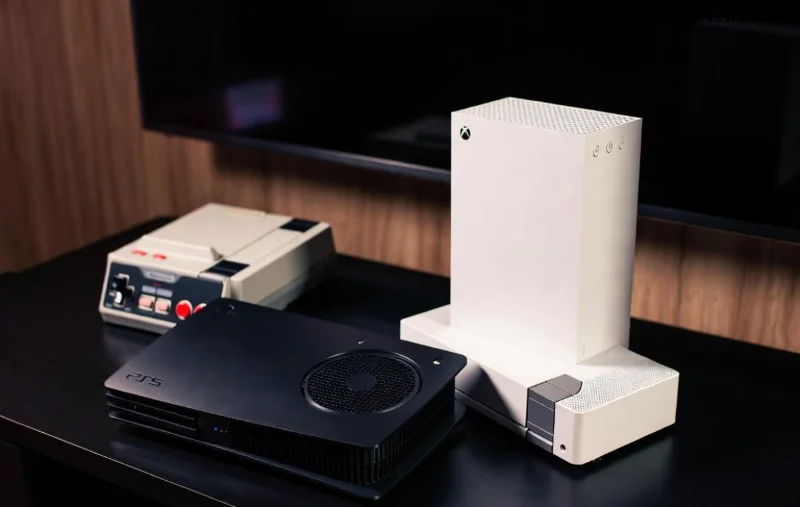
Imagine powering up your PS5 for an epic gaming session, only to notice it's been humming in Rest Mode all night, racking up electricity bills and potentially overheating. 😟 As a dedicated gamer, you've probably asked: Should you turn off Rest Mode on your PS5? This feature promises quick resumes and background downloads, but it comes with hidden drawbacks. Stick around as we break it down with real facts, helping you decide what's best for your setup. Let's level up your console management! 🎮

What Exactly is PS5 Rest Mode and How Does It Work? ⭐
Rest Mode on the PS5 is Sony's power-saving state that keeps your console in a low-energy suspend mode. Unlike full shutdown, it allows:
- Quick resume of games (under 20 seconds in most cases).
- Background downloads and updates.
- Remote Play and Wake-from-Sleep features.
Officially, Sony designed it to balance convenience and energy efficiency. But in the latest firmware updates, some users report it still draws significant power—up to 10-15W idle, per independent tests. Is the convenience worth it? Let's weigh the scales.
Top Pros of Keeping Rest Mode Enabled on PS5 (1️⃣ Quick Wins)
If you're a binge-gamer who hates waiting, Rest Mode shines. Here's why many stick with it:
| Pro |
Benefit |
| Lightning-Fast Resumes |
Jump back into Elden Ring or Call of Duty without reloading saves. |
| Auto-Updates |
Games and system stay current while you sleep—no more patch surprises mid-match. |
| Power Savings |
Uses ~2-5W less than full idle in some scenarios, per Sony's specs. |
| Remote Access |
Play from your phone via PS App anywhere. |
These perks make Rest Mode a game-changer for busy players. But what if your electric bill is climbing? 👀
The Hidden Cons: Why You Might Want to Turn Off Rest Mode on PS5 (2️⃣ Red Flags)
Not all that glitters is gold. Recent user reports and tests highlight serious downsides:
- Power Drain: Despite claims, it consumes 8-12W continuously—adding up to $10-20 yearly on average U.S. rates. Full shutdown? Near zero.
- Overheating Risks: Fans spin intermittently, trapping heat in poor-ventilated setups. Sony's support forums note increased dust buildup.
- Stability Issues: Rare but real—firmware glitches can cause "bricked" consoles needing resets. A quick search on Reddit's r/PS5 reveals thousands of complaints.
- Security Concerns: Always-on network access might expose you to vulnerabilities if not firewalled properly.
![PS5 overheating warning with fan illustration]()
❌ Bottom line: If your PS5 runs hot or you're energy-conscious, disabling it could save headaches (and watts).
Common PS5 Rest Mode Issues and Fixes (Don't Ignore These!)
From buzzing noises to failed downloads, here's what gamers face most:
- Download Stalls: Network hiccups in Rest Mode. Fix: Enable "Stay Connected to Internet" but monitor router.
- Fan Noise: Intermittent whirring. Solution: Clean vents monthly and elevate your console.
- USB Device Disconnects: External HDDs power down. Turn off "Supply Power to USB" in settings.
- High Idle Temps: Up to 50°C reported. Full shutdown keeps it cooler.
For deeper dives, check Sony's official guide: PS5 Rest Mode Support.
How to Turn Off Rest Mode on PS5: Step-by-Step Guide (3️⃣ Easy Mode)
Ready to pull the plug? It's simpler than a noob run:
- Go to Settings > System > Power Saving.
- Select Features Available in Rest Mode.
- Disable all toggles: Updates, Downloads, USB Supply, Internet Connection.
- Exit and hold power button for full shutdown. Boom—Rest Mode disabled! 👍
Pro Tip: Set auto-shutdown after 1 hour of inactivity for hybrid power saving.
Best PS5 Settings Alternatives: Optimize Without Sacrificing Speed
Don't go cold turkey. Hybrid tweaks keep the good vibes:
| Setting |
Recommendation |
Why? |
| Full Shutdown |
Daily use |
Zero power, cooler hardware. |
| Rest Mode Limited |
Downloads only |
Balance for big patches. |
| Auto Timer |
2 hours idle |
Prevents vampire drain. |
These keep your PS5 snappy while slashing energy use by 90%.
Expert Verdict: Should You Turn Off Rest Mode? 🎯
It depends on you! Casual players: Keep it for convenience. Hardcore setups with cooling issues or high electric costs? Turn off Rest Mode on your PS5 now. Tests from tech sites like Digital Foundry confirm full shutdowns extend hardware life by reducing thermal stress.
Final Score: 7/10 for Rest Mode utility, but full power-off wins for longevity. Your move, gamer—what's your setup like? Share in comments! 👇
Optimized your PS5 yet? Hit that power button and game on stronger. 🚀