How to Check Real-Time Server Latency in the PUBG HUD

Enable PUBG’s network statistics HUD to monitor ping and packet loss in a match. See where to find it, what the numbers mean, and what they cannot diagnose.
If your PS5 says it cannot read a disc, start with the disc, the console model, and the slot orientation. Sony’s recommended checks are straightforward: confirm your PS5 has a compatible disc drive, clean and reinsert the disc, test another supported disc, then use Safe Mode if the problem remains. These checks help distinguish a disc or compatibility issue from a console problem without opening the system.
Follow the steps in order and try the disc again after each one. The process below follows the current PlayStation PS5 disc troubleshooting guide, with extra model and menu details that help prevent common missteps.
A read error does not automatically mean the optical drive has failed. The disc may be dirty, scratched, unsupported, or inserted in the wrong orientation. The console may also be a Digital Edition model without a drive. If multiple supported discs fail after the basic checks, the console or drive may need service. Testing more than one disc is the quickest way to narrow the cause.
Check that your console has a disc slot and an installed, compatible drive. The original CFI-1000 PS5 Digital Edition does not support disc-based games or media. Some newer Digital Edition model groups can use a separately sold compatible drive, so check the exact model before troubleshooting. Sony lists Blu-ray and DVD formats among supported media; PS5 consoles do not play audio CDs or burned discs.
If the console is standing vertically on its stand, Sony says the disc’s labeled side should face left as you insert it. If your console is horizontal or you are unsure about its model, check the console’s manual rather than guessing. See Sony’s supported disc formats and Digital Edition details.
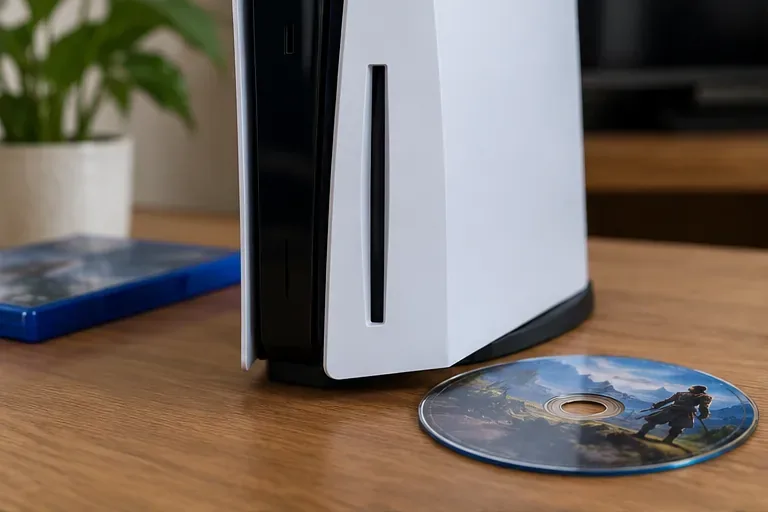
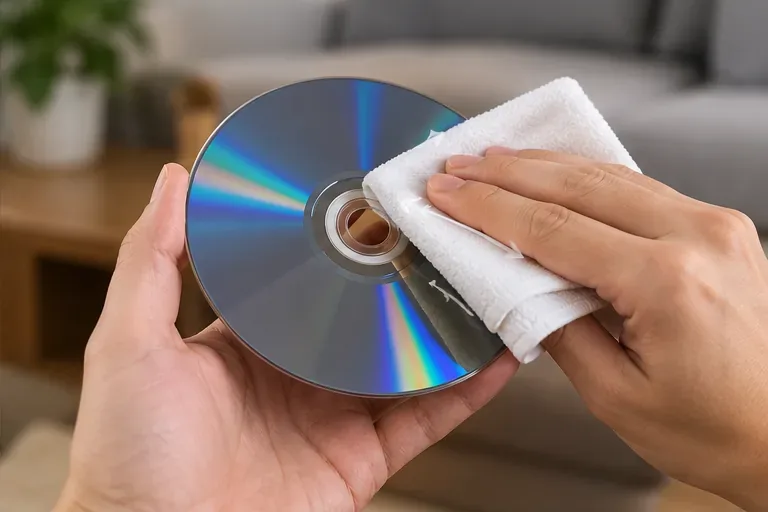
Eject the disc and check both sides under good light for fingerprints, dust, scratches, cracks, or a damaged label. Hold it by the center hole and outer edge. Use a soft, lint-free cloth made for Blu-ray or DVD discs, wiping in straight strokes from the center toward the outside edge. Reinsert it and check whether the PS5 recognizes it.
Avoid paper towels, rough fabric, household cleaners, and liquid applied directly to the disc. Do not insert swabs, cleaning discs, or tools into the drive. The official PS5 troubleshooting flow calls for cleaning the disc itself; it does not require opening the console or cleaning the laser.
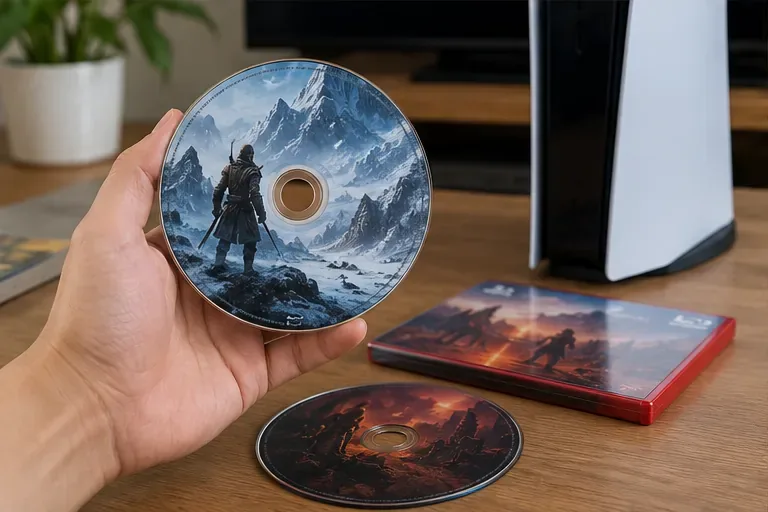
Try a different PS5 or PS4 game disc, Blu-ray movie, or DVD that you know is supported and in good condition. If the second disc works, the first disc’s condition or format is the more likely issue. If several known-good supported discs all fail, that points more strongly to a console-side problem and is a useful result to give PlayStation Support. These are diagnostic clues, not a guarantee of which component is faulty.
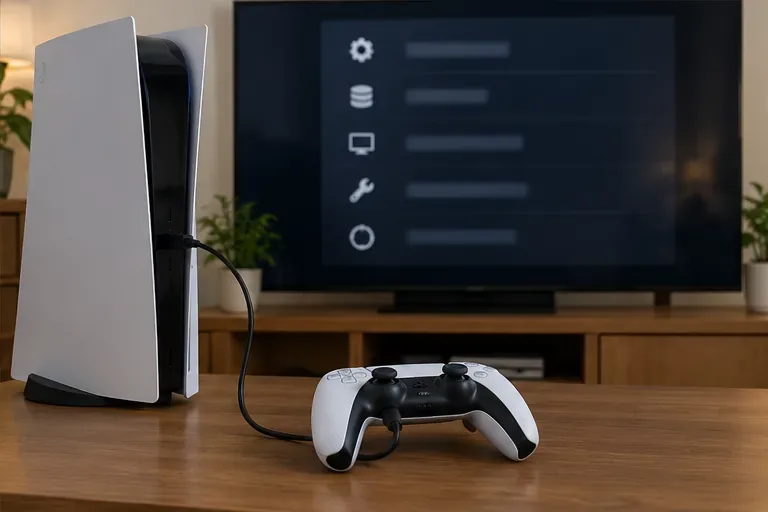
Restart the console once from the power menu, then test the disc again. Sony also recommends restarting in its CE-110551-3 disc-read error instructions. If the system software is out of date, check Settings > System > System Software > System Software Update and Settings and install an available update. Sony’s dedicated disc guide also recommends Safe Mode’s cache and database tools when basic disc checks do not resolve the read error.
To enter Safe Mode:
Use the menu labels, not an option number: Safe Mode menus can change. For full instructions, see Sony’s PS5 Safe Mode guide and system software update instructions.
If the error persists, open Settings > System > System Software > Error History and note any displayed code. Sony says the error history can show details or possible fixes. When all supported discs fail, the console will not accept or eject discs normally, or the drive makes unusual grinding sounds, stop repeated attempts and use the official PlayStation Hardware & Repairs support page.
Sony lists Reset PS5 (Reinstall System Software) as a later option if rebuilding the database does not help. This is not a routine cache clear: it deletes all user data and removes the system software. Back up what you need first and use Sony’s reinstall instructions; if you are unsure, contact support before selecting it. Repair and warranty terms depend on your region and purchase details.
| Result | What it suggests | Next step |
|---|---|---|
| One disc fails, another works | The problem may be specific to the first disc or its format. | Clean it, check compatibility, or try the disc in another compatible player. |
| Every supported disc fails | A console or drive issue becomes more likely. | Record the error code and contact PlayStation Repairs. |
| The console will not accept or eject a disc | This is a mechanical or loading symptom, not just a read error. | Do not force the disc; follow the stuck-disc section in Sony’s disc support guide. |
In short, begin with compatibility and orientation, clean the disc, and test another supported title before changing system settings. If PS5 disc read errors continue across multiple discs, the error history and PlayStation repair flow are the safest next steps.
Enable PUBG’s network statistics HUD to monitor ping and packet loss in a match. See where to find it, what the numbers mean, and what they cannot diagnose.
Learn how to import VALORANT crosshair codes, compare presets with manual settings and spectator copy, and fix common import issues.
Choose Dota 2 minimap size, hero icons, team colors, and background settings by readability, fewer misclicks, and clear results on your own display.
Fix Fortnite texture pop-in on PC with official steps for GPU drivers, file verification, DirectX 12, high-resolution textures, VRAM, SSDs, and stutter.
Learn what Heroes of the Storm minimap size and position options are verified, improve readability, and choose camera-click controls that suit you.
Set Super Smash Bros. Ultimate Quickplay to prefer hazards-off stages. Follow the Preferred Rules menu steps and learn why matchmaking may not always honor them.
Enable Server Latency and Packet Loss in Warzone to monitor connection quality, read the overlay, and use recurring spikes to guide troubleshooting.
Learn how to carry from mid lane in League of Legends by setting up waves, choosing safe roam windows, reading side lanes, and converting pressure into objectives.
Fix Minecraft Evoker spell problems with a safe vanilla test, version checks, log review, and a step-by-step way to isolate mod or datapack conflicts.
Fix PUBG stuck on Initializing on Steam with a focused checklist for PC service notices, launch options, game files, downloads, and connection issues.








