PS5 Disc Drive Grinding Noise? Safe Fixes to Try Before Repair
A PS5 disc drive grinding noise is a reason to stop repeated testing and check the disc before assuming the console needs a repair. Eject the disc normally, inspect and clean it with a soft cloth, and try one other supported disc only if the sound has stopped. If harsh scraping or grinding returns across discs, stop using the drive and contact PlayStation Repairs. No menu setting can repair a mechanical fault, and opening the drive or spraying air into its slot can make the problem worse.
This guide focuses on safe checks that help identify whether the sound follows one disc, comes from the console’s cooling or placement, or points to a drive issue. The steps do not promise a quick fix: persistent mechanical noise needs service.
First, tell disc noise from fan noise
A disc drive spins a physical disc while reading it, so a brief, smooth spin-up sound can occur. A repeated scrape, harsh grind, clatter, or visible disc wobble is different. Stop the test if you hear those sounds. Do not keep inserting the same disc to see whether the noise goes away.
Also check whether a disc is actually in the drive. Sony notes that the PS5 cooling fan can become louder during some games and applications. A steady airflow sound that increases under load may come from the fan, while blocked vents or a cramped shelf can make cooling harder. If the sound continues after the disc has been ejected, check the console’s surroundings and airflow; do not assume the optical drive is the source.
| What you notice | Safe next check |
|---|---|
| The noise happens with one particular disc | Inspect that disc and compare with one other supported disc. |
| The same harsh noise happens with different clean discs | Stop testing and arrange PlayStation service. |
| The sound continues with no disc inserted | Check airflow and console placement; contact support if a rough mechanical sound remains. |
| The console is quiet but reports a read error | Follow Sony’s disc-reading troubleshooting steps, including the relevant Safe Mode option. |
Four safe checks for a loud PS5 disc drive
1. Stop the game and eject the disc normally
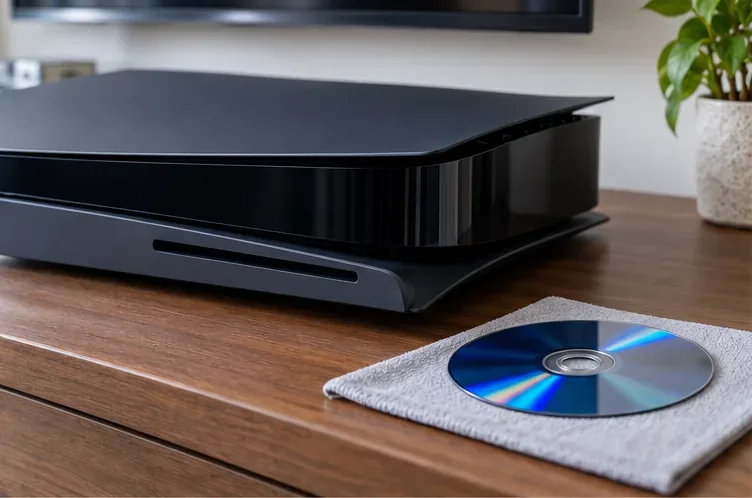
Use the PS5 control center or the console’s eject control. If the disc comes out normally, set it down by its edge on a clean, soft surface. Do not tug on a disc that is still inside the slot, and do not repeatedly run the drive while it is grinding. If the disc is stuck, follow Sony’s model-specific stuck-disc instructions or contact support rather than forcing it out.
2. Inspect and clean the disc
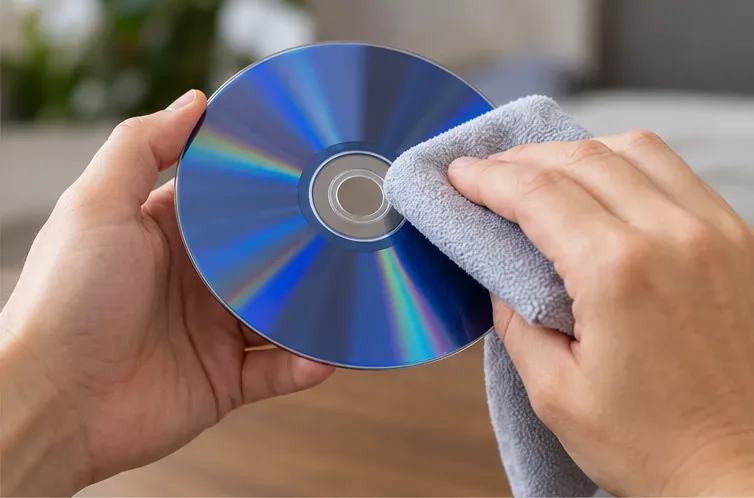
Look for fingerprints, dirt, cracks, or deep scratches. Hold the disc by its outer edge or center hole. If it needs cleaning, use a soft, clean, lint-free cloth and wipe from the center toward the outer edge, as Sony recommends for PS5 discs. Avoid rubbing in circles or applying liquid cleaners. If the disc is cracked or badly damaged, do not put it back in the console.
3. Compare with one other supported disc
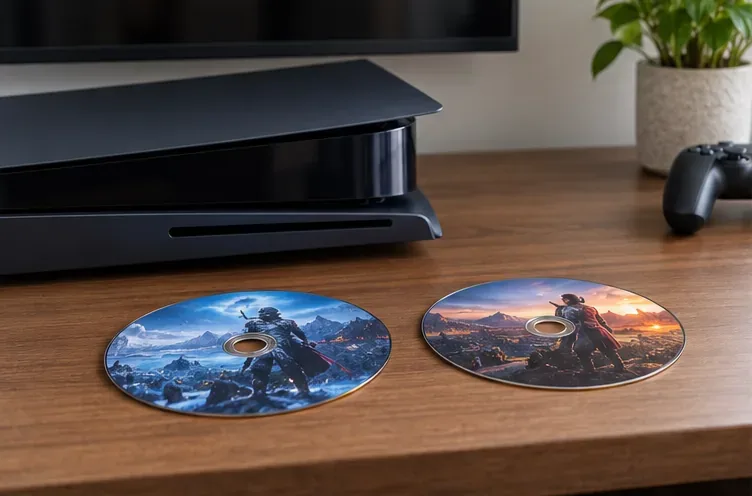
If the first disc looks sound and the grinding has stopped, test one other clean game disc, Blu-ray Disc, or DVD. Sony says PS5 consoles do not play burned discs or audio CDs. When the console is vertical on its stand, insert the disc with its labeled side facing left. If the second disc causes the same harsh noise, eject it and stop testing; repeated grinding across discs points to a console-side issue that needs service.
4. Check the console’s placement and vents
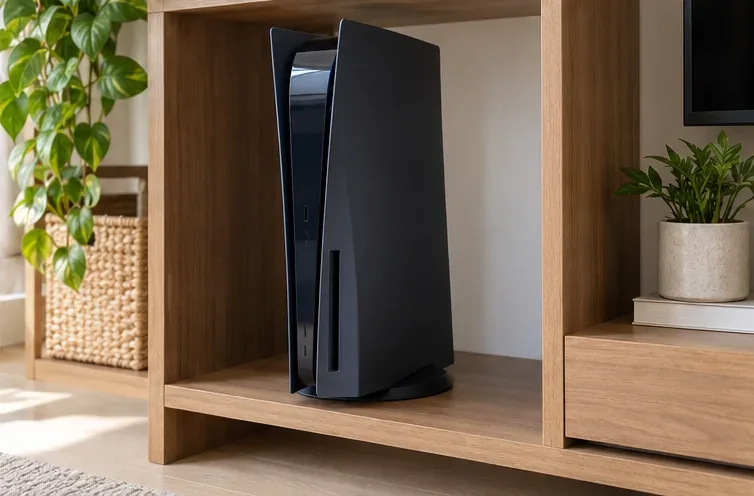
Make sure the PS5 is stable on the correct stand and is not touching a shelf panel, loose accessory, or other object that could vibrate. Keep the air vents clear. Sony recommends at least 10 cm of free space around each side, avoiding long-fiber carpet and narrow enclosed spaces, and not letting dust build up around the vents. For vent cleaning, Sony advises disconnecting the AC cable and using a low-powered vacuum around the air vents. That guidance is for the vents, not for blowing or spraying air into the disc slot.
When Safe Mode may help—and when it will not
Safe Mode is relevant when a disc is not reading or a game is failing to start after the mechanical noise has stopped. Sony’s disc troubleshooting guide recommends trying Clear Cache and Rebuild Database for disc-reading issues. To enter Safe Mode, turn the console off, then press and hold the power button again and release it after the second beep; connect the controller with a USB cable and select the appropriate option. A database rebuild may help a software or content-indexing issue, but it cannot repair a grinding drive mechanism.
Do not choose Reset PS5 or Reset PS5 (Reinstall System Software) as a noise fix. Sony states those options delete user data. They are not a mechanical repair.
When to contact PlayStation Repairs
Stop using the disc drive and contact official support if the grinding returns with more than one clean disc, the console cannot insert or eject discs normally, or the disc repeatedly fails to read. Include your PS5 model number, whether the noise happens with one disc or several, whether it continues after ejecting, and any on-screen error code. That information helps support narrow down the issue.
Do not open the optical drive, touch the laser, lubricate internal parts, or use a DIY laser-cleaning kit. If the noise is coming from the fan rather than the disc drive, use Sony’s ventilation guidance and support page for further diagnosis.
Prevent repeat disc problems
- Return discs to their cases and handle them by the edge.
- Check for cracks or heavy scratches before inserting a disc.
- Keep the console stable, on its stand, and in an open area with clear vents.
- Use Sony’s instructions for cleaning the console’s air vents; keep liquids and cleaning tools out of the disc slot.
- If a loud grinding noise returns, stop testing and arrange service instead of trying increasingly invasive fixes.
Official PlayStation guidance
For the current steps that apply to your model, see PlayStation’s PS5 disc troubleshooting guide, PS5 console noise and ventilation guidance, and the PS5 Safe Mode guide. If the mechanical sound persists, use PlayStation Support to find repair options for your region.









