How to Import Custom Crosshair Codes in VALORANT: Steps, Options, and Fixes

Learn how to import VALORANT crosshair codes, compare presets with manual settings and spectator copy, and fix common import issues.
If your PS5 blinking blue light never changes to solid white and the console does not finish starting, Sony classifies that indicator state as a console error that needs troubleshooting. Begin with Sony’s simple power reset: unplug the console, wait three minutes, reconnect it, and turn it on. If the blue light remains stuck, use Safe Mode and try a data-preserving repair or system update before considering a full reinstall. A blinking blue light does not, by itself, prove that the console is permanently dead or identify which component has failed.
Sony’s PS5 power-indicator guide distinguishes the normal blue-to-white startup from a blue light that remains on or blinks. The steps below follow that guidance and separate a boot problem from a display problem.
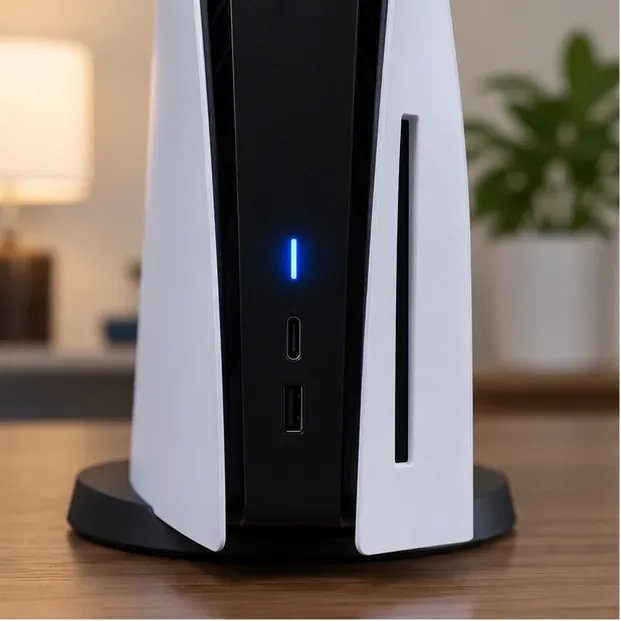
| Indicator | What it usually means | What to do |
|---|---|---|
| Starts blue, then turns solid white | The console is powering on normally. | Give startup a moment to finish. |
| Stays solid blue or keeps blinking blue | Sony lists this with console-error states; the console may be frozen. | Try the power reset, then Safe Mode if it happens again. |
| Solid white, but the TV has no picture | The console is powered on; the issue may be the video connection or display. | Check the HDMI connection and selected TV input. |
| Solid orange | The console is in Rest Mode. | Press the PS button on a paired controller or use the console power button. |
A blue light during the first part of startup is expected. The problem is a PS5 stuck on blinking blue light that does not progress to white. Sony does not assign a specific blink count to a failed power supply, SSD, or motherboard, so avoid diagnosing a component from the light pattern alone.
Watch the indicator for a short time. If it changes from blue to solid white, startup has completed. If it stays blue or continues blinking and the console is unresponsive, move to the power reset below. If the light is white but there is no image, skip to the HDMI checks; that is a different symptom.
For the stuck blue-light state, Sony’s troubleshooting instructions are to unplug the console, wait three minutes, plug it back in, and turn it on again. Use the console’s normal power controls when it responds, and do not interrupt a visible system-software update or a normal shutdown. Once you reconnect the power cable, press the PS5 power button and see whether the indicator reaches solid white.
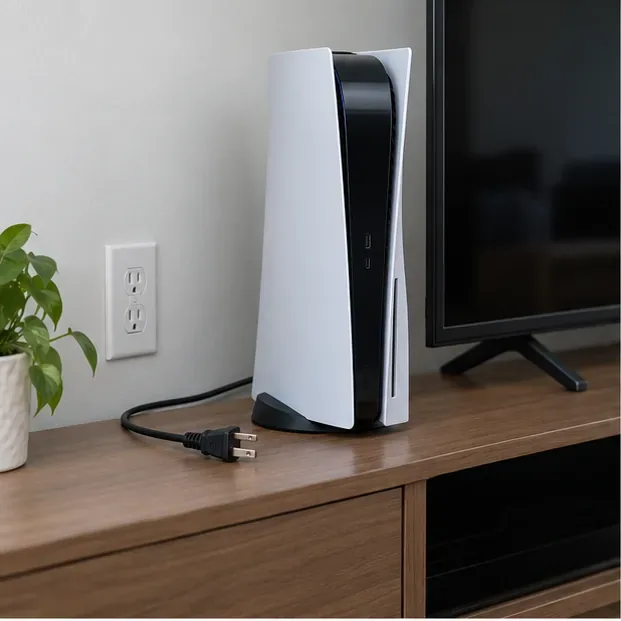
If the blue light returns, avoid repeatedly pulling the cable in quick succession. Go to Safe Mode next. Do not remove the PS5’s covers or attempt to replace the internal power supply as part of this basic check.
An HDMI problem can leave you with a black screen even when the PS5 is on, but it does not explain a console that remains in the blue-light error state. If the indicator is solid white, check that the HDMI cable is firmly connected at both ends, select the correct TV input, and test another HDMI port or cable if available. Connect the console directly to the screen for the test; temporarily remove a receiver, sound bar, or capture device from the path.
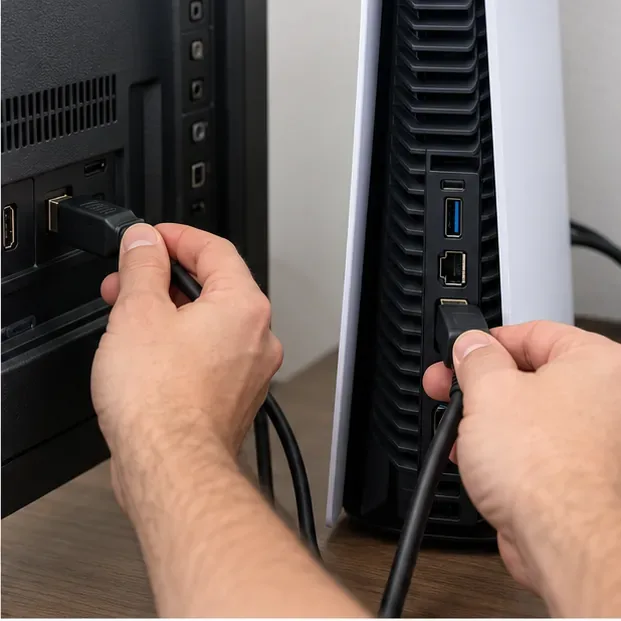
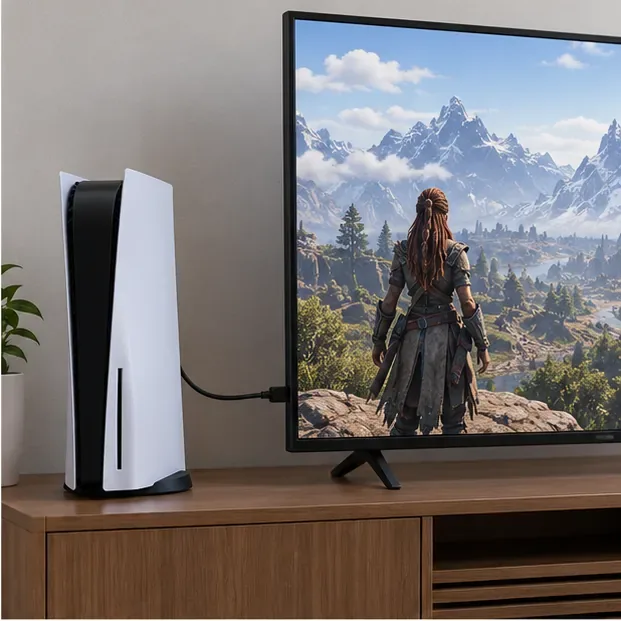
These display checks are based on PlayStation’s PS5 picture and sound troubleshooting guide. If the indicator remains blue after the console is restarted, return to the startup steps instead of changing display settings at random.
Safe Mode starts the console with basic functions so you can run recovery options. First turn the console completely off. If it responds, hold the power button for about three seconds and wait for the indicator to go dark. Then press and hold the power button again. Keep holding through the first beep and release after the second beep, which comes about seven seconds later. Connect the controller to the console with a USB cable, then press the controller’s PS button.
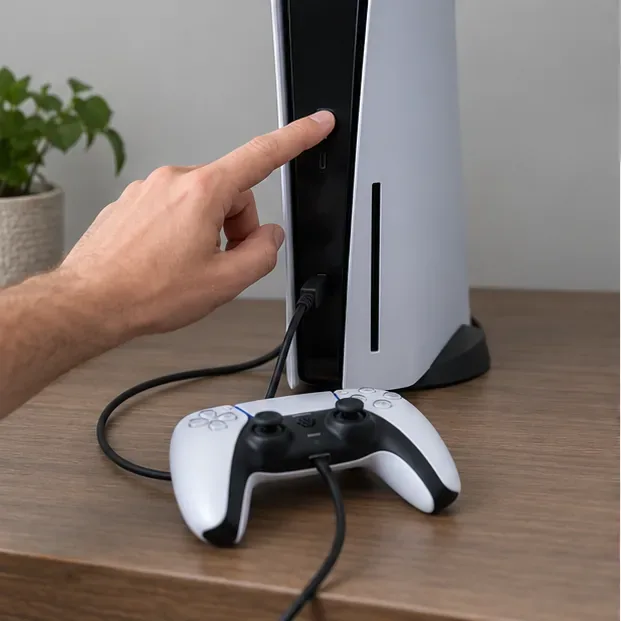
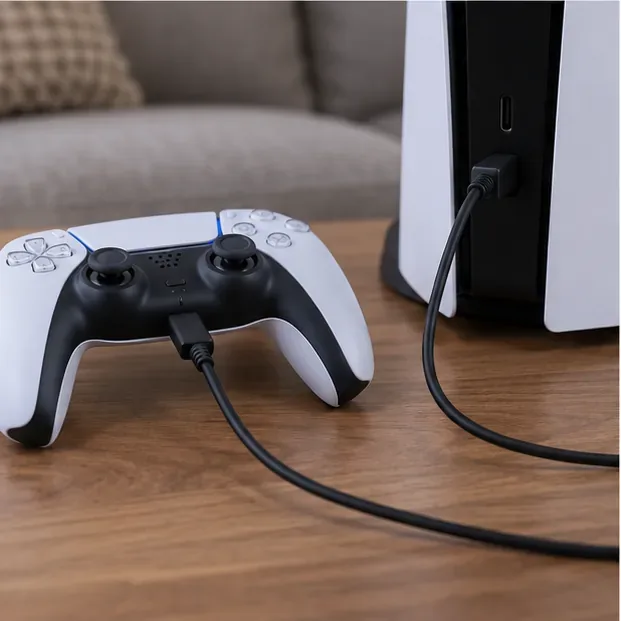
Those are Sony’s current Safe Mode entry steps. If the menu does not appear, check the USB, HDMI, and power cable connections. If Safe Mode still will not launch, PlayStation’s troubleshooting page recommends powering the console off, disconnecting it from power for 20 minutes, reconnecting it, and trying Safe Mode again. See Sony’s Safe Mode guide and Safe Mode troubleshooting.
Once Safe Mode appears, start with Repair Console Storage if the console is not starting properly. Sony states that this option does not erase data. If the trouble began after an interrupted update or the console has been offline for a long time, choose Update System Software and follow the on-screen instructions. You can also consider Clear Cache and Rebuild Database for system-feature issues; these are two separate choices in the menu.
Read each confirmation screen carefully. Safe Mode also contains reset options, and the full reinstall is destructive. If the console starts after a repair or update, install any available official system update from Settings and back up important saved data when possible.
A reinstall can help when recovery and update steps fail, but Reset PS5 (Reinstall System Software) deletes all user data. Do not choose it as a routine first fix. Back up data first if the console is still accessible and a backup is available to you. Then follow Sony’s instructions exactly: format a USB drive as FAT32 or exFAT, create folders named PS5 and UPDATE, save Sony’s reinstallation file in the UPDATE folder as PS5UPDATE.PUP, connect the drive to the console, start Safe Mode, and choose Reset PS5 (Reinstall System Software).
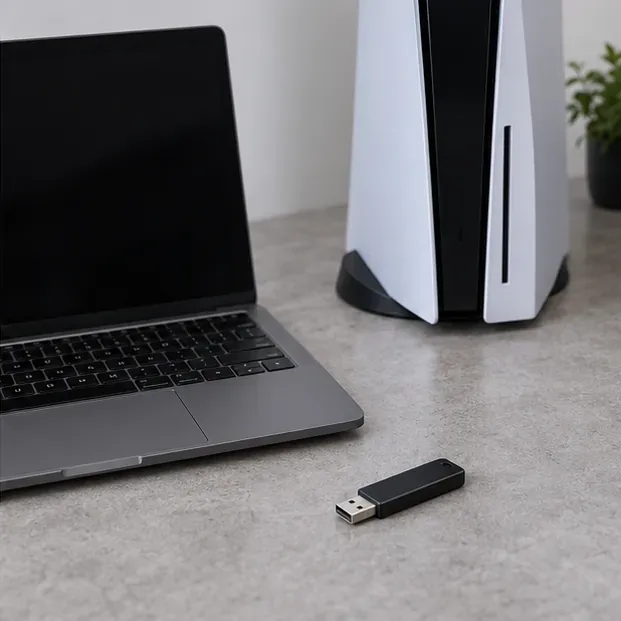
Download the file only from the official PS5 system software page. Sony warns that reinstalling deletes console data and says not to turn off the console during installation. A normal Update System Software and a full reinstall are different options; do not confuse them.
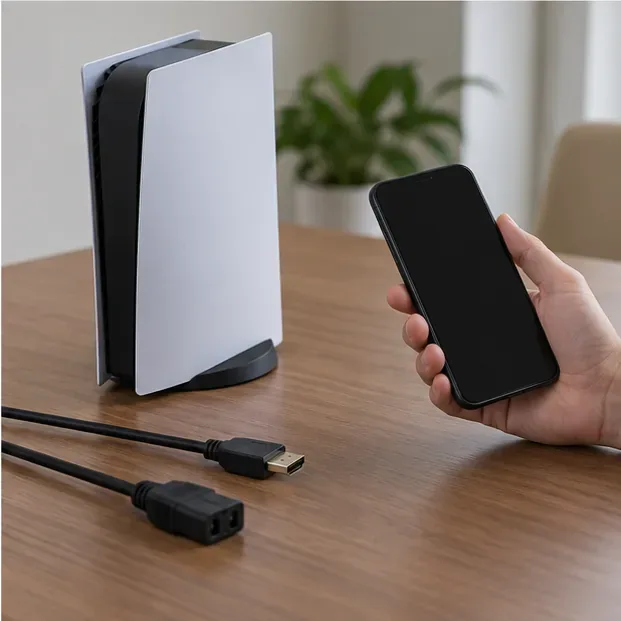
If Safe Mode cannot start, the storage repair fails, or the console still will not boot after an official reinstall, stop DIY troubleshooting and use PlayStation’s power-issue and repair guidance. It can route you to diagnostics and show repair options for your console. Warranty terms and service availability vary by region, so check the support site for the country where the console was purchased. Avoid opening the power supply or replacing internal parts based on an online guess.
No. It indicates a startup error or frozen state when it does not transition to white, but the light alone cannot identify whether the cause is software, a cable, or a hardware fault. Try Sony’s basic reset and Safe Mode steps before arranging service.
A loose or faulty HDMI connection can cause a blank picture while the console is powered on. If the PS5’s indicator remains blue and the system is not starting, follow the boot troubleshooting steps first. If the light is solid white, check HDMI and the selected display input.
Yes. Sony states that the reinstall option deletes all user data. Treat it as the final software step, back up what you can beforehand, and use only the official reinstallation file.
The shortest safe path for a PS5 blinking blue light is: identify whether the console is frozen, try Sony’s three-minute power reset, enter Safe Mode if needed, and reserve reinstall or repair for cases that remain unresolved. The key is to distinguish a stuck startup from a white-light display problem and to avoid destructive recovery choices until simpler options have failed.
Learn how to import VALORANT crosshair codes, compare presets with manual settings and spectator copy, and fix common import issues.
Choose Dota 2 minimap size, hero icons, team colors, and background settings by readability, fewer misclicks, and clear results on your own display.
Fix Fortnite texture pop-in on PC with official steps for GPU drivers, file verification, DirectX 12, high-resolution textures, VRAM, SSDs, and stutter.
Learn what Heroes of the Storm minimap size and position options are verified, improve readability, and choose camera-click controls that suit you.
Set Super Smash Bros. Ultimate Quickplay to prefer hazards-off stages. Follow the Preferred Rules menu steps and learn why matchmaking may not always honor them.
Enable Server Latency and Packet Loss in Warzone to monitor connection quality, read the overlay, and use recurring spikes to guide troubleshooting.
Learn how to carry from mid lane in League of Legends by setting up waves, choosing safe roam windows, reading side lanes, and converting pressure into objectives.
Fix Minecraft Evoker spell problems with a safe vanilla test, version checks, log review, and a step-by-step way to isolate mod or datapack conflicts.
Fix PUBG stuck on Initializing on Steam with a focused checklist for PC service notices, launch options, game files, downloads, and connection issues.
Fix Brawl Stars stuck at 92% loading with an ordered checklist for service notices, network tests, safe updates, Android cache, and account-safe reinstalling.








