How to Check Real-Time Server Latency in the PUBG HUD

Enable PUBG’s network statistics HUD to monitor ping and packet loss in a match. See where to find it, what the numbers mean, and what they cannot diagnose.
Physical vs. digital Xbox games comes down to how you value resale, convenience, and access. Choose physical when you want a disc you can lend or resell, enjoy collecting cases, or regularly find better used prices. Choose digital when you want instant downloads, a library without shelves, and no disc swapping. If you have an Xbox Series S or the all-digital Series X, the choice is already made: those consoles do not play discs.
For many players, a mix works best: buy a disc when the used price and resale value make sense, then buy digital when a strong store sale or subscription fits how long you plan to play. Just remember that both formats generally install games to console storage, and neither makes every title playable offline forever.
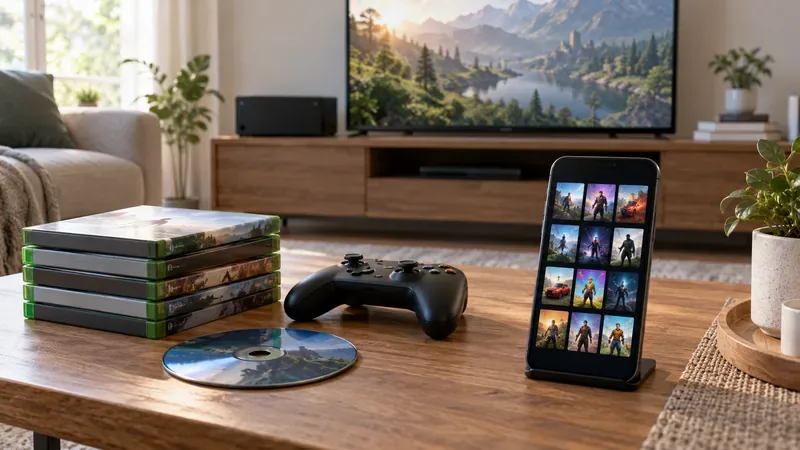
Console model matters more than preference. Xbox Series S is digital-only. Xbox Series X is sold in disc-drive and all-digital versions, and exact models and availability can vary by market. Check the product listing for an optical drive before buying a console or a stack of discs. Microsoft’s current Series S details and Series X models show the distinction.
Backward compatibility is also title-specific. A disc from an older generation works only when the game is included in Xbox’s supported catalog and the console has a disc drive. Check the official backward-compatibility guidance before buying a legacy game.
| What matters | Physical game | Digital game |
|---|---|---|
| Access | Insert the disc to verify and launch many disc-based games; compatible drive required. | Download from the account that owns the license on a supported console. |
| Resale and sharing | You can generally lend or resell the disc, subject to the game’s content and platform rules. | Purchases are account-linked and generally cannot be resold or transferred. |
| Price hunting | Used copies, retailer promotions, and trade-ins can reduce the net cost. | Digital store sales can be convenient, but there is no used-copy market. |
| Installation and storage | The game is installed to console storage; a disc is not a dependable way to avoid downloads or updates. | The game is downloaded and installed to console storage. |
| Convenience | Keep, find, and insert the disc when you want to play. | Switch games from the library without changing discs. |
| Offline play | Can suit offline play when the title supports it and installation is complete; online-only features still need a connection. | Some downloaded games work offline on the designated Home Xbox, depending on the title and license setup. |
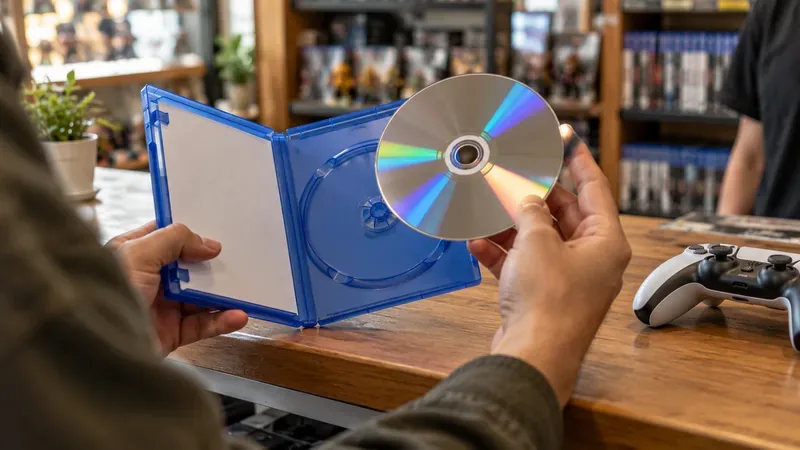
Physical does not mean instant plug-and-play. Xbox explains that disc games install to the console, and the disc may still be needed to launch the game afterward. Patches, additional content, and some title requirements can need an internet connection. Microsoft’s game installation guide covers disc and digital installs. If offline play is important, check the game’s requirements and install it before you travel or lose connectivity.
A digital purchase is tied to your Microsoft account rather than a transferable disc. Protect that account and understand the console’s sharing and offline settings. Microsoft says eligible single-player and local-multiplayer digital games can be played offline on the console set as your Home Xbox; see its Home Xbox overview and offline-play guidance for conditions.
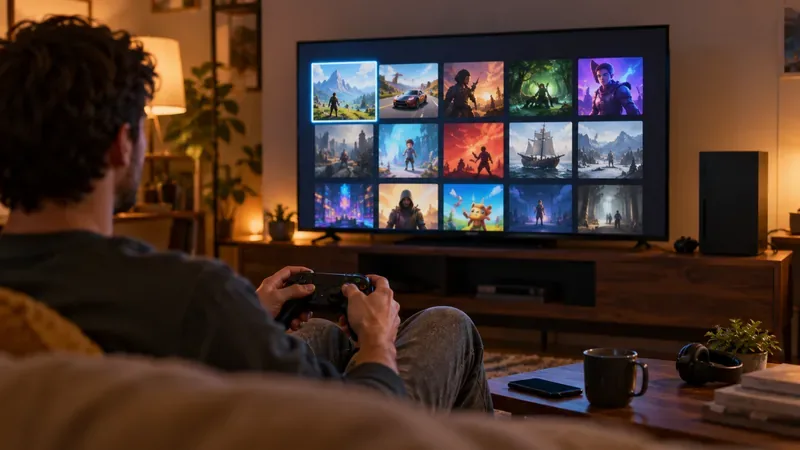
Game Pass can make sense if you play several included games over a short period, but subscription access is different from buying a physical or digital copy. Microsoft says access ends when a subscription expires or a game leaves the catalog, and availability changes by plan, region, platform, and time. Check the current Game Pass catalog before subscribing. If you want to keep a particular title, compare its purchase price with the months of membership you expect to use.
For a physical copy, estimate: price paid + fees − likely resale value. Include shipping or travel and be realistic about how easily the game can be resold. For digital, compare the current sale price with the used-disc price and remember there is no resale credit. For Game Pass, estimate the subscription cost for the months you expect to play, rather than comparing one month’s fee with the price of a permanent copy.
Storage should be part of the calculation, too. Physical and digital Xbox games both use console storage after installation, so do not buy a disc expecting it to free the space needed for the game. The format alone does not make a game run faster or look better; performance depends on the console and the game version.
In an August 26, 2026 Xbox Wire announcement, Microsoft said Xbox Insiders could begin testing a feature that may grant a digital entitlement for supported Xbox One and Xbox Series X discs. The post said thousands of titles were included at the start, with more to be added, but not every disc would be eligible. Supported games may gain digital benefits such as Xbox Play Anywhere or cloud gaming where available, while the disc continues to work as before.
Treat this as a title-by-title feature, not a guarantee that every disc purchase includes a separate digital copy. Check Xbox’s current eligibility and the entitlement shown for your own game before using it in a buying decision. The announcement does not make a disc-drive console optional if you plan to use physical media.
Before checkout, confirm your console model, compare the total price across formats, check whether the game needs an internet connection, and decide whether you want to keep or resell it. That checklist gives you a better answer than assuming one format is always cheaper or more future-proof.
Enable PUBG’s network statistics HUD to monitor ping and packet loss in a match. See where to find it, what the numbers mean, and what they cannot diagnose.
Learn how to import VALORANT crosshair codes, compare presets with manual settings and spectator copy, and fix common import issues.
Choose Dota 2 minimap size, hero icons, team colors, and background settings by readability, fewer misclicks, and clear results on your own display.
Fix Fortnite texture pop-in on PC with official steps for GPU drivers, file verification, DirectX 12, high-resolution textures, VRAM, SSDs, and stutter.
Learn what Heroes of the Storm minimap size and position options are verified, improve readability, and choose camera-click controls that suit you.
Set Super Smash Bros. Ultimate Quickplay to prefer hazards-off stages. Follow the Preferred Rules menu steps and learn why matchmaking may not always honor them.
Enable Server Latency and Packet Loss in Warzone to monitor connection quality, read the overlay, and use recurring spikes to guide troubleshooting.
Learn how to carry from mid lane in League of Legends by setting up waves, choosing safe roam windows, reading side lanes, and converting pressure into objectives.
Fix Minecraft Evoker spell problems with a safe vanilla test, version checks, log review, and a step-by-step way to isolate mod or datapack conflicts.
Fix PUBG stuck on Initializing on Steam with a focused checklist for PC service notices, launch options, game files, downloads, and connection issues.








