How to Check Real-Time Server Latency in the PUBG HUD

Enable PUBG’s network statistics HUD to monitor ping and packet loss in a match. See where to find it, what the numbers mean, and what they cannot diagnose.
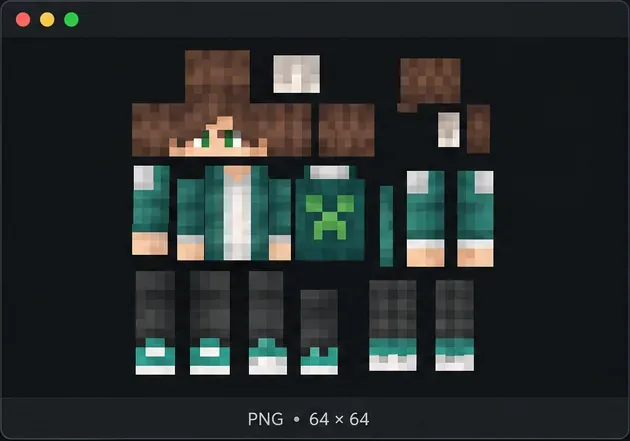
If Minecraft rejects a skin or replaces your custom look with a default character, start by checking the skin file and the edition you are using. A Minecraft skin corrupt or invalid error can come from a file that is not a real PNG, a skin texture exported in the wrong layout, or a model mismatch. If the skin works in a local world but not on one server, the file may already be valid.
Java Edition imports a PNG through the Launcher’s Skins tab. Bedrock Edition uses the Dressing Room and its classic skins or skin-pack flow. Follow the matching path below; clearing caches or trying a server command is not a universal fix.
| What you see | Likely area to check | First action |
|---|---|---|
| The import is rejected immediately | Image format, template, or skin-pack files | Export a fresh PNG from a Minecraft skin template. |
| The skin loads but limbs or clothing look misplaced | Texture layout or Classic/Wide versus Slim model | Re-export the template and select its matching model. |
| Your custom skin is replaced by a default skin | Skin not applied, account sync, or edition-specific selection | Save and use it again, then test in a local world. |
| It works locally but not on one server | Server-side skin handling or a server-specific issue | Compare another server before changing the PNG. |
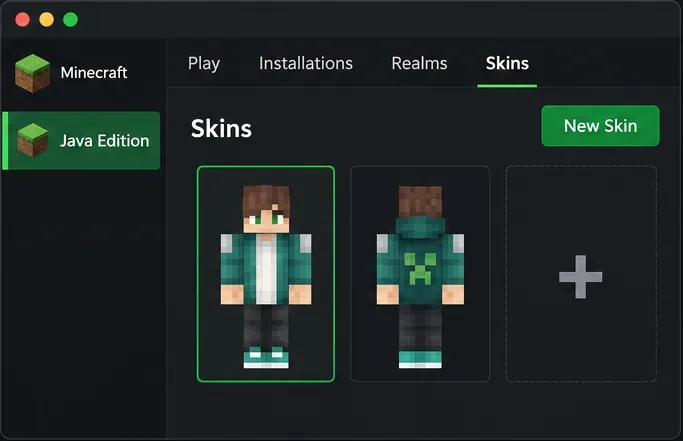
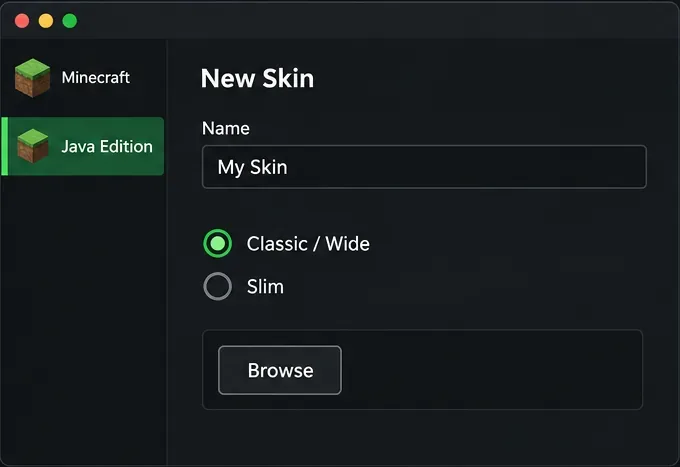
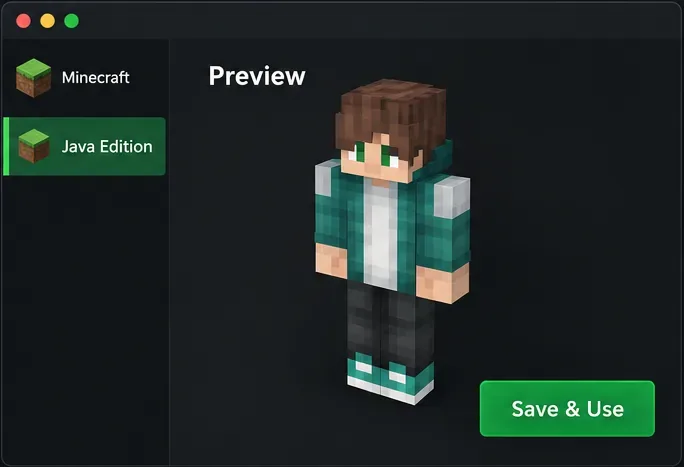
.mcpack; wait for Minecraft to report a successful import, then choose the skin in Dressing Room. A Java Launcher upload does not install a Bedrock skin.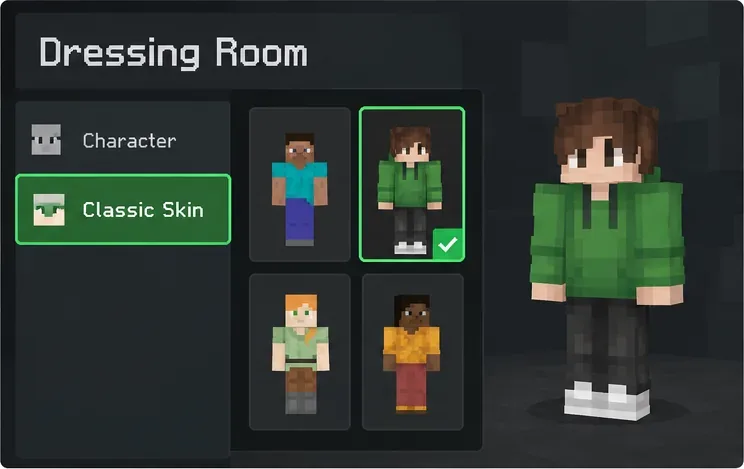
If Bedrock displays the named Armor skin error, Minecraft Help describes it as a skin issue and directs players to change their skin in Dressing Room. Switch to a known-good default or owned skin to check whether the problem is limited to one custom item or pack. If the default works, re-import or replace the affected skin pack rather than changing unrelated world settings.
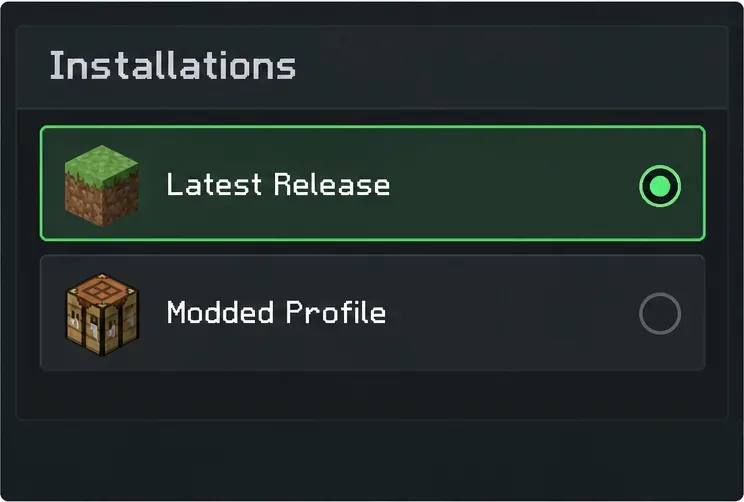
/skin refresh are plugin-specific; use one only if that server’s own documentation tells you to.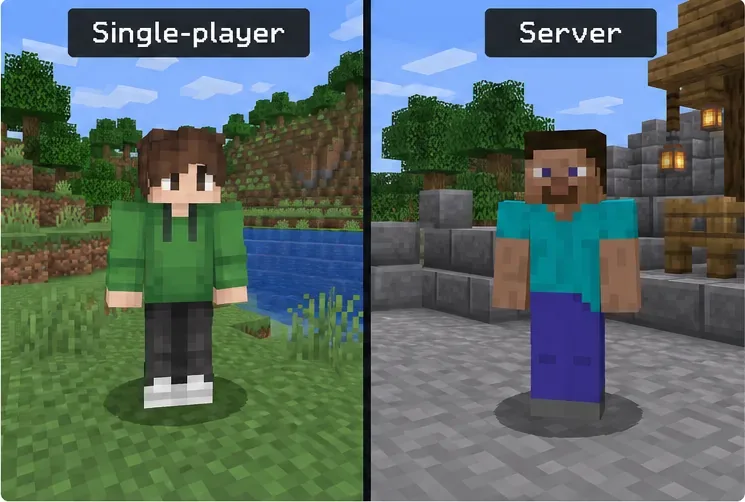
The quickest reliable fix is to identify the failure point, re-export a valid template-based PNG for Java, or re-equip/re-import the correct skin through Bedrock’s Dressing Room. If the skin only fails in one modified client or one server, investigate that environment before replacing a file that already works elsewhere.
Enable PUBG’s network statistics HUD to monitor ping and packet loss in a match. See where to find it, what the numbers mean, and what they cannot diagnose.
Learn how to import VALORANT crosshair codes, compare presets with manual settings and spectator copy, and fix common import issues.
Choose Dota 2 minimap size, hero icons, team colors, and background settings by readability, fewer misclicks, and clear results on your own display.
Fix Fortnite texture pop-in on PC with official steps for GPU drivers, file verification, DirectX 12, high-resolution textures, VRAM, SSDs, and stutter.
Learn what Heroes of the Storm minimap size and position options are verified, improve readability, and choose camera-click controls that suit you.
Set Super Smash Bros. Ultimate Quickplay to prefer hazards-off stages. Follow the Preferred Rules menu steps and learn why matchmaking may not always honor them.
Enable Server Latency and Packet Loss in Warzone to monitor connection quality, read the overlay, and use recurring spikes to guide troubleshooting.
Learn how to carry from mid lane in League of Legends by setting up waves, choosing safe roam windows, reading side lanes, and converting pressure into objectives.
Fix Minecraft Evoker spell problems with a safe vanilla test, version checks, log review, and a step-by-step way to isolate mod or datapack conflicts.
Fix PUBG stuck on Initializing on Steam with a focused checklist for PC service notices, launch options, game files, downloads, and connection issues.








