How to Check Real-Time Server Latency in the PUBG HUD

Enable PUBG’s network statistics HUD to monitor ping and packet loss in a match. See where to find it, what the numbers mean, and what they cannot diagnose.
Is there an original Minecraft Error 422 first-sighting video? No reliably authenticated, earliest upload has been established from the available evidence. Videos labeled “the first sighting” may be entertaining, but a title or repost alone cannot prove who recorded the footage, when it was made, or whether it depicts an unmodified game. Minecraft Error 422 is best understood as a fan-made horror concept rather than a verified encounter with a hidden creature in official Minecraft.
That distinction makes the mystery more interesting, not less. The recognizable formula is a familiar Minecraft world that seems to break its own rules: unsettling visual artifacts, strange sounds, a threatening presence, and a sudden crash. This article separates what can be checked from the storytelling surrounding the supposed Error 422 original video.
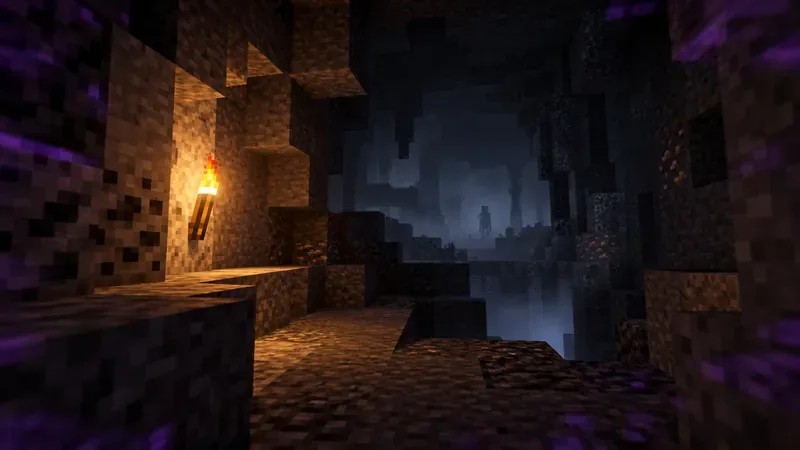
The name generally refers to a Minecraft creepypasta about a lost, damaged, or cursed version of the game. Different retellings describe altered menus, malfunctioning worlds, hostile encounters, and deliberate-looking glitches. Some fans also circulate modified game builds or recordings intended to recreate that atmosphere.
These are community horror conventions, not an identified feature of the standard Java or Bedrock releases. Minecraft officially distinguishes its normal game editions from content made by others. Its Java Edition modding guidance explains that third-party mods are not reviewed or endorsed by Mojang Studios and can cause technical problems. A modded video is therefore not evidence that the same behavior exists in an unmodified installation.
The number 422 should not be treated as proof of a supernatural entity or a secret official build. Even when the number appears on screen, an overlay, resource pack, edited recording, or custom program can display it. No authoritative source reviewed for this article establishes a connection between the creepypasta and an official Minecraft error named after a hostile mob.
The strongest claim made about the supposed first-sighting video is also the one requiring the strongest evidence. To call a clip the original, viewers would need a recoverable upload on the creator’s channel, a publication date, a consistent description, and ideally contemporaneous references linking to that exact upload. To call it a first sighting would additionally require evidence that no earlier account or recording exists.
Those conditions have not been demonstrated. A frequently retold Error 422 narrative places an ominous file-sharing encounter in January 2020; that is a date inside a fan story, not independently established evidence of the first upload. Likewise, a circulating claim that a creator called “EnderWatcher42” filmed a specific cave sequence in 2012 is not supported by an identifiable primary video. Its alleged runtime, exact second-by-second sequence, and quoted viewer reaction should not be reported as facts.
For readers seeking the clip itself, the safest conclusion is narrower but useful: there is no verified original-video URL to recommend here. A later upload using “original,” “first,” “real,” or “uncut” in its title does not fill the provenance gap.
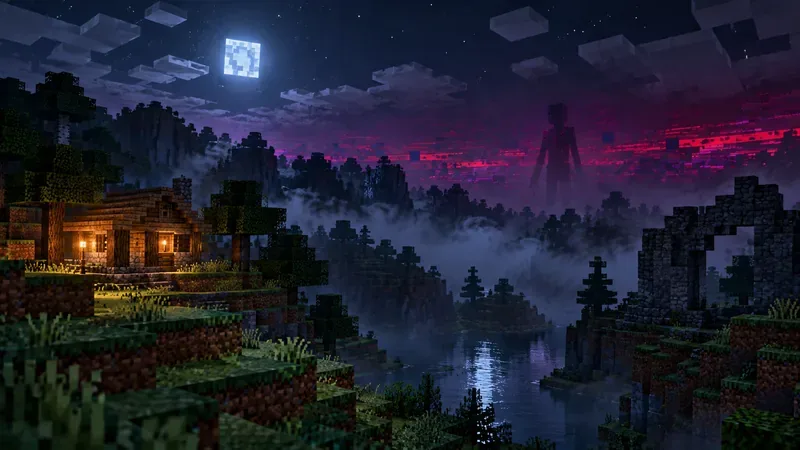
The legend borrows from ordinary Minecraft play, where caves are dark, distant shapes are hard to judge, and unexpected technical problems can feel unsettling. Fan videos intensify that ambiguity with familiar horror techniques. The following are common motifs in Error 422 portrayals, not a documented shot list from a verified first upload:
A dramatic effect can be genuine footage of a custom Minecraft setup while still being a fictional scene. Authentic screen recording and authentic vanilla behavior are different claims. Conversely, compression artifacts or performance glitches in a real recording do not establish that an intentional “Error 422” entity exists.
| Common online claim | What the evidence supports |
|---|---|
| “The first Error 422 sighting was recorded in 2012.” | No identified primary upload or reliable timestamp verifies that date. |
| “One specific uploader discovered an eight-block-tall entity.” | No authenticated source establishes that creator, measurement, or encounter. |
| “A video shows a 422 warning, so the creature is official.” | On-screen text can be added or altered; it does not identify an official game feature. |
| “A particular seed will summon Error 422.” | No reproducible evidence has been established for the seed claim. |
| “People can make convincing Error 422 gameplay.” | Yes. Community modifications and video editing can depict fictional events; they do not prove a hidden vanilla mechanic. |
This is not a verdict on whether a creator made a compelling horror short. It is a distinction between fictional Minecraft footage and verifiable claims about the shipped game.
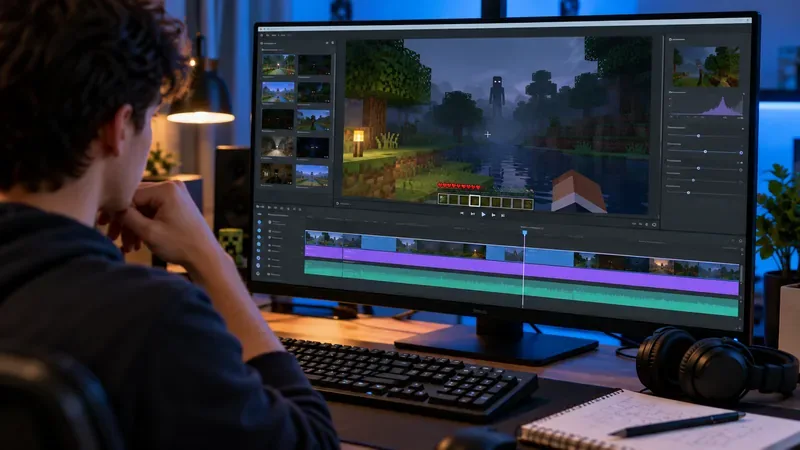
Start with provenance rather than jump scares. Open the actual video page, not a screenshot of its thumbnail. Check whether the publishing channel claims to have filmed it, whether the upload predates related references, and whether the description explains any mods or editing. Search for the exact title and unique frames to see whether the clip was reposted from another channel.
Then separate observations from interpretation. “A shadow crosses the cave” is an observable description. “The first secret Error 422 entity appears at 0:22” adds an origin claim and a technical identification that the pixels alone cannot establish. A video may be eerie, clever, and worth watching without being historical evidence.
None of these guarantees that a horror story is factual; together, they make its production history easier to verify. Without them, an “original first sighting” label remains promotional wording.
Not as a verified hidden entity in an ordinary, unmodified Minecraft world. You may encounter actual bugs, corrupted save data, rendering anomalies, or unusual behavior caused by third-party software. Those warrant routine troubleshooting rather than a paranormal explanation. If a video instructs you to download an unfamiliar “cursed Minecraft EXE,” do not treat the file as an official game release.
If you want to experiment with community horror content, use a separate installation or profile, read the creator’s documentation, and avoid unknown executables or short-link download chains. Mojang’s official EULA distinguishes user-made mods from redistributed modified copies of the game. The official modding guidance also warns that mods may cause crashes and are not officially supported.
Before testing any modded scenario, back up the world you care about. In Java Edition, the documented route is Singleplayer > select world > Edit > Make Backup; the Minecraft backup instructions explain where the resulting ZIP is stored. For a reproducible problem in an unmodified game, check the official issue tracker and search for an existing report before filing your own.
The enduring appeal of Minecraft Error 422 is not a proven paranormal encounter; it is the way fan-made horror turns a familiar sandbox into an unreliable environment. A blocky cave can become a stage for dread, and a familiar pause menu can seem threatening when the story suggests that the game itself is watching.
There is room to enjoy that storytelling while keeping the record straight. No confirmed first-sighting upload, exact 2012 timeline, special seed, or official creature has been substantiated here. If a creator eventually provides a traceable original video with verifiable dates and attribution, that is the evidence needed to revisit the history. Until then, the chilling truth is that the legend is a creative community mystery—not a documented hidden Minecraft feature.
Enable PUBG’s network statistics HUD to monitor ping and packet loss in a match. See where to find it, what the numbers mean, and what they cannot diagnose.
Learn how to import VALORANT crosshair codes, compare presets with manual settings and spectator copy, and fix common import issues.
Choose Dota 2 minimap size, hero icons, team colors, and background settings by readability, fewer misclicks, and clear results on your own display.
Fix Fortnite texture pop-in on PC with official steps for GPU drivers, file verification, DirectX 12, high-resolution textures, VRAM, SSDs, and stutter.
Learn what Heroes of the Storm minimap size and position options are verified, improve readability, and choose camera-click controls that suit you.
Set Super Smash Bros. Ultimate Quickplay to prefer hazards-off stages. Follow the Preferred Rules menu steps and learn why matchmaking may not always honor them.
Enable Server Latency and Packet Loss in Warzone to monitor connection quality, read the overlay, and use recurring spikes to guide troubleshooting.
Learn how to carry from mid lane in League of Legends by setting up waves, choosing safe roam windows, reading side lanes, and converting pressure into objectives.
Fix Minecraft Evoker spell problems with a safe vanilla test, version checks, log review, and a step-by-step way to isolate mod or datapack conflicts.
Fix PUBG stuck on Initializing on Steam with a focused checklist for PC service notices, launch options, game files, downloads, and connection issues.








