How to Check Real-Time Server Latency in the PUBG HUD

Enable PUBG’s network statistics HUD to monitor ping and packet loss in a match. See where to find it, what the numbers mean, and what they cannot diagnose.
The reliable way to control recoil in PUBG Mobile is to practice each weapon with the same optic, attachments, stance, and distance you expect to use, then make small corrections with your firing finger or gyroscope. There is no universal sensitivity code or attachment setup that makes every gun behave the same. An M416 spray, an AKM burst, and a Mini14 follow-up need different timing, so train for a repeatable group rather than chasing a mythical “zero recoil” setting.
This guide explains how to tune PUBG Mobile recoil compensation for assault rifles, SMGs, LMGs, DMRs, bolt-action rifles, shotguns, and sidearms. The game’s official Help Center describes weapon-specific sensitivity and attachment effects; those details can change with updates, so use the current in-game description for your build and mode.
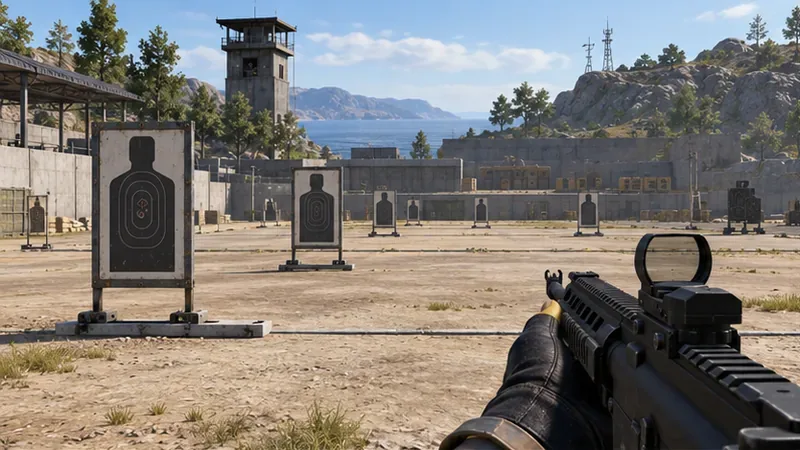
Recoil is the movement you must manage while firing: the sight can climb, shift sideways, or move enough that later shots leave the target. Your correction has to match the weapon’s behavior and your input method. A sensitivity value that feels controlled with a red dot may feel too fast with a higher-magnification optic. Movement, posture, fire mode, attachments, device size, and grip can also change what you feel.
Do not memorize a single drawn “pattern” and assume it applies to every match. Compare several identical bursts and look at the group as a whole. One stray hit is less useful than a repeated trend. PUBG MOBILE’s official weapon-specific sensitivity help says players can set sensitivity for individual guns through Exclusive Sensitivity when that option is available. That makes it easier to keep different weapons from sharing a setting that does not suit them.
Open the game’s Sensitivity settings and choose a comfortable baseline. Keep your control layout and firing method fixed while you test. If you use touch input, apply a smooth downward drag as the muzzle rises; if you use gyroscope, tilt the device in small, controlled movements. You can combine both, but make sure the two inputs are helping each other instead of causing the reticle to oscillate.
Gyroscope aiming lets device tilt move the viewpoint, which can make fine corrections more comfortable for some players. If you are new to gyro, enable it for a scope or setting that feels manageable, then practice before changing every control at once. Keep the same hand position and device angle between attempts.
“Every gun” is best handled as a repeatable test, not a claim that one spray recipe fits the entire roster. Use the examples below to choose a starting drill, then test the exact weapon, optic, and attachments you pick up. Some weapons or attachments may be limited to particular modes or versions.
| Weapon class | Examples | Practical recoil approach |
|---|---|---|
| 5.56 mm assault rifles | M416, SCAR-L, AUG, QBZ | Use these as a baseline for controlled automatic fire. Start with short sprays at a close or medium target, pull down smoothly, and lengthen the burst only while the group stays useful. |
| 7.62 mm assault rifles | AKM, Beryl M762, Groza, ACE32 | Expect a less forgiving sustained spray. Practice brief bursts, begin the downward correction early, and reset your aim before the next string instead of dragging aggressively after the sight has already passed the target. |
| Submachine guns | UMP45, Vector, PP-19 Bizon | Train at close range first. Fire short bursts and watch for sideways drift; use small corrections rather than sweeping left and right after each shot. |
| Light machine guns | M249, DP-28, MG3 | Use a stable position for practice and learn how the sight moves through a longer string. A large magazine does not make a long-range spray automatically accurate; shorten the burst when the target is distant or partly covered. |
| Designated marksman rifles | Mini14, SKS, SLR, Mk14 | Fire deliberate taps or a brief follow-up sequence, then let the sight settle enough to place the next shot. Compare the rhythm of each DMR separately; do not copy an AR spray motion. |
| Bolt-action sniper rifles | Kar98k, M24, AWM | Prioritize reacquiring the target after each shot. Make a small correction after recoil and re-center before firing again; a cheek pad can help with vertical recoil on compatible rifles, according to the official attachment guide. |
| Shotguns and sidearms | S12K, DBS, S686; common pistols | Keep the sight near the center of the target and manage the kick between follow-up shots. Shotgun chokes and other spread-focused parts affect pellet spread, so do not treat them as a substitute for recoil timing. |
These are training starting points, not guaranteed performance rankings. The official weapon overview groups guns by role, while the attachment guide describes effects such as a compensator reducing vertical and horizontal recoil, a vertical foregrip reducing vertical recoil, and a cheek pad reducing vertical recoil on compatible weapons. Check the weapon’s current attachment slots and in-game description before building around any part.
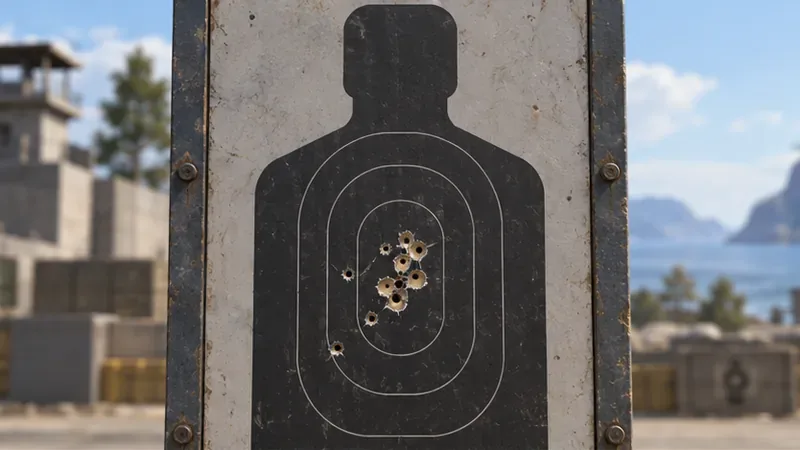
The official Training Grounds guide describes a place to try weapons and parts before a real match. Use the range as a controlled test bench:
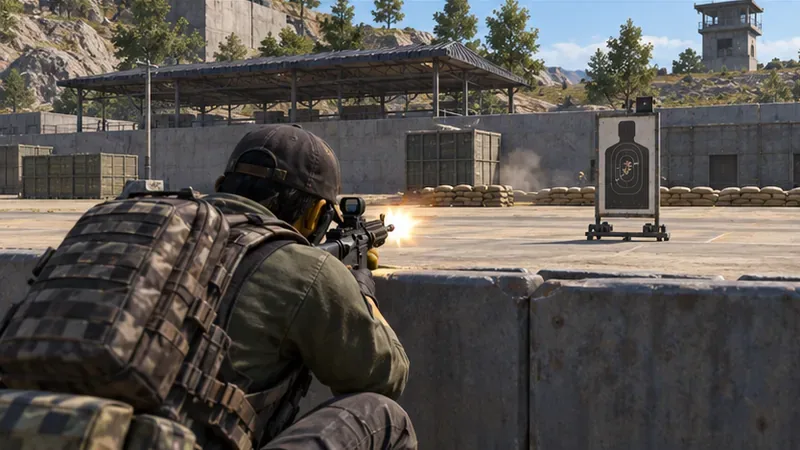
Start by identifying the miss. If the sight keeps climbing, a compatible vertical recoil option and a smoother downward input are worth testing. If the group wanders horizontally, compare a grip that the current attachment description says helps horizontal control. If you are changing too many parts at once, you will not know which one helped.
A compensator is a sensible first test when the goal is recoil control, but it is not a fixed percentage guarantee across all weapons. A flash hider or suppressor may offer other trade-offs, and grips do not fit every gun or improve every quality in the same way. Compare the descriptions in your current build; PUBG MOBILE’s own attachment reference lists the stated effects for muzzle devices, grips, stocks, and compatible sniper parts.
Test standing, crouching, and prone separately if you want to learn how posture affects your shots. Do not assume prone is always the best choice in combat: visibility, cover, movement, and the angle of the fight matter more than forcing one posture to chase a tighter group.
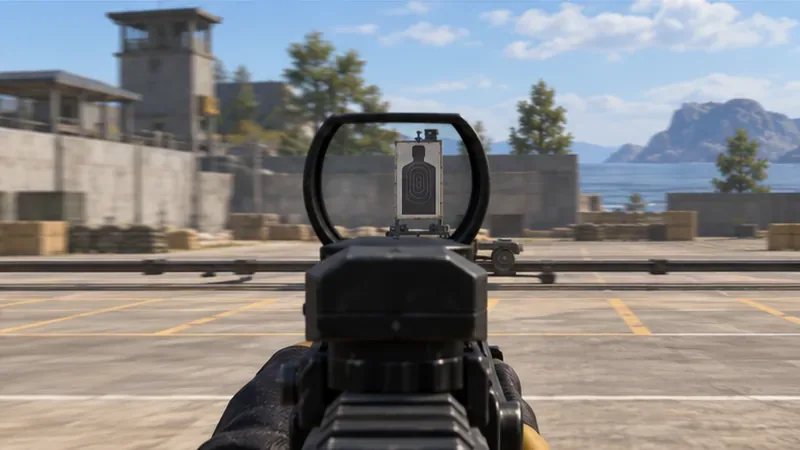
Keep recoil practice manual and within the game’s built-in controls. Official update notes have described anti-cheat work against no-recoil cheats; avoid third-party tools, modified files, or macros that claim to remove recoil. The official PUBG MOBILE developer notes are also a useful place to check for weapon and attachment balance changes before relying on an old guide.
For dependable recoil compensation in PUBG Mobile, keep the test consistent, observe the full shot group, and adjust one input at a time. Start with a stable AR, then repeat the same process with your preferred SMG, LMG, DMR, sniper rifle, shotgun, or sidearm. Save a separate sensitivity profile when the game offers it, and revisit your setup after major balance updates. The goal is not a spray that never moves; it is a controlled burst you can reproduce when the fight gets hectic.
Enable PUBG’s network statistics HUD to monitor ping and packet loss in a match. See where to find it, what the numbers mean, and what they cannot diagnose.
Learn how to import VALORANT crosshair codes, compare presets with manual settings and spectator copy, and fix common import issues.
Choose Dota 2 minimap size, hero icons, team colors, and background settings by readability, fewer misclicks, and clear results on your own display.
Fix Fortnite texture pop-in on PC with official steps for GPU drivers, file verification, DirectX 12, high-resolution textures, VRAM, SSDs, and stutter.
Learn what Heroes of the Storm minimap size and position options are verified, improve readability, and choose camera-click controls that suit you.
Set Super Smash Bros. Ultimate Quickplay to prefer hazards-off stages. Follow the Preferred Rules menu steps and learn why matchmaking may not always honor them.
Enable Server Latency and Packet Loss in Warzone to monitor connection quality, read the overlay, and use recurring spikes to guide troubleshooting.
Learn how to carry from mid lane in League of Legends by setting up waves, choosing safe roam windows, reading side lanes, and converting pressure into objectives.
Fix Minecraft Evoker spell problems with a safe vanilla test, version checks, log review, and a step-by-step way to isolate mod or datapack conflicts.
Fix PUBG stuck on Initializing on Steam with a focused checklist for PC service notices, launch options, game files, downloads, and connection issues.








