How to Check Real-Time Server Latency in the PUBG HUD

Enable PUBG’s network statistics HUD to monitor ping and packet loss in a match. See where to find it, what the numbers mean, and what they cannot diagnose.
The safest way to use the PUBG Mobile in-game Shop is to compare the item, currency, full cost, and offer rules before you buy. Choose a direct listing when you want one specific cosmetic; treat a crate or draw as a random purchase, and spend only if the possible outcomes are worth the cost to you. UC purchases can unlock cosmetics and pass content, but they do not improve combat stats or give a competitive advantage.
Shop menus, prices, currencies, and limited-time offers can differ by region, platform, and game version. The interface images in this guide are conceptual illustrations, not screenshots of a live account. Use the price and terms shown in your own game as the final reference.
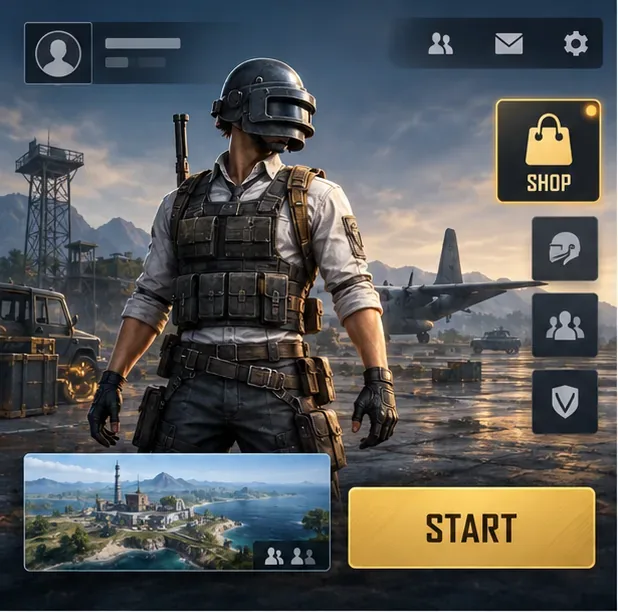
Depending on the current build and event calendar, the shop may feature character outfits, weapon finishes, vehicle cosmetics, emotes, bundles, passes, crates, or event-specific items. Some cosmetics are offered for direct purchase; others are rewards from events, pass progress, achievements, or a random draw. The official support guide lists these as different ways to unlock appearance items, so there is no single route for every skin. See PUBG MOBILE's guide to unlocking outfits and styles.
| Offer type | What to check | Best fit |
|---|---|---|
| Direct cosmetic listing | Displayed price, included items, and whether the offer expires | You want a specific outfit, finish, or bundle |
| Crate or draw | Possible rewards, published odds, draw cost, and any event-specific guarantee | You accept a random result and have set a spending limit |
| Event or pass reward | Mission requirements, reward track, deadline, and paid upgrade terms | You prefer to earn listed rewards by playing |
| Limited-time offer | End date, account or region eligibility, and what the bundle actually includes | The full package matches what you planned to buy |
Do not assume a tab name, discount, or currency will always be available. The individual offer card is more reliable than an old guide or a screenshot from another server.
From the main lobby, tap the Shop entry. Its position and icon can move after an update, so follow the current label rather than relying on an old instruction such as “bottom-right.” If a promotion is shown on the lobby, open it and confirm that it leads to the in-game offer you intended to view.
Browse the current categories and separate fixed-price items from random-reward offers. A direct listing tells you what you will receive if the purchase completes. A crate does not promise a particular rare outfit or weapon finish unless its own rules explicitly say so. Selecting a multi-draw option, when one is offered, is not proof that the game has improved the chance of a specific reward. Check the event's written rules and reward details instead.
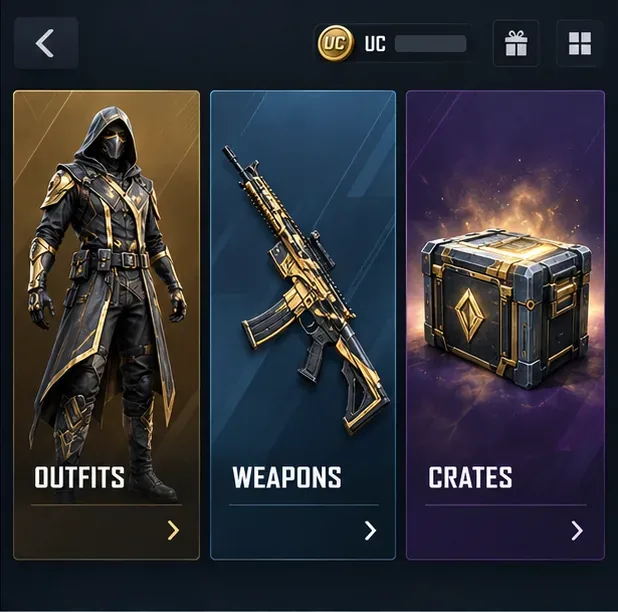
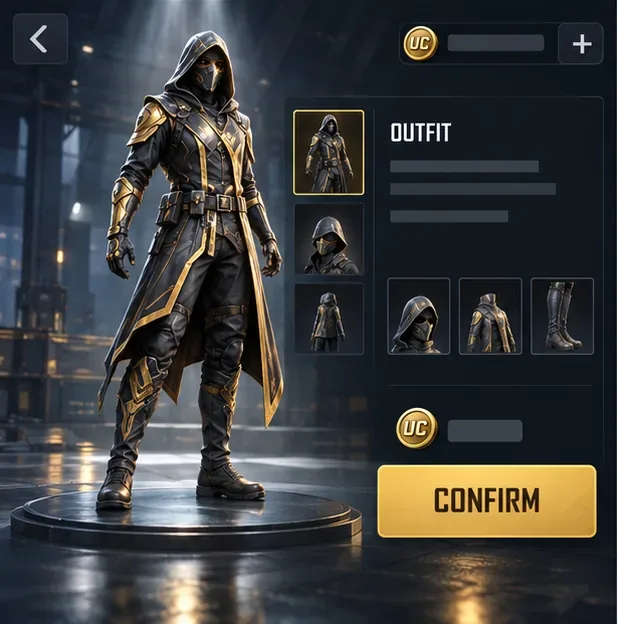
Open the item preview and verify the exact cosmetic, bundle contents, price, quantity, and any duration or expiration shown. Check which currency the offer accepts; UC is PUBG MOBILE's premium in-game currency, but not every event or reward uses the same payment route. The official support center explains what UC can buy and notes that those purchases are cosmetic. If the checkout total or item name is unexpected, back out and review the offer rather than tapping through.
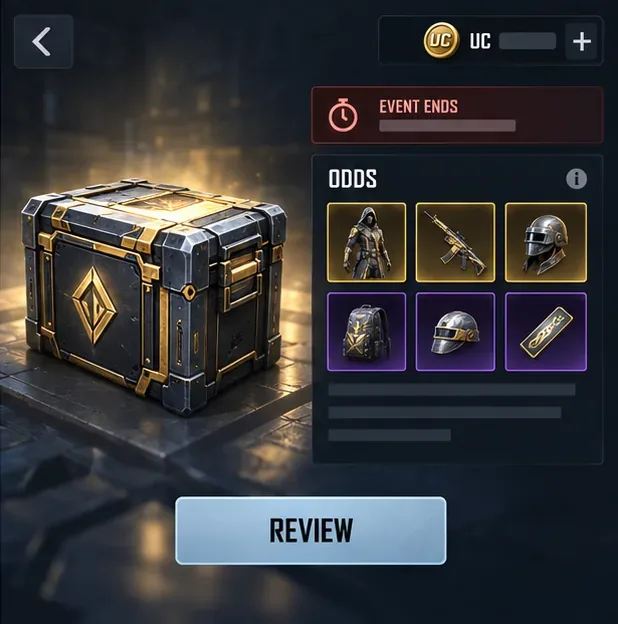
Before a crate opening, inspect the reward pool and any odds or guarantee information available on its detail screen. Confirm how many draws you are buying and the total UC required. Also check the event end date: an offer may disappear when its event closes, and a future return is not guaranteed. If you decide to add UC, use the purchase flow inside the game and the payment option it presents for your device and region. Avoid sellers who request your password or account access.
PUBG MOBILE warns that unauthorized UC services can expose accounts and payment information and may result in lost purchases or account penalties. Read its notice about unauthorized purchase services before using any third-party offer.
First, check your inventory, mailbox, and the relevant event page; delivery location can depend on the item. PUBG MOBILE support says server delays can take 10–30 minutes, and recommends fully closing and restarting the game to check again. If the purchase is still missing, contact support through the game and include the purchase date and time, your UID, item name, and payment receipt. See the official missing-purchase steps.
No. UC cosmetics change appearance and do not provide a competitive advantage, according to PUBG MOBILE's support information.
Only if you are comfortable with the random outcome and the listed odds. When a specific item is directly available, compare that known price with the uncertain crate cost before deciding.
Offers and menus can rotate with updates, events, platform, and region. The current in-game listing and its terms take priority over a guide image.
Use the PUBG Mobile Shop to compare real offers, not to chase a promised “jackpot.” Check what you will receive, what it costs, and when it expires; then buy only if the offer still makes sense without pressure.
Enable PUBG’s network statistics HUD to monitor ping and packet loss in a match. See where to find it, what the numbers mean, and what they cannot diagnose.
Learn how to import VALORANT crosshair codes, compare presets with manual settings and spectator copy, and fix common import issues.
Choose Dota 2 minimap size, hero icons, team colors, and background settings by readability, fewer misclicks, and clear results on your own display.
Fix Fortnite texture pop-in on PC with official steps for GPU drivers, file verification, DirectX 12, high-resolution textures, VRAM, SSDs, and stutter.
Learn what Heroes of the Storm minimap size and position options are verified, improve readability, and choose camera-click controls that suit you.
Set Super Smash Bros. Ultimate Quickplay to prefer hazards-off stages. Follow the Preferred Rules menu steps and learn why matchmaking may not always honor them.
Enable Server Latency and Packet Loss in Warzone to monitor connection quality, read the overlay, and use recurring spikes to guide troubleshooting.
Learn how to carry from mid lane in League of Legends by setting up waves, choosing safe roam windows, reading side lanes, and converting pressure into objectives.
Fix Minecraft Evoker spell problems with a safe vanilla test, version checks, log review, and a step-by-step way to isolate mod or datapack conflicts.
Fix PUBG stuck on Initializing on Steam with a focused checklist for PC service notices, launch options, game files, downloads, and connection issues.








