How to Check Real-Time Server Latency in the PUBG HUD

Enable PUBG’s network statistics HUD to monitor ping and packet loss in a match. See where to find it, what the numbers mean, and what they cannot diagnose.
To control an M416 + 6x Scope spray in PUBG Mobile, build a recoil-friendly setup, hold the reticle on the upper torso, and pull down smoothly while firing. Then shorten the burst as distance or scope shake makes tracking harder. There is no legitimate “zero recoil” setting: attachments and manual inputs can reduce or counter recoil, but they do not remove it.
The 6x optic makes small aim movements look larger, so sensitivity and hand motion matter more than any universal percentage. The steps below give you a repeatable way to tune your own controls and practice in the Training Grounds. The visuals are conceptual training scenes, not captured PUBG MOBILE screens or evidence from a test; check the current in-game menus and item descriptions in your installed build.
Start with the control-focused loadout below when those items are available in your mode. The official PUBG MOBILE attachment guide organizes items by slots such as muzzle, foregrip, sight, magazine, and stock; exact inventory and compatibility can vary by mode or update. Think of this as a starting setup, not a promise that one combination is best for every player.
| Slot | Starting choice | How to use it |
|---|---|---|
| Muzzle | Compensator for assault rifles | Use it as your first recoil-control option. Check its current in-game description; no fixed recoil percentage is promised here. |
| Foregrip | Vertical Foregrip | A sensible first grip when upward climb is the part you struggle to manage. Compare other available grips in the same range instead of changing several slots at once. |
| Stock | Tactical Stock | Use the M416’s stock slot when the attachment is available. Keep the same stock during a sensitivity comparison. |
| Magazine | Extended Quickdraw Mag for ARs | Extra capacity and a quicker reload can help sustain a fight; a magazine does not fix your spray pattern. |
| Optic | 6x Scope | Keep it for the magnified view this guide covers. If your current build provides an adjustment for the optic, test a lower zoom; otherwise swap to a less magnified sight when tracking becomes difficult. |
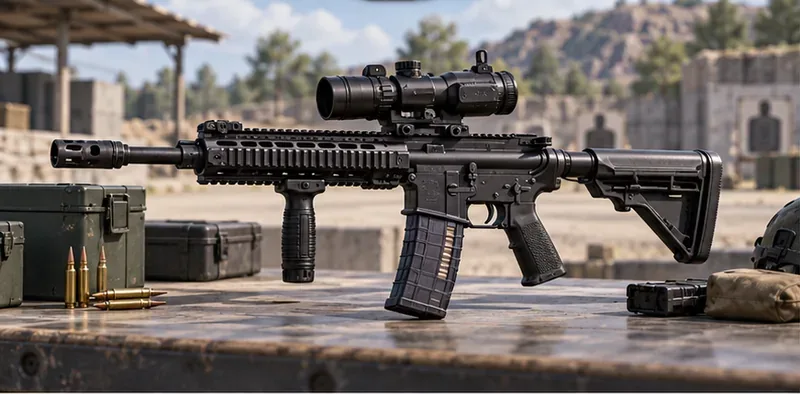
Equip the M416, 6x Scope, and the same muzzle, grip, and stock for each attempt. Use one weapon sensitivity profile if your current build offers that option. Do not change the optic, grip, stance, and sensitivity together: if the result improves or gets worse, you will not know which change caused it.
Use a stationary crouch when it is safe and your sightline is clear. Crouching or going prone can steady your aim, but it also limits movement and can expose you to a predictable angle; neither stance is always the right combat choice. Do not sprint or strafe through the practice burst. In a match, use cover and move between bursts rather than standing still in the open.
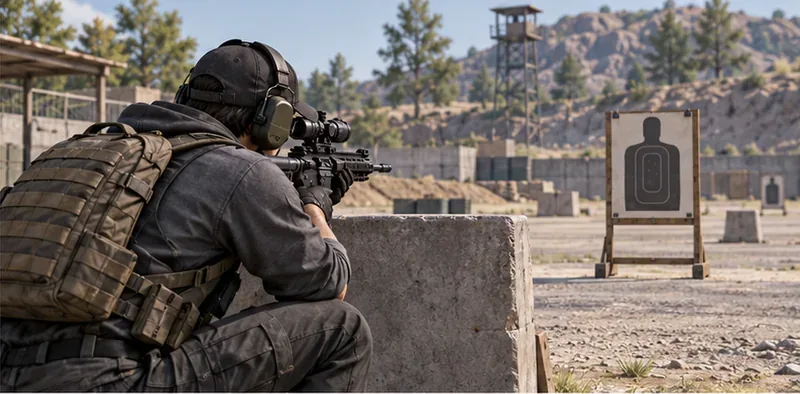
Before you press fire, place the center of the sight around the target’s upper chest. This gives you room to manage upward climb without starting at the feet. Through a 6x optic, make smaller corrections than you would with a red dot: large swipes can carry the reticle past the target.
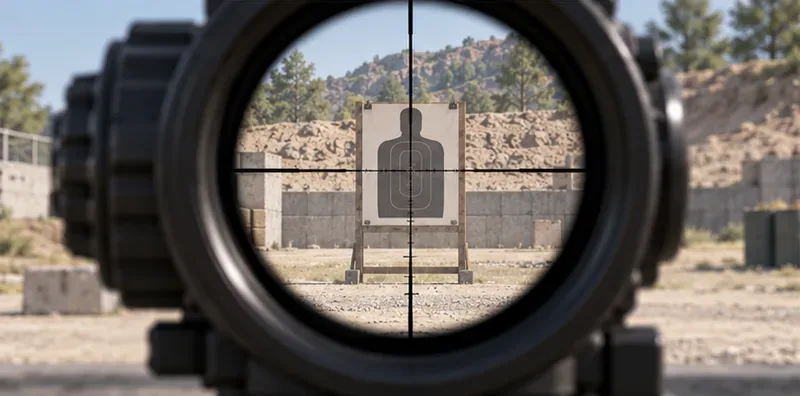
Fire a short burst at a stationary target, release, and inspect where the shots grouped. Repeat from the same position. If the group rises, add a little more downward input; if it drops below your aiming point, ease off. The exact spread will vary with your controls, position, attachments, and the game’s balance, so a fixed “bullet 1 to bullet 40” pattern is not a reliable rule.
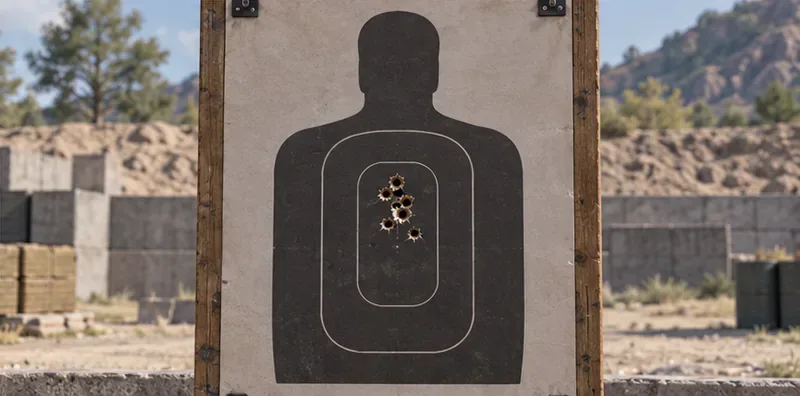
While holding fire, move your aiming thumb downward at a steady pace to counter the climb. Match the length and speed of your drag to what you see, rather than forcing a memorized angle. If the reticle also drifts sideways, make a small lateral correction. Avoid frantic zigzags: chasing every movement often makes the spray less predictable.
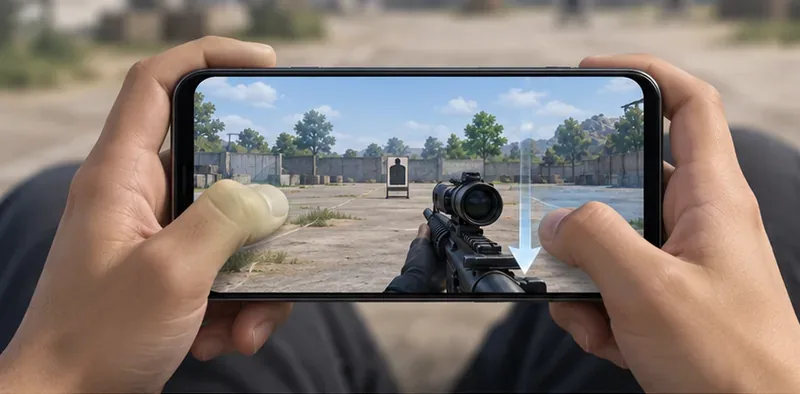
There is no universal ADS or gyro sensitivity that works across phone sizes, frame rates, control layouts, and player grip. Keep your current value as a baseline. If the sight keeps climbing despite a full, comfortable downward swipe, raise the relevant sensitivity by a small step and repeat. If you over-pull below the target, lower it slightly. Change one setting at a time and keep the adjustment only if the result is easier to repeat.
PUBG MOBILE’s official update notes have documented customized firearm sensitivity and adjustable gyroscope sensitivity while aiming down sights. Menus and options can change, so use the sensitivity controls available in your current build rather than copying a creator’s number without testing it on your device.
Gyroscope is optional. If you already use it comfortably, keep the phone supported and use small tilts to help counter vertical climb; let your thumb handle the larger aim changes. If gyro makes your reticle shake or you are new to it, practice at a lower setting or leave it off while you first learn the thumb-drag motion. A high gyro value is not automatically more accurate.
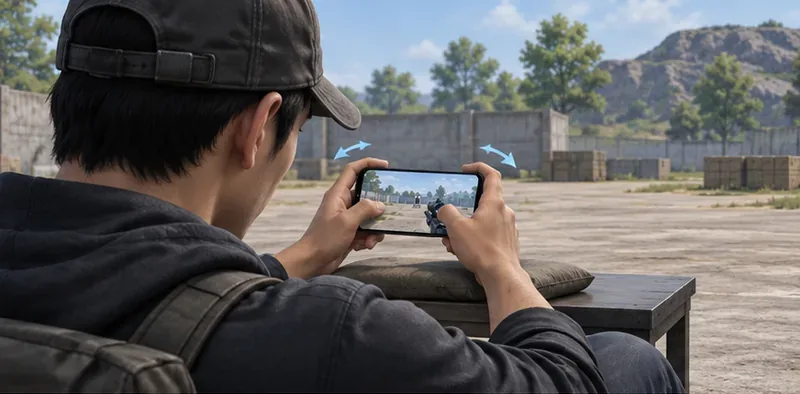
At a close or middle lane, try a longer controlled spray if you can keep the sight on target. As the target gets farther away, reduce the burst length or tap fire; a 6x view magnifies both your aim motion and the target’s movement. If a target changes direction, release fire, re-center, and start a new burst instead of sweeping a continuous spray across the screen.
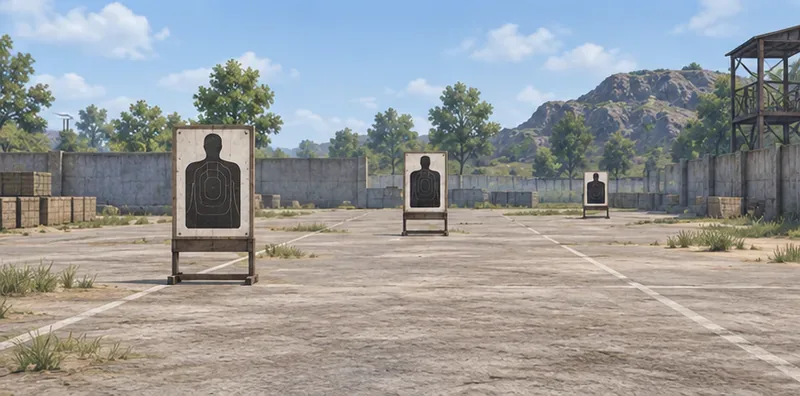
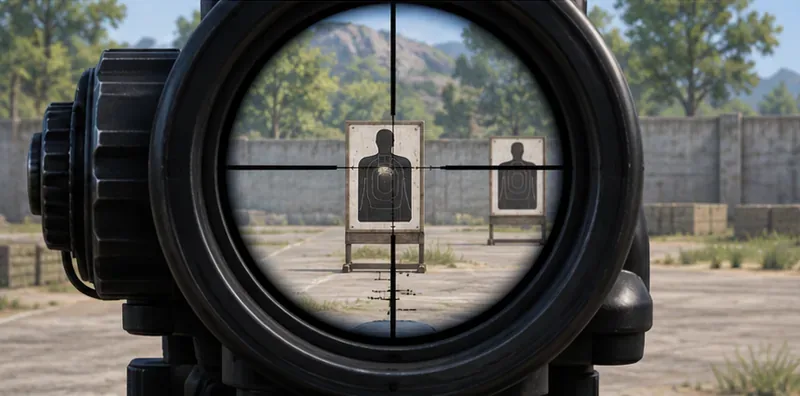
Stop when your aim starts to feel inconsistent and return to your last comfortable setting. The aim is repeatable control, not a particular hit-rate claim or a magic daily schedule.
No. Attachments, stance, sensitivity, gyro, and your input can make recoil easier to manage, but no legitimate setup guarantees zero recoil. Treat “zero recoil” as a search phrase, not a setting or a result you can promise.
It can work when you can keep the reticle stable, especially with controlled bursts. If the magnification makes the target hard to follow, lower the optic zoom if the current build allows it, or choose a less magnified sight for that engagement.
There is no single best value for every player. Start from your existing setting, change one relevant slider in a small step, and keep the value that lets you counter climb without pulling below the target.
Use the M416 + 6x Scope as a controllable option, not a promise of laser-like hits at every distance. A stable setup, short feedback loops, and deliberate input will help you decide when to spray, when to burst, and when to switch sights.
Enable PUBG’s network statistics HUD to monitor ping and packet loss in a match. See where to find it, what the numbers mean, and what they cannot diagnose.
Learn how to import VALORANT crosshair codes, compare presets with manual settings and spectator copy, and fix common import issues.
Choose Dota 2 minimap size, hero icons, team colors, and background settings by readability, fewer misclicks, and clear results on your own display.
Fix Fortnite texture pop-in on PC with official steps for GPU drivers, file verification, DirectX 12, high-resolution textures, VRAM, SSDs, and stutter.
Learn what Heroes of the Storm minimap size and position options are verified, improve readability, and choose camera-click controls that suit you.
Set Super Smash Bros. Ultimate Quickplay to prefer hazards-off stages. Follow the Preferred Rules menu steps and learn why matchmaking may not always honor them.
Enable Server Latency and Packet Loss in Warzone to monitor connection quality, read the overlay, and use recurring spikes to guide troubleshooting.
Learn how to carry from mid lane in League of Legends by setting up waves, choosing safe roam windows, reading side lanes, and converting pressure into objectives.
Fix Minecraft Evoker spell problems with a safe vanilla test, version checks, log review, and a step-by-step way to isolate mod or datapack conflicts.
Fix PUBG stuck on Initializing on Steam with a focused checklist for PC service notices, launch options, game files, downloads, and connection issues.








