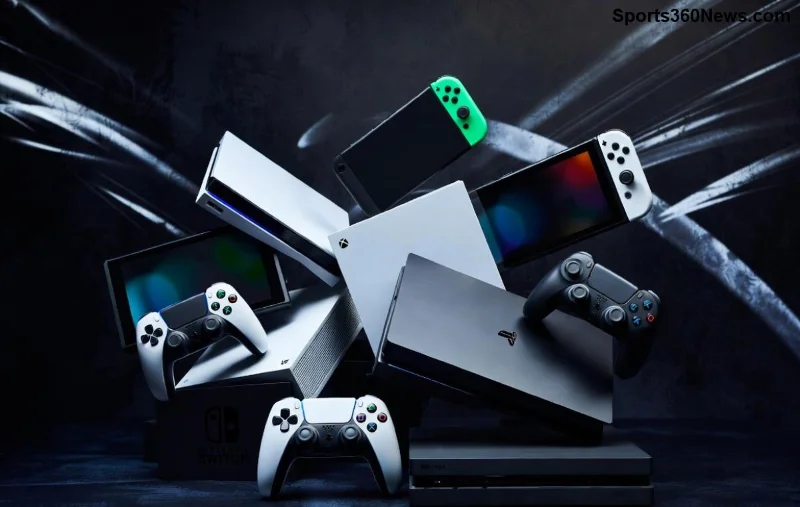
Imagine lounging on your couch, PS5 humming away in another room, and you're blasting through God of War Ragnarök on an 8-inch screen with haptic feedback rumbling in your hands. Sounds like a dream? That's the promise of the PlayStation Portal. But is it just a fancy Remote Play device, or does it offer more? 🚀
In this guide, we'll dive deep into what makes the PlayStation Portal tick, separate fact from hype, and help you decide if it's the ultimate companion for your PS5 library. Stick around – you might be surprised by its untapped potential.
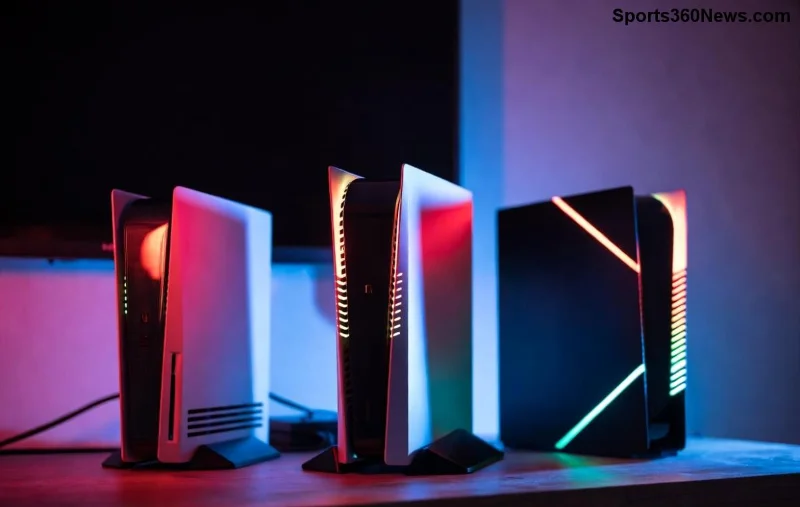
What Exactly is the PlayStation Portal?
The PlayStation Portal is Sony's latest handheld gadget, designed specifically for PS5 owners. Launched as a streaming powerhouse, it lets you play your PS5 games over your home Wi-Fi network without needing your TV. At its core, yes, it's built around PS Remote Play – streaming your console's power directly to the device.
Key specs that scream premium:
- 8-inch LCD screen with 1080p resolution at 60Hz ✅
- DualSense-inspired controls with adaptive triggers and haptic feedback ⭐
- Up to 12 hours of battery life for marathon sessions
- Built-in speakers with 3D audio support 🎧
- Lightweight at just 515g – perfect for portability
But here's the kicker: while it's tethered to your PS5 for most magic, recent updates have expanded its horizons. Think cloud streaming integration. More on that soon...
Remote Play: The Heartbeat of the PlayStation Portal
Let's address the elephant in the room – is the PlayStation Portal just a Remote Play device? In essence, yes, its primary function mirrors the free PS Remote Play app on phones or PCs. You stream games from your PS5, requiring a stable Wi-Fi connection (Sony recommends Wi-Fi 5 or better).
❌ Common Remote Play limitations it inherits:
| Feature |
PlayStation Portal |
Phone/PC Remote Play |
| Screen Quality |
1080p native, low latency |
Variable, often compressed |
| Haptics & Triggers |
Full DualSense support |
Limited or none |
| Comfort |
Ergonomic handheld |
Clunky controllers |
| Battery Optimization |
12+ hours tuned for gaming |
Drains phone battery fast |
The Portal elevates Remote Play to console-like levels. No more squinting at your phone – this is gaming on the go, PS5 style.
Beyond Basic Remote Play: What Sets It Apart? 🌟
Hold up – it's not just Remote Play. Sony's latest firmware unlocks cloud streaming via PlayStation Plus Premium. Stream hundreds of PS5 and PS4 titles directly from the cloud, no console required! Games like Spider-Man 2 or Final Fantasy XVI beam to your hands anywhere with internet.
✅ Exclusive perks:
- PlayStation Plus cloud beta: Over 100+ titles, expanding monthly.
- Seamless party chat and trophies sync.
- Customizable UI for quick game switching.
Compared to rivals like Steam Deck (native PC games) or ROG Ally (Windows handheld), the Portal shines in PS ecosystem loyalty. No emulation hassles – pure Sony polish.
![Close-up of PlayStation Portal screen displaying a high-action PS5 game stream]()
The Limitations: No Sugarcoating Here 😤
Transparency time: The PlayStation Portal isn't a standalone powerhouse. ❌ No offline play, no native games, and it demands your PS5 be on (or in rest mode). Cloud streaming? Subscription-locked and still in beta.
Real-world tests show:
- Needs 15Mbps+ upload for crisp 1080p – laggy on spotty Wi-Fi.
- No Bluetooth headphones (Sony headset only via dongle).
- Pricey at $200 – worth it for dedicated PS5 fans only.
For travel warriors, pair it with mobile hotspot, but expect compression. Still, for home use? Game-changer.
Who Should Buy the PlayStation Portal? Our Verdict
If you're a PS5 die-hard craving couch-to-bed flexibility, yes – grab it! Families sharing one TV? Perfect. But Steam Deck fans? Stick to versatile natives.
Pro tip: Update to the latest firmware for cloud beta access. Your Remote Play sessions will feel revolutionary.
Check Sony's official page for setup guides.
Final Thoughts: More Than Meets the Eye 👀
So, is the PlayStation Portal just a Remote Play device? It's the best damn one Sony's made, with cloud tricks up its sleeve hinting at bigger things. Elevate your PS5 experience – your backlog awaits. What's your first game on it? Drop in the comments! 🎮
Ready to stream? The future of portable PlayStation is here.