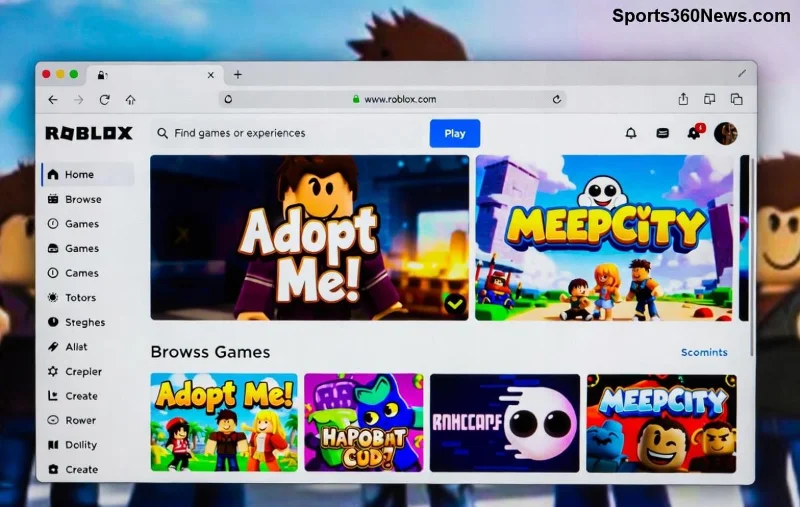
With millions of young players diving into endless worlds of creativity, parents often ask: Is Roblox safe for kids? Roblox isn't just a game—it's a vibrant platform where kids build, play, and socialize. But like any online space, it comes with responsibilities. This guide cuts through the noise, delivering actionable insights on Roblox safety, parental controls, and tips to ensure your child's adventures stay fun and secure. Let's empower you to make informed decisions. 🚀
What Makes Roblox a Hit with Kids?
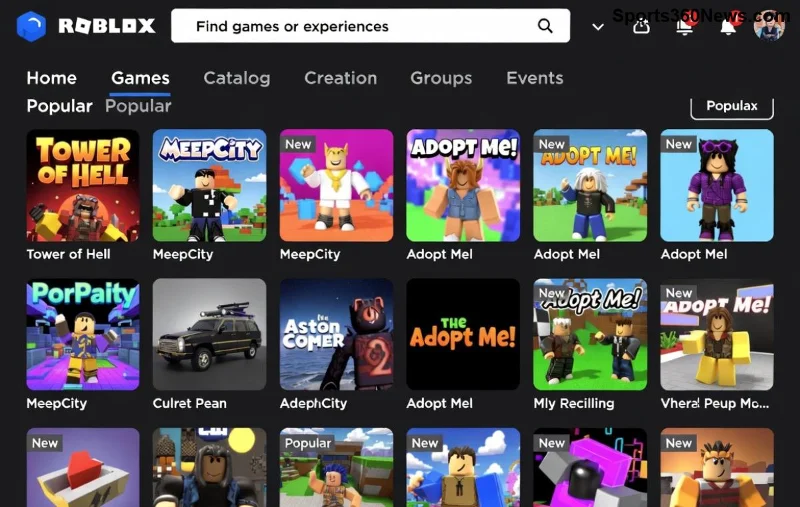
Roblox boasts over 70 million daily active users, many under 13. Its appeal lies in user-generated games like Adopt Me! and Brookhaven, fostering imagination and social bonds. Kids learn coding basics through Roblox Studio, blending fun with subtle education. Recent updates enhance cross-platform play, making it accessible on PC, mobile, and consoles.
Yet, popularity raises valid concerns. Roblox safety for kids hinges on balancing freedom with protection. Here's why it's worth exploring:
- ✅ Endless creativity: Build your own worlds.
- ⭐ Educational perks: Sparks interest in programming.
- 👫 Social fun: Play with friends worldwide.
Potential Risks: What Parents Need to Know
No platform is risk-free. Is Roblox safe for kids? Mostly yes—with vigilance. Key concerns include:
| Risk |
Description |
Prevalence |
| Chat Exposure |
In-game messaging can lead to inappropriate language or strangers. |
Common in public servers |
| User-Generated Content |
Some experiences may include violence or scary themes not moderated perfectly. |
Filtered but not foolproof |
| Predators & Scams |
Rare grooming attempts or Robux scams via private messages. |
Low, but monitored |
| Addiction |
Excessive playtime without limits. |
Behavioral risk |
Roblox reports banning over 20 million accounts yearly for violations, showing proactive moderation. Still, user vigilance is key. 😊
Roblox's Built-In Safety Features: Your First Line of Defense
![Roblox parental control settings interface for kid safety]()
Roblox invests heavily in child protection. Latest features make Roblox safe for kids a reality:
- Account Restrictions: Under-13 accounts auto-enable privacy. No personal info sharing, limited friend requests.
- Privacy Modes: Three levels—Friends, Friends of Friends, Everyone. Set to "Friends" for max safety.
- Chat Filters: AI blocks profanity, links, and personal questions. Text chat off by default for young kids; voice requires verification.
- Content Maturity Labels: Games tagged Mild, Moderate, or Restricted Violence. Parental PIN locks advanced content.
- Reporting Tools: One-click report buttons with quick reviews.
For deeper dives, check Roblox's official safety hub.
Step-by-Step: Setting Up Roblox Parental Controls
Empower yourself with these easy steps for Roblox parental controls. Takes under 10 minutes!
🔧 Quick Setup Guide
- Log into your child's account (or create a parent-linked one).
- Go to Settings > Account Info > Privacy.
- Set "Who can chat with me?" to Friends Only.
- Enable "Block all chat" for under-9s.
- Under Parental Controls, add PIN for purchases and content.
- Monitor playtime via Family Link (Android) or Screen Time (iOS).
Pro tip: Use Roblox's Family Rules for shared guidelines. Track weekly reports on interactions.
Expert Tips for Parents: Beyond the Basics
To keep gaming joyful:
- 🌟 Play together: Join sessions to understand their world.
- 📱 Set device limits: 1-2 hours daily max.
- 🛡️ Teach rules: No sharing real names, locations, or photos.
- 🔍 Review friends list weekly.
- 💬 Open talks: Discuss any weird encounters immediately.
Combine with tools like Qustodio or Net Nanny for screen monitoring. Recent studies from Common Sense Media affirm supervised Roblox boosts social skills safely.
Final Verdict: Yes, Roblox Can Be Safe—with Your Guidance
So, is Roblox safe for kids? Absolutely, when paired with smart parenting. Its evolving safeguards outpace many platforms, turning potential risks into teachable moments. Your involvement transforms Roblox from a worry into a wonder. Ready to let your child explore securely? Start with those parental controls today. Share your experiences below—what's your top tip? 👏
Stay safe, game on!