Is Apex Legends Free? What You Get and What Costs Extra
Yes, Apex Legends is free to download and play. The base game costs $0 on supported platforms, and you do not need to buy the Battle Pass, Apex Coins, or a cosmetic bundle to enter matches. You do need an internet connection and an EA account. Optional purchases can add cosmetics, reward tracks, or faster access to Legends, but the core game is free.
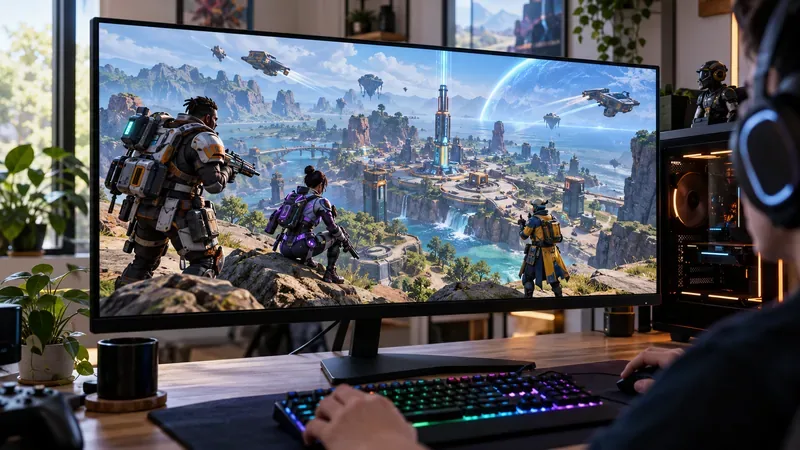
What does “free” include in Apex Legends?
You can install the base game and play its available modes without paying an upfront price. Apex Legends is a live online hero shooter: players choose a Legend, form a squad, collect equipment, and compete in Battle Royale and other modes that rotate or change over time. Maps, weapons, balance updates, and seasonal gameplay changes are part of the live game rather than a separately priced campaign.
The game does not have an offline mode. Apex connects to EA’s servers, so an internet connection, a compatible platform account, and an EA account are part of getting started. On Steam, your Steam profile must be linked to an EA account. Store listings can also display paid bundles next to the free base game, so check that you are selecting the standard Apex Legends download.
Where can you download Apex Legends for free?
| Platform | Free download | 2026 note |
|---|---|---|
| PC | EA app, Steam, or Epic Games Store | Steam play requires an EA account. |
| PlayStation | PlayStation 4 or PlayStation 5 from PlayStation Store | Online play is required; Sony says Apex is among free-to-play games that do not need PlayStation Plus. |
| Xbox | Xbox One or Xbox Series X|S from Microsoft Store | Free-to-play multiplayer is available without a paid Xbox Live Gold membership under Xbox’s published policy. |
| Nintendo | Nintendo Switch 2 from Nintendo eShop | The original Nintendo Switch version stopped connecting to Apex servers on August 4, 2026. |
EA currently lists PC, PlayStation 4 and 5, Xbox One and Series X|S, and Nintendo Switch 2 as supported platforms. The original Switch and Switch 2 are different here: the older Switch version is no longer playable, while the Switch 2 version remains available. EA says that progress and purchases from the old Switch version carry over when you use the same EA account on Switch 2; its currency-transfer rules can differ when moving to other platforms. Check EA’s Nintendo Switch support update if you are moving an account.
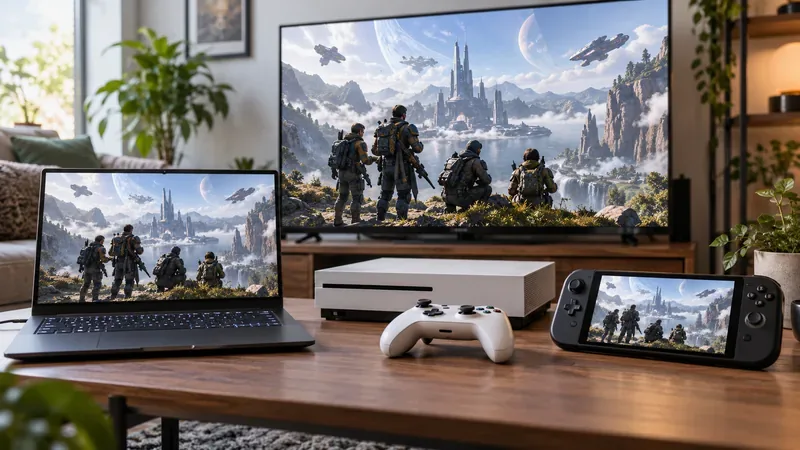
Use the official Apex Legends page from EA to reach the current platform downloads. Availability, age ratings, and platform account rules can vary by country. EA’s store notices that an applicable platform account or subscription may be required in some cases, so read the listing shown for your region. A separate EA Play membership is not the purchase price of the game and is not required as an Apex access pass.
What costs money in Apex Legends?
The free download is supported by optional in-game purchases. The store rotates offers, and local currency prices can differ, so there is no single total cost for the optional content.
| Optional purchase | What it does | Can you skip it? |
|---|---|---|
| Cosmetics | Character and weapon looks, banners, emotes, finishers, and other customization items | Yes. They change appearance or presentation, not access to the base game. |
| Battle Pass | A paid reward track with items earned as you play; each split also lists free rewards | Yes. You can play without buying a pass. |
| Apex Coins | Premium currency used for store offers, Apex Packs, and some Legend unlocks | Yes. Do not buy currency unless you want the optional items it can purchase. |
| Legends | Additional characters with different abilities | Yes. Legends can also be unlocked with Legend Tokens earned through play. |
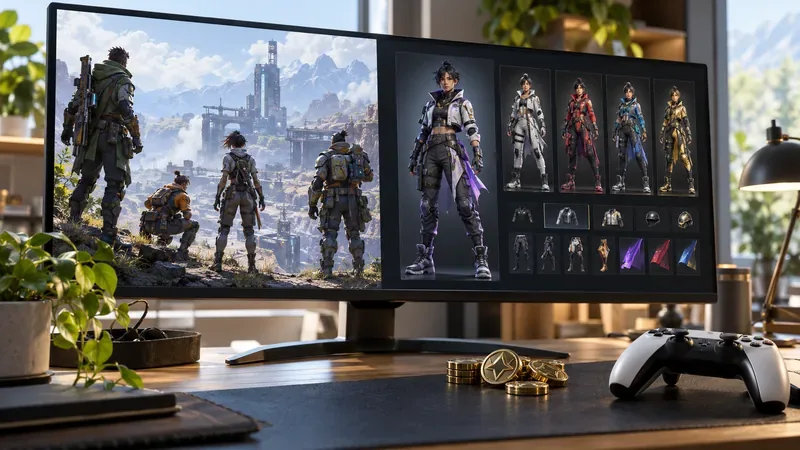
One important distinction: it is not accurate to say that every paid item is purely cosmetic. A Legend has a distinct ability kit, and EA says Apex Coins can be used to unlock new Legends. However, EA also says new characters can be earned and that it does not sell items that provide a gameplay advantage. Legend Tokens are earned by increasing Player Level and continuing to earn match XP. Spending real money can be a shortcut to an unlock, but you do not have to pay to get access to the roster over time.
The Battle Pass is optional too. The current season page separates paid rewards from free rewards, and the contents change by season and split. Apex Packs and some other offers may contain randomized items; review the in-game offer and the official Apex Legends FAQ before spending. EA’s Battle Pass page shows the current rewards and tiers.
Do you need PlayStation Plus or Xbox Game Pass?
For PlayStation, Sony explicitly lists Apex Legends among free-to-play games that do not require PlayStation Plus for online play. Xbox’s published free-to-play policy lets players access multiplayer in supported free-to-play games without an Xbox Live Gold membership; Apex is included in Xbox’s list. EA’s general store disclaimer still says platform subscriptions may apply in some cases, so use your local console store listing if it shows a different requirement.
What do you need to start playing?
- A supported PC, PlayStation, Xbox, or Nintendo Switch 2 system.
- A free EA account plus the relevant platform account and download client.
- A persistent internet connection; Apex cannot be played offline.
- Enough free storage for the current download and updates. The required space changes, so use the figure shown by your platform’s store instead of relying on an old estimate.
Choose the standard game download, install it, sign in, and play. If a store page shows a price, check whether it is a character pack, cosmetic bundle, or other add-on rather than the base game.
Quick answers
Is Apex Legends free on PC?
Yes. EA app, Steam, and Epic Games Store list the base game as a free download. A linked EA account is required for Steam play.
Is Apex Legends pay-to-win?
EA says it does not sell items that provide a gameplay advantage. Some Legends can be bought with premium currency, but the same characters can be earned with Legend Tokens through play; cosmetics and the Battle Pass are optional.
Can you still play Apex Legends on the original Nintendo Switch?
No. EA ended server support for the original Switch version on August 4, 2026. Apex remains available on Nintendo Switch 2.
Is Apex Legends free forever?
EA currently offers the base game as free-to-play. Optional store items and seasonal reward tracks can change, but you do not need to buy them to download and play the supported version.
The short answer
Apex Legends is free to play in 2026 on PC, PlayStation, Xbox, and Nintendo Switch 2. The base game, online matches, and ongoing gameplay updates do not have an upfront price. You may choose to spend on cosmetics, Battle Pass rewards, Apex Coins, or earlier Legend unlocks, but those purchases are optional. If you own the original Switch, move to Switch 2 or another supported platform because the older version is no longer online.









