Unlocking the Tutorial Outfit in ARC Raiders is as simple as finishing the game's opening tutorial. This free starter cosmetic is handed to every new Raider who completes the prologue, and once it lands in your wardrobe you can equip the full set or mix individual pieces with whatever else you own. This guide walks you through the whole process, from booting the tutorial to wearing your new look back home in Speranza.
ARC Raiders, the cooperative extraction shooter from Embark Studios, eases you in with a hands-on tutorial that doubles as a reward gate. Clearing it teaches the core loop and drops a cosmetic into your collection, so there is no farming, no purchase, and no luck involved.
What you need before you start
- A copy of ARC Raiders installed on your platform of choice (PC, PlayStation, or Xbox).
- A fresh account or character that has not yet finished the opening tutorial.
- About 10 to 15 minutes of uninterrupted play to complete the prologue raid.
That is the entire shopping list. The Tutorial Outfit is a one-time, account-bound unlock, so you only ever have to do this once.
How to unlock the Tutorial Outfit in ARC Raiders
-
Step 1: Start a new game and begin the tutorial
From the main menu, launch the tutorial (the opening prologue). On a brand-new account the game usually pushes you straight into it, but if you skipped ahead you can start it again from the menu. This sequence is where the Tutorial Outfit reward is tied, so it always comes first.
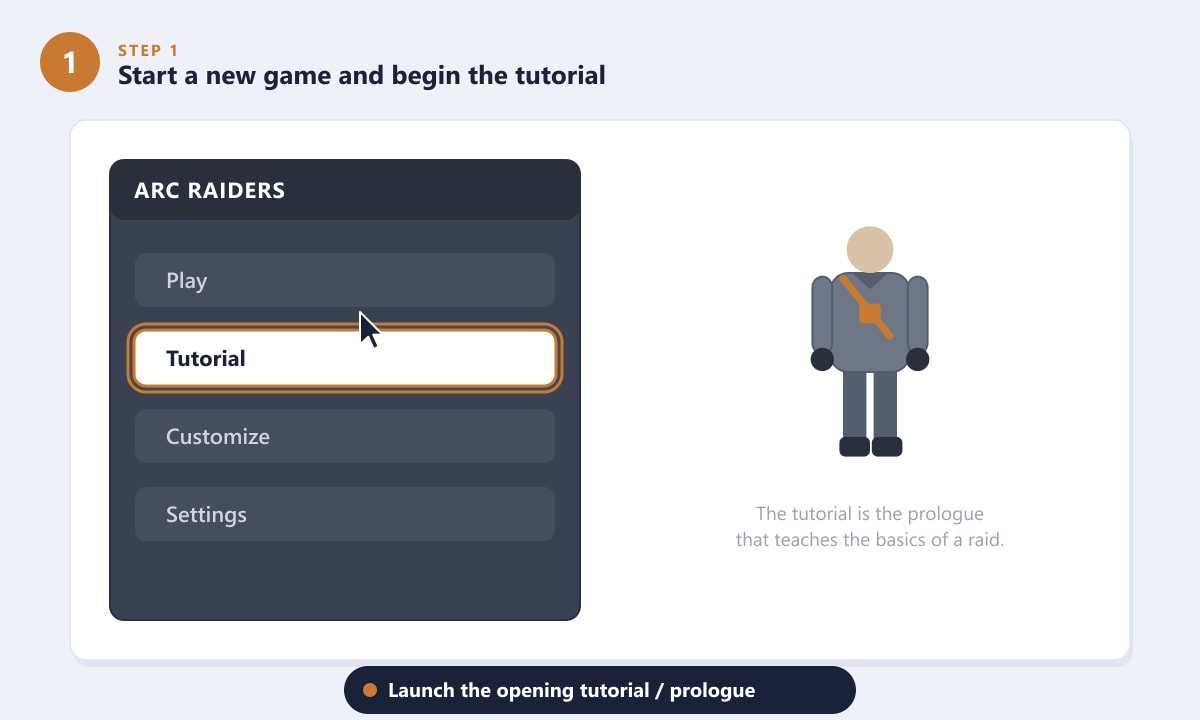
Select the tutorial from the main menu to begin the prologue. -
Step 2: Complete every tutorial objective
The prologue walks you through the essentials of a raid: moving and sprinting across the surface, looting a container for materials, and fighting an ARC machine. Follow the on-screen prompts and tick off each objective in order. Take your time here, because the lessons carry straight over into real raids.
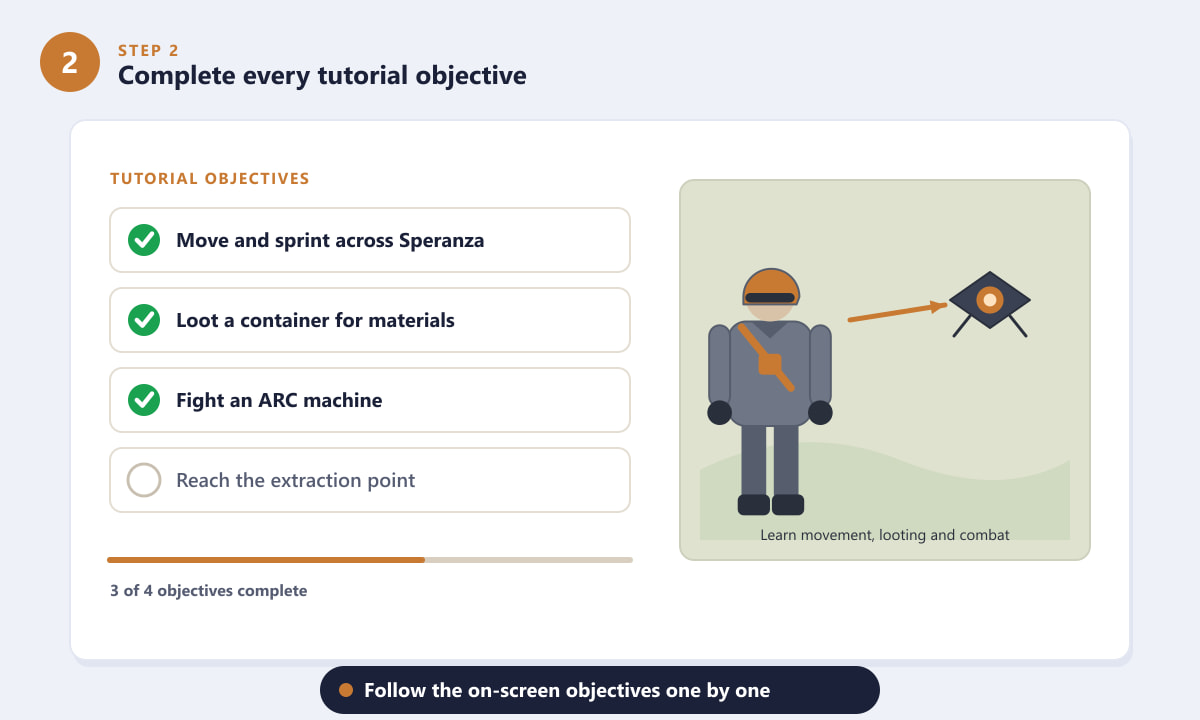
Work through each tutorial objective to progress toward the reward. -
Step 3: Extract and return to your hideout
The final objective is to reach the marked extraction point and leave the surface. Extracting is what officially completes the tutorial and confirms the run, dropping you back home in your hideout in Speranza. As soon as the tutorial registers as complete, the Tutorial Outfit reward is added to your account.
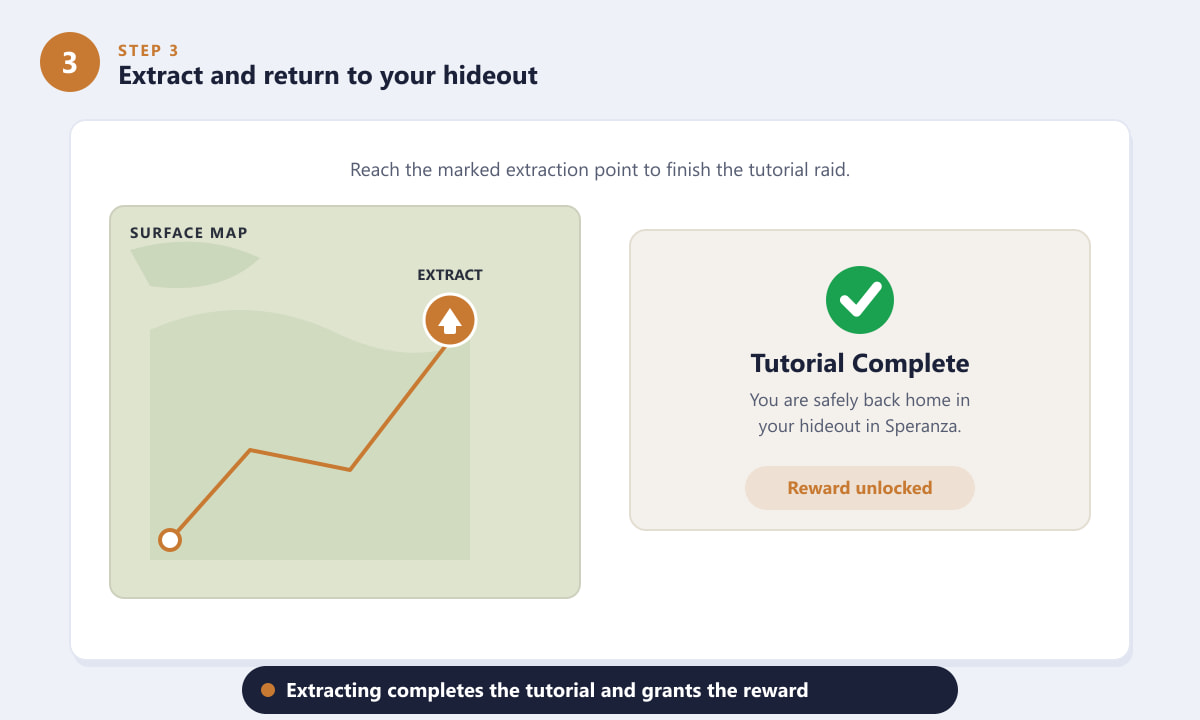
Reaching extraction completes the tutorial and grants the outfit. -
Step 4: Open the Customize (Wardrobe) menu
Back in your hideout, head to the Customize section to open your wardrobe. The Tutorial Outfit will be sitting in your list of owned outfits, often flagged with a "New" marker. If you do not see it immediately, double-check that the tutorial finished and reload the customization screen.
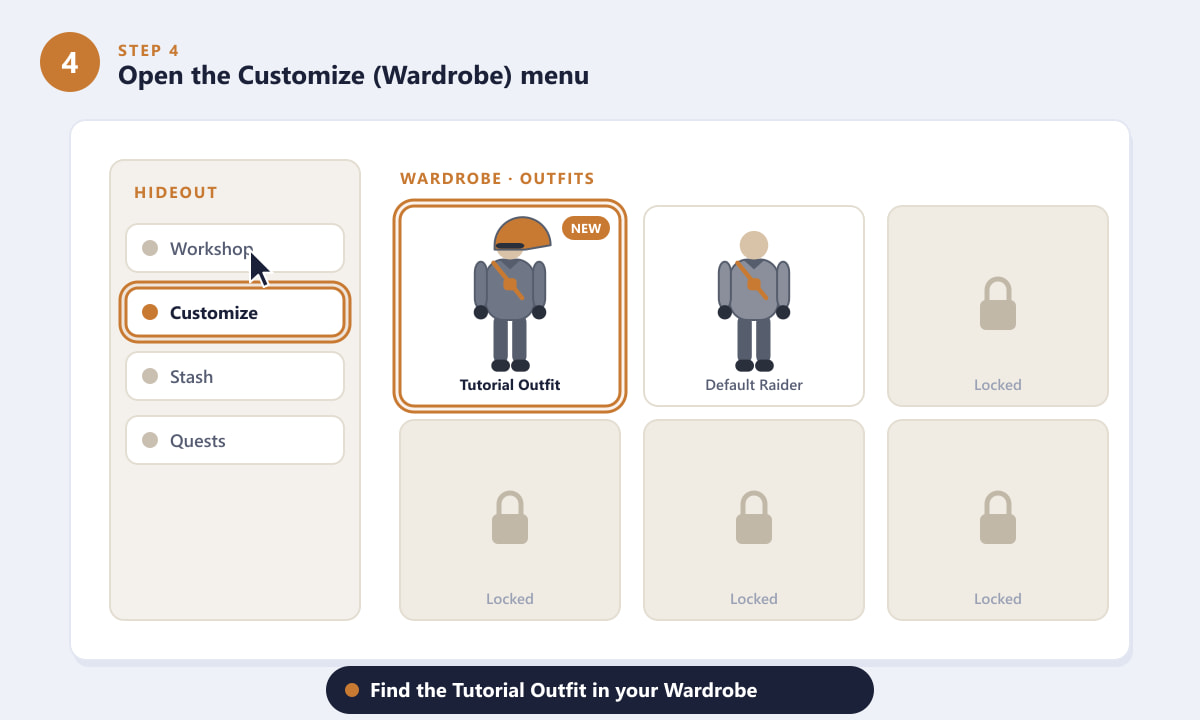
Open the Customize menu to find the Tutorial Outfit in your wardrobe. -
Step 5: Select and equip the Tutorial Outfit
Highlight the Tutorial Outfit, preview it on your Raider, and press Equip. The look applies instantly. Because it is a full set, you can wear it as-is or pull out individual pieces and combine them with other cosmetics you unlock later for a custom appearance.
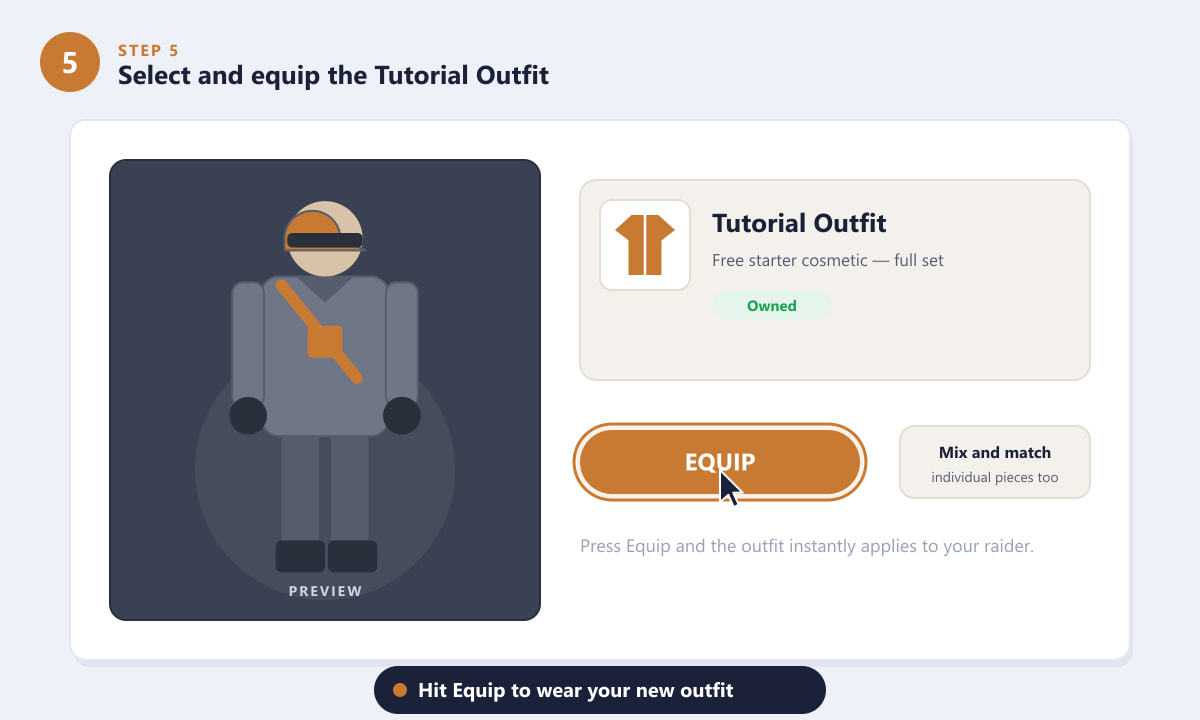
Press Equip to wear your newly unlocked Tutorial Outfit.
Tips for getting the most out of it
- It is permanent. The Tutorial Outfit is account-bound, so it stays in your wardrobe even if you change it out for something else later.
- Mix and match. Treat the set as a wardrobe of separate pieces. Swapping just the top or legs can freshen up your Raider without spending anything.
- Use it as a starting point. Its muted, practical look pairs well with most early gear, so it is a solid default while you build out your collection.
- Do not rush the lessons. Since you have to play the tutorial anyway, use it to genuinely learn looting, combat, and extraction before you risk real loadouts.
Troubleshooting
The outfit is not showing in my wardrobe
Make sure the tutorial actually finished by extracting, not by quitting partway through. If the run ended early, replay it and reach the extraction point. Returning to the main menu and back into the hideout can also refresh the customization list.
I skipped the tutorial — can I still get it?
If the game let you bypass the prologue, look for an option to replay or start the tutorial from the menu, then complete it normally. The reward is tied to finishing that sequence, so playing it through is the reliable route.
Can I equip only part of the outfit?
Yes. In the Customize menu you can select individual slots, so you are free to wear just the jacket, gloves, or headgear and combine them with other items.
Frequently asked questions
How do you unlock the Tutorial Outfit in ARC Raiders?
Complete the opening tutorial and extract to finish it. The Tutorial Outfit is then added to your account, ready to equip from the Customize menu in your hideout.
Is the Tutorial Outfit free in ARC Raiders?
Yes. It is a free starter cosmetic granted for finishing the tutorial, with no purchase or in-game currency required.
Where do I equip the Tutorial Outfit?
Go to the Customize (wardrobe) section in your hideout, select the Tutorial Outfit, and press Equip to apply it to your Raider.
Do I lose the Tutorial Outfit if I die in a raid?
No. Cosmetics like the Tutorial Outfit are account-bound and are not lost when your gear is lost in a raid.
Can I get the Tutorial Outfit again if I make a new character?
The unlock is tied to your account progression, so completing the tutorial on a fresh start grants it the same way. You do not need to buy it.
Final thoughts
That is everything there is to unlocking the Tutorial Outfit in ARC Raiders. Run the opening tutorial, complete each objective, extract to wrap it up, then head to the Customize menu and equip your free cosmetic. It is the easiest unlock in the game and a clean foundation for your Raider's look while you chase rarer outfits. For official details and updates, check the official ARC Raiders website.









