How to Run Apex Legends on a MacBook (2026)
Apex Legends on a MacBook is possible through streaming, but there is no native macOS version to install. EA’s current download guide lists PC and consoles, while its PC requirements specify 64-bit Windows. In practice, use Steam Remote Play from a Windows gaming PC, try a cloud gaming service only after checking its live Apex catalog, or consider Boot Camp on a compatible Intel Mac. Apple silicon MacBooks cannot use Boot Camp.
EA’s Apex Legends download instructions require an EA Account and list downloads for PC, PlayStation, Xbox, and Nintendo Switch 2. The EA app being available for Mac does not mean Apex itself has a Mac client.
Choose the route that fits your MacBook
| Your setup | Practical option | What to know |
|---|---|---|
| You already own a Windows gaming PC | Steam Remote Play | The Windows PC runs Apex; your MacBook receives the stream. This avoids installing Windows on the Mac. |
| No gaming PC, Apple silicon or Intel Mac | Cloud gaming, if Apex is currently listed | Check the provider’s live game catalog, supported store, local availability, and successful launch before paying. |
| Compatible Intel MacBook | Boot Camp with Windows 10 | Technically possible on supported models, but Windows 10 standard support ended in 2025. |
| Apple silicon MacBook or any Mac relying on a virtual machine | No dependable local install | EA does not document a supported macOS or virtual-machine route for Apex. |
Step 1: Check your MacBook’s processor
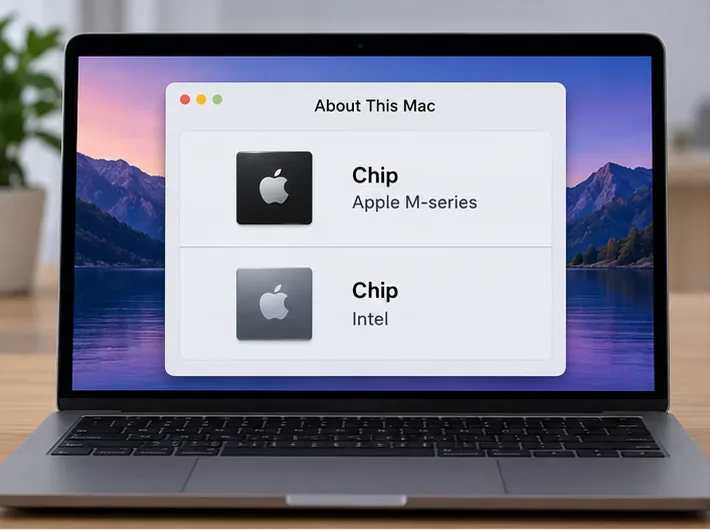
Open the Apple menu and choose About This Mac. On recent macOS versions, you can also find the model details under System Settings > General > About. Look for the chip or processor line:
- Apple M-series: Boot Camp is unavailable. Use Remote Play from another computer or investigate a cloud option.
- Intel: Steam Remote Play and cloud gaming still work; Boot Camp may also be available if Apple lists your model as compatible.
Do not buy Windows virtualization software based on the assumption that it will run Apex. EA’s published PC requirements describe a Windows PC, and its PC anti-cheat changed to EA Javelin on September 29, 2026. EA has not published a Mac virtual-machine setup for Apex, so a virtualized Windows installation is not a supported route you can count on. That does not prove every virtual machine will fail; it means launch and anti-cheat compatibility are not guaranteed. Do not disable or try to bypass anti-cheat.
Step 2: Stream from a Windows gaming PC with Steam Remote Play
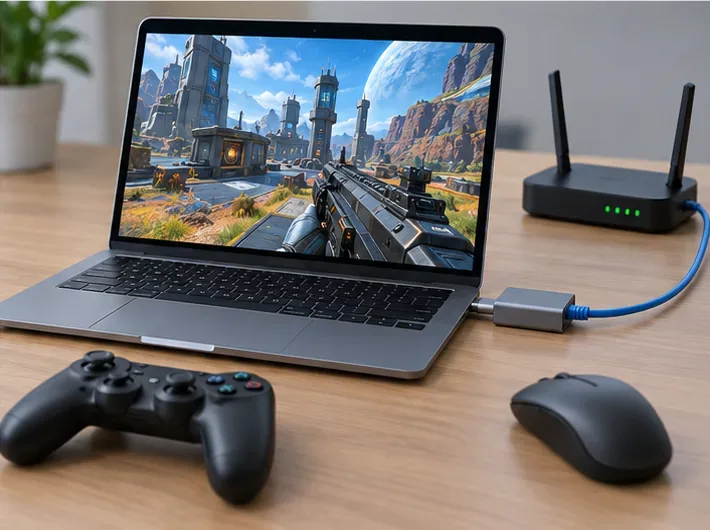
If you have access to a Windows PC that can run Apex, this is often the clearest option: the game and its anti-cheat run on the Windows host, while the MacBook acts as the screen and controller endpoint. Valve says Remote Play streams video and audio from the host computer and returns your input to it; Steam Link is available for macOS.
- On the Windows host, install Steam and Apex Legends, then sign in to the EA Account you want to use.
- Keep the host PC awake, connected to your network, and signed in to Steam.
- On the MacBook, install Steam or Steam Link, then connect to the same Steam account and pair it with the host PC.
- Open Apex from the Mac’s Steam Library and choose the streaming option. The game renders on the Windows PC; the MacBook does not need to meet Apex’s graphics requirements.
For the official connection steps, see Steam’s Remote Play support page and its Remote Play overview. A wired connection from the host PC to the router can help reduce network interruptions.
Step 3: Try cloud gaming only after checking Apex availability
A cloud service runs the Windows game on a remote gaming PC and streams the video to your MacBook, so it avoids a local install. NVIDIA has previously announced Apex Legends for GeForce NOW, and its current service supports Macs; however, game catalogs, regions, launchers, and anti-cheat compatibility can change. EA’s September 2026 Javelin announcement describes a PC anti-cheat transition, but does not promise that every cloud session or store version will work. Treat a successful test launch as essential before buying a membership.
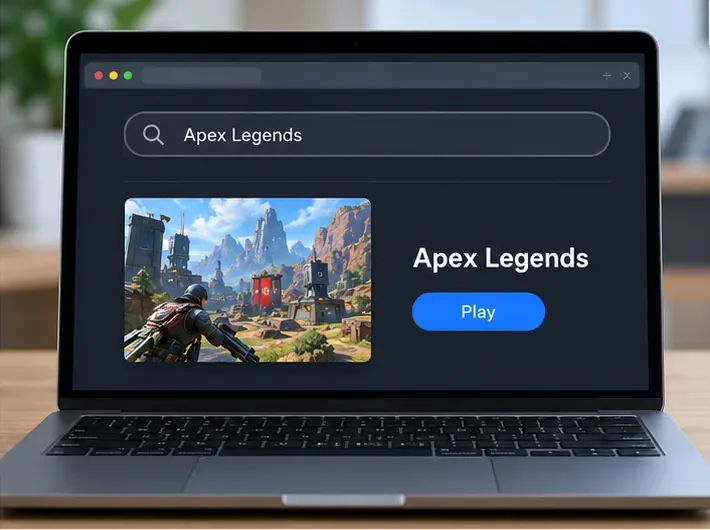
- Open the provider’s current game catalog and search for Apex Legends. Confirm that it is available in your country and note which PC store or account it requires.
- If the game is listed, create or sign in to the required service and EA accounts, connect the listed game store, and start the game from the service’s app or supported browser.
- Complete the EA sign-in and launch a short session before paying for a higher tier. If Apex is missing, its required store is unavailable, or the game will not launch, use Remote Play or another supported option instead.
NVIDIA’s GeForce NOW FAQ says games and regional availability should be checked in its live catalog. Its published Mac requirements currently list macOS 10.15 or later; for browser play, NVIDIA lists Safari 16.4 or later and Chrome on macOS. The same requirements recommend 15 Mbps for 720p at up to 60 fps, 25 Mbps for 1080p at 60 fps, and less than 80 ms latency to an NVIDIA data center. Those figures are service targets, not a promise of low enough latency for every competitive match.
Step 4: Use Boot Camp only on a compatible Intel MacBook
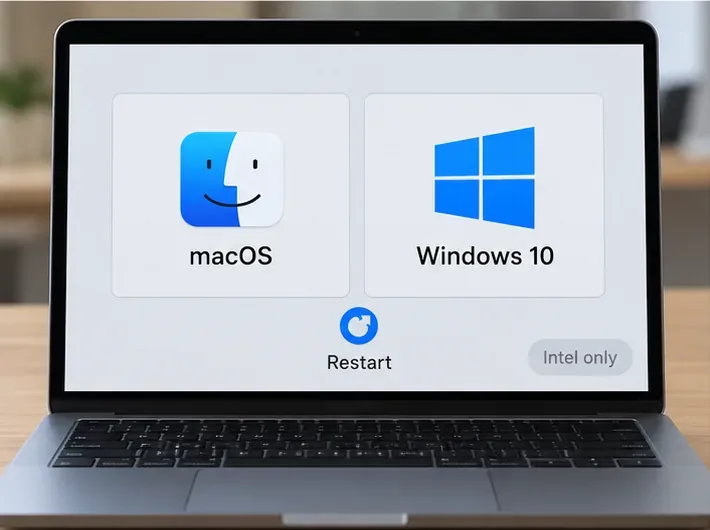
Apple’s Boot Camp instructions cover supported Intel Macs and Windows 10, not Apple silicon. Apple’s compatibility list includes certain MacBook, MacBook Air, and MacBook Pro models; check your exact model on the official Boot Camp requirements page before changing your disk.
- Back up your files and confirm that Boot Camp supports your MacBook.
- Check available storage before creating a Windows partition. Apple says 64 GB free is the minimum and recommends 128 GB for a better experience; EA currently lists 75 GB for Apex itself. Leave additional room for Windows and updates.
- Use Boot Camp Assistant to prepare the Windows partition and install Windows 10 from Microsoft installation media. Follow Apple’s prompts to install the Windows support software for your Mac.
- In Windows, install Steam or the EA app, download Apex Legends, and sign in to your EA Account.
There is a significant 2026 caveat: Microsoft ended standard Windows 10 support on October 14, 2025, including free security updates. See Microsoft’s support notice. Boot Camp may still install and run on an eligible Intel Mac, but weigh the security and maintenance implications before making it your everyday Windows setup.
Improve streaming response and troubleshoot common issues
- Use Ethernet where possible, especially for the Windows host, or connect the MacBook to a strong 5 GHz Wi-Fi network.
- Close large downloads and video streams on the same network. For cloud play, lower the stream resolution if the image stutters; for Remote Play, reduce graphics settings on the Windows host if that PC struggles.
- Use a mouse and keyboard or a controller supported by the streaming service. A Mac trackpad is awkward for aiming in a fast shooter.
- If a cloud launcher repeatedly fails after an update, check the provider’s status and support page, then retry after service updates. Do not disable anti-cheat or use tools that alter the game client.
Frequently asked questions
Can I install Apex Legends directly from the Mac App Store or EA app for Mac?
No. The EA app for macOS does not make Apex a native Mac game. EA’s current download instructions list PC and supported consoles; they do not list macOS.
Can an M-series MacBook run Apex locally?
EA does not publish a native Apple-silicon version, and Apple Boot Camp is for Intel Macs. An M-series MacBook can access Apex only through a cloud service that currently supports the game or by streaming from a separate Windows PC.
Is Apex Legends free to play on a MacBook?
Apex is free to download, and EA requires an EA Account. Streaming may have a free or paid service tier depending on provider and region; Boot Camp also needs substantial disk space and a supported Windows setup.
Bottom line
The best way to run Apex Legends on a MacBook depends on what you already own. Use Steam Remote Play if you have a Windows gaming PC; test a cloud service’s current Apex listing and launch support if you do not. Boot Camp remains a narrow option for compatible Intel models, with Windows 10’s end of standard support to consider. Apple silicon users do not have a supported local install path, so avoid spending on a virtual machine unless EA publishes compatibility guidance.









