How to Play PUBG Mobile on PC
To play PUBG Mobile on PC, install Tencent’s GameLoop emulator from its official website, download PUBG MOBILE through GameLoop’s game center, then sign in and set up the keyboard and mouse controls. This runs the mobile game on Windows; it is different from the separate PC game PUBG: BATTLEGROUNDS. GameLoop describes itself as the official PUBG MOBILE emulator and lists the game as free to play. Start with the official GameLoop PUBG MOBILE page.
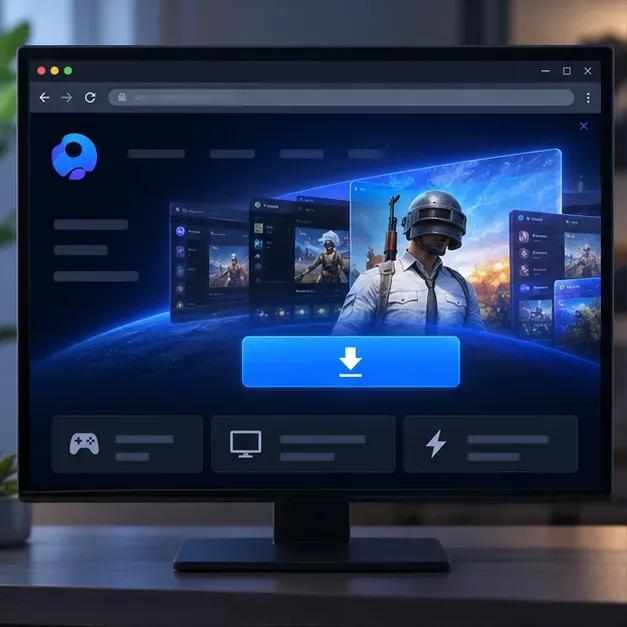
The images below are interface illustrations. GameLoop’s screens and control locations can change between releases.
Check compatibility and prepare your account
GameLoop’s current PUBG MOBILE listing names 64-bit Windows 8.1 or Windows 10, an Intel Core i3-8300 processor, an NVIDIA GTX 1050 graphics card, and 8 GB of RAM as minimum requirements. Its recommended list keeps the GTX 1050, raises the processor to an i3-9320, and lists 16 GB of RAM. The page also lists 1 GB of available storage, but allow additional space for GameLoop, downloaded game resources, and future updates. These are the specifications currently published on the official GameLoop listing; check it again before installing because requirements can change. The listing does not name Windows 11 or macOS, so verify compatibility with GameLoop support if you use either system.
- Use a stable internet connection for installation, updates, and online matches.
- Have your PUBG MOBILE account and its sign-in method ready. The options shown can vary by region and game edition.
- If your profile is still a guest account, link it before moving between devices. PUBG MOBILE’s Help Center warns that guest-account information can be lost when you change devices, reset a device, or uninstall the game.
How to play PUBG Mobile on PC with GameLoop
1. Download and install GameLoop
Open the official GameLoop website and download the Windows installer. Run the installer, follow its prompts, and open GameLoop when setup finishes. Avoid third-party download mirrors and unofficial APK sites: the official PUBG MOBILE listing in GameLoop is the simpler way to get the PC emulator and the correct game package together.
Before continuing, make sure Windows has finished installing the emulator and that your security software has not quarantined its installer. If you are unsure whether a download is genuine, return to the official GameLoop site rather than searching for a replacement file.
2. Find PUBG MOBILE in GameLoop and install it
In GameLoop, open the game center, search for PUBG MOBILE, and select the matching result. Check that you are installing the edition for your account’s region. Some markets have a separately listed regional edition, so do not switch editions casually if you need to access an existing profile. Select Install and let GameLoop download the game files; you do not need to locate or sideload an APK yourself.
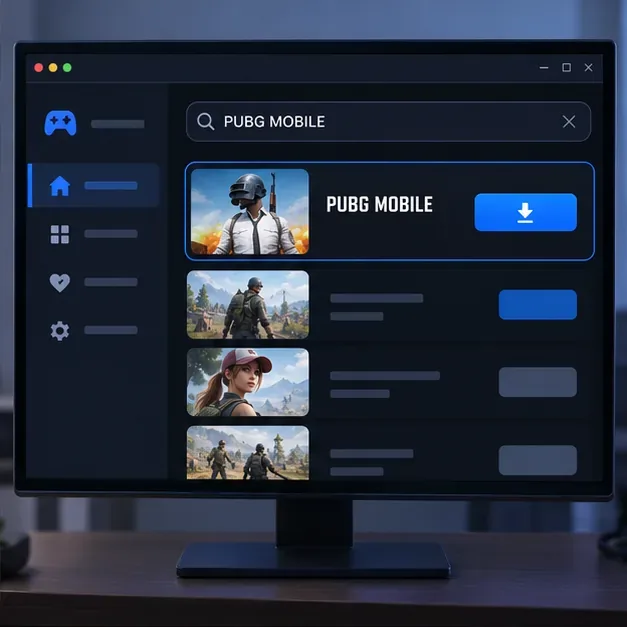
Search GameLoop’s game center for PUBG MOBILE and install the edition that matches your region. 3. Launch the game and sign in to the right profile
Start PUBG MOBILE from GameLoop and choose the same linked sign-in method you use for the mobile profile. The available login buttons differ by edition and region, so follow the options shown in your game. Confirm that the expected character and profile appear before you queue. If the game opens as a new or guest account, stop and check the edition and login method instead of playing on the wrong profile. Avoid sharing your password or using unofficial account-recovery services.
Signing into a guest profile is risky if you intend to move progress between devices. Link the profile through the game’s supported account settings first, and consult the official Help Center if the account does not load.
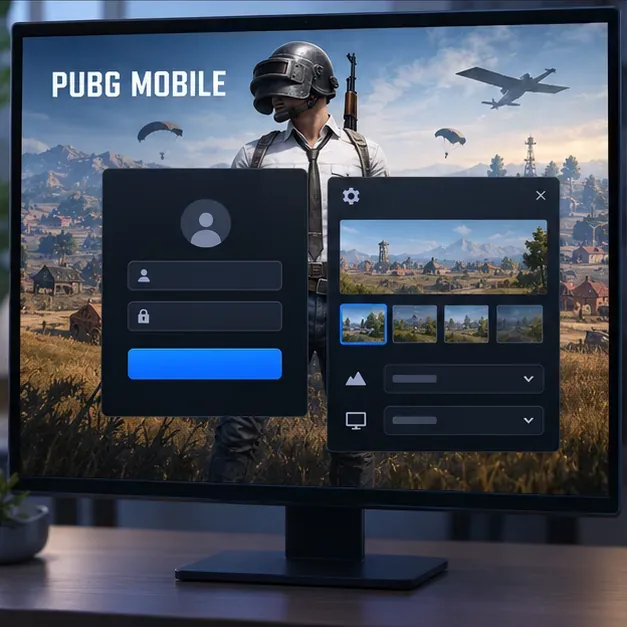
Sign in with the linked profile, then review the game’s graphics and frame-rate settings. 4. Review graphics and configure keyboard-and-mouse controls
Start with a graphics preset your computer can maintain smoothly. If the image stutters, lower graphics quality or resolution first; once play feels stable, adjust the frame-rate option that the game makes available. The right setting depends on your hardware, display, and the current game build, so there is no single setting that fits every PC.
GameLoop provides keyboard mapping for mobile games and says its controls can be customized. Open the key-mapping or keyboard-controls panel in the emulator and check the bindings shown for your current PUBG MOBILE version. Do not rely on a fixed list of default keys from an old guide: layouts may change, and you can remap actions to suit your setup. Test movement, aiming, firing, interacting, and inventory controls in a low-pressure mode before playing ranked matches. Adjust mouse sensitivity gradually, then keep the mapping consistent while you build muscle memory.
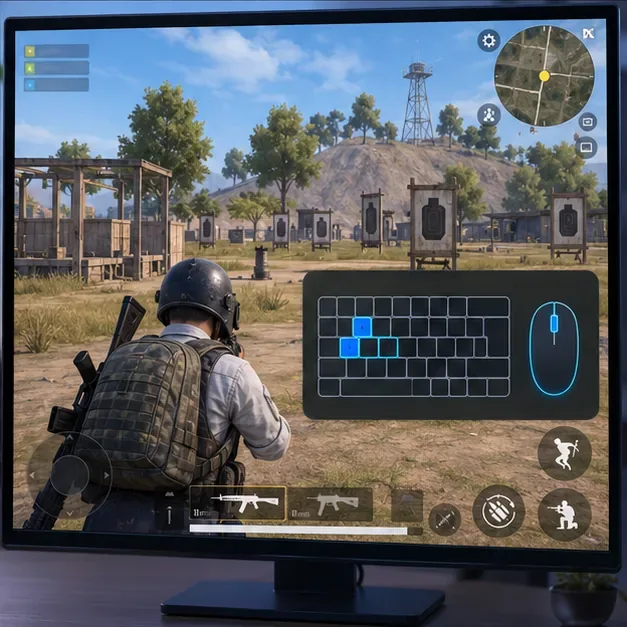
Use the current key-map panel and practice its bindings before entering a serious match. 5. Choose a mode and join a match
Return to the lobby, select a mode and map available in your edition, and start matchmaking. Once the match begins, use the controls you practiced to move, loot, communicate with teammates, and follow the safe zone. The game is still PUBG MOBILE; the emulator changes the device interface, not the core battle-royale objective.
Emulator matchmaking and tournament rules
Use the official GameLoop client and leave its game files and matchmaking behavior unmodified. PUBG MOBILE’s security team has warned that bypassing emulator detection to enter matches intended for mobile players is cheating. The current PUBG MOBILE Official Competition Rulebook, version 1.7.0, also says official competition participants must use Android or iOS handheld devices and may not use an emulator on PC. Casual play and organized competition therefore have different rules; check the rules for any event before entering. Do not assume PC emulator play is allowed in a tournament.
For the security warning, see PUBG MOBILE’s official notice about emulator-detection bypass cheats. Its warning is against bypassing detection, not a reason to install modified clients or third-party control tools.
Fix common GameLoop problems
PUBG MOBILE downloads slowly or gets stuck installing
Check your connection and available disk space, then pause and resume the download or restart GameLoop. Make sure the emulator and game are not still updating in the background. If installation remains stuck, use GameLoop’s official stuck-on-installing support steps before removing the game. Reinstalling should be a later step because it can require downloading the game resources again.
The game stutters or has low frame rates
Close other demanding applications, lower the in-game graphics preset or resolution, and restart the emulator. Check that your PC meets the published requirements and that your graphics drivers are current. If performance is still poor, consult GameLoop’s official low-FPS troubleshooting guide; do not assume allocating every CPU core or maximum memory will improve performance.
The keyboard or mouse does not respond
Click inside the game window, reopen the key-mapping panel, and check that the visible mapping is enabled and attached to the current game screen. Restart the match or emulator if the controls stopped working after an update. GameLoop maintains an official guide to common key-mapping issues.
Frequently asked questions
Is PUBG Mobile free to play on PC?
Yes. GameLoop and PUBG MOBILE are free to download and play through the official listing. The game may offer optional in-game purchases; you do not need to buy the PC version of PUBG: BATTLEGROUNDS to use this method.
Is this the same game as PUBG: BATTLEGROUNDS on PC?
No. This guide runs the mobile edition through GameLoop. PUBG: BATTLEGROUNDS on Steam is a separate PC release. Choose that version if you want the native PC game rather than PUBG MOBILE.
Can I play PUBG Mobile on Mac?
GameLoop’s PUBG MOBILE requirements page lists Windows but does not list macOS. It does not provide a confirmed Mac route on that page, so check GameLoop’s official support information before installing third-party emulators.









