How to Play Brawl Stars: A Beginner’s Guide
To start playing Brawl Stars, install the free mobile game, learn how to move and aim, then choose a mode and follow its objective. Brawl Stars is a fast multiplayer action game from Supercell, with team battles and survival modes. New players do not need shooter experience: the first tutorial introduces the basics, and a few matches are enough to learn how each Brawler attacks. This Brawl Stars beginner guide covers setup, controls, Supers, game modes, teamwork, and the current way to unlock more Brawlers.
The most useful habit is to focus on the win condition, not just eliminations. In a team mode, help your teammates control space; in a survival mode, stay alive and choose fights carefully. For the official game overview and store links, visit the Brawl Stars page from Supercell.
How to play Brawl Stars step by step
-
1. Install the game and finish the tutorial
Download Brawl Stars from the Apple App Store on iPhone or iPad, or Google Play on Android. Check that the publisher is Supercell, open the game, and follow its opening tutorial. It introduces movement and attacks using your starter Brawler. Brawl Stars is free to download, with optional in-app purchases; you can learn the controls and play matches without buying anything.
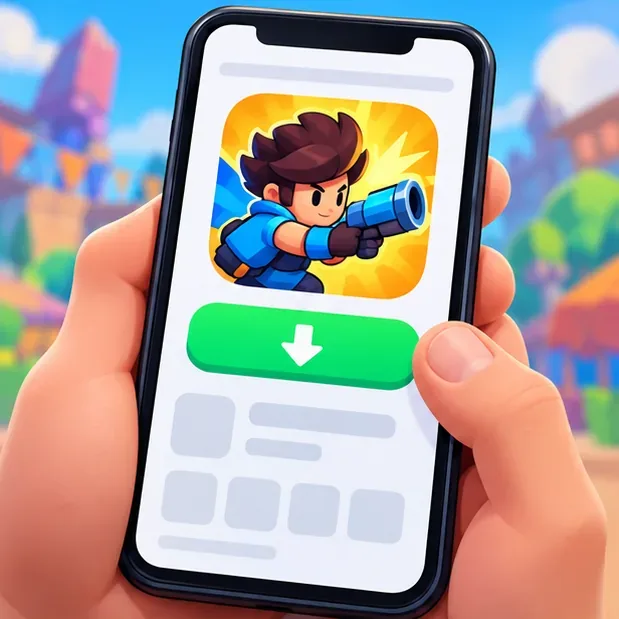
Illustration of a mobile game listing and download control; use the official store listing for the real installation. Once you have started, link the account to a Supercell ID so you can restore your progress if you change devices or reinstall. You can do this in the game’s settings. Supercell describes the ID as a way to safeguard a game account and use it across devices; see its Supercell ID overview.
-
2. Learn the Brawl Stars controls
The usual touchscreen layout uses the left virtual stick to move and the right attack control to aim and shoot. Drag the attack control toward the direction you want to fire for a deliberate shot. A quick tap can use auto-aim against a nearby target, which is handy at close range, but manual aiming gives you more control over where a shot goes. Keep moving while you attack; a stationary Brawler is easier to hit.
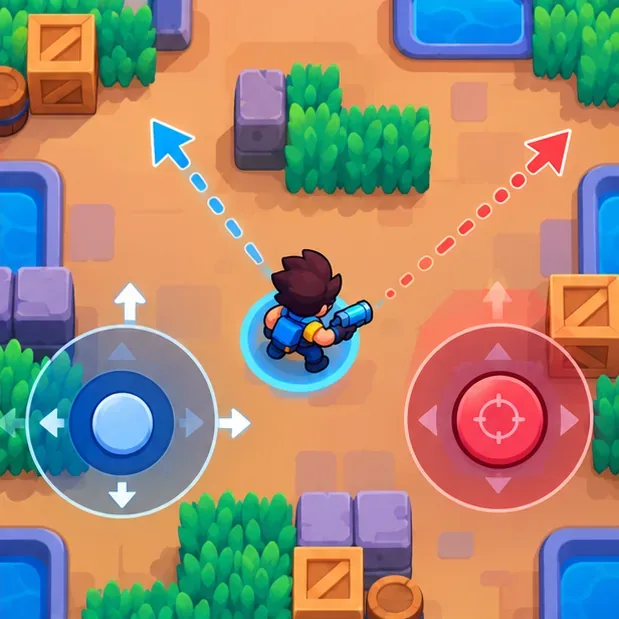
Illustration of the common twin-stick layout: move with the left control and aim or fire with the right. If the buttons do not fit your thumbs, check Settings for control customization. Supercell has documented customizable controls and lets players adjust their layout in the game; its control update notes describe that option.
-
3. Manage attacks, ammo, and your Super
Your Brawler’s basic attack uses ammo that refills over time. Watch the ammo indicators before charging into a duel: firing every shot at empty space can leave you with no immediate attack when an opponent appears. Aim through open lanes, account for walls, and move between shots.
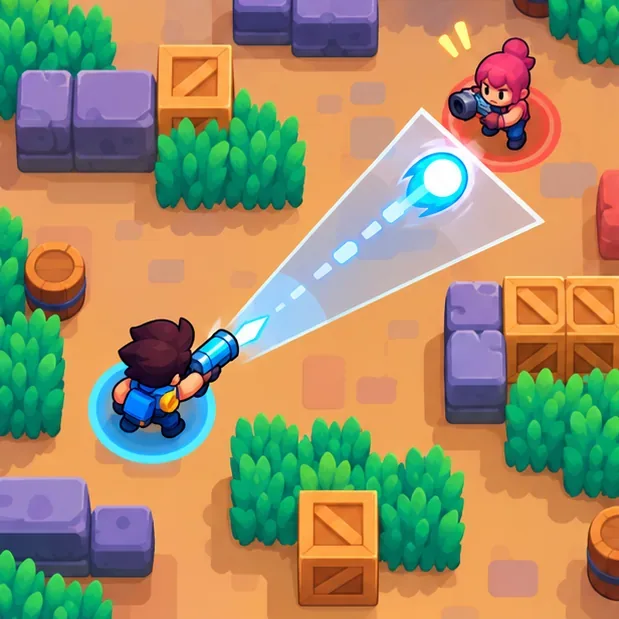
Manual aiming helps line up a shot through an open lane while avoiding nearby cover. Each Brawler also has a Super, a stronger move with its own effect. For many Brawlers, landing attacks helps charge it; the exact kit and charge behavior vary. Use the Super when it can secure an objective, create room, or help your team win a fight instead of spending it automatically as soon as it lights up. Some Brawlers also gain Gadgets, Star Powers, Gears, or Hypercharges as you progress. Gadgets activate an extra ability and use a cooldown, while the other upgrades depend on the Brawler and current game rules. Read the ability description on the Brawler screen before a match.
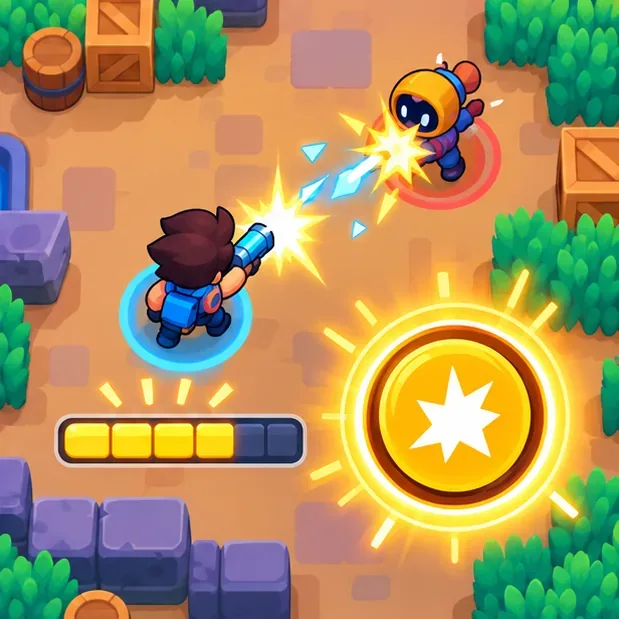
Concept illustration of a Super becoming available as its charge meter fills; charge rules differ by Brawler. -
4. Choose a Brawler and a game mode
Choose a Brawler whose range fits the map. Close-range fighters benefit from cover and short lanes; ranged attacks work better when there is room to aim; some attacks can travel over walls. Before tapping Play, read the mode tile and its objective. Featured modes and maps can rotate, so the selection you see may change. Supercell’s official Game Modes guide describes the current mode types and their rules.
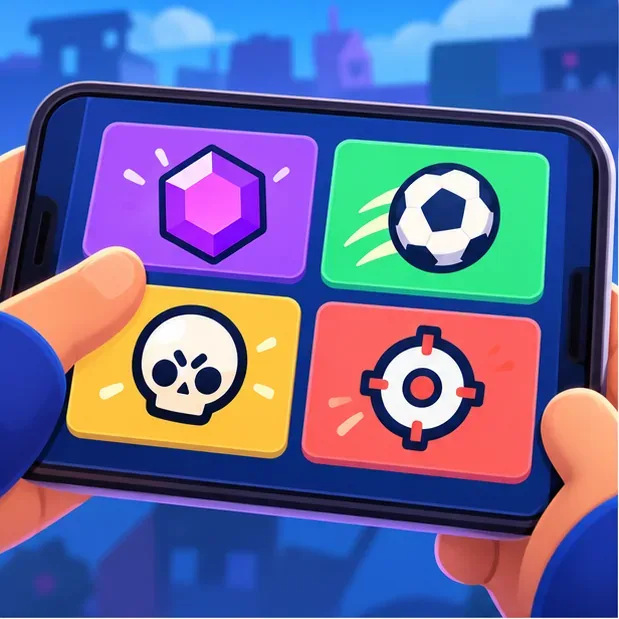
Illustration of mode choices: check the live in-game tile for the rules of the mode currently available. Gem Grab is a useful first team mode because the goal is easy to understand: collect gems and protect your team’s lead until the countdown finishes. Brawl Ball is a soccer-style mode where you move the ball into the opposing goal. Knockout rewards surviving while eliminating the other team, and Showdown is a survival battle played solo or with a partner. Special events can add variants, so follow the objective shown on screen.
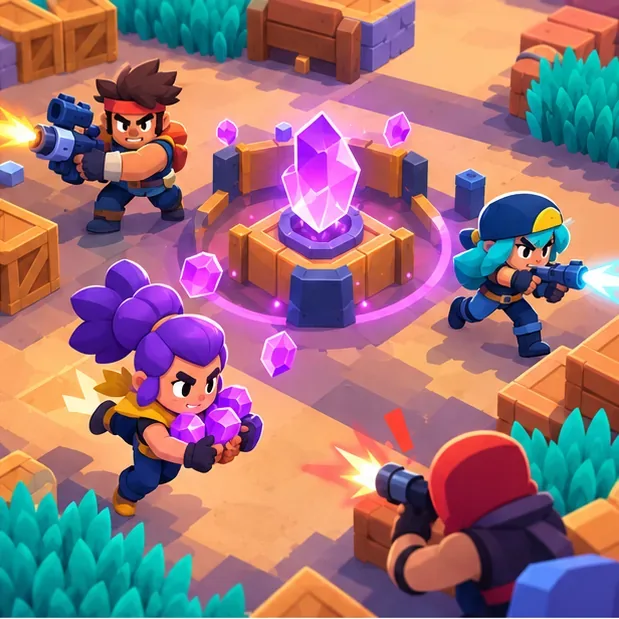
Illustration of teammates contesting the center while keeping different approaches covered. -
5. Play the objective and stay with your team
At the start of a team match, take a lane and help your side gain map control. Avoid bunching up where one attack can hit everyone, but do not wander so far that teammates cannot help you. In Gem Grab, collecting gems matters; when your team is ahead and the countdown begins, protect the carriers and avoid unnecessary fights. In Brawl Ball, create a path to the goal instead of chasing opponents away from the ball.
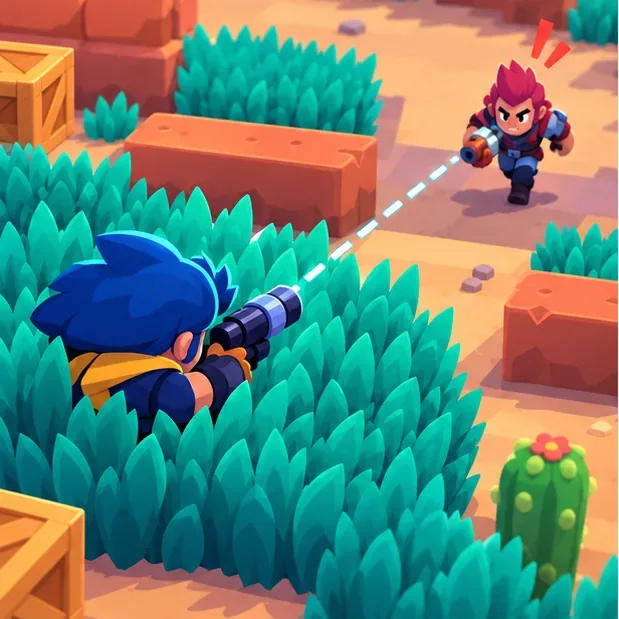
Grass can conceal a Brawler from opponents who cannot see inside it; use cover to reposition or set up an attack. Use walls and grass deliberately, check your health before re-engaging, and retreat when your Brawler is close to being defeated. In Showdown, do not take every fight just because you can see an opponent; surviving longer is part of the objective. These simple choices often matter more than having a high-level roster.
-
6. Review rewards and grow your roster
After the match, look at the result screen to see your trophy and progression changes. Trophies contribute to Trophy Road rewards, but the available milestones and event rewards can change. To unlock Brawlers in the current 2026 progression system, open the Brawler Collection and look for Brawler Blast. The August 2026 update replaced Starr Road with Brawler Blast: Credits advance you toward a rarity, and an unlock uses a shooting-gallery selection. Read Supercell’s August 2026 release notes or the Brawler Blast support page for the current details.
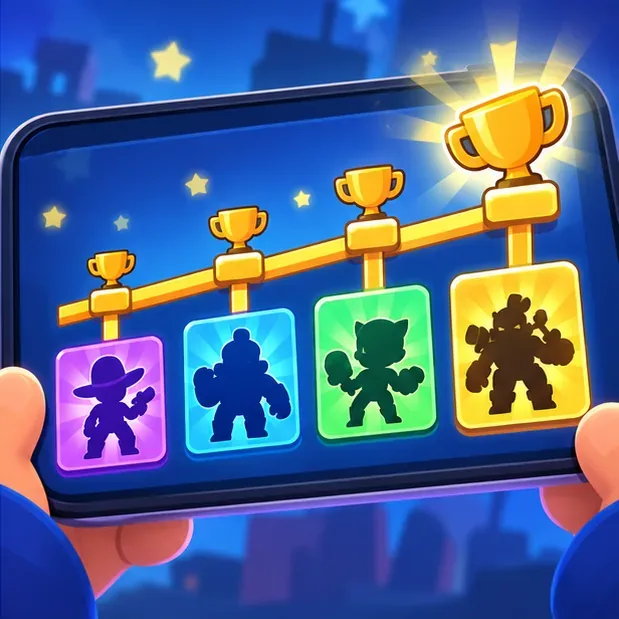
Concept illustration of trophy milestones beside roster silhouettes; current Brawler unlocks are shown in Brawler Blast. Rather than upgrading every Brawler at once, focus on a few you enjoy and learn how their attack range and Super work. Try different roles as you unlock them, and check the Brawler screen for abilities before spending upgrade resources.
Beginner tips for your first matches
- Read the objective before the match starts. The mode decides whether to collect, score, survive, or control an area.
- Save at least one attack when possible. Keep an eye on ammo so you can answer a sudden close-range fight.
- Use manual aim at range. Auto-aim is quick, but it may target the closest opponent rather than the one you want.
- Do not chase every takedown. A safe position that protects the objective is often more valuable.
- Learn two or three Brawlers. Understanding their range, reload, and Super is more useful than switching every round.
Common questions
Is Brawl Stars free to play?
Yes. It is free to download and play, with optional in-app purchases. You can start learning the game without buying upgrades or cosmetics.
Can I play Brawl Stars with friends?
Yes. The game supports teaming up with friends for multiplayer matches. Invite friends from the in-game team or social options, then choose a mode available to your group.
What should I do if I lose my progress?
Sign in with the same Supercell ID used on the original device. If you are setting up a new phone, connect your account before deleting or reinstalling the game. Supercell’s account-saving instructions explain the recovery steps.
Why do I see different game modes from a guide?
Mode slots, maps, and featured events rotate. Use the live mode selector and its on-screen rules as the final reference, then choose a mode whose objective you understand.
In short, the basics of how to play Brawl Stars are to move while aiming, manage ammo and your Super, and play for the mode objective. Start with a mode such as Gem Grab, learn a small group of Brawlers, and use the current Brawler Blast and Trophy Road screens to follow your progress.









