How to Play Brawl Stars Online: Beginner Steps
To play Brawl Stars online, install the official mobile app, connect to the internet, choose a Brawler and an available event, then tap Play to enter matchmaking. Matches are short, but each mode has its own win condition. This Brawl Stars beginner guide covers the setup, basic controls, modes, friends, and common connection fixes.
The images are conceptual guide illustrations, not screenshots of the live game. Buttons and screens can change with device, account, and game updates.
What you need before your first match
- An Android or iOS phone or tablet that can install the game.
- A stable internet connection; Brawl Stars is built around online multiplayer matches.
- A Supercell ID is recommended to protect and access your account on other devices. You can link it from the game settings.
Brawl Stars is free to download and play, with optional in-app purchases. Its official game page directs players to the App Store and Google Play; the current Google Play listing also describes it as a mobile game and notes that purchases are optional.
How to play Brawl Stars online step by step
Install the official Brawl Stars app
Open the App Store on an iPhone or iPad, or Google Play on an Android device, and search for “Brawl Stars.” Check that the developer is Supercell before downloading. The official store listing is the safest way to get the current version. Avoid third-party installers and pages that ask you to enter your Supercell credentials.
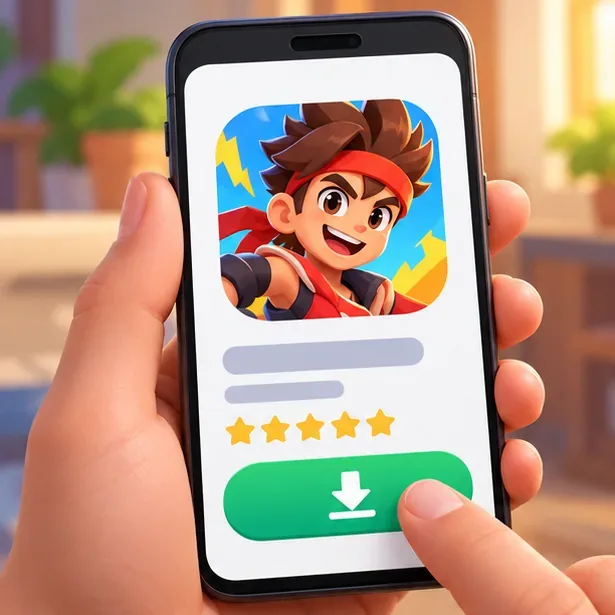
Use the official App Store or Google Play listing to install Brawl Stars; the illustration is conceptual. Open the game and finish the first-run setup
Launch the app while connected to the internet and complete the on-screen introduction. Let any initial game data finish downloading before you queue. The menus can look different from older tutorials because Brawl Stars receives regular updates.
Link a Supercell ID to save your account
In the game, open Settings and choose Supercell ID. Follow the prompts and verify the email address if you create or connect an ID. Supercell says the ID helps safeguard game accounts and use them across mobile devices. It is a useful account-safety step, especially before changing or replacing a phone. Never share verification or recovery codes with another player. See the official Supercell ID Support for account help.
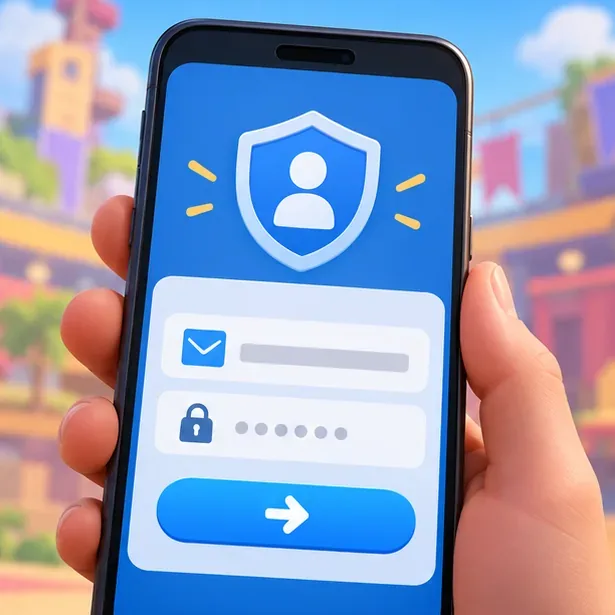
Link a Supercell ID in Settings to safeguard access to your game account; screen layouts can vary. Choose an unlocked Brawler
On the lobby screen, select a Brawler you already have unlocked. Each has a distinct attack and Super, so start with one whose range and movement feel easy to understand. You do not need to unlock the entire roster before playing online; use the selection available on your account and switch when a mode or map calls for a different style.
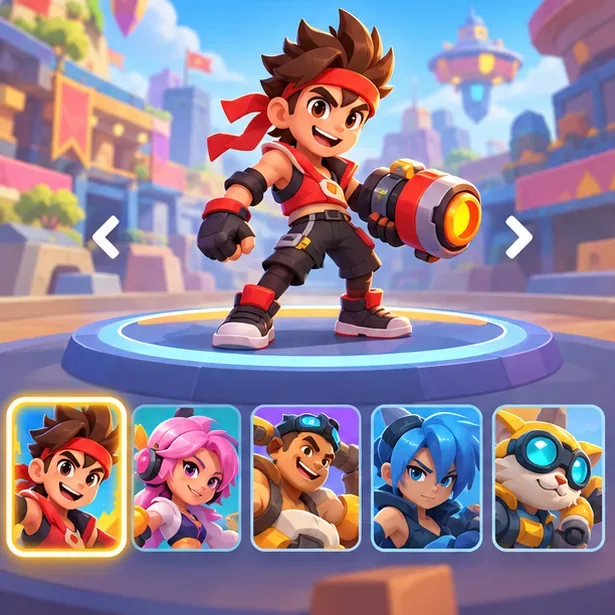
Choose an unlocked Brawler whose attack style feels comfortable before entering a match. Pick an event and read its objective
Choose one of the currently available event tiles. The mode list and maps rotate, so an event mentioned in an older guide may not be available at the moment. For a first match, read the short in-game objective before pressing Play:
- Gem Grab: In the standard 3v3 version, collect 10 gems and hold the lead until the timer ends. The team with the most gems when time runs out wins.
- Brawl Ball: Move the ball toward the opposing goal; in standard 3v3, the first team to score two goals wins.
- Showdown: Play solo or with a team and try to be the last Brawler or team standing. Check the event card for the current format.
These are examples, not a promise that every mode is always in the menu. Supercell’s Game Modes guide explains the current event rotation and mode rules.
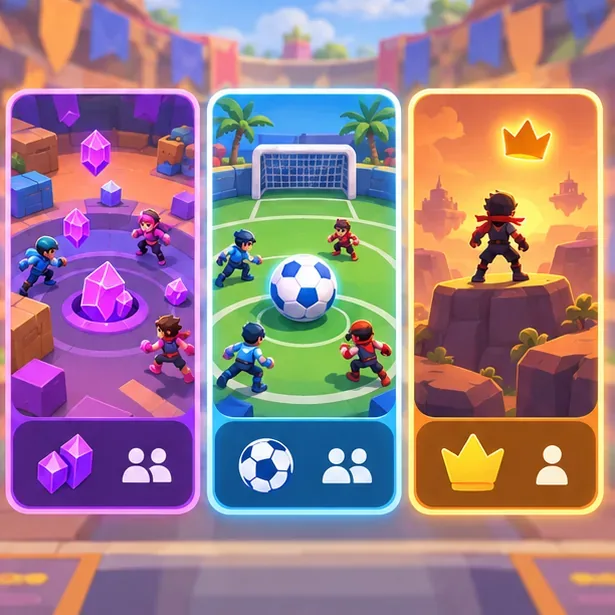
Pick an available event and check its current objective and team size before queuing. Tap Play and wait for matchmaking
Confirm the chosen event and tap Play. The game searches for an online match for that event, then loads the arena when the players are ready. Queue time can vary by event and conditions, so wait for the in-game search to finish rather than repeatedly tapping the button. If you are in a team, check that everyone is ready before the host starts the event.
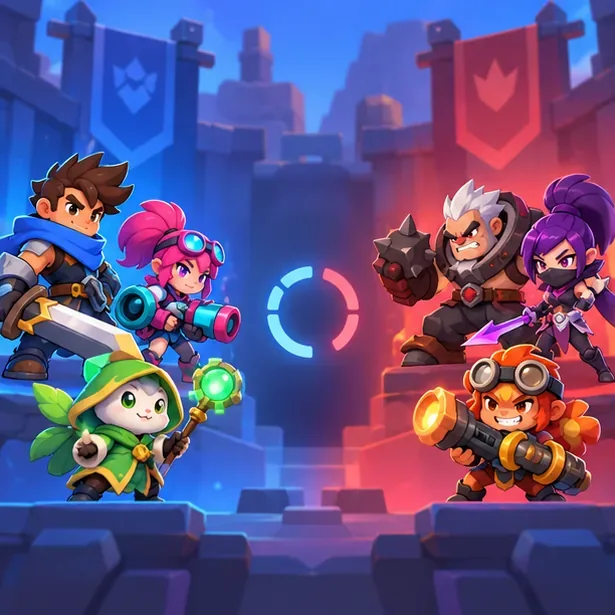
The selected online event queues players for a live match; wait for the match to load before closing the game. Move, attack, and focus on the win condition
During a mobile match, use the movement control on the left side of the screen and the attack and ability controls on the right. Practice moving while aiming, and use a Super when its button becomes available. Walls and bushes can change how safely you approach an opponent, but surviving or scoring toward the event objective matters more than chasing every elimination.
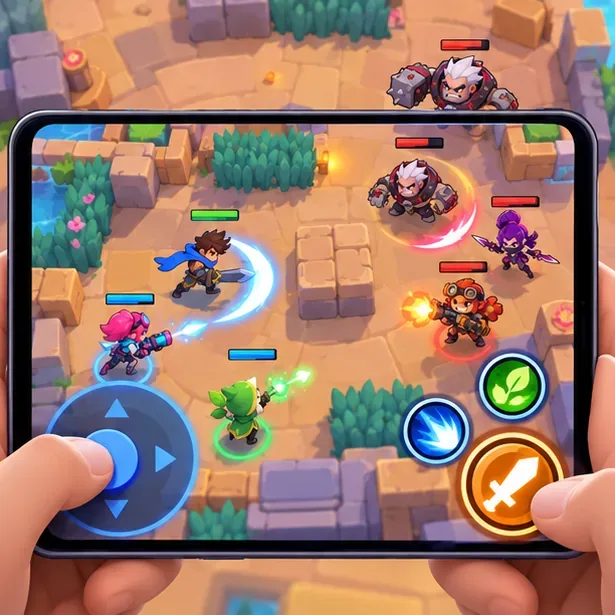
The basic mobile layout places movement on the left and attack abilities on the right; exact controls depend on the game screen. For example, Gem Grab rewards a team that collects gems and then protects its lead. Stay near teammates and avoid rushing alone with a large number of gems. In Brawl Ball, create a path to the goal and defend after scoring. Let the event’s own rules guide your choices.
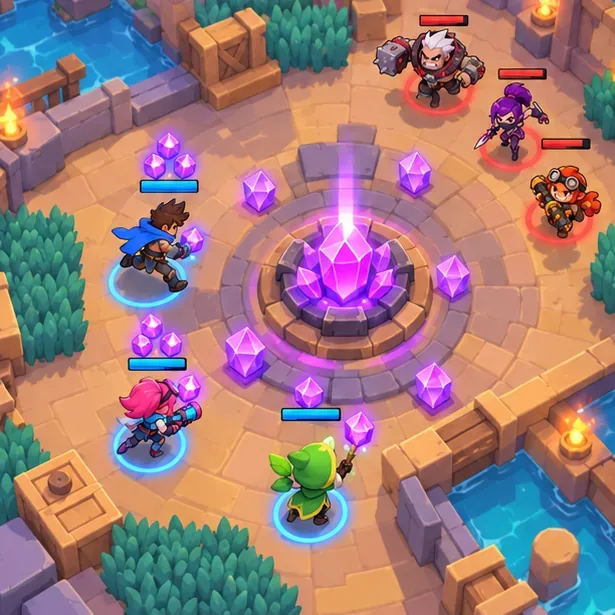
In Gem Grab, the team objective is to collect gems and hold the lead through the timer. Invite friends for a team match
To play Brawl Stars with friends, add them through the Friends feature or use the team options in the lobby. Supercell Support says friends can be added by Player ID, Supercell ID, invite, or QR code. For a team, the game also supports sharing a team code, QR code, or link; the host chooses the event while teammates can suggest one. Follow the current in-game prompts, since button placement can change. See Friends and Teams & Friendly Battles in Supercell Support.
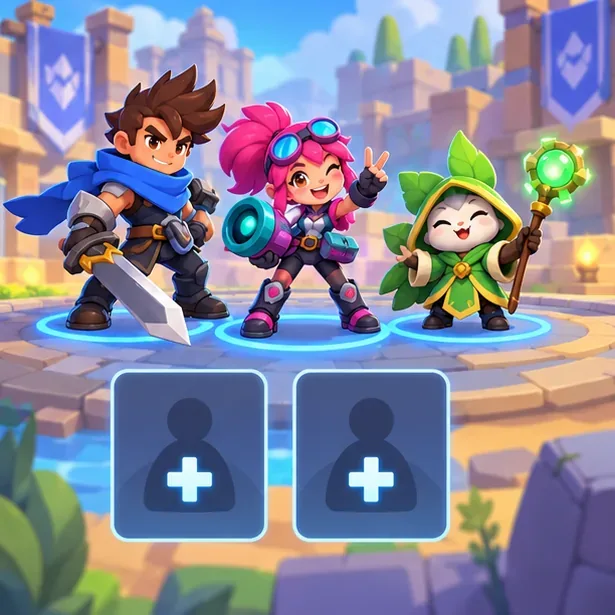
Use the team-up or invite controls to bring friends into an online match.
Beginner tips that help in online matches
- Learn one Brawler first. A few matches with the same character make it easier to recognize attack range, reload rhythm, and when to retreat.
- Play the objective. In team modes, controlling space and protecting a lead often helps more than chasing opponents across the map.
- Use cover thoughtfully. Walls block some attacks, and bushes can hide Brawlers until they move or are revealed. Check the map before pushing forward.
- Check the event card each session. Modes and maps rotate, and special formats can have different team sizes or win conditions.
Fix common Brawl Stars online problems
The game will not connect or disconnects
Check whether Wi-Fi or mobile data is stable, then switch networks if possible. Pause large downloads or streams on the same connection, close and reopen the game, and install any update offered by your app store. If the problem continues, use the game’s Settings > Help and Support option or the official Brawl Stars Support page.
My progress is missing on a new device
Open Settings and sign in with the same Supercell ID previously connected to the account. If you cannot access that ID, contact Supercell Support rather than creating a new account in the hope that it will recover the old progress.
Can you play Brawl Stars in a browser or on PC?
The official Brawl Stars page links to the mobile app stores and describes quick multiplayer matches; it does not provide a browser-play button or document a native PC client. For the clearly supported route, play through the official Android or iOS app. Treat websites advertising instant browser play or unofficial emulator installers as third-party services, and do not give them your Supercell login or verification codes.
Frequently asked questions
Is Brawl Stars free to play online?
Yes. The game is free to download and play. Optional in-app purchases are available, but you do not need to buy items to start playing online.
Do you need an internet connection to play?
Yes. Online matches require an active connection. A stable Wi-Fi or mobile-data connection helps avoid interruptions.
Can beginners play with friends?
Yes. Add a friend or join a team with a code, QR code, or link, then choose an available event together. The lobby shows the current team and event options.









