How to Mine Hellstone Safely in Terraria
To mine Hellstone safely in Terraria, bring a pickaxe with at least 65% pickaxe power, protect yourself from lava, and give every ore deposit a clear escape route. A Nightmare Pickaxe or Deathbringer Pickaxe can break Hellstone before you have any Hellstone Bars. The biggest surprise is that mining a Hellstone block in the Underworld creates lava, so even a small vein can turn a safe ledge dangerous if you stand below it.
Use the steps below to prepare, find ore, mine it without getting trapped, and smelt your haul into bars. These instructions reflect the current desktop, console, and mobile versions of Terraria.
What to bring before entering the Underworld
- Nightmare Pickaxe or Deathbringer Pickaxe: both meet Hellstone's 65% pickaxe-power requirement.
- Obsidian Skin Potions: carry several. Each potion provides six minutes of lava immunity and also protects against Hellstone's contact burn.
- Obsidian Skull: an accessory option for immunity to the Burning debuff from touching Hellstone. It does not protect you from lava.
- Blocks or platforms: use them to make a stable walkway across lava and to patch gaps in your route.
- Healing and Ironskin Potions, plus a Magic Mirror or Recall Potion: these help with enemy hits and give you a way to leave if the trip turns unsafe.
| Hazard or task | Useful item | What it does |
|---|---|---|
| Breaking the ore | Nightmare or Deathbringer Pickaxe | Meets the 65% minimum pickaxe power. |
| Lava and Hellstone contact | Obsidian Skin Potion | Grants lava immunity and protects against the contact burn for six minutes. |
| Touching Hellstone without a potion | Obsidian Skull or an upgrade | Prevents the contact burn, but does not grant lava immunity. |
| Spotting deposits | Dangersense Potion | Highlights Hellstone in current versions, even while fire-block immunity is active. |
How to mine Hellstone safely, step by step
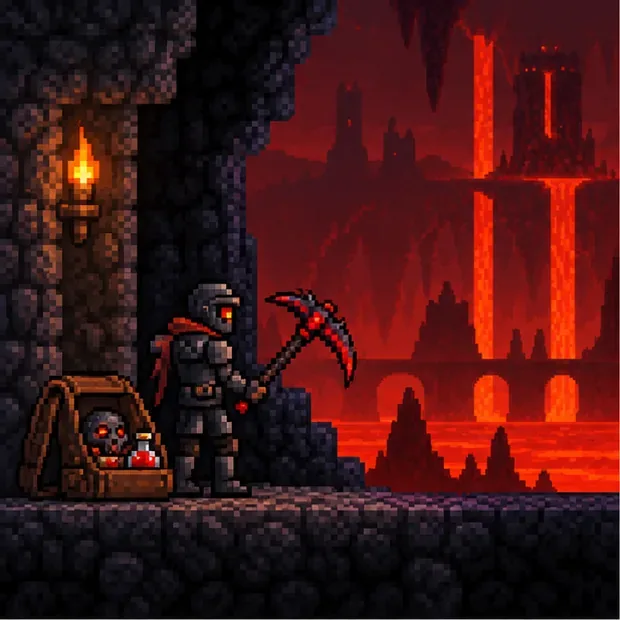
Step 1: Get the right pickaxe and separate the two kinds of protection
Hellstone needs at least 65% pickaxe power. The Nightmare Pickaxe is the Corruption-world option, while the Deathbringer Pickaxe is the Crimson-world equivalent. If you are trying to craft a Molten Pickaxe first, you have the order backward: it costs 20 Hellstone Bars, so you need another qualifying pickaxe to collect the first ore.
Some older guides recommend the Reaver Shark, but that advice is out of date. The current Reaver Shark cannot mine Hellstone; it is an Ocean fishing catch, not an item sold by the Traveling Merchant. Check the pickaxe-power stat rather than relying on an old guide or the tool's name.
Step 2: Make a route before you start mining
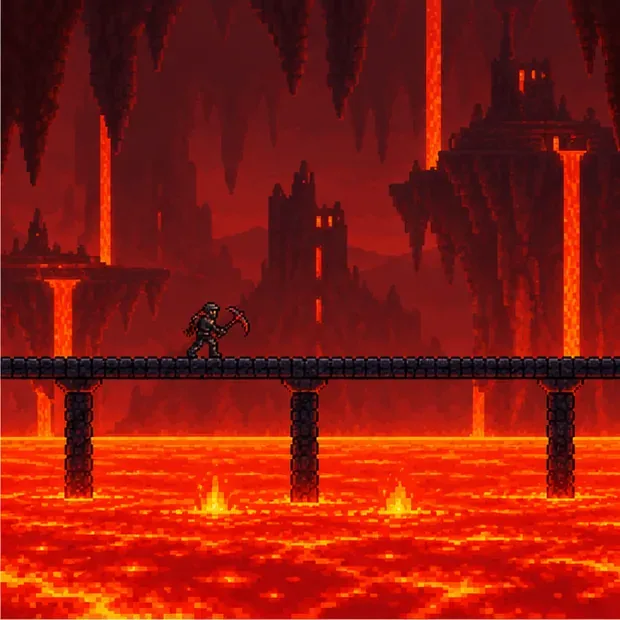
The Underworld has broad lava lakes, uneven ash terrain, and enemies that can interrupt a careful dig. Before approaching a deposit, lay a continuous walkway of blocks or platforms over the lava you expect to cross. Keep it wide enough to move and fight on, and fill any holes that could drop you into a pool. A flat route also makes it easier to retreat when Demons or Fire Imps attack; it is not a substitute for armor or healing.
Look around the Ruined Houses and nearby ash terrain for Hellstone, and clear nearby enemies before you begin. Leave open space beside the vein so you can step away from the lava that appears when blocks break. If you want to mine a Hellforge and carry it home, use a pickaxe with at least 65% power while collecting it in the Underworld.
Step 3: Use a potion and mine from a safe side
Drink an Obsidian Skin Potion before you enter lava or start mining close to it. It lasts six minutes, so watch the buff timer and refresh it from a safe ledge before it expires. The potion covers both lava damage and the Burning debuff from touching Hellstone. If you rely only on an Obsidian Skull, you still need to keep out of lava.
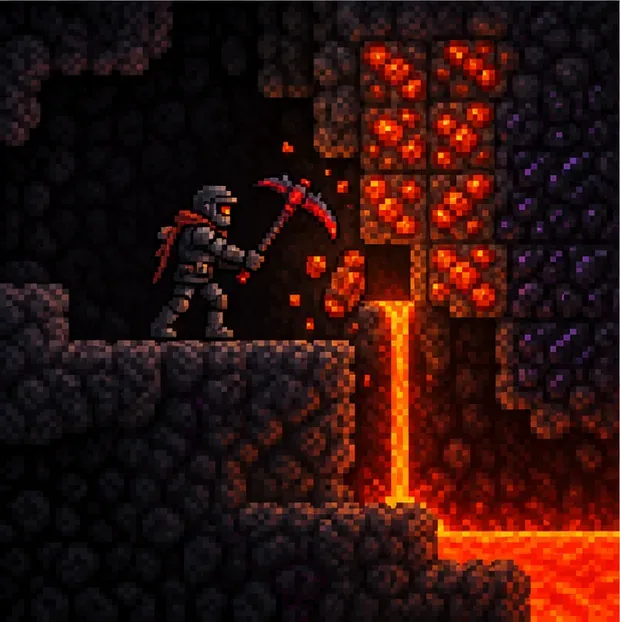
Mine deposits from the side or above, with solid ground under your feet and room to back away. Hellstone releases half a tile of lava when mined in the Underworld. That is why standing directly underneath a vein is risky: the new lava can flow down onto your platform or into the tunnel. Break a small section, watch where the lava drains, then continue. Keep your walkway behind you clear so you are not forced to jump through enemies or fresh lava to escape.
A Dangersense Potion is the useful scouting buff for Hellstone. Since the 1.4.5.7 update, Dangersense highlights Hellstone even when you have immunity to fire blocks. Spelunker Potions do not highlight Hellstone, so they are not a reliable way to locate this ore.
Step 4: Smelt bars at a Hellforge
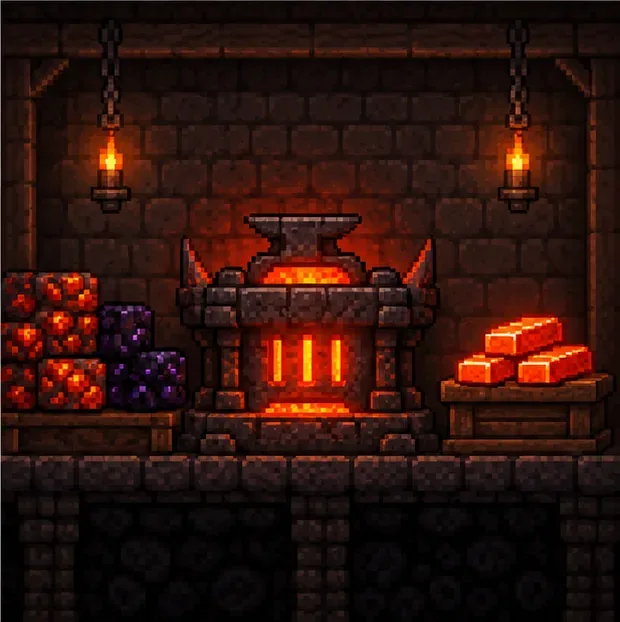
Take your ore and Obsidian to a Hellforge. You can find one inside a Ruined House in the Underworld, use it where it stands, or mine it and place it at your base. A regular Furnace cannot smelt Hellstone. At a Hellforge, combine 3 Hellstone and 1 Obsidian for each Hellstone Bar.
Hellstone Bars are used for the Molten Pickaxe, Molten armor, and other pre-Hardmode equipment. The Molten Pickaxe costs 20 bars, so decide whether you want to prioritize it or another item before spending your first batch. Keep spare Obsidian on hand; having enough Hellstone alone will not complete the recipe.
Common Hellstone mining problems
My pickaxe will not break Hellstone
Check its listed pickaxe power. It must be at least 65%. Gold and Platinum Pickaxes, Nightmare and Deathbringer are not the same tier: the Nightmare and Deathbringer meet the requirement, but Gold and Platinum do not. The Reaver Shark also falls short in current versions.
I am burning even though I am not standing in lava
That is Hellstone's contact-burning effect. Equip an Obsidian Skull or drink an Obsidian Skin Potion. Remember that the skull stops the contact debuff but does not protect you from lava.
Lava appears every time I mine
That is expected: mined Hellstone creates a small amount of lava in the Underworld. Stay above or beside the vein, keep a clear route back, and let the lava flow away before continuing. An Obsidian Skin Potion makes an accidental splash survivable, but it does not remove the need to watch the buff timer.
Frequently asked questions
Can I mine Hellstone before defeating the Wall of Flesh?
Yes. Hellstone is a pre-Hardmode ore. You still need a pickaxe with at least 65% power, typically the Nightmare or Deathbringer Pickaxe, and enough protection to manage the Underworld.
Does an Obsidian Skull make me immune to lava?
No. It prevents the contact-burning effect from Hellstone and similar fire blocks. Use an Obsidian Skin Potion for temporary lava immunity.
What potion shows Hellstone through blocks?
Use a Dangersense Potion. Current versions highlight Hellstone with the Dangersense buff; Spelunker Potions do not highlight it.
Sources
For item stats and version-specific mechanics, see the Official Terraria Wiki's Hellstone page, its pages for the Nightmare Pickaxe, Deathbringer Pickaxe, Reaver Shark, Obsidian Skin Potion, Obsidian Skull, Dangersense Potion, and Hellforge.









