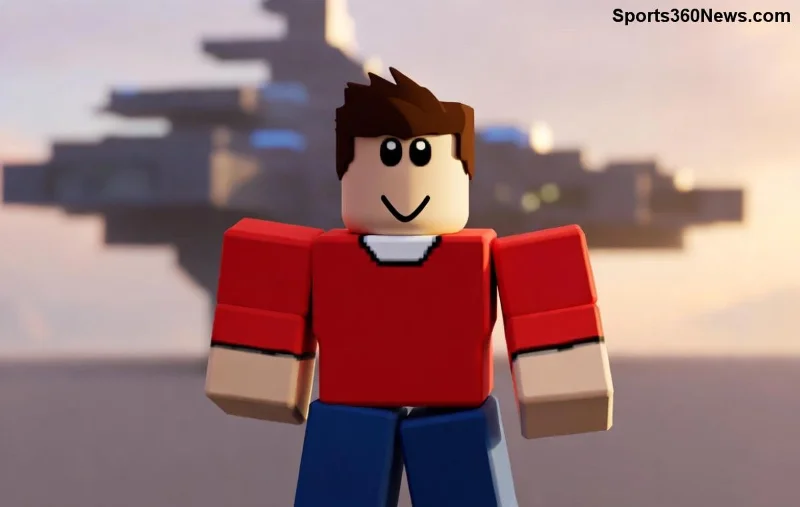
Imagine decking out your Roblox avatar in a one-of-a-kind T-shirt that screams your style – all for free. No Robux, no hassle, just pure creativity! Whether you're a newbie game thumb or a seasoned builder, learning how to make T-Shirts on Roblox for free opens up endless possibilities. Stick with us for this straightforward guide, packed with actionable steps and insider tips to get your designs live fast. Ready to shine in the Roblox world? Let's dive in! ⭐
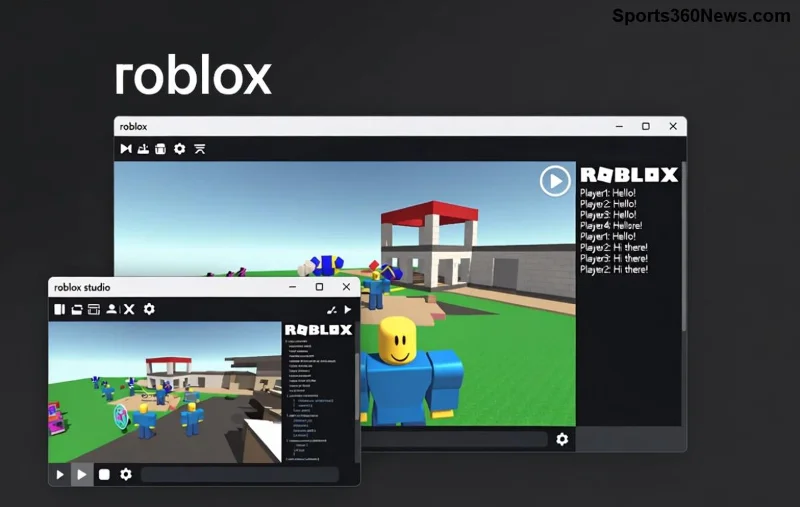
What You Need to Start Making Roblox T-Shirts for Free
Good news: Everything is free and accessible. No fancy gear required!
- ✅ A free Roblox account (sign up at roblox.com if you haven't).
- ✅ An image editor like GIMP (totally free), Paint.NET, or even Roblox's built-in tools.
- ✅ Internet connection – that's it!
Pro tip: Download GIMP for pro-level edits without paying a dime. Your first Roblox T-shirt could be ready in under 30 minutes. Excited yet? Keep reading for the magic steps! 😎
Step-by-Step Guide: How to Make T-Shirts on Roblox for Free
Follow these exact steps to create and upload your custom Roblox T-shirts. We've tested this with the latest Roblox updates for flawless results.
- 1️⃣ Log In and Head to Create
Open your browser, log into Roblox, and click the Create tab at the top. Select Clothing from the left menu. Boom – you're in the free Roblox shirt maker zone!
- 2️⃣ Grab the Official Shirt Template
Click T-Shirts, then Download Template. This gives you a precise 585x559 pixel PNG file with guides for front, back, sleeves, etc. Save it – it's your canvas!
- 3️⃣ Design Your Masterpiece
Fire up your image editor:
- Open the template in GIMP or similar.
- Erase guides (they're purple lines).
- Add your design: logos, text, patterns – keep it under 512 KB, PNG format, transparent background outside the shirt areas.
- Ensure the front is centered in the top section, back below. Experiment with colors that pop in-game!
Save as PNG. Your Roblox shirt template is primed.
![Step-by-step Roblox T-shirt editing in GIMP]()
- 4️⃣ Upload Your Design
Back in Roblox Create > Clothing > T-Shirts, click Upload. Drag your PNG file, name your shirt (e.g., "Epic Gamer Tee"), set price to 0 Robux for free sharing, and hit Submit. Moderation takes minutes – it's free!
- 5️⃣ Wear and Share
Once approved, find it in your Inventory > Clothing. Equip on your avatar, screenshot, and flex in games. Share links with friends for that viral vibe! 👏
That's it! Your first T-shirt on Roblox for free is live. But wait – want it to sell? Set a price after upload (still no upfront fee for classic shirts). Teaser: Next section has design hacks to make yours unstoppable. 📈
Best Free Tools for Roblox Shirt Designs
Elevate your game with these no-cost editors. Here's a quick comparison:
| Tool |
Pros |
Best For |
| GIMP |
Layer support, advanced effects, 100% free |
Complex designs |
| Paint.NET |
Lightweight, easy plugins |
Beginners |
| Roblox Studio (built-in) |
Direct import, test in-game |
Quick prototypes |
Start with GIMP – it's a game-changer for free Roblox T-shirts. Download from their official site and unleash creativity! 🌟
![Custom Roblox avatar wearing free T-shirt design]()
Pro Tips for Standout Roblox T-Shirts
Don't stop at basic – make 'em legendary:
- ⭐ Use high-contrast colors for visibility in bright games.
- 👍 Keep text bold and readable (fonts like Impact rock).
- 🔥 Add trends: Memes, game logos (avoid copyright – Roblox mods check!).
- ⚠️ File size < 512 KB, exact dimensions, no bleeding edges.
For inspiration, check Roblox's official clothing docs. Your designs could trend in the catalog!
Common Mistakes to Avoid When Creating Free Roblox Shirts
Skip these pitfalls for instant approval:
- ❌ Wrong size: Stick to 585x559.
- ❌ Opaque background: Must be transparent.
- ❌ Copyrighted IP: Original only, or risk rejection.
- ❌ Low quality: 300 DPI minimum for crisp looks.
Nailed it? Your custom Roblox shirts will pass moderation like a pro. Feeling pumped? FAQs below solve any lingering doubts!
Frequently Asked Questions: How to Make T-Shirts on Roblox for Free
- Is uploading Roblox T-shirts really free?
- Yes! Classic clothing uploads cost zero Robux. Set price to 0 for personal/free use.
- Can I sell my free-made T-shirts?
- Absolutely – after upload, edit to add a Robux price and earn!
- How long for approval?
- Usually 5-30 minutes. Check status in Create tab.
- Works on mobile?
- Better on desktop for editing, but upload via app possible.
Level Up Your Roblox Style Today!
Congrats – you're now a Roblox T-shirt wizard! Start designing, upload that first shirt, and watch your avatar transform. Share your creations in comments or Roblox groups for feedback. What's your dream design? Drop it below and inspire others. Game on! 🎮✨
Pro Reminder: Always follow Roblox's Community Standards for smooth sailing.