How to Make a Bed in Terraria (2026 Crafting Guide)
To make a standard bed in Terraria, craft it at a Sawmill from 15 Wood and 5 Silk. Make the Silk at a Loom: each piece takes 7 Cobwebs, so you need 35 Cobwebs total. The crafting chain is Work Bench → Sawmill → Loom, followed by the Bed recipe at the Sawmill. Once placed, a bed can set your spawn point in a valid bedroom and speed up time when you sleep.
The key correction for this recipe is the Silk count: you need five, not 15. If you already have a Sawmill and Loom, the bed itself only requires 15 Wood and 35 Cobwebs converted into Silk.
Terraria bed recipe and materials
| Item or station | What you need | Where to craft it |
|---|---|---|
| Bed | 15 Wood + 5 Silk | Sawmill |
| Silk | 7 Cobwebs per Silk; 35 Cobwebs for 5 Silk | Loom |
| Loom | 12 Wood | Sawmill |
| Sawmill | 10 Wood + 2 Iron or Lead Bars + 1 Chain | Work Bench |
From scratch, budget 37 Wood for the Sawmill, Loom, and Bed, plus 10 more if you need to craft a Work Bench. You also need two Iron or Lead Bars and one Chain for the Sawmill, along with a Furnace and an Anvil to process ore and make metal components if you do not already have them. The Official Terraria Wiki’s Sawmill entry lists its current recipe, and its Loom entry confirms the Loom’s Wood cost.
How to make a bed in Terraria, step by step
1. Gather Wood, Cobwebs, and metal
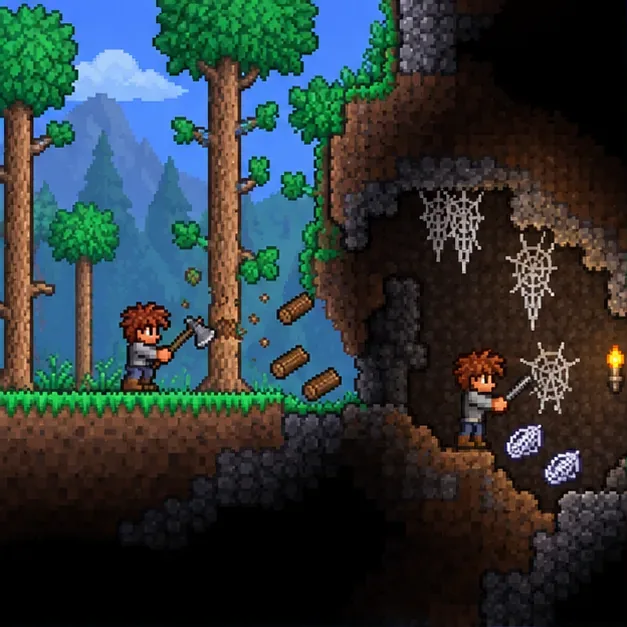
Chop trees with an axe to collect Wood. Explore caves and underground tunnels for Cobweb clusters, then break them to collect the webs. Gather at least 35 Cobwebs for one Bed. If you are building every station too, collect 37 Wood for the Sawmill, Loom, and Bed (or 47 if you also need a Work Bench), plus the metal materials for the Sawmill. You can use Iron or Lead, depending on which ore your world generates.
2. Craft the Sawmill and Loom
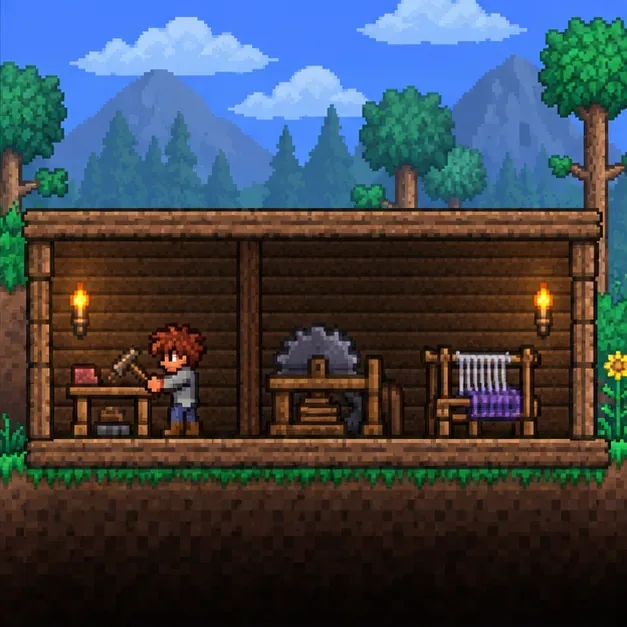
Stand beside a Work Bench and craft a Sawmill with 10 Wood, 2 Iron or Lead Bars, and 1 Chain. Place the Sawmill, stand beside it, and craft a Loom using 12 Wood. Put both stations nearby so you can reach each recipe without moving materials between distant bases. If you already own a Loom or find one in an Underground Cabin, you can skip making another one.
The crafting menu shows recipes based on the station you are standing near. The Sawmill recipe will not appear at a regular Work Bench, and the Loom recipe will not appear until you are near a Sawmill.
3. Turn Cobwebs into Silk, then craft the Bed
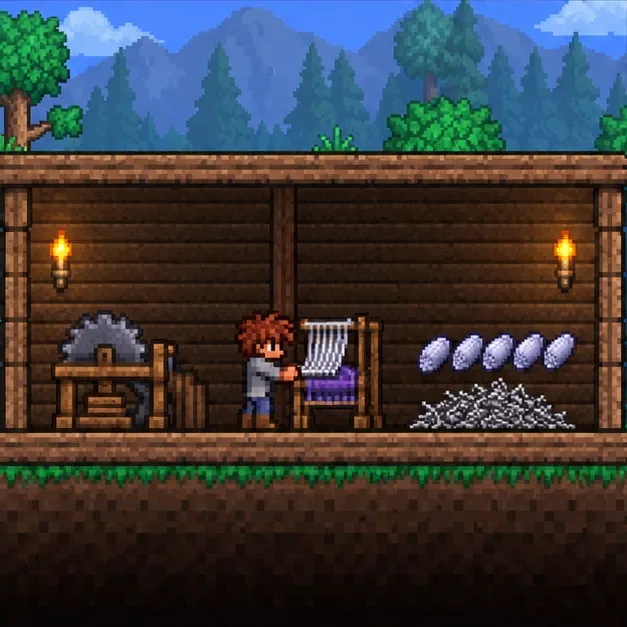
Stand next to the Loom with Cobwebs in your inventory and craft Silk. Each Silk costs 7 Cobwebs, so make five Silk from 35 Cobwebs. Then move beside the Sawmill and craft the Bed from those 5 Silk and 15 Wood. The Official Terraria Wiki’s Silk entry lists the Loom recipe and its use in Bed crafting.
4. Place the Bed and set your spawn point
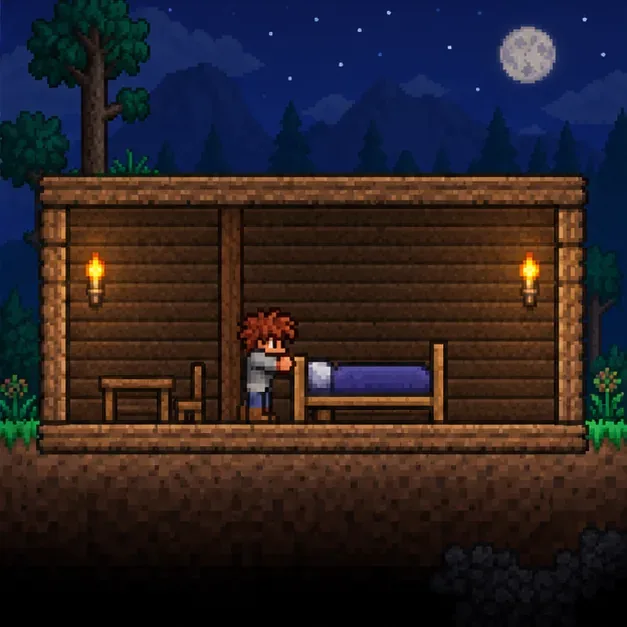
A Bed occupies a 4-tile-wide by 2-tile-high space. Place it on a flat floor inside a valid bedroom, with a complete room frame and safe background walls. No stretch can be more than four tiles wide or tall without safe walls or fences; natural cave walls may be unsafe, so replace them if needed. See the Official Terraria Wiki guide to safe and unsafe walls. To set your spawn, use the interact command on the foot end of the bed; on PC, this is usually a right-click. Other platforms use their mapped Open/Activate control.
A bed bedroom has fewer furnishing requirements than a house for a town NPC: the Bed itself is the required furniture, so you do not need to add a chair, table, or light just to set your spawn. It still needs valid room boundaries and safe walls. Keep the space above the three tiles at the head end clear for the spawn interaction. To sleep, interact with the head end; leave all four tiles above the Bed clear of solid blocks. Platforms can be used overhead. The Official Terraria Wiki’s Bed and sleep details explain these separate interactions and room checks.
What sleeping does
Sleeping makes in-game time pass five times faster and gives a small boost to health regeneration. It accelerates the clock rather than instantly skipping to morning, so you can use it to shorten a wait for a particular time of day. Interacting with the foot end manages your spawn point; the head end is the sleep interaction.
Bed crafting and spawn troubleshooting
The Bed recipe is missing
Check that you are standing close to a Sawmill and have at least 15 Wood and 5 Silk in your inventory. Cobwebs are not a substitute for Silk in the Bed recipe; convert them at a Loom first.
The Silk recipe is missing
Move next to a Loom with at least 7 Cobwebs. Silk is crafted at the Loom, not at the Work Bench or Sawmill. For five Silk, make sure you have 35 Cobwebs.
The spawn point will not change
Interact with the foot end of the Bed and check the room if the game reports an invalid bedroom. Fill gaps in the room frame, replace unsafe natural background walls with safe walls, and confirm the Bed is not obstructed. The spawn bedroom does not need extra furniture or lighting, but it must meet the room and wall rules. See the official Bed room requirements for the exact checks.
I cannot lie down in the Bed
Use the head end, not the foot end, and remove solid blocks above the Bed’s full four-tile length. A platform overhead is allowed. If the Bed is placed where the character cannot fit above it, the sleep interaction may fail even if the room works as a spawn bedroom.
Quick recap
To make a Bed in Terraria, craft a Sawmill from 10 Wood, 2 Iron or Lead Bars, and 1 Chain; make a Loom from 12 Wood at the Sawmill; turn 35 Cobwebs into 5 Silk; then craft the Bed at the Sawmill with 15 Wood. Place it in a valid bedroom, use its foot end to set spawn, and use its head end to sleep.









