How to Get Your First Mount in FFXIV (2026 Guide)
To get your first mount in FFXIV, reach level 20, advance the Main Scenario Quest (MSQ) until you join a Grand Company, and complete the faction quest My Little Chocobo. The Grand Company story quest that enlists you rewards 300 Company Seals; the Chocobo Issuance costs 200. Buy the issuance from your Grand Company Quartermaster, give it to the Chocobokeep, finish naming your bird, and use the Chocobo Whistle from your inventory. You do not need to grind FATEs first if you still have the story reward.
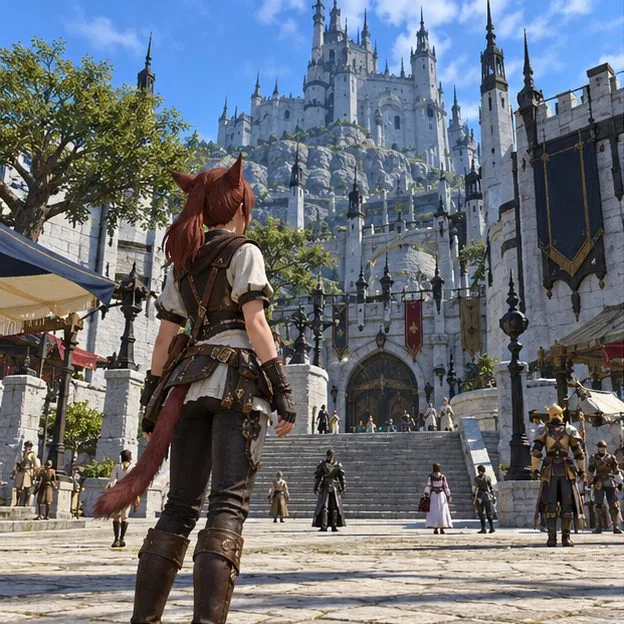
Quick checklist: your first FFXIV mount
| Requirement | What to do |
|---|---|
| Level and story | Reach level 20 on a class or job and progress the ARR MSQ to the Grand Company quests. |
| Grand Company | Join the Maelstrom, Order of the Twin Adder, or Immortal Flames. |
| Currency | Use 200 of your faction's Company Seals for its Chocobo Issuance. |
| Claim the mount | Present the issuance to the Chocobokeep, complete the quest, and use the Chocobo Whistle. |
The short version: the Company Chocobo is the standard first rideable mount. The level requirement alone does not unlock it; you also need the matching MSQ progress and Grand Company membership.
Step 1: Reach level 20 and keep following the MSQ
The official mount unlock path starts at level 20. Continue the A Realm Reborn story until you are offered one of the three level-20 quests titled The Company You Keep. Its faction version determines which Grand Company you can join. If you are already level 20 but have not seen the choice, keep doing the main story rather than searching the Quartermaster's shop—the story gate is separate from character level.
Step 2: Choose and join a Grand Company
Pick the organization connected to the city you prefer. The first-mount steps and issuance price are the same whichever one you join:
| Grand Company | Home city | Company quest after the choice |
|---|---|---|
| Maelstrom | Limsa Lominsa | Till Sea Swallows All |
| Order of the Twin Adder | Gridania | Wood's Will Be Done |
| Immortal Flames | Ul'dah | For Coin and Country |
Complete the company-specific MSQ quest to enlist. Each of these quests awards 300 Company Seals once you are enlisted, which is more than the 200 required for the issuance. This story reward is the easiest route for a new player.
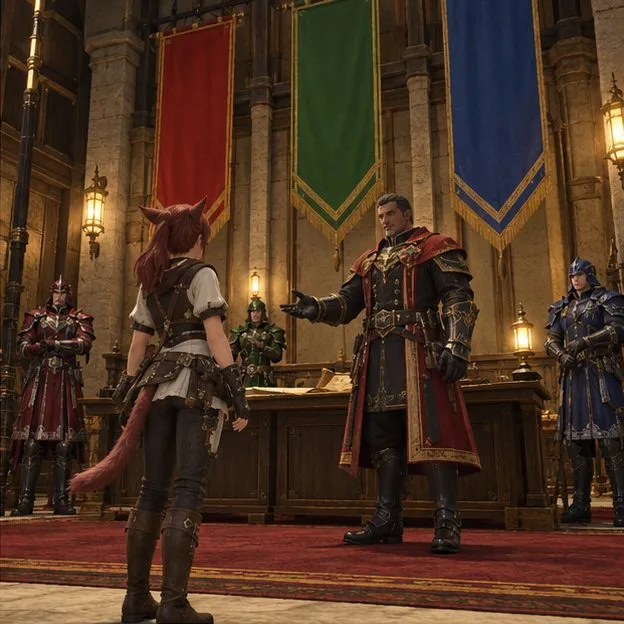
Step 3: Accept My Little Chocobo
After you join, speak with your Grand Company's commander at its headquarters and accept the side quest My Little Chocobo. The quest name includes your faction—Twin Adder, Maelstrom, or Immortal Flames—but the objective is the same. Follow the quest text; it directs you to obtain the faction's Chocobo Issuance and bring it to the appropriate keeper.
Step 4: Buy the Chocobo Issuance for 200 seals
Talk to your Grand Company Quartermaster and open the seal exchange. Purchase the matching item—Storm, Serpent, or Flame Chocobo Issuance—for 200 Company Seals. These are faction-specific seals, so use the currency for the company you joined. Current Lodestone listings also show the minimum Grand Company rank required for the item; if it is missing from the shop, check that you are enlisted in the right company, have the quest active, and meet the listed rank.
If you spent the 300-seal story reward already, earn more Company Seals before returning to the Quartermaster. FATEs in the open world and your Grand Company Hunting Log are practical early options. You only need to make up the difference to 200; there is no reason to stockpile extra for this quest.
Step 5: Turn in the issuance and summon your Chocobo
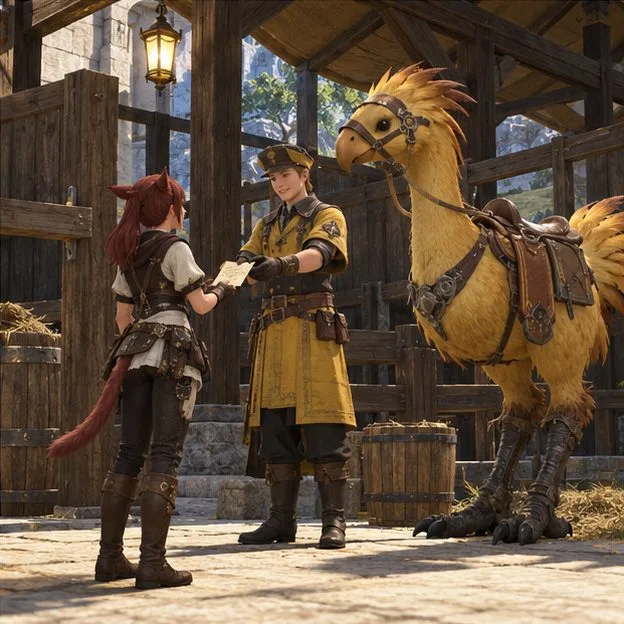
Return to the Chocobokeep associated with your Grand Company and present the issuance. The keeper gives you your personal Chocobo; follow the quest prompts to choose a name, then speak with the keeper again to finish My Little Chocobo and receive the Chocobo Whistle.
Use the Chocobo Whistle from your inventory once. Receiving the whistle is not the same as registering the mount: the item must be used before you can ride. After that, open the Mount Guide and select your Chocobo, or place it on a hotbar for quick access. If the Mount Guide is empty, check your inventory for the unused whistle first.
Riding mount vs. battle companion
Your first Chocobo is immediately useful as a rideable FFXIV mount after you use the whistle. Calling it into combat is a separate unlock. At level 30, complete My Feisty Little Chocobo; afterward, use a Gysahl Green to summon the bird as a combat companion in the field. That quest does not replace or repeat My Little Chocobo, and you do not need it just to ride.
Troubleshooting
I'm level 20, but I cannot find the quest
Keep progressing the MSQ until it offers The Company You Keep and the follow-up company quest. Level 20 is the level requirement, but the story unlock is also required.
The Quartermaster does not show the Chocobo Issuance
Confirm that you joined a Grand Company and are using its Quartermaster, that My Little Chocobo is active, and that you have 200 of that company's seals. Check the listed rank requirement as well. The issuance disappears from the shop after purchase, so it may already be in your inventory.
I finished the quest, but I still cannot ride
Use the Chocobo Whistle in your inventory to add the mount to the Mount Guide. Then try summoning it in a normal field area where mounts are allowed; some duties and locations restrict mount use.
Official references
- FINAL FANTASY XIV UI Guide: How can I get a mount?
- Lodestone Eorzea Database: Wood's Will Be Done (level requirement and Company Seal reward).
- Lodestone Patch 4.5 notes (300-seal rewards for the three Grand Company quests).
- Lodestone Patch 3.25 notes (the three Chocobo Issuances were set to 200 Company Seals).
- FINAL FANTASY XIV UI Guide: using a Chocobo in combat.









