How to Get Warzone on PS5 for Free
Call of Duty: Warzone is free to download and play on PS5. Open the PlayStation Store, find the official Warzone listing from Activision, add it to your library, and download it. You need a PlayStation Network account, an internet connection, enough console storage, and an Activision account to play online. A PlayStation Plus subscription is not required for Warzone’s free-to-play online mode. Optional in-game purchases are available, but you do not need to buy a full-price Call of Duty game to install Warzone.
The download can be large, and its size changes as the game is updated. Check the free-space estimate shown by your PS5 instead of relying on an older fixed storage figure. The current install path is also straightforward: after adding the game, you can download it from the PS5 Game Library if the Store does not start the download automatically.
What you need before downloading
- A PS5 and a signed-in PSN account. A free PlayStation Network account is enough to access the Store and play Warzone.
- Internet access. The PlayStation Store listing says online play is required, and the game needs a connection for online play and updates.
- Available storage. Warzone’s install footprint changes with updates and installed content. Keep enough room for the download and later patches; use the estimate displayed on your console.
- A free Activision account. Warzone requires an Activision sign-in for online play. If you have played Call of Duty before, use the same account linked to your PlayStation profile so your progress stays with the right account.
How to download Warzone on PS5
-
1. Update your PS5 and check storage
From the PS5 home screen, open Settings > System > System Software > System Software Update and Settings and install an available update. Then check Settings > Storage. If space is tight, remove games or apps you no longer use before you begin. Warzone’s size changes, so the space needed today may differ from figures in older guides.
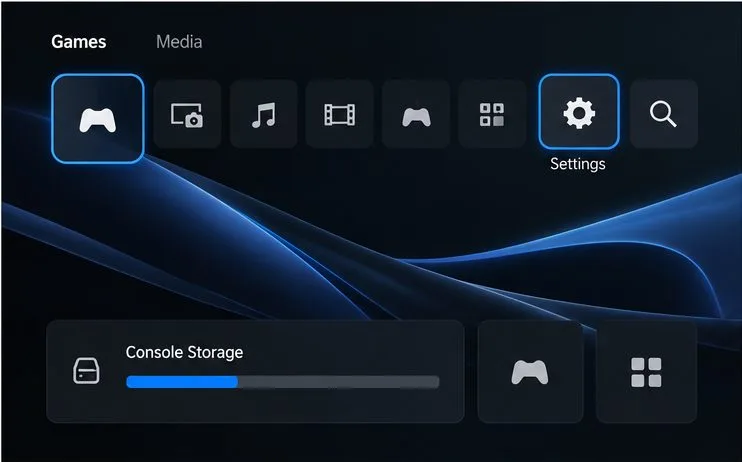
Illustrative PS5-style screen: check system settings and available storage before starting a large download. -
2. Open the PlayStation Store
From the PS5 Games home screen, open the PlayStation Store. You can use the Store search function on the console; make sure you are signed in to the PSN account you intend to use. Sony’s PS5 game-download instructions describe the related Game Library route if you need it.
-
3. Find and verify the free Warzone listing
Search for Call of Duty: Warzone. Select the listing published by Activision, then check that the Store page identifies Warzone as free and includes the PS5 version. The button may say Free, Add to Library, or Download, depending on the screen and Store region. Avoid paid Call of Duty releases, bundles, and add-ons if you only want the free battle royale.
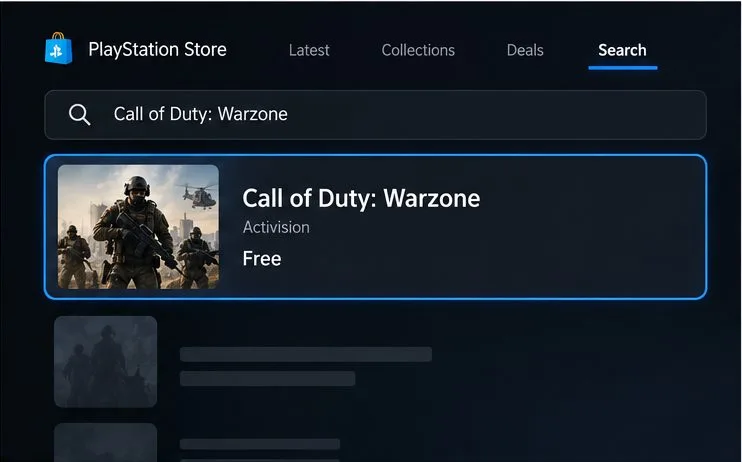
Illustrative store screen showing the Warzone listing to select; check the publisher and price in your own PS Store region. -
4. Add Warzone to your library and download it
Select Add to Library if shown. If the download does not begin from the Store page, go to Games home > Game Library > Your Collection, select Call of Duty: Warzone, and choose Download. Activision’s current Warzone installation guide gives these PS5 Game Library steps, and Sony explains the same download flow in its PlayStation Store download guide.
Track progress in the PS5 downloads area. Leave the console connected while the game installs, and allow any additional game updates to finish before launching. Warzone may download updates after the initial install, so the first download is not always the last step.
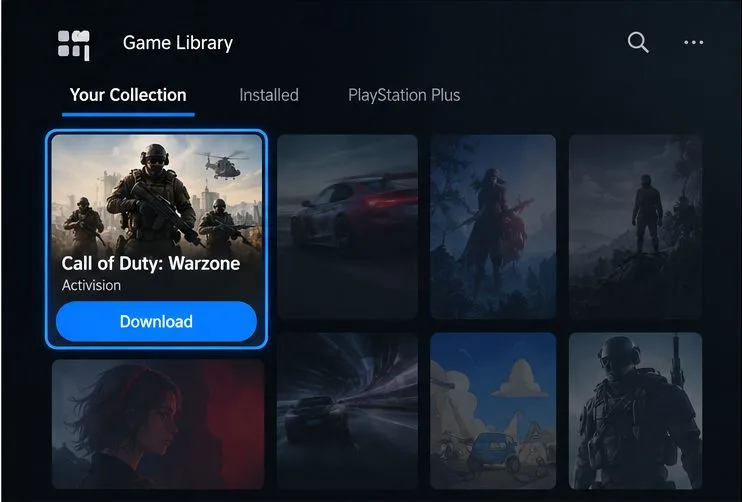
Illustrative Game Library screen showing Warzone selected for download. -
5. Launch Warzone and sign in
Open Warzone from the Games home screen or Game Library. Sign in to PlayStation Network if prompted, then create or sign in to your Activision account when the game asks. Activision says an account is required when playing Warzone online. If you already have one, use the account previously linked to your PlayStation profile; Activision warns that progress will not carry over if the platform account is linked to a different Activision account.
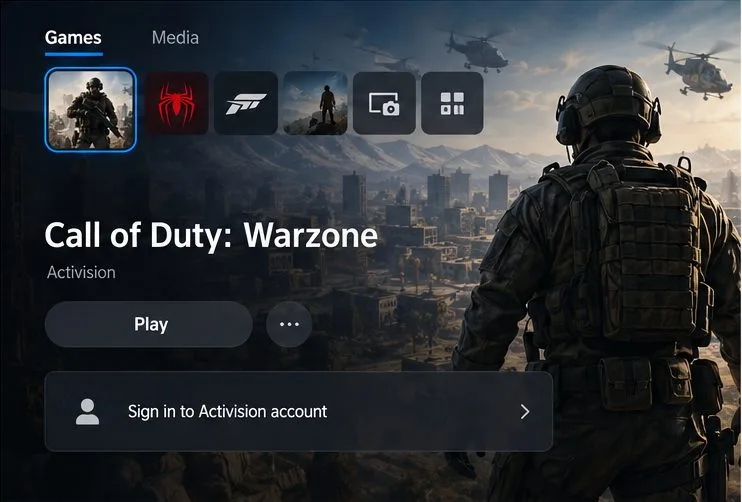
Illustrative game screen: online play prompts you to sign in to an Activision account.
Do you need PlayStation Plus to play Warzone?
No. You do not need PlayStation Plus to play Warzone online. Sony lists Call of Duty: Warzone among the free-to-play games that do not require a membership. You still need an internet connection, a PSN account, and the required Activision sign-in. Check Sony’s PlayStation Plus information for its current online-play rules.
Fix common Warzone download problems
Warzone does not appear in the Store
Check the spelling, confirm you are signed in, and search the PS5 Store rather than browsing paid Call of Duty editions. The Store catalog is tied to your PSN account’s country or region, so availability and button labels can differ. Use the official Activision listing when comparing results.
The download is slow or stuck
Open the download queue and check whether another download is using the connection. Pause and resume Warzone, confirm that the PS5 is online, and restart the console if the queue remains frozen. If the console reports an update or download error, follow the message shown on screen before deleting the game.
The PS5 says there is not enough space
Open Settings > Storage and free more space, then retry. The required space can include room for updates, so having only the final installed size available may not be enough. Follow the console’s current space estimate.
Warzone asks for an Activision account
That is part of the first online setup. Sign in with the Activision account already associated with your PlayStation profile if you have played on another platform. See Activision’s Warzone account-registration help if you need to create an account or resolve a sign-in issue.
Frequently asked questions
Is Warzone really free on PS5?
Yes. The Warzone game itself is free to add to your library and play. Optional in-game purchases are separate and are not required to download the game.
How many gigabytes does Warzone need?
There is no dependable fixed number for every installation because updates and selected content can change the footprint. Check the current download estimate and available space on your PS5 before starting.
Do I need to buy another Call of Duty game first?
No. Select the separate Call of Duty: Warzone listing marked free. Paid Call of Duty games and optional Store add-ons are not required for the free-to-play Warzone install.
For the latest game information, visit the official Call of Duty: Warzone page. For installation errors, use Activision’s current PS5 installation and setup guidance.









