How to Get Lair Keys in Diablo 4
To get Lair Keys in Diablo 4, farm endgame reward sources such as Helltide Tortured Gifts, War Plans Key Spoils, Tree of Whispers caches, World Bosses, and Legion Events. Use a standard Lair Key to open an Initiate boss’s Hoard after the fight; Initiate Hoards can move you up the ladder by rewarding Greater Lair Keys. Higher-tier and seasonal keys come from their own encounters and reward tracks. A key is for claiming the boss’s reward chest, not for summoning the boss. That distinction is the main correction to older guides that send you to an Alchemist or treat every key as one guaranteed attempt.
This guide reflects Diablo IV’s Season 15, Hell’s Legacy, and the live patch notes published October 14, 2026. Exact rewards can change by season, difficulty, and selected activity modifier, so check the key and reward tooltip before committing to a route.
What Lair Keys do
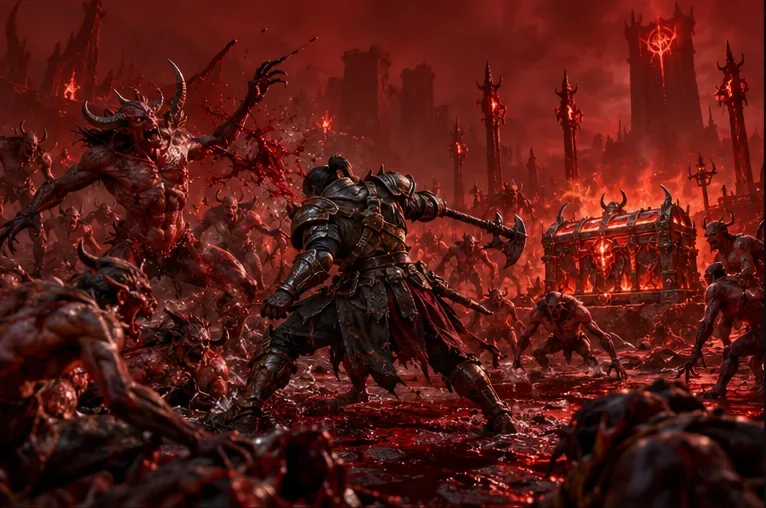
A Lair Boss encounter has two parts: the fight and the Hoard that appears after the boss dies. You can enter and defeat the boss without spending a key. To claim the Hoard’s loot, interact with the chest and spend the listed Lair Key, Greater Lair Key, or other required key material. In a party, each player who wants the Hoard rewards must pay their own cost.
This system lets you test an encounter before using a scarce key. It also means a key is not a “boss summon” and does not necessarily guarantee a useful Unique. It unlocks that boss’s reward cache, whose contents still depend on the current loot table and game rules. Blizzard’s Lair Boss update explains the Hoard system and individual key costs; check the live map tooltip for today’s boss-specific requirement.
Where to get standard Lair Keys
Standard keys are the entry point for Initiate Lair Bosses. Current Season 15 guides list several repeatable sources. Not every reward cache contains a key, and Blizzard does not publish a fixed drop rate for each route, so treat these as chances rather than guaranteed drops.
| Source | How to use it | Practical note |
|---|---|---|
| Helltide Tortured Gifts | Clear enemies, collect Cinders, and open the chests shown in the active Helltide. | Good active farming when you can clear quickly; open the gift types whose rewards match your needs. |
| War Plans Key Spoils | Choose a War Plan route or reward node that lists key spoils, then complete its activities. | War Plans are part of the Lord of Hatred endgame. Check the node preview; not every route awards boss keys. |
| Tree of Whispers caches | Complete Whispers and claim a cache when its reward list includes boss materials or keys. | Whisper rewards vary by cache type. A cache is not a guaranteed Lair Key drop. |
| World Bosses and Legion Events | Join the event and claim its completion rewards. | These are convenient bonus sources when active, rather than a route you can run continuously. |
| Kurast Undercity | Complete a run and inspect the reward cache. | This activity requires the Vessel of Hatred expansion. |
| Season Rank rewards | Review each unlocked Season Rank cache before claiming it. | The current Hell’s Legacy Season Rank includes Lair Boss Keys among its possible rewards. |
For a practical loop, start a Helltide and clear the dense enemy packs while opening the relevant Tortured Gifts. If Whispers overlap the area, complete those objectives too, then inspect the cache you earn. Add a War Plan’s Key Spoils node or a scheduled World Boss/Legion reward when convenient. This stacks key chances onto activities you are already doing instead of spending time wandering between low-density zones.

How Greater and Superior Lair Keys fit in
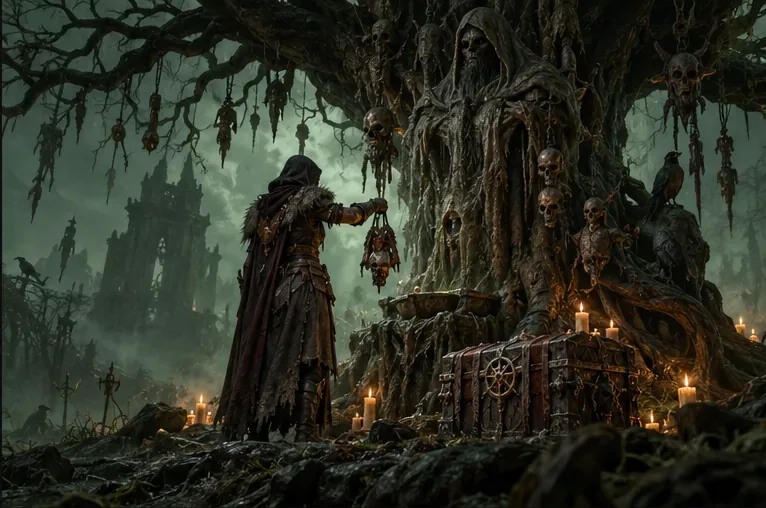
Diablo IV uses a key ladder. A standard Lair Key opens an Initiate boss’s Hoard. Those bosses are also a main route to Greater Lair Keys, which unlock Greater boss Hoards. Greater keys are not a second name for standard keys, so save them for the boss whose map tooltip asks for one. The current boss list and requirements may shift with patches; read the entry on the world map before you travel.
Superior Lair Keys are a separate higher-tier reward, not an automatic upgrade you make at the Alchemist. Season 15 adds War Plan modifiers tied to the seasonal Splinters; the Baal/Destruction track affects Lair Boss and Tree of Whispers activities. Progress that track and inspect its unlocked nodes for boss-ambush rewards that list Superior Lair Keys. Older Season 14 advice centered on the Deathtoll Chamber; do not assume that seasonal route remains the best source in Season 15. Blizzard’s current Hell’s Legacy overview describes the current Splinter and War Plan structure, while its Season of Death Awakening page documents the prior season’s Deathtoll route.
Do not rely on the old instruction to combine regular keys at the Alchemist to craft Greater keys. In the current ladder, earn Greater keys through boss Hoards and use the live game’s item and recipe tooltips for any conversion that is actually available in your realm. Recipes and seasonal rewards can change.
How to spend a Lair Key
- Unlock the right difficulty. Lair Bosses require Torment difficulty or higher. Some seasonal encounters also require progress in that season’s questline.
- Choose your target. Open the world map and select a Lair icon. Its tooltip identifies the boss, its reward pool, and the exact key type and amount required.
- Fight the boss. Enter the Lair and reach the altar. The fight itself does not consume your Hoard key, so you can learn the encounter first.
- Open the Hoard. After the boss falls, interact with the reward chest and spend the displayed key. In a group, make sure each player has their own key before starting if everyone wants loot.

Fast farming checklist
- Pick the boss first and confirm whether its Hoard needs a standard, Greater, or Superior key.
- For standard keys, prioritize Helltide Tortured Gifts, War Plan Key Spoils, and eligible Whisper caches; add World Bosses and Legion Events when they are available.
- To build a Greater-key supply, spend standard keys on Initiate bosses and open their Hoards. Keep the Greater keys for the target boss you want to farm.
- For Superior keys, progress the current season’s relevant War Plan/Splinter track and verify the exact node reward. Seasonal key routes are especially likely to change between seasons.
- Raise Torment only as far as you can clear efficiently. Higher difficulty can improve endgame rewards, but a slower run is not automatically a faster key farm.
- Before you leave a town, check the Materials section for your key totals and compare them with the boss tooltip. The key count is tracked as a material, not equipped as gear.
Common questions
Do I need a Lair Key to summon a boss?
No. You can fight the Lair Boss first; the required key is spent afterward to open the Hoard and claim its rewards.
Does every player in a group get the Hoard for free?
No. Each player must supply the displayed key cost to open their own Hoard. Agree on the target and confirm everyone’s key count before the fight.
Can I craft Greater Lair Keys at the Alchemist?
The old Alchemist-combination advice is outdated. Initiate boss Hoards are a current source of Greater Lair Keys. Use the in-game recipe list if you want to check whether a conversion is available after a future patch.
Official sources
For current seasonal changes, see Blizzard’s Diablo IV patch notes, the Season 15 overview, and the Lord of Hatred endgame overview. Use the current in-game map and reward tooltips for exact key requirements and changing seasonal sources.









