How to Get a 6th Builder in Clash of Clans (2026)
To get a 6th builder in Clash of Clans, unlock B.O.B through the Builder Base. Reach Builder Hall 9, place B.O.B Control, then complete four goals: finish three Gear Up upgrades, raise any Builder Base troop to level 18, raise any Builder Base defense to level 9, and bring your Builder Base hero levels to a combined total of 45. B.O.B then joins your Home Village as a permanent extra builder. You do not need to spend Gems.
Important update: The older version of this guide described the retired O.T.T.O unlock checklist. The current route is B.O.B. Cannon Cart level 18, Mega Tesla level 9, and Battle Machine level 30 are not individually required; those were specific old objectives. Supercell’s current checklist uses “any” troop and defense, plus a combined hero-level goal.
Current 6th-builder requirements at a glance
| Requirement | What counts |
|---|---|
| Unlock gate | Reach Builder Hall 9 and build B.O.B Control. |
| Gear Ups | Complete three Home Village Gear Up upgrades. |
| Builder Base troop | Upgrade any troop to level 18. |
| Builder Base defense | Upgrade any defense to level 9. |
| Hero levels | Reach a combined total of at least 45 across your Builder Base heroes. |
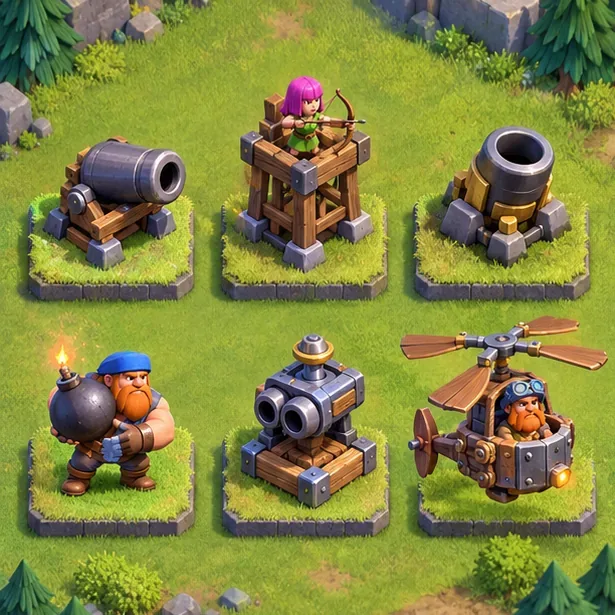
The visuals in this guide are explanatory illustrations, not live-game screenshots. For exact levels and task status, follow the requirements displayed in your own B.O.B Control.
Step-by-step: unlock B.O.B
1. Reach Builder Hall 9
Travel to the Builder Base and upgrade your Builder Hall to level 9. Supercell’s B.O.B notes name Builder Hall 9 as the point where the unlock tasks become available. The old article’s claim that Town Hall 10 is required is not part of Supercell’s published B.O.B checklist. You do not need to max every Builder Base building first; focus on the Builder Hall and the items needed for the listed tasks.
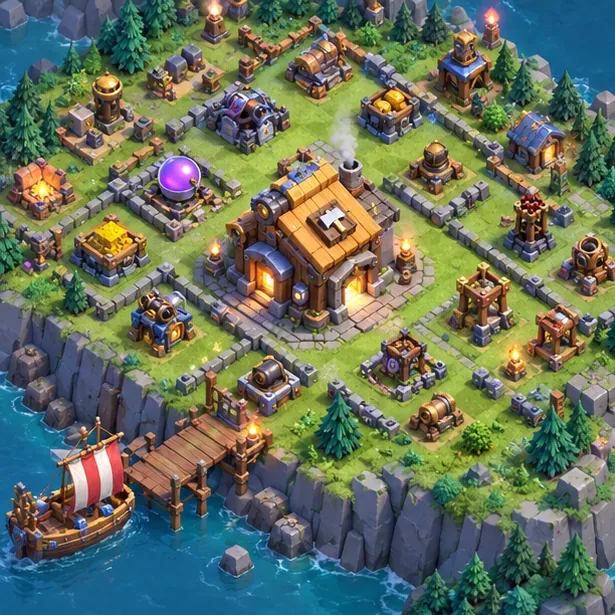
2. Place B.O.B Control and open its task list
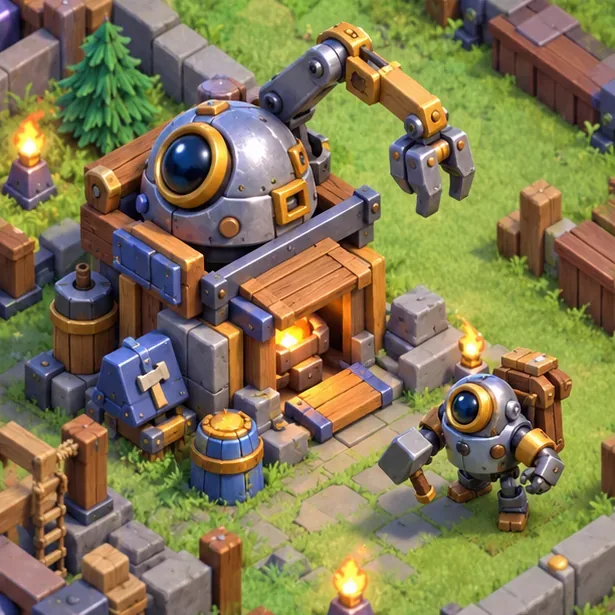
After reaching Builder Hall 9, place the B.O.B Control building when it becomes available. Tap it to see which requirements remain. This is the useful progress tracker for the sixth builder: it shows the goals you still need and avoids confusion with older guides that refer to the O.T.T.O Hut.
O.T.T.O still has a role in the Builder Base as its second builder after the later Builder Base area is unlocked. B.O.B is the robotic assistant that becomes the sixth builder in your Home Village.
3. Complete three Gear Up upgrades
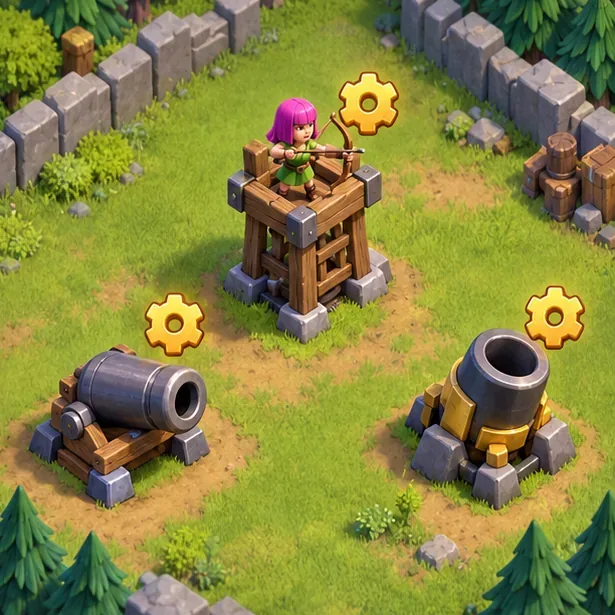
Gear Up three compatible Home Village defenses. The familiar options are a Cannon, an Archer Tower, and a Mortar, with one upgrade for each type. Each option depends on the level of the Home Village building and its matching Builder Base counterpart. Tap the defense in your Home Village and read the requirement shown by the game; for example, Supercell lists Builder Base Archer Tower level 6 and Home Village Archer Tower level 10 for that Gear Up.
The Master Builder must be available for a Gear Up job, so plan around any Builder Base upgrade that is using him. Check the B.O.B Control after each upgrade and wait for it to register as complete.
4. Upgrade any Builder Base troop to level 18
This objective is not limited to the Cannon Cart. Choose a Builder Base troop you already use or can upgrade efficiently, then continue its research until it reaches level 18. The troop’s level is what matters, so you do not have to follow an old guide’s exact troop choice. Check the task panel once the upgrade completes.
5. Upgrade any Builder Base defense to level 9
Raise one eligible Builder Base defense to level 9. You do not have to take the Mega Tesla to level 9 specifically; it is one possible defense, not the current required choice. Pick a defense that fits your existing upgrade plan, and use B.O.B Control to check that the goal has been counted.
6. Reach a combined Builder Base hero level of 45
Upgrade the Builder Base Hero Machines until their displayed levels total at least 45. Your progress can be split between the Battle Machine and Battle Copter. For example, levels 30 and 15 add up to 45, but that is only one possible combination. You do not have to make the Battle Machine level 30 if the combined total is already high enough.
7. Confirm completion and collect your sixth builder
When all four goals are complete, check that B.O.B Control shows each requirement as finished. B.O.B then becomes available in your Home Village as the sixth builder. You do not need to move the Master Builder out of the Builder Base: he remains there as its additional builder while B.O.B works in the Home Village.
How to make progress efficiently
- Work on separate goals together. Start the troop, defense, and hero upgrades as resources and builders allow while arranging the Gear Ups.
- Choose flexible upgrade targets. Since the troop and defense tasks accept any eligible option, avoid spending resources on a unit or building you do not need just because an old guide named it.
- Collect both Builder Base resources. Builder Base attacks earn Builder Gold, while defending helps generate Builder Elixir. Collect rewards and carts before starting the next long upgrade.
- Use the task panel as the source of truth. It can show which Gear Up or level threshold remains, including requirements that depend on your current building levels.
- Do not wait to max the whole Builder Base. B.O.B only requires the listed milestones, so unrelated max levels are optional.
There is no reliable fixed completion time. It depends on your Builder Hall level, the upgrades you already have, resource income, and how often you play. You can unlock B.O.B without a Gold Pass or paid Gems; boosts may shorten timers, but they are optional.
Common problems
B.O.B Control is not available
Check that your Builder Hall is level 9. The B.O.B task series is tied to that Builder Hall milestone.
The Gear Up option is missing or unavailable
Tap the linked defenses in both villages and compare their levels with the requirement shown in the game. Also confirm the Master Builder is free to handle the job.
An upgrade finished, but the checklist did not change
Reopen B.O.B Control and read the exact task wording. The troop must reach level 18, the defense level 9, and the hero-machine total 45. For Gear Ups, confirm the upgrade itself is complete and that the panel has registered all three.
Frequently asked questions
Is the sixth builder free in Clash of Clans?
Yes. B.O.B is unlocked through gameplay and does not require spending Gems or real money. The cost is Builder Base resources and upgrade time.
Do I need Town Hall 10 to get B.O.B?
Supercell’s published B.O.B requirements specify Builder Hall 9 and the four upgrade goals; they do not list Town Hall 10 as an unlock requirement. The Home Village Gear Ups still need their own eligible building levels.
Do I still need the O.T.T.O Hut tasks?
No. The O.T.T.O-era requirements in the old version of this guide have been replaced by B.O.B’s current checklist. Use B.O.B Control and the current in-game task descriptions.
Does the Battle Machine have to reach level 30?
No. The current goal is a combined Builder Base hero level of 45. Battle Machine level 30 plus Battle Copter level 15 is one example, not the only combination.
Official references
See Supercell’s Builder Base 2.0 patch notes for the four B.O.B goals, the current Supercell Support guide to builders and Builder’s Huts for B.O.B Control, and Supercell’s Archer Tower Gear Up requirements for one example of the linked building levels.









