How to Fix Your Car in GTA 5 With the TURTLE Cheat
To fix your car in GTA 5 using a cheat code, enter TURTLE while you are sitting in the vehicle you want to repair. On PC, open the cheat input and type TURTLE. On PlayStation or Xbox, use the controller sequence or, on versions with phone cheats, dial 1-999-887-853. TURTLE is the Max Health & Armor cheat; when activated from inside a vehicle, it also repairs the vehicle you are occupying. It works in Story Mode, not GTA Online.
The earlier RECHARGE code and number are incorrect for vehicle repair. There is no separate repair-only cheat in GTA 5: use TURTLE. The code also refills the character’s health and armor, so it is a quick Story Mode fix when you do not want to drive to a repair shop.
GTA 5 car repair cheat: quick answer
| Platform | Enter this cheat |
|---|---|
| PC keyboard | Open the cheat input with the tilde key (~), type TURTLE, then press Enter. |
| PC, PS4/PS5, Xbox One/Series | Open the in-game phone, go to the dial pad, enter 1-999-887-853, and call. |
| PlayStation controller | Circle, L1, Triangle, R2, X, Square, Circle, Right, Square, L1, L1, L1 |
| Xbox controller | B, LB, Y, RT, A, X, B, Right, X, LB, LB, LB |
Enter the cheat while you are in the driver’s seat of the damaged vehicle. The game applies the vehicle repair to the one you are occupying, not to every parked car nearby. For PC keyboards where the tilde key is inconvenient, use the phone method instead.
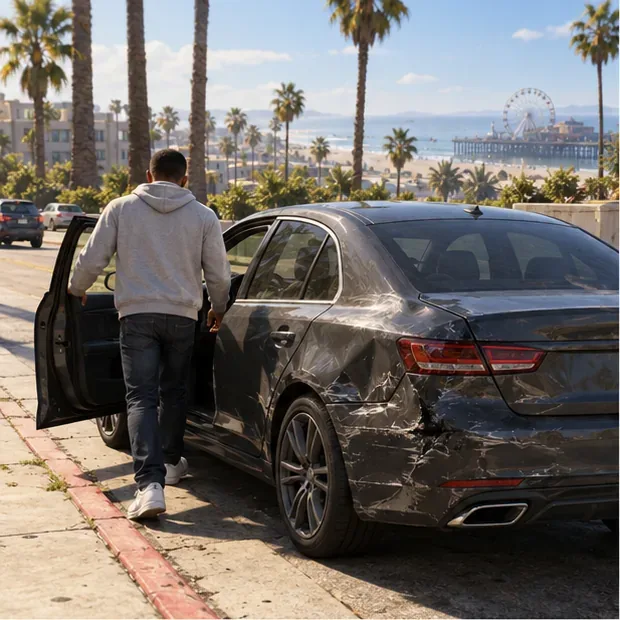
How to repair your car with the TURTLE cheat
1. Use Story Mode and save if achievements matter
Load a single-player Story Mode save. GTA Online does not accept Story Mode cheat codes. If you are working toward a trophy or achievement, make a manual save before entering any cheat. Rockstar says saving is allowed while cheats are active, but achievements are temporarily disabled during that time. Its support page also notes that some cheats can be unavailable in specific gameplay situations and that reloading a save or restarting the game resets active cheats. Read Rockstar’s guidance on GTA V cheats, saving, and achievements before using cheats in a progress-sensitive session.
2. Sit in the driver’s seat of the vehicle you want to fix
Enter the damaged car as the driver and stay inside it. The repair applies to the vehicle you are currently occupying; standing beside it or switching to a different vehicle will not target that car. You do not need to find a separate “repair vehicle” menu.
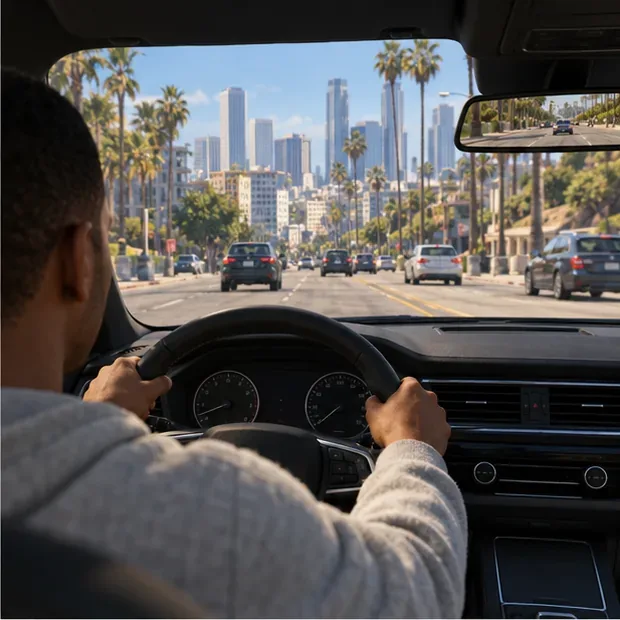
The player is behind the wheel, which is the position needed for TURTLE to affect this vehicle. 3. Enter TURTLE on your platform
On PC, press the tilde key (
~) to open the cheat input, typeTURTLE, and press Enter. If your keyboard layout makes that key hard to reach, open the in-game phone, navigate to its dial pad, and call1-999-887-853.On PlayStation or Xbox, enter the button sequence shown in the table, or use the phone dial pad on PS4, PS5, Xbox One, or Xbox Series X|S. Enter the sequence at a steady pace while remaining in the car. A confirmation message indicates that the cheat activated.
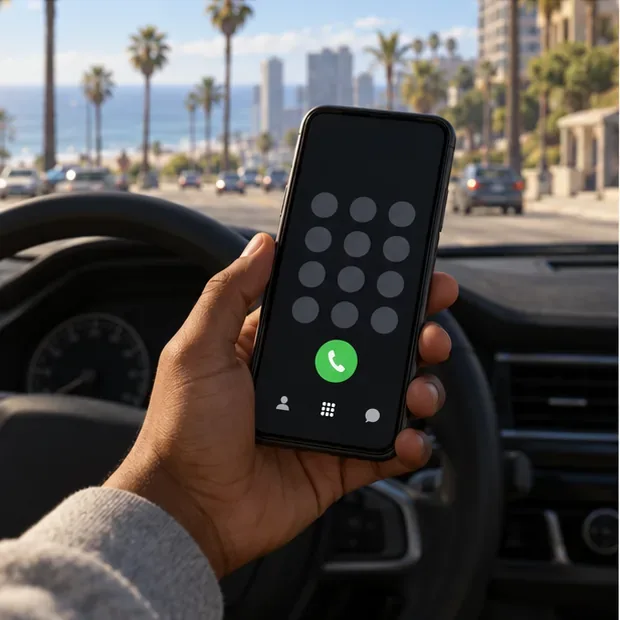
The phone dial pad is one way to enter 1-999-887-853 on supported versions. 4. Check the car and continue driving
After activation, the current vehicle’s damage should be repaired, and your character’s health and armor will also be restored. GTA V does not provide a universal vehicle-health bar that jumps to “100%,” so check the car’s visible damage and how it handles rather than looking for a percentage meter.
If the cheat is denied or the car does not change, confirm that you are in Story Mode and still inside the target vehicle. Some missions or specific moments temporarily block cheats. If the vehicle has already been destroyed and you cannot enter it, TURTLE cannot recover it; use the normal Story Mode vehicle-recovery options instead.

The repaired vehicle can return to the road without a trip to Los Santos Customs.
Why the old RECHARGE instructions were wrong
RECHARGE is not the GTA 5 car repair cheat. The relevant code is TURTLE, which is listed as the Max Health & Armor cheat. Its phone number is 1-999-887-853, spelling TURTLE on a phone keypad. The number 1-999-727-4227 is not the vehicle-repair number. The cheat named POWERUP is the one associated with recharging a character’s special ability; it is separate from this repair method.
Also, the game does not show a standard car-health indicator in the lower-left HUD. That area is used for character status and the map, so use the vehicle’s visible condition and behavior to check the result.
Common problems
The code activates, but the car is still damaged
Make sure you entered it while seated in the car you want repaired. If you were on foot, in a passenger seat, or in another vehicle, get into the correct car and try TURTLE again. A damaged car parked nearby is not the target.
The game says “Cheat Denied”
Rockstar notes that some cheats are temporarily unavailable in certain gameplay situations. Leave the mission sequence or restricted moment, return to free roam, and try again. The message means the game did not accept the code at that time.
Can I use this in GTA Online?
No. This is a single-player Story Mode cheat. Rockstar’s update history specifically records a fix for an exploit that allowed single-player cheats in Online, so do not use cheat-code instructions as a GTA Online repair method. For an Online personal vehicle, use the game’s standard repair and vehicle services.
Frequently asked questions
What is the GTA 5 car repair cheat on PC?
Enter TURTLE in the PC cheat input while you are inside the vehicle. You can also dial 1-999-887-853 on the in-game phone.
Does the TURTLE cheat restore the player too?
Yes. TURTLE is the Max Health & Armor cheat, so it refills the character’s health and armor as well as repairing the occupied vehicle.
Will using the cheat permanently disable trophies?
Rockstar describes achievements as temporarily disabled while cheats are active. Save before using the code if you care about progress, and reload your save or restart the game to clear active cheats. Do not expect an achievement to unlock retroactively for an action completed while cheats were active.
For a cheat-free repair in Story Mode, drive the car into Los Santos Customs and use its repair option. That is the straightforward choice if you want to avoid cheat-related achievement restrictions.
For current game editions and Story Mode availability, see the official Rockstar Games GTA V store page. Rockstar’s GTAV update notes document the fix for using single-player cheats in GTA Online.









