Learning how to download Warzone Mobile takes only a few minutes, and the game is completely free to play. Call of Duty: Warzone Mobile brings Activision's massive battle royale to phones and tablets, with the iconic Verdansk map, real-time 120-player matches, and shared progression with the console and PC versions. This guide walks you through every step on both iOS and Android, from checking that your device is supported to dropping into your first match.
The download is straightforward, but Warzone Mobile is a demanding game. Spending a minute on preparation — confirming your phone meets the requirements and freeing up storage — will save you from failed installs and stuttering gameplay later.
What you need before you start
- A compatible iPhone, iPad, or Android phone (see Step 1 for specifics).
- Several gigabytes of free storage — the app plus its game data can exceed 5 GB.
- A stable Wi-Fi connection for the large download.
- A free Call of Duty / Activision account (you can create one in-app).
How to download Warzone Mobile step by step
-
Step 1: Check device compatibility and free space
Warzone Mobile is graphically intensive, so confirm your device can handle it first. On iOS you generally need a fairly recent iPhone (roughly iPhone 8 or newer) running an up-to-date version of iOS. On Android you want at least Android 9.0 and around 4 GB of RAM, with a newer chipset for smooth performance. Just as important, make sure you have enough free storage — the base app plus the in-game data pack can total well over 5 GB, so clear out old apps or photos beforehand.
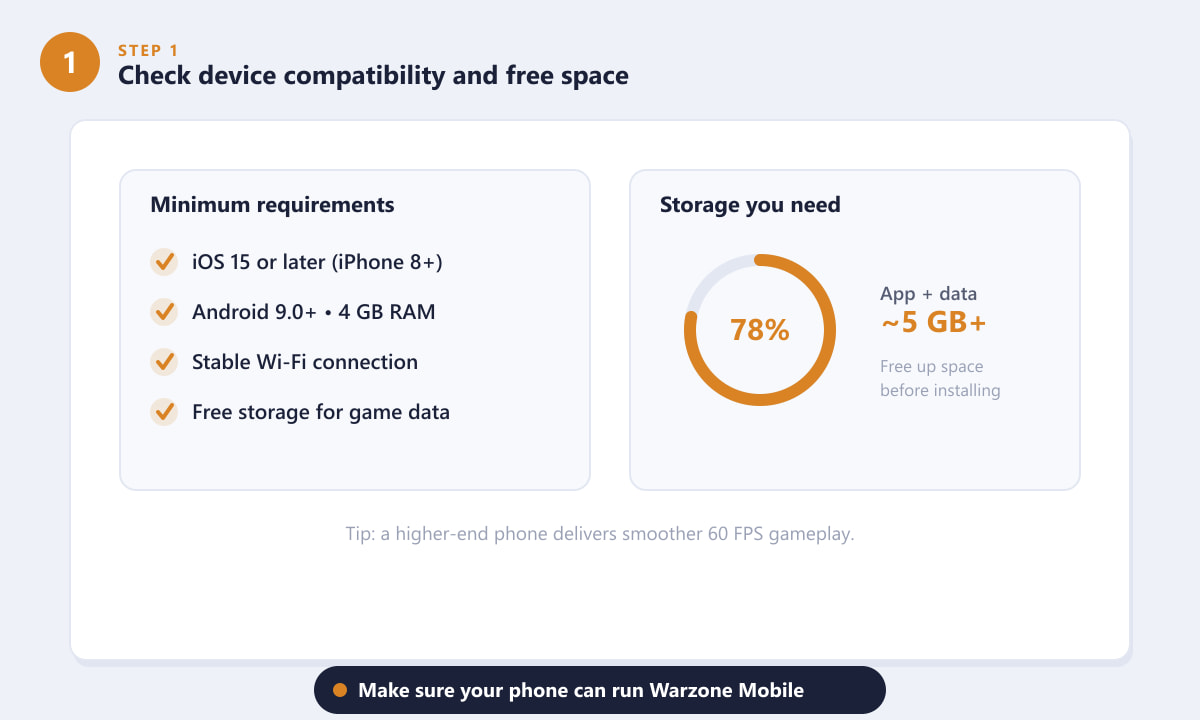
Confirm your phone meets the requirements and has room to spare. -
Step 2: Open the App Store or Google Play and search
Always download from the official store for your device — the App Store on iPhone and iPad, or Google Play on Android. Avoid third-party sites and unofficial APKs, which can be unsafe and won't update properly. Open your store, tap the search bar, and type Call of Duty: Warzone Mobile. Look for the listing published by Activision Publishing, Inc. to be sure you have the genuine app.
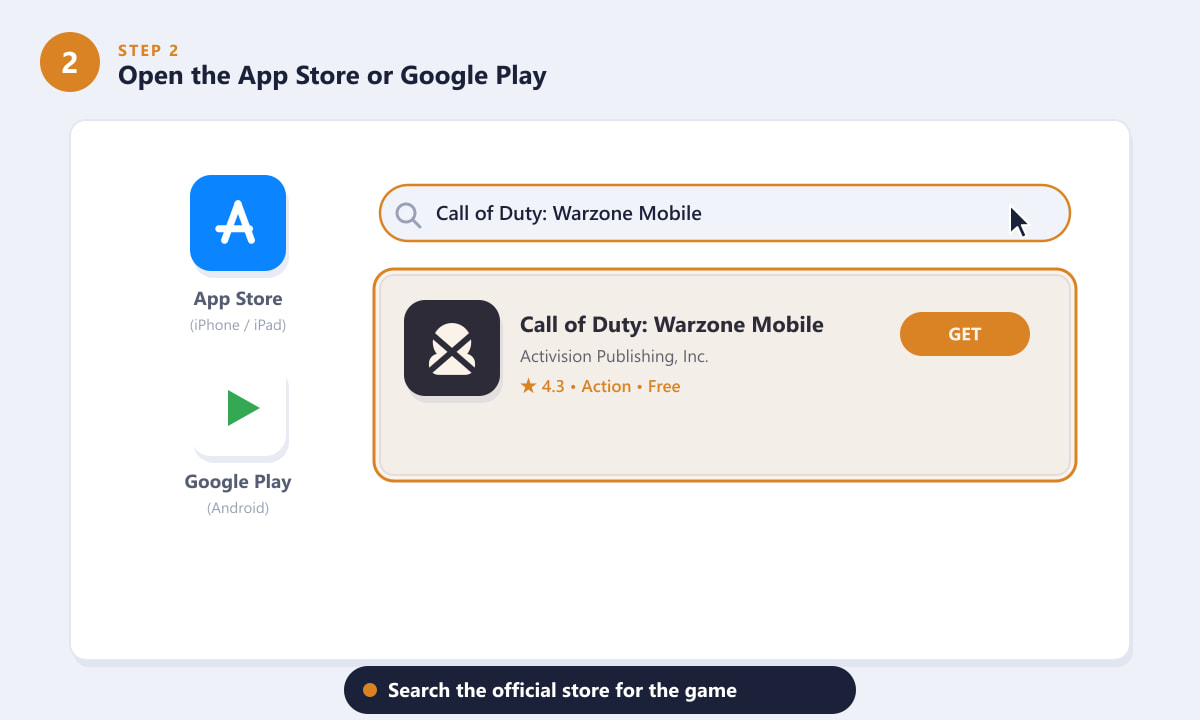
Search for the official Activision listing in your device's store. -
Step 3: Tap Get or Install to start the download
On the game's store page, tap GET (iOS) or Install (Android). You may need to confirm with Face ID, Touch ID, or your account password. The base application downloads first; keep the app and your screen active, and stay on Wi-Fi so the large file finishes quickly without using your mobile data allowance.
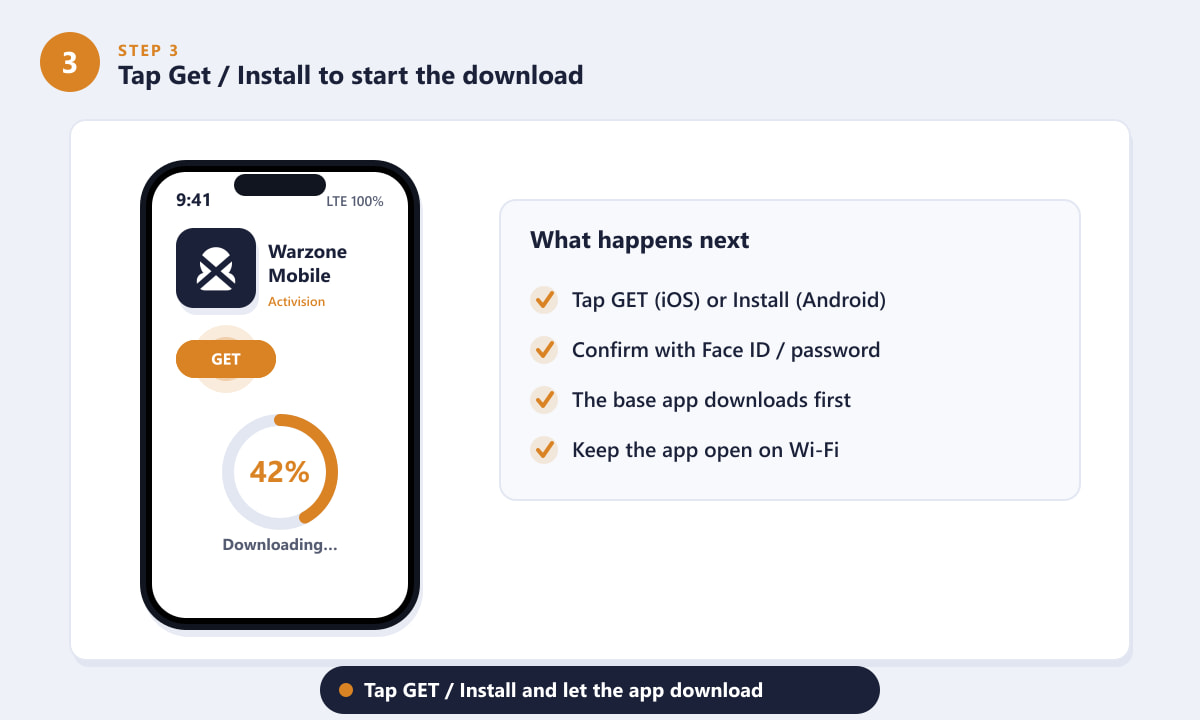
Tap GET or Install and let the base app download. -
Step 4: Launch the game and sign in
Once installed, open Warzone Mobile and sign in with your Call of Duty / Activision account. If you already play on console or PC, linking the same account carries over your friends, unlocks, and progression. New players can create a free account directly in the app in under a minute. Signing in is what enables cross-platform progress, so don't skip it.
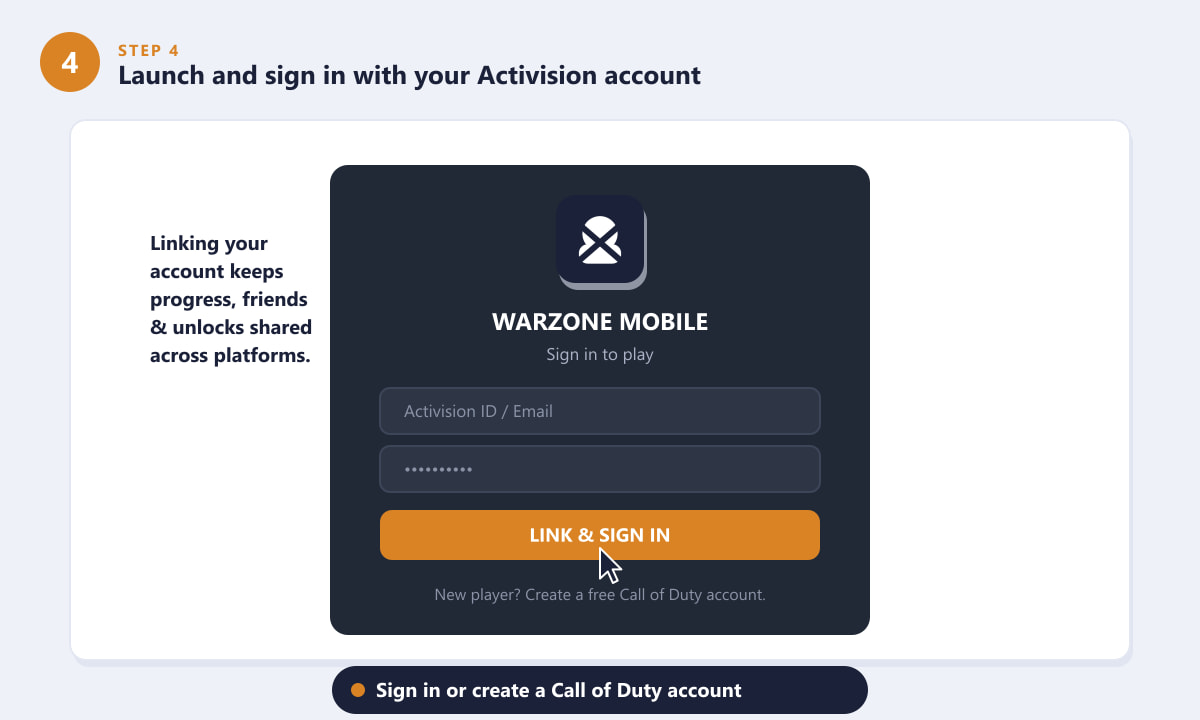
Sign in or create a Call of Duty account to save your progress. -
Step 5: Download the additional game data
The first time you launch, Warzone Mobile downloads extra assets — high-resolution textures, maps, weapons, and audio — that aren't bundled in the initial store download. This second download is sizable, so connect to Wi-Fi and leave the app open until it completes. Letting it finish now means you won't be interrupted by a download right before a match.
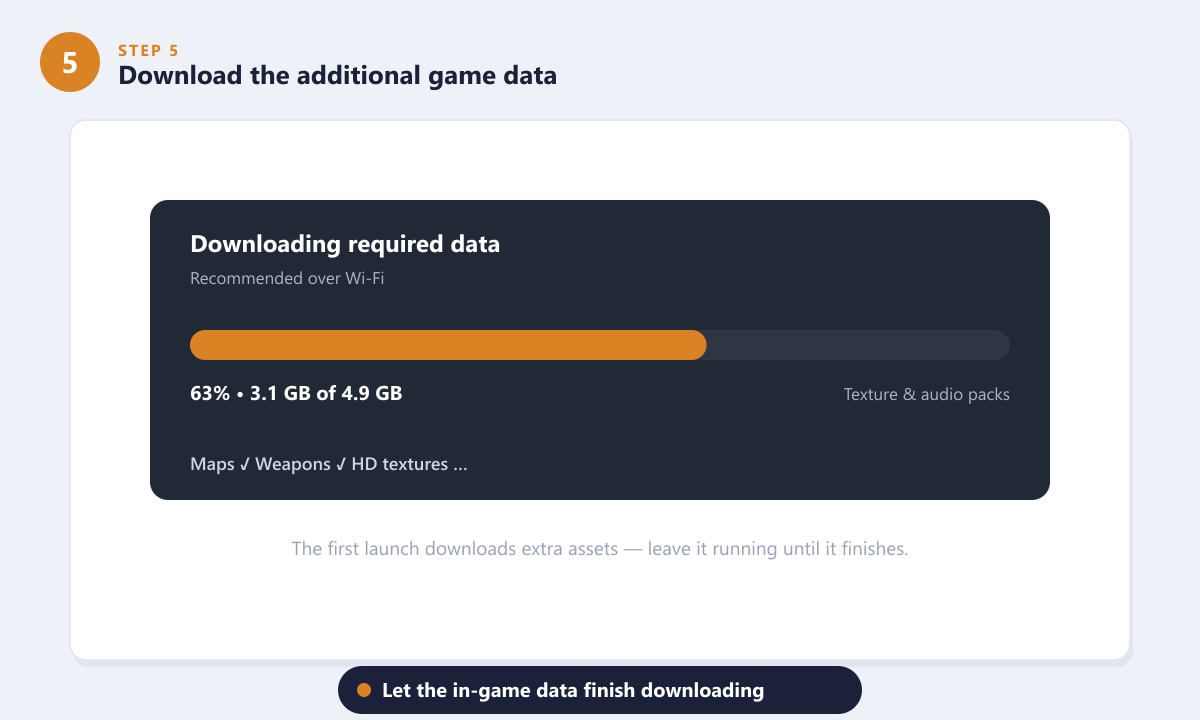
Let the in-game data pack finish downloading on first launch. -
Step 6: Adjust your settings and drop into a match
Before your first game, open the settings menu to tune the experience for your device. Set the graphics quality and frame rate to match your phone's power, enable controller support if you use a gamepad, and configure voice chat to your preference. When you're ready, tap Play, pick your landing spot on the map, and drop in. Warzone Mobile supports cross-progression, so your gear and stats keep growing across every platform.
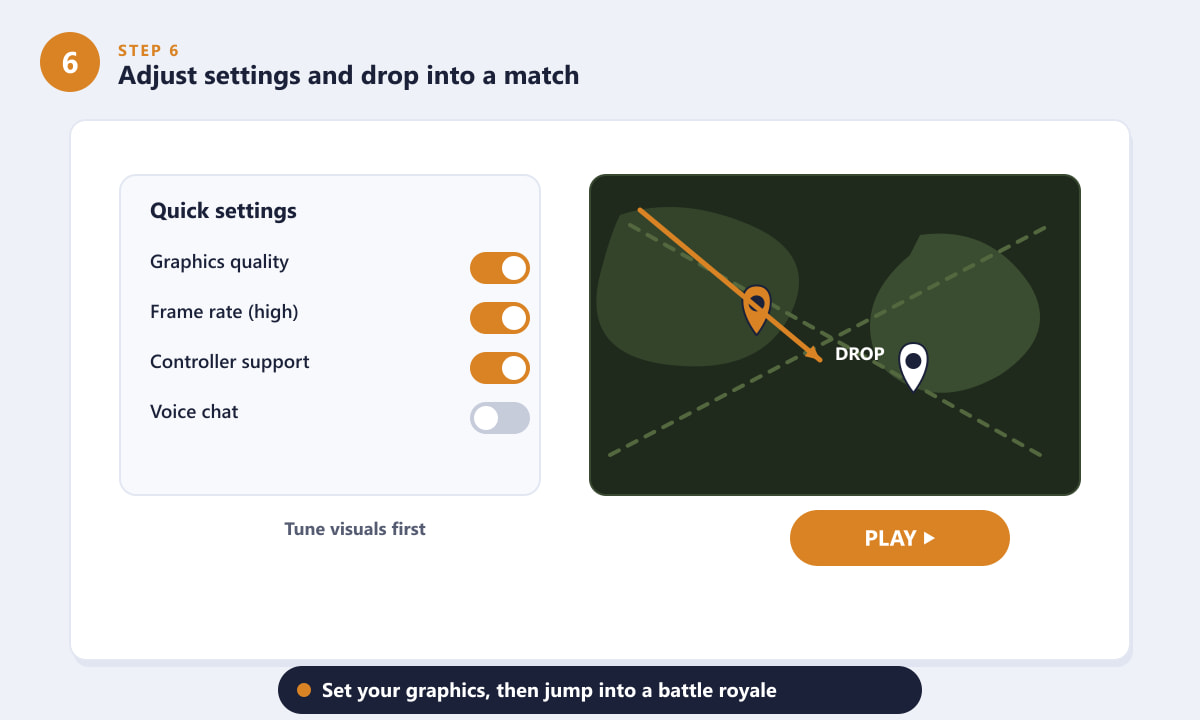
Tune your graphics, then drop in and start playing.
Tips for a smoother download and first match
- Stay on Wi-Fi. Both the app and the in-game data pack are large; mobile data can be slow and costly.
- Free up storage first. Installs often fail at the data-pack stage when a phone is nearly full — keep a few extra gigabytes spare.
- Plug in or charge up. Big downloads and the demanding first launch drain the battery fast.
- Lower graphics if you stutter. If frame rates dip, drop the graphics quality a notch before raising it again.
- Link your account early. Signing in before you play ensures nothing you unlock is lost.
Troubleshooting
The download is stuck or very slow
Switch to a stronger Wi-Fi network, restart the app, and make sure your device has free storage. If progress freezes, close Warzone Mobile completely and reopen it to resume the download.
The game says my device isn't supported
Your phone may not meet the minimum requirements, or your operating system might be out of date. Update iOS or Android to the latest version; if the device is still unsupported, the hardware likely doesn't meet the spec.
I can't find Warzone Mobile in my store
Availability can vary by region and over time. Make sure your store account's country is correct and that your OS is updated, and always search for the listing from Activision Publishing rather than copycat apps.
Frequently asked questions
Is Warzone Mobile free to download?
Yes. Call of Duty: Warzone Mobile is free to download and play on both iOS and Android, with optional in-app purchases for cosmetic items and the battle pass.
How big is the Warzone Mobile download?
The initial app is a few gigabytes, and the additional in-game data downloaded on first launch pushes the total well past 5 GB, so plan your storage accordingly.
Can I play Warzone Mobile with a controller?
Yes. Warzone Mobile supports compatible Bluetooth controllers. Pair the controller with your phone, then enable controller support in the in-game settings.
Does my progress carry over from console or PC?
When you sign in with the same Call of Duty / Activision account, Warzone Mobile shares progression, friends, and many unlocks across platforms.
Where should I download Warzone Mobile from?
Only from the official App Store or Google Play. Third-party APKs and download sites can be unsafe and may not receive proper updates.
Final thoughts
Downloading Warzone Mobile comes down to a few simple steps: confirm your device is compatible, install from your official store, sign in with a Call of Duty account, let the game data finish downloading, and tune your settings before you drop in. Take a moment to prepare your storage and connection, and you'll be running through Verdansk in no time. For the latest official details and supported devices, visit the official Warzone Mobile website.









