How to Download Terraria for Free (2026 Guide)
Short answer: If you want to download Terraria for free, you can do so legitimately only when an official store offers a demo or temporary trial, a subscription you already have includes access, someone gifts you a license, or a limited promotion is active. There is no official, permanently free download of the full game. If you want to keep the full game, buy it from the official store for your platform.
This guide shows how to check those options safely and install Terraria on PC, console, or mobile. Store prices, demos, and subscription catalogs vary by country and can change, so trust the listing in your official local store. The US PlayStation Store currently lists a Terraria: PS4 Edition demo as a free trial; that trial is not the full game. Availability can differ in other regions.
Can you legally download Terraria for free?
Sometimes you can download a trial at no cost, or access the game through a subscription you already pay for. Those options do not make Terraria a free-to-play game or give you permanent ownership. A platform may also run a limited free-play event, but only rely on one when an official store or publisher announces it.
| Option | What you get | Does it give you the full game permanently? |
|---|---|---|
| Official demo or free trial | A limited sample of the game at no charge, if offered in your region | No |
| Subscription catalog | Access while your eligible subscription and the catalog listing remain active | No; access depends on the subscription |
| Temporary free-play event | Play during the dates shown by the official store | Usually not; check the event terms |
| Gift or official giveaway | A license provided by someone else or a verified promotion | Often, but read the store or giveaway terms |
| Sale | A lower purchase price on an official storefront | Yes, after purchase |
For example, the US PlayStation Store listing shows a PS4 demo labeled “Free Trial” and also lists subscription-catalog access. Check your own regional listing before downloading. Other stores may show a purchase price instead. The US Xbox Store currently lists Terraria as included with Game Pass Premium and Ultimate; its page says Essential requires a separate game purchase for cloud play. That is access through a paid subscription, not a free copy, and the catalog can vary by region.
How to download Terraria for free—or get it for less
-
Step 1: Open the official store for your device
Start from the platform you plan to play on and make sure the title is the full game, Terraria, rather than a similarly named app, fan project, or mod. The official Terraria site links to its supported storefronts. On PC, the official listings include Steam and GOG. Console players should use the PlayStation, Xbox, or Nintendo store. For phones and tablets, use the Apple App Store or Google Play.
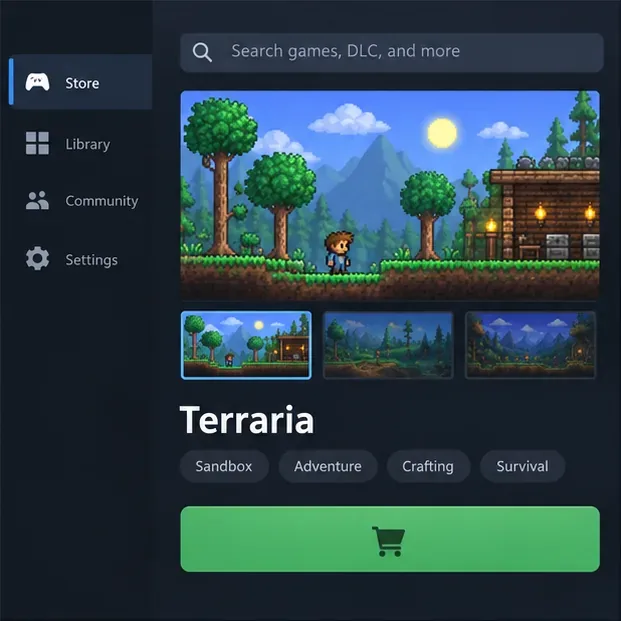
An illustrative storefront view: confirm the Terraria listing and current access options in your official store. -
Step 2: Wishlist Terraria and wait for an official sale
If the store does not currently offer a free trial, the safest low-cost route is to wait for a discount. On Steam, sign in, open the Terraria store page, and choose Add to Wishlist. Steam’s wishlist notification page explains that it can send email or mobile alerts when wishlisted games go on sale. This does not make the download free, but it helps you avoid paying full price and prevents you from relying on dubious “free key” sites. GOG and console stores also display current discounts on their official listings.
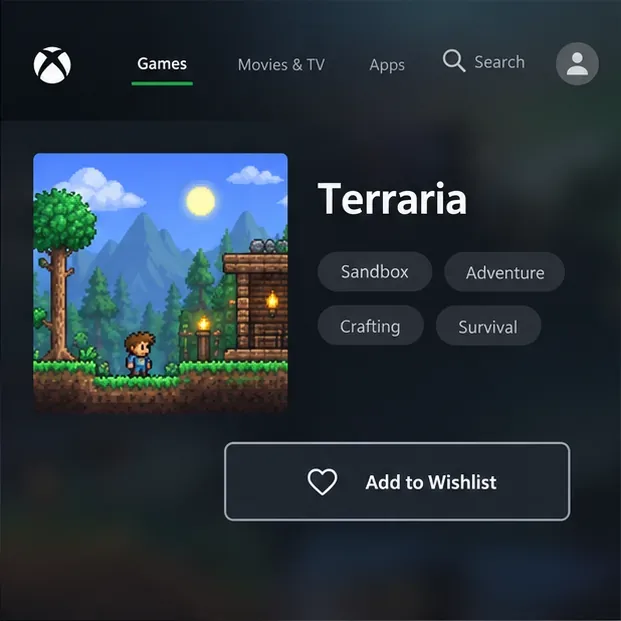
The wishlist button in this interface mockup represents a way to track an official store listing and sale. -
Step 3: Check demos, subscriptions, and limited offers
Look for an explicit Demo, Free Trial, or subscription-included label on the official store page. A demo lets you sample only the portion provided. A subscription can be a no-extra-cost way to play if you already pay for an eligible plan, but it is not a permanent free copy: access can stop if the plan expires, the catalog changes, or your region is not eligible. If a publisher or platform announces a free-play weekend, check the end date and whether your save can continue after the event.
Do not assume that a demo exists on every device. The current US PlayStation listing is one verified example; check your local PlayStation, Xbox, Nintendo, Apple, or Google listing for the options available to you. If the store only shows a price, there is no free full-game offer there at that moment.
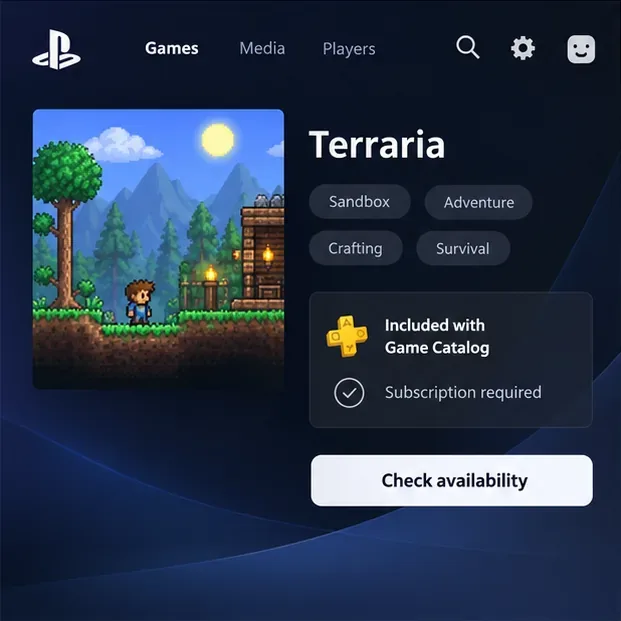
This console-store mockup shows where to check subscription eligibility; it does not indicate that a promotion is active in every region. -
Step 4: Claim the offer, then install from your library
For a demo or trial, select the store’s download or add-to-library control and follow its instructions. For a gifted copy or an official giveaway, redeem it only through the platform named in the offer. After a PC purchase or claim, open your account library, select Terraria, and click Install. Steam’s new-user guide explains how games registered to your account are installed from the Library. On console or mobile, use the store’s library or the game’s official listing and select Download or Install.
Keep in mind that licenses are usually tied to the store and platform where you obtained them. A Steam purchase does not automatically unlock the mobile or console version; check the store’s cross-buy terms before assuming one purchase covers multiple devices.
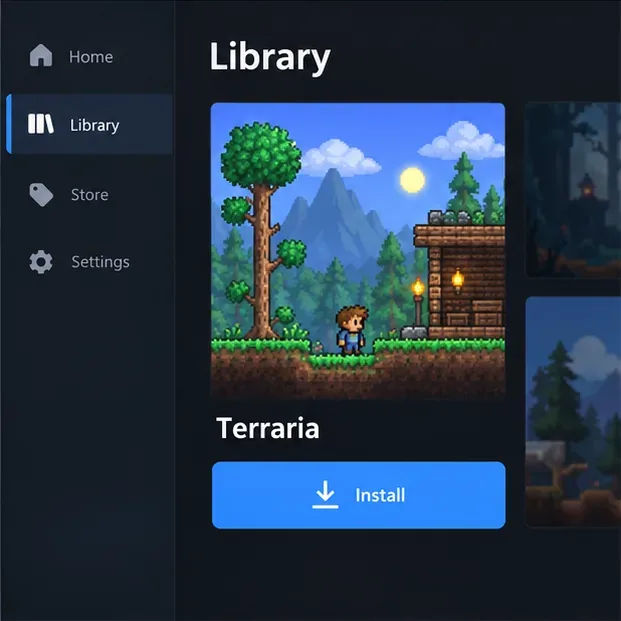
After the store recognizes your trial or license, use its library page to install the game.
How to spot an unsafe “free Terraria download”
A page promising a cracked full version, modified APK, key generator, or installer outside the platform stores is not an authorized Terraria download. Such files can also expose your device to malware. The US Federal Trade Commission advises people not to use unfamiliar websites to download free games or other software. Do not disable antivirus protection, enter your store password on a third-party page, or install a file just because it claims to unlock the full game.
Use the official Terraria website to find platform links, then download through the store that manages your account. If no trial, subscription access, gift, or official promotion is available, wishlist the game and wait for a sale.
Common questions
Is Terraria free on Steam?
Terraria is sold as a paid game on Steam. A limited promotion could change what the page offers temporarily, but there is no permanent free full-game Steam download. The Steam price is localized, so check the store page in your account region.
Can I keep Terraria after a free trial?
No. A demo or time-limited trial provides only the access stated by that store. To keep playing the full game afterward, you generally need to buy a license or maintain an eligible subscription if that platform offers catalog access.
Is the mobile Terraria app a free demo?
Do not assume it is. Check the official Apple App Store or Google Play listing in your country; if the listing displays a purchase price, that is the full app rather than a free trial.
Why avoid third-party APK or installer sites?
They are not the official store for Terraria and may distribute altered files or malware. The FTC recommends downloading games and software only from websites you know and trust.
Availability note: store listings and subscription catalogs checked October 16, 2026. Prices, trials, and access terms can change by region.









