How to Download Honor of Kings on iPhone and Android
To download Honor of Kings, install the official app from the Apple App Store on iPhone or iPad, or from Google Play on Android. Search for the exact title, verify that the developer or publisher is Level Infinite, and install it from that store. The game is free to download with optional in-app purchases. The steps below cover the global mobile edition; availability and device compatibility can vary by store region and device.
Use the official Honor of Kings website if you need to confirm the current download destination. Avoid unofficial APK mirrors and lookalike listings.
Before you download
- Check iPhone or iPad compatibility. As of September 23, 2026, Honor of Kings requires iOS 13.0 or later; the current Apple listing also specifies iPadOS 13.0 or later. The publisher announced the iOS change for Season 16. Check the official notices and your local App Store listing for the latest requirements.
- Check Android compatibility in Google Play. The store listing checks whether your particular phone or tablet can install the current release. Android requirements may change with updates, so use the compatibility notice shown on your device instead of relying on an old minimum-version claim.
- Make room for the app and game data. The store download is only part of the install. Updates or additional in-game resources can require more free space, so leave room before starting.
- Connect to Wi-Fi if possible. The game may download additional resources after installation. Official update notices recommend Wi-Fi for resource downloads.
How to download Honor of Kings on iPhone or iPad
- Open the App Store on your iPhone or iPad and sign in with your Apple Account if the store asks you to.
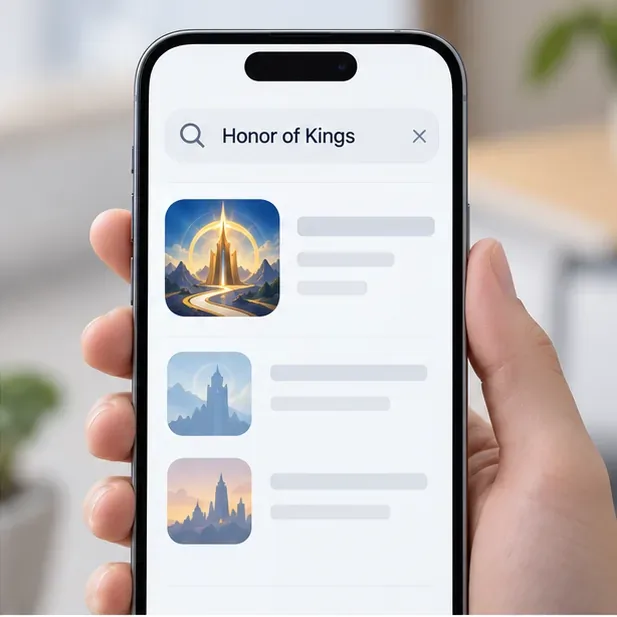
- Tap Search and enter Honor of Kings. Open the result that matches the official title.
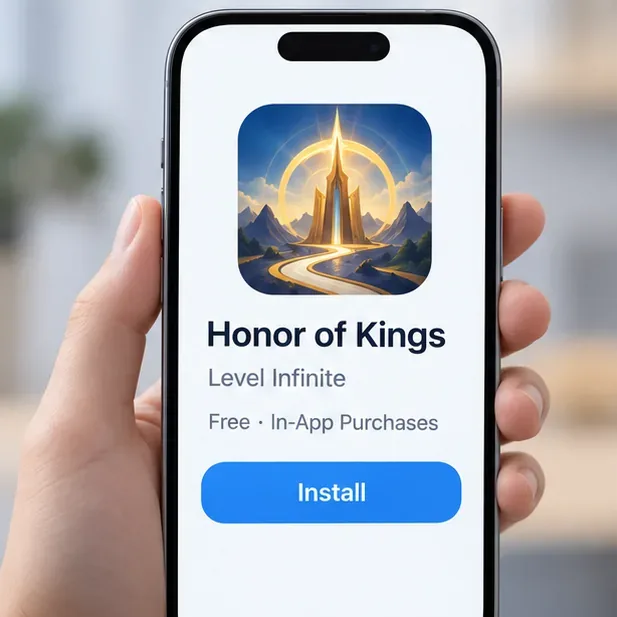
- On the listing, confirm the publisher is Level Infinite. Apple currently lists the app as free with in-app purchases and shows iOS 13.0 or later for iPhone and iPadOS 13.0 or later for iPad.
- Tap Get, then authenticate with Face ID, Touch ID, your device passcode, or the method requested by Apple. Wait for the app to finish downloading and installing.
You can open the listing through the official App Store page. If it says the app is unavailable or incompatible, follow the message shown in your regional store rather than downloading a copy from another website.
How to download Honor of Kings on Android
- Open the Google Play Store on your Android phone or tablet and select the search field.
- Search for Honor of Kings, then open the matching game listing.
- Check that the app is published by Level Infinite. The official listing identifies the game as the Honor of Kings International Edition and shows that it includes optional in-app purchases.
- Tap Install. Wait for Google Play to complete the app installation before opening the game.
For a direct route, use the verified Google Play listing for Honor of Kings. Do not install an APK from an unfamiliar site just because the app does not appear in search results; the official listing or publisher site is the safer way to check availability.
Finish the first launch
After the store installation, open Honor of Kings and let any in-game update or resource download finish. Keep the phone on a stable connection—Wi-Fi is recommended—and leave enough free storage for the download to complete. The exact size and time depend on the current game version, device, and connection, so the store’s app size is not a reliable estimate of the full space or time needed.
When the download finishes, follow the sign-in instructions displayed in the app. The available account options can vary by region and version. If the game offers an introductory tutorial, you can complete it before entering a regular match.
Fix common Honor of Kings download problems
The game does not appear in my store
Open the official website and follow its current store link. If the listing still does not appear, the game may not be offered to that store account or the device may not meet the current compatibility rules. Store catalogs can differ by country or region. Do not assume that changing regions or using an unofficial download will make the game supported.
The install is queued, paused, or fails
Check your internet connection and available storage, then pause and resume the install from the store. If it remains stuck, restart the device and try again. Also check that your operating system and app store are up to date. Keep the game installed from its official listing so future updates come through the same trusted channel.
The game opens but resource download stalls
Keep the app online, switch to a more stable Wi-Fi network, and make sure the device has free space. If closing and reopening the game does not resume the download, use the game’s customer-service option or the official Honor of Kings support site for loading and update issues.
Frequently asked questions
Is Honor of Kings free to download?
Yes. The official Apple and Google Play listings show the game as free with optional in-app purchases. Review the store’s purchase information before buying anything in the game.
Can I download Honor of Kings on a PC?
The publisher describes Honor of Kings as a mobile MOBA and provides official iOS and Android download listings. This guide covers those mobile versions. If you are looking for a desktop release, check the publisher’s current platform information first; an Android emulator is a separate third-party route and is not the same as a native PC client.
Is Honor of Kings the same game as Honor of Kings: World?
No. Honor of Kings is the mobile 5v5 MOBA described here. Honor of Kings: World is a separate title with its own official website and download information.
Official download links
Use the Apple App Store for iPhone and iPad, or Google Play for Android. Check the listing’s publisher, compatibility, and regional availability before installing. Once the app and any additional resources finish downloading, follow the in-game prompts to get started.









