How to Download Honor of Kings: World (2026): Official PC and Mobile Sources
Quick answer: The China-region version of Honor of Kings: World is available through Tencent’s official game portal and supported Chinese storefronts. For players looking for a global release, the official English site currently marks its PC alpha as ended; it does not show a public global download button. Check your region before installing, and use only a publisher or platform store link.
This is a separate open-world action RPG from the 5v5 Honor of Kings mobile MOBA. The game’s Chinese release and its international test are different distribution routes, so a listing or download link for one does not automatically work for the other.
Where Honor of Kings: World is available
| Edition | Official route checked | What to expect |
|---|---|---|
| China-region PC | Tencent’s official game site or WeGame | The PC version launched in China in April 2026. The official pre-download notice lists a standalone launcher and WeGame. |
| China-region mobile | Tencent’s official game site; China App Store listing | The mobile version followed in April 2026. Store availability depends on your storefront region and device. |
| Global/international | Official English website | The official PC alpha is closed. No current public global PC or mobile installer is listed on the official pages checked October 16, 2026. |
The international website’s recruitment page says “PC Alpha Test Has Ended.” Its closure notice says the test ended on May 27, 2026, at 07:59 UTC. That date is the end of the test, not a global launch date. The site offers an email subscription for future news, but I could not verify a global release date or a live global download listing. See the official alpha page and official alpha closure notice.
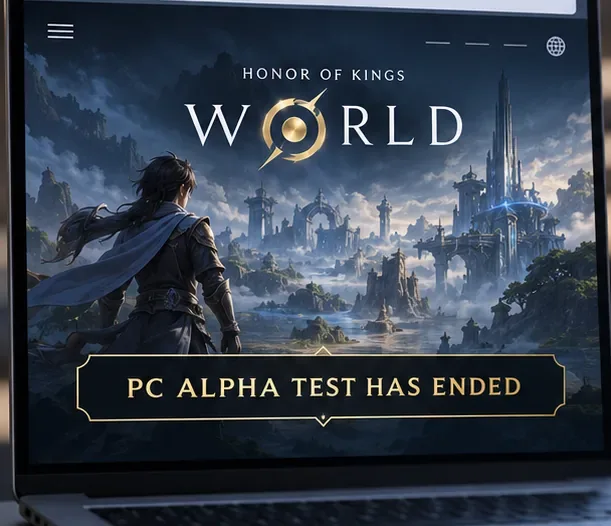
How to download Honor of Kings: World
Step 1: Confirm which edition your region can access
Start by checking whether you want the China-region game or are waiting for an international release. Open the official game page for your region and verify the full title, platform, and publisher before choosing a download. Search results can mix up Honor of Kings, the mobile MOBA, with Honor of Kings: World, the separate action RPG. The global alpha page is not a live installer: it currently reports that the test has ended.
Step 2: Download the China PC client from Tencent
If you can use the China-region release, start at the official Tencent Honor of Kings: World portal. Tencent’s PC notice directs players to download the standalone launcher from the game website or search for “王者荣耀世界” in WeGame. Follow the current official page’s download button; do not copy an installer from a file mirror or an unrelated post.
The official April 6, 2026 PC notice listed 110 GB of available storage, Windows 10 64-bit version 22H2 or newer, 16 GB RAM, DirectX 12, and a GTX 1060 5 GB desktop GPU as the minimum configuration at that time. It gave different minimum graphics and processor requirements for laptops. Requirements and patches can change, so check the current launcher page before freeing space or buying hardware. The notice also recommended an SSD.
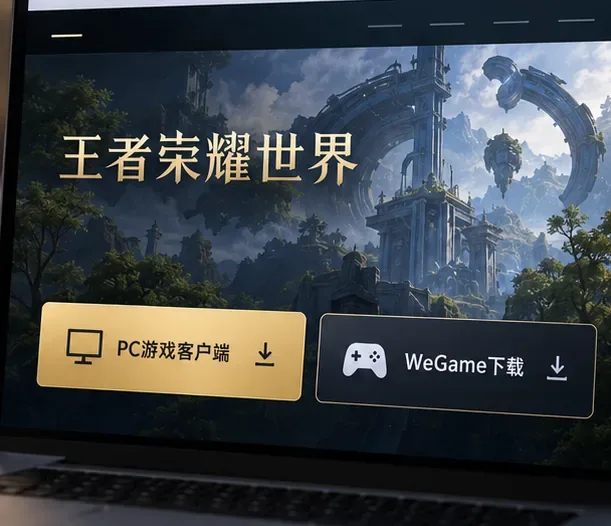
The China-region portal provides PC client routes; the mock interface is illustrative, so follow the live Tencent page for current buttons. Step 3: Install the China mobile version from its regional store
For iPhone or iPad, use the official China App Store listing. The listing identifies the Chinese title 王者荣耀世界 and names a Tencent developer. On Android, open the Tencent game portal directly and select its current official mobile download option if it is available for your account and region. If no official option appears in your store or on the publisher site, stop there rather than installing an APK from a mirror.
Mobile storefronts may download a smaller app first and request additional game data after launch. Use a stable Wi-Fi connection, keep enough free storage for updates, and follow the live store’s device and system requirements. Do not rely on a fixed file-size estimate copied from an old article.
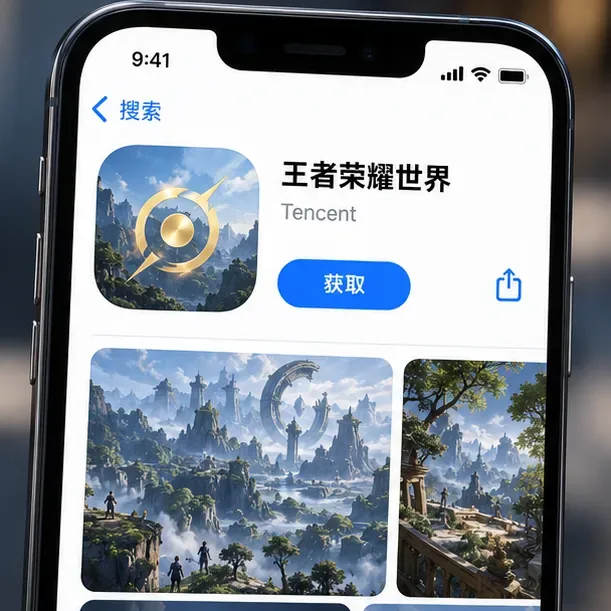
Check the exact Chinese game title and Tencent developer information on the regional listing. Step 4: Update the client and follow its sign-in prompts
After installation, open the game through the official launcher or store and let required updates finish before troubleshooting startup. Use the account and region options shown by that edition’s publisher; login methods can differ between the China release and any later international test. If you previously installed a test client, Tencent’s PC notice advises replacing the old launcher with the current official version. For the global alpha, old access keys do not reopen a test whose servers have closed.
What players outside China should do
If the China-region site or store is unavailable in your country, the practical next step is to follow the official international website and use its update subscription. The last global PC alpha is over, so you cannot install that test as a current public game. I also could not verify an official PlayStation 5 download page for Honor of Kings: World in the sources checked. The earlier claim that it is ready to download on PS5, iOS, and Google Play worldwide is not supported by the official pages reviewed.
Be careful with store search results: the Google Play listing for Honor of Kings is the 5v5 mobile MOBA, not a global Honor of Kings: World installer. Always check the complete game name and publisher.
Download safely and fix common problems
- The game does not appear in your store: check the storefront country, device support, and the publisher’s current download page. Availability can vary by region.
- The PC installer runs out of space: check the free-space requirement on the live Tencent page; the April notice listed 110 GB for the PC client.
- An old launcher will not update: get the latest installer from the official game site or WeGame. Avoid repackaged launchers and download mirrors.
- A site promises a global APK, PS5 build, or instant alpha access: compare it with the official English site. Do not enter account credentials or install files when the publisher does not link to that source.
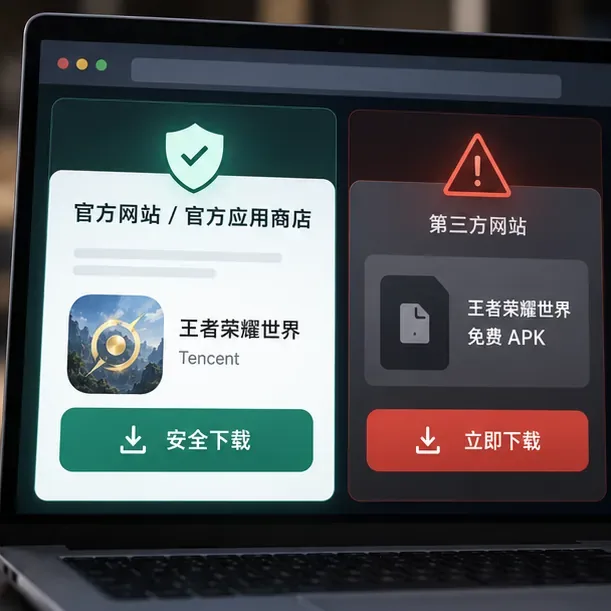
Frequently asked questions
Is Honor of Kings: World available to download globally?
As of October 16, 2026, the official English site shows that its PC alpha test has ended and does not list a current public global installer. The China-region version is a separate release.
Can I download Honor of Kings: World on PC?
Yes, the China-region PC version is distributed through Tencent’s official game portal and WeGame. The closed international alpha does not provide a public download now.
Is Honor of Kings: World on iOS and Android?
The China-region mobile version is available through regional official channels, including the China App Store listing. I could not verify a public global iOS or Google Play listing for World.
Is it available on PlayStation 5?
I could not confirm an official PS5 listing from the publisher pages checked. Use the official international site for future platform announcements rather than third-party download pages.
How much PC storage does it need?
Tencent’s April 2026 PC pre-download notice listed 110 GB. Check the live official installer for the current requirement because updates may change it.









