Home
» 🎮 Esports
»
How to Download GTA V on PC, PS5 & Xbox (2026)
How to Download GTA V on PC, PS5 & Xbox (2026)
How to Download GTA V on PC, PS5 & Xbox (2026)
To download GTA V, open the official store for your device, choose the version that matches your platform, and install it from your game library. On PC, check whether your computer meets the requirements for GTA V Enhanced. On PS5 and Xbox Series X|S, make sure the store listing includes Story Mode if you want the full single-player game; GTA Online is also sold as a separate product on some console storefronts.
This guide covers the current PC, PlayStation, and Xbox download paths. Store names, editions, prices, subscription access, and available upgrades can vary by account region and change over time, so verify the product details shown in your own official store before you buy or install.
Before you download: check the edition and storage
GTA V is not one identical download across all devices. The PC release has Enhanced and Legacy builds, while console stores may show a current-generation edition, an older-generation edition, or standalone GTA Online. Use this quick check before starting:
Device
What to select
What to check
Windows PC
GTA V Enhanced, or Legacy if your hardware needs the older build
Enhanced requires a 105 GB SSD and stronger PC hardware; Legacy has separate requirements.
PlayStation 5
The PS5 version of Grand Theft Auto V
Confirm the listing includes GTA V: Story Mode if you want the campaign.
Xbox Series X|S
The Xbox Series X|S version of Grand Theft Auto V
Check that Story Mode is included; a GTA Online-only listing is a separate product.
PS4 or Xbox One
The edition for your console generation
Do not select a PS5 or Series X|S-only version for an older console.
Rockstar’s current PC requirements list 105 GB on an SSD for GTA V Enhanced and 125 GB on an HDD for Legacy. Enhanced’s minimum PC specs include Windows 10 (build 1909 or later), an Intel Core i7-4770 or AMD FX-9590 processor, 8 GB RAM, and a GTX 1630 4 GB or Radeon RX 6400 4 GB graphics card. Leave additional space for updates, and check the official GTA V PC system requirements if your PC is close to the minimum.
For consoles, use the required-space figure shown on the game’s store page or download screen. It can differ by version and change after updates, so the old blanket estimate of “95–100 GB” is not a reliable planning figure for every platform.
How to download GTA V on PC
Step 1: Choose the PC edition that fits your hardware
Current PC listings may identify the upgraded release as Grand Theft Auto V Enhanced. Rockstar also maintains GTA V Legacy with different, lower system requirements. Check your computer against the requirements above before downloading. The Epic Games Store listing says its PC purchase includes both Enhanced and Legacy; read the edition details on whichever storefront you use instead of assuming every package is identical.
You can get GTA V through the Steam listing, the Epic Games Store listing, or the Rockstar Store. These are official sellers; avoid third-party downloads that offer cracked files or ask you to disable security software.
Illustrative interface: a PC storefront product page with a game tile and purchase action.
Step 2: Buy the game and add it to your library
Sign in to the account you plan to keep using, open the GTA V product page, and confirm the edition and included content before checkout. After purchase, the game should appear in that store account’s library. If you already own GTA V on a different PC storefront, use the account that owns that copy; buying it again is not necessary to reinstall it there.
There is no dependable universal price or subscription-inclusion rule. A time-limited deal or catalog listing may appear in one region and not another. Check the current store listing and its renewal or access terms before treating a subscription copy as permanent ownership.
Step 3: Install through the same storefront
Open your library, select GTA V, choose Install, and pick an SSD with enough free space for the edition and its updates. Keep the launcher open while it downloads; if the connection drops, most launchers let you pause and resume from the download queue.
PC installation and activation require a Rockstar Games account and an internet connection. If you bought the game on Steam or Epic, follow the Rockstar Games Launcher and account-linking prompts, then launch GTA V from the storefront associated with your purchase. Rockstar’s official downloads page provides the launcher if it is not already installed.
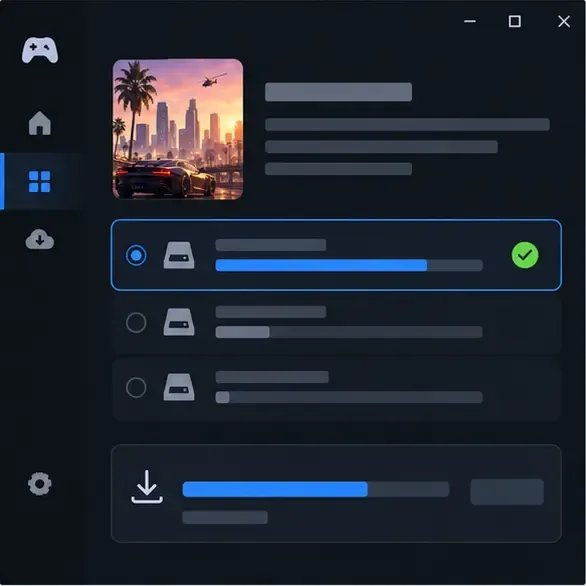
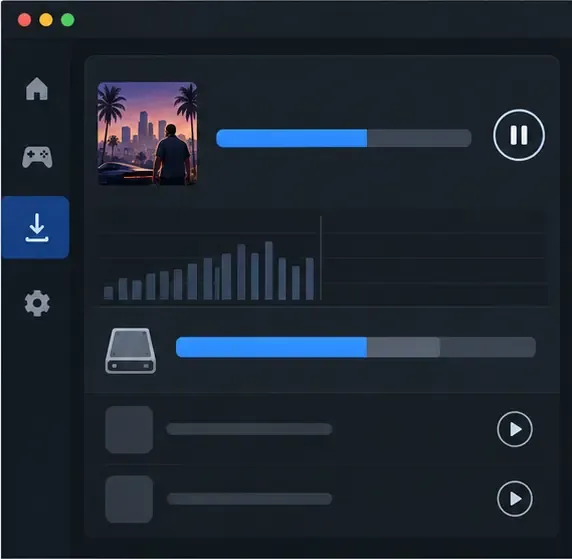
Illustrative interface: select a drive with enough free SSD space, then follow the launcher’s download progress.
How to download GTA V on PS5
Step 4: Open the PS5 game page and confirm the version
On your PS5, open PlayStation Store and search for “Grand Theft Auto V.” Select the PS5 version if you want the current-generation release. The PlayStation Store also lists cross-generation products; read the platform and included-content lines so you do not mistake the PS4 download for the PS5 version. If you only want GTA Online, its standalone listing is separate from GTA V with Story Mode.
Illustrative interface: check the PS5 product listing and its included content before selecting a version.
Already own the PS4 copy? Rockstar’s support article, updated June 18, 2026, says eligible PS4 owners can download the PS5 upgrade from the PS5 product page. Physical-disc owners need the disc inserted to verify ownership. Follow the current Rockstar upgrade instructions and PlayStation’s PS4-to-PS5 upgrade guide; eligibility and disc support depend on the version and console.
Step 5: Download GTA V from your PS5 library
After purchase or upgrade, open Game Library, find GTA V, and select Download. If the store offers both PS4 and PS5 versions, choose the PS5 entry. Track progress in Downloads/Uploads. Your console needs enough free storage, and the PSN account that purchased or claimed the game must be signed in for the license to appear.
Illustrative interface: start the PS5 download from the game library after confirming the correct version.
How to download GTA V on Xbox
Step 6: Choose the Xbox version and check Story Mode
Search for Grand Theft Auto V in Microsoft Store on your Xbox or on the official Xbox store website. Choose the Xbox One version for Xbox One, or the Series X|S version for a Series console. Some Xbox product pages bundle both generations, while GTA Online and Story Mode can also appear as separate entries. If you want the full GTA V download with the single-player campaign, confirm that the product includes Grand Theft Auto V: Story Mode.
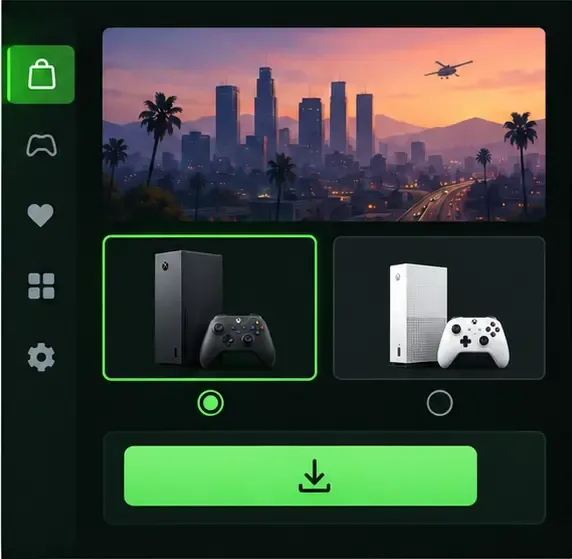
Illustrative interface: select the Xbox generation supported by your console and review the included content.
Rockstar says digital Xbox One owners can download the Series X|S version from its Xbox Store product page. The cited upgrade instructions say Xbox One disc owners cannot convert that disc into a digital upgrade. Check the exact entitlement on the official Xbox product page before choosing an edition.
Step 7: Install it from your Xbox library
On the console, go to My games & apps > Full library > Owned games, select the GTA V entry for your generation, and choose Install. You can also open the product page and select Install To, then choose the console. Microsoft’s Xbox installation guide covers digital installs and storage options.
Illustrative interface: choose the owned game in your Xbox library and start installation.
First launch: sign in and activate
Step 8: Complete account sign-in on PC
When PC installation finishes, launch GTA V from Steam, Epic, or Rockstar Games Launcher and follow the sign-in prompts. A Rockstar Games account is required on PC for installation, online play, and certain features. On PlayStation and Xbox, Rockstar says a Rockstar Games account is not required for Story Mode, though certain online features do require one. Console downloads also require the PlayStation Network or Microsoft account that owns the game.
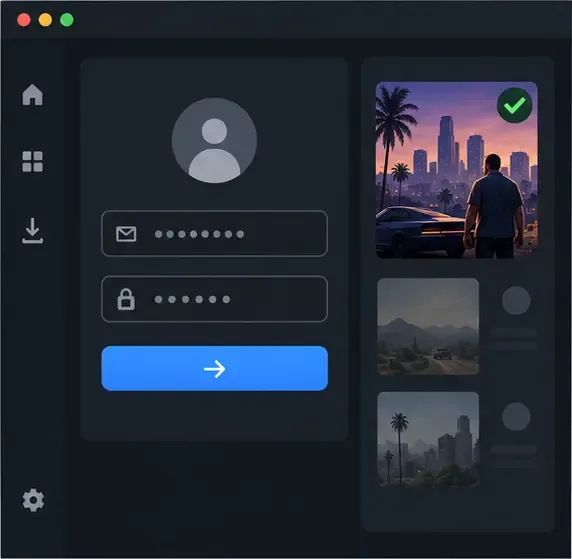
Illustrative interface: sign in to the Rockstar Games account linked to your PC purchase when prompted.
For PC activation, connect to the internet for the first sign-in and entitlement check. Rockstar says Story Mode can generally be played offline after setup, but an internet connection may still be needed for online play, updates, cloud-save syncing, or periodic entitlement checks. Rockstar’s offline-mode instructions explain the limits.
Fix a slow, stuck, or failed GTA V download
Illustrative interface: check the download queue and available drive space before retrying.
Download is paused or stuck: pause and resume it in the launcher or console download queue. Check the service status and internet connection before deleting the download.
Not enough storage: compare free space with the requirement shown for your exact version. On PC, verify the selected drive is an SSD for Enhanced. On PS5, check Settings > Storage and the product page’s required space.
The game is missing from your library: confirm you are signed in to the purchasing account and that checkout completed. A subscription copy can disappear if access ends or the game leaves its catalog.
It launches the wrong version: return to the library and choose the entry labeled for PS5, Xbox Series X|S, Xbox One, or the PC build you intend to play. Do not select standalone GTA Online if you need Story Mode.
PC account or ownership error: open the launcher tied to the purchase and sign in to the Rockstar account associated with that copy. Rockstar’s PC installation troubleshooting guide lists additional fixes.
For a console download that will not start, PlayStation recommends pausing and resuming from Downloads/Uploads, checking available storage, and trying again from Game Library. Its download troubleshooting page has steps for PS5 and PS4.
Frequently asked questions
Is GTA V free to download?
There is no universal, permanent free download of the full game. A regional promotion or subscription catalog may provide temporary access, but availability and terms change. Check the official store page for the account region you use.
How much space does GTA V need?
Rockstar lists 105 GB on an SSD for GTA V Enhanced on PC and 125 GB for Legacy. Console requirements vary by platform and update, so use the figure displayed on your console’s product page.
Do I need a Rockstar Games account?
Yes for PC installation and play. On console, a Rockstar account is not required for Story Mode, though some online features use one. Read Rockstar’s account requirements for GTA V for the current details.
Can I install GTA V on a laptop?
Yes, if it meets the requirements for the PC version you select. For GTA V Enhanced, compare the laptop’s processor, memory, graphics card, Windows build, and SSD space with Rockstar’s minimum requirements; integrated graphics may not meet the listed GPU requirement.