How to Check Real-Time Server Latency in the PUBG HUD

Enable PUBG’s network statistics HUD to monitor ping and packet loss in a match. See where to find it, what the numbers mean, and what they cannot diagnose.
You can queue a compatible console game from your phone so your Xbox downloads it while you are away. The simplest method is the Xbox mobile app: prepare the console once, sign in, choose a game, select the console, and confirm the install. This guide explains how to download games to your Xbox remotely on Xbox Series X|S and Xbox One, plus what to try if the console does not appear.
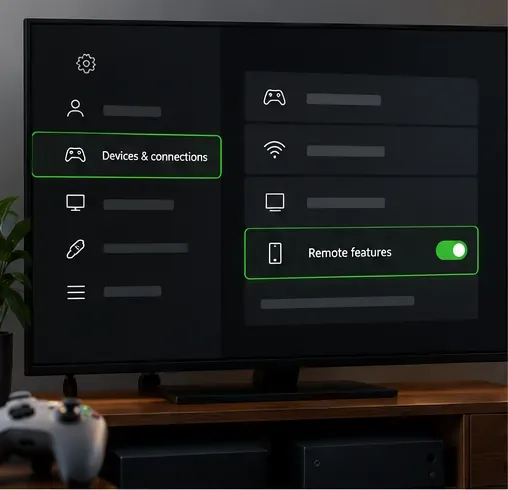
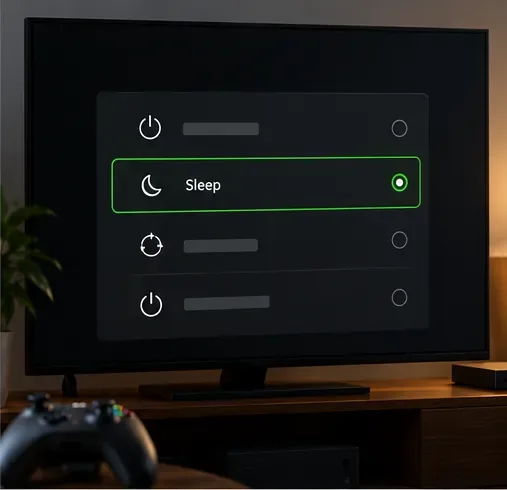
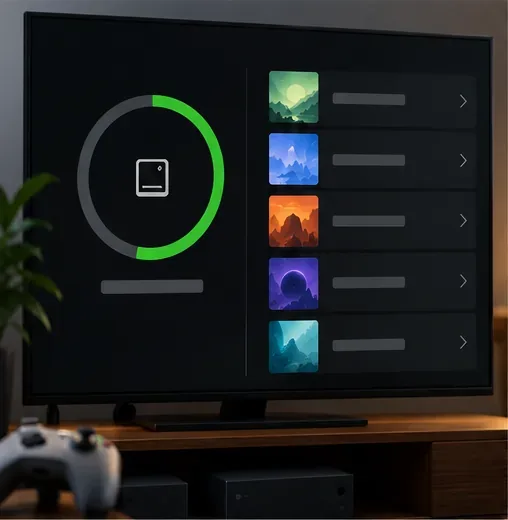
Remote install sends game files to the console; it does not grant a license. You still need to own the game or have an active subscription that includes it, and the title must support your console. The screen images below illustrate the tasks, while actual labels and layouts can differ by app version, region, and console update.
Keep the console connected to the internet and signed in to the Microsoft account you use with Xbox. The mobile app page currently lists iOS 15.1 or later and Android 8.0 or later. Game, store, and subscription availability can vary by region and plan.
On the console, open Settings and look under Devices & connections for Remote features. Turn the feature on and follow any on-screen checks. If you do not see the same wording, search Settings for “Remote features”; the path can vary with console model and system software.
Review Settings > General > Power options. If your console needs a standby mode for remote access, choose the available Sleep or standby option and avoid fully shutting it down while you expect a remote request. Xbox has changed power-mode names over time, so follow the choices shown on your console rather than looking for the old “Instant-On” wording.
Make sure the internal drive or an eligible expansion drive has room. If space is tight, remove games you can reinstall later or review the console's storage-management recommendations. A remote install can fail or wait in the queue if the selected drive is full; a large game may also need more room than its initial download screen suggests.
Get the official Xbox app from the Apple App Store or Google Play, then sign in with the Microsoft account associated with your console. The app supports discovering games and downloading them to a console, and its current mobile page also says you can buy games and add-ons in the app.
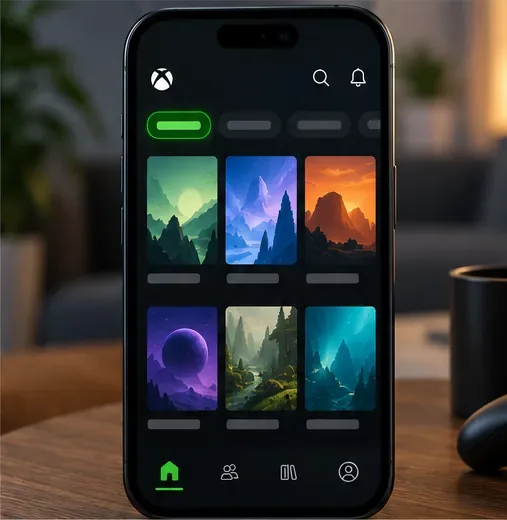
Open the app's console or device area. If your Xbox is missing, choose the option to set up or add an existing console and follow the prompts. Select the correct console if you have more than one. Keep the app signed in to the account you use on that Xbox so the device and eligible game library can be matched.
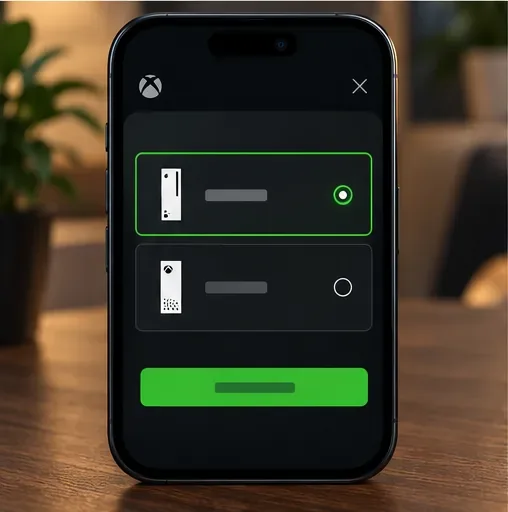
Search the Xbox catalog, open a game from your library, or browse a subscription catalog. Check the platform and edition on the game's page. If the title is paid, complete the purchase first; if you are relying on a subscription, confirm the game is included in your plan and currently available in your region.
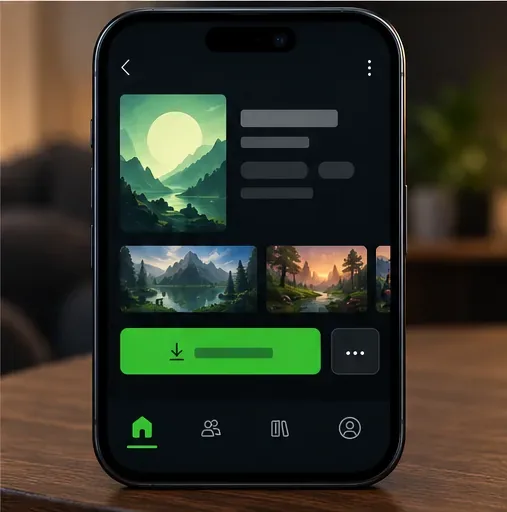
On the game page, choose the available console-install action. The button may be labeled “Install to console,” “Download to console,” or similar. When prompted, select the console you prepared and confirm. If the game page only offers a PC install, that is a PC download, not a console install.
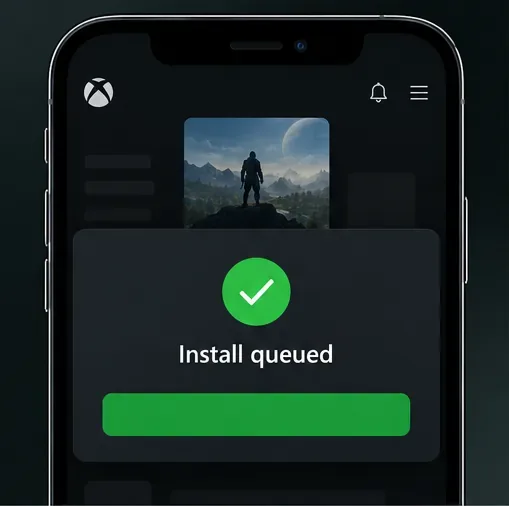
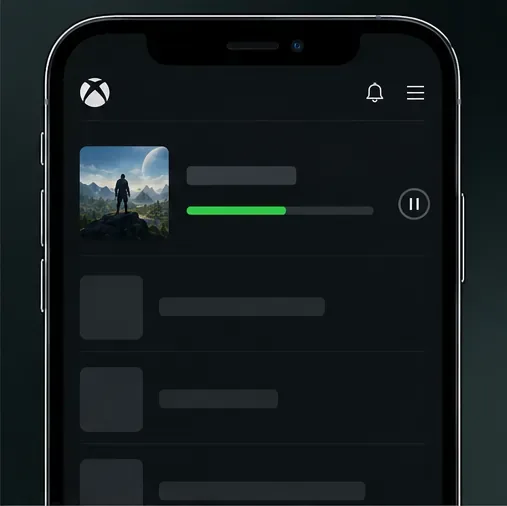
Look for an in-app confirmation or notification, then check the app's activity or queue area if available. A request can take a moment to reach the console. Keep the console online and leave enough free space; the app may show less detail than the console's own download queue.
A browser can be a useful fallback for some Microsoft Store listings. Sign in to the Microsoft account that owns the game, open its Store page, and check whether an Install on my devices option is available. The option is not guaranteed for every title, account, or console, so use the Xbox mobile app when the browser does not offer your Xbox.
Go to the official Microsoft Store in your browser and open the compatible Xbox version of the game. If the page shows an install-to-device control, continue. If it only offers a PC install or purchase button, do not assume it will queue a console download.
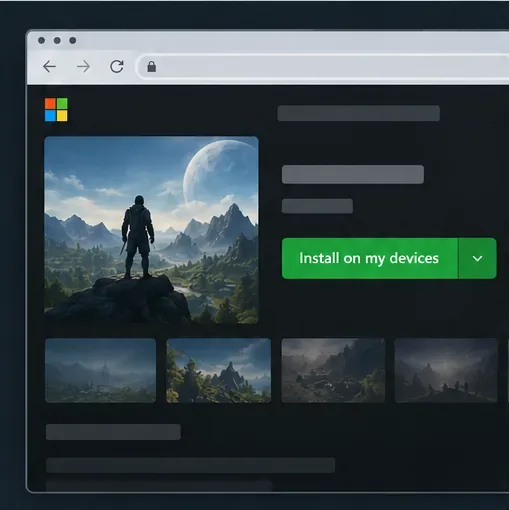
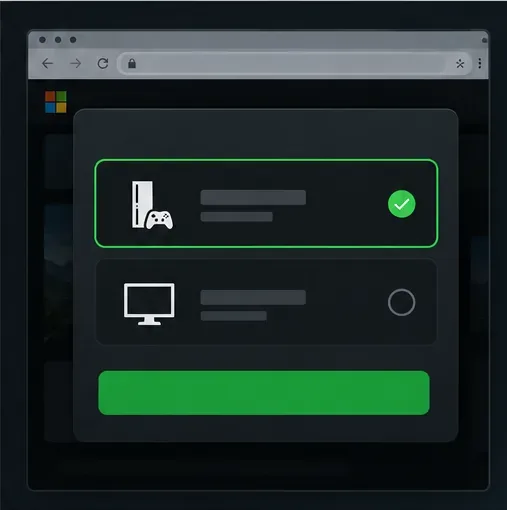
Choose your Xbox from the device list and submit the install request. If the console is absent, check that it is registered to the right Microsoft account and that remote features are enabled. Microsoft also notes that account device limits and device compatibility can prevent a pushed install.
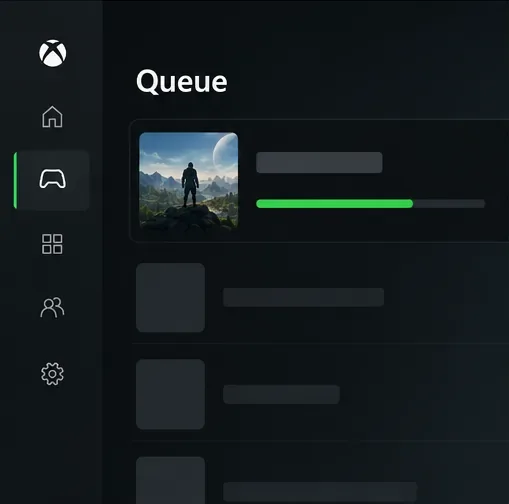
When you are back at the Xbox, open My games & apps and check the queue or installation area. Menu names vary slightly by console software. If the game is not listed as downloading, check your library or Ready to install list, especially on Xbox One, and confirm you are using the purchasing account.
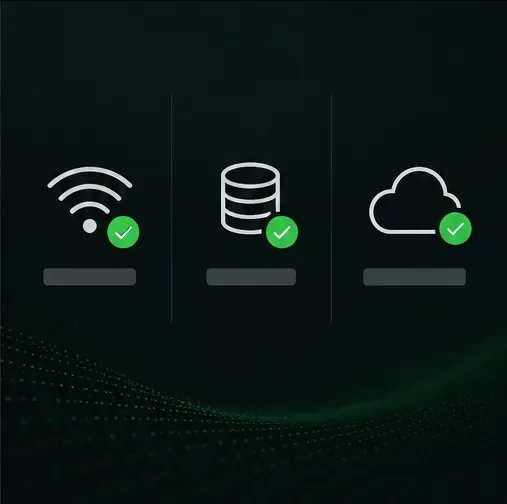
Remote install downloads a game onto your Xbox so it is ready to launch on the console. Remote Play streams a game that is already installed on your console to another device. Xbox now directs players to xbox.com/remoteplay for Remote Play; that page is not the place to queue a new download. The Xbox app for Windows is also aimed at installing and playing PC games, so use the mobile Xbox app or a compatible Store device-install option when your target is an Xbox console.
Enable PUBG’s network statistics HUD to monitor ping and packet loss in a match. See where to find it, what the numbers mean, and what they cannot diagnose.
Learn how to import VALORANT crosshair codes, compare presets with manual settings and spectator copy, and fix common import issues.
Choose Dota 2 minimap size, hero icons, team colors, and background settings by readability, fewer misclicks, and clear results on your own display.
Fix Fortnite texture pop-in on PC with official steps for GPU drivers, file verification, DirectX 12, high-resolution textures, VRAM, SSDs, and stutter.
Learn what Heroes of the Storm minimap size and position options are verified, improve readability, and choose camera-click controls that suit you.
Set Super Smash Bros. Ultimate Quickplay to prefer hazards-off stages. Follow the Preferred Rules menu steps and learn why matchmaking may not always honor them.
Enable Server Latency and Packet Loss in Warzone to monitor connection quality, read the overlay, and use recurring spikes to guide troubleshooting.
Learn how to carry from mid lane in League of Legends by setting up waves, choosing safe roam windows, reading side lanes, and converting pressure into objectives.
Fix Minecraft Evoker spell problems with a safe vanilla test, version checks, log review, and a step-by-step way to isolate mod or datapack conflicts.
Fix PUBG stuck on Initializing on Steam with a focused checklist for PC service notices, launch options, game files, downloads, and connection issues.








