How to Download Clash of Clans (2026 Guide)
To download Clash of Clans, install it from the official Apple App Store or Google Play on a supported phone or tablet. On Windows, use Google Play Games on PC. The game is free to download and play, requires an internet connection, and offers optional in-game purchases. Check the device requirements first, then follow the matching instructions below.
Clash of Clans is published by Supercell. Use the official store listing and confirm the publisher before installing; third-party APK sites and unofficial installers can expose your device or account to risk. The mobile and PC versions share progress through Supercell ID.
Check your device before downloading
The current store and support listings set the following minimums. Store availability and device compatibility can still vary by country, model, and operating-system update.
| Device | Current requirement | Official download source |
|---|---|---|
| iPhone | iOS 15.0 or later | Apple App Store |
| iPad | iPadOS 15.0 or later | Apple App Store |
| Android phone or tablet | Android 7.0 or later; Supercell lists 0.5 GB RAM minimum and recommends 1 GB or more | Google Play |
| Windows PC | Google Play Games on PC requires Windows 10 (version 2004) or later, an SSD with 10 GB free, 8 GB RAM, four physical CPU cores, a Windows administrator account, and hardware virtualization | Google Play Games on PC |
For a Windows computer, Google lists Intel UHD Graphics 630 or a comparable GPU as the minimum graphics requirement. Requirements can change, so use Google’s current PC eligibility page if the installer says your computer is not supported. Google Play Games on PC is a Windows option; Supercell does not list a native Mac or Linux version.
How to download Clash of Clans on iPhone or iPad
- Open the App Store and search for Clash of Clans.
- Open the listing published by Supercell. Confirm the app name and publisher before you continue.
- Tap Get or the download button, then approve the installation with your Apple account authentication if prompted.
- Wait for the icon to finish installing, then tap it to open the game. Keep an internet connection available while the game loads its initial data.
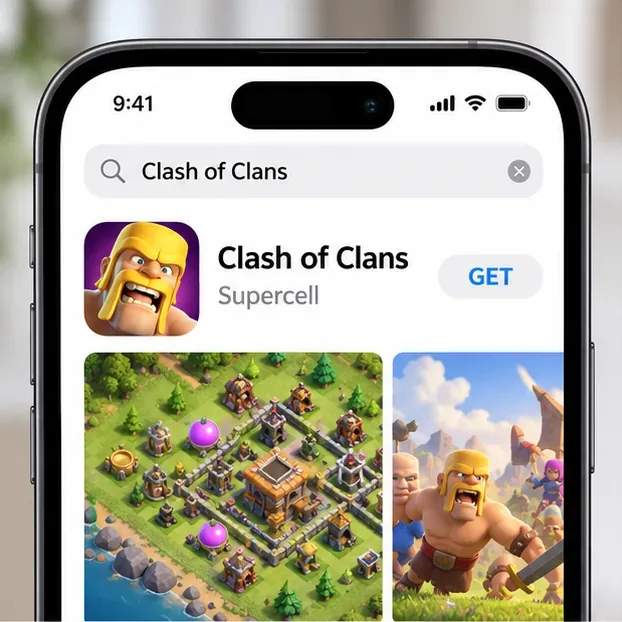
The Apple listing currently requires iOS 15 or later on iPhone and iPadOS 15 or later on iPad. If your device cannot install the app, check its operating-system version and the compatibility details shown on the store page.
How to download Clash of Clans on Android
- Open the Google Play Store and search for Clash of Clans.
- Select the official listing from Supercell. The Android app’s package name is com.supercell.clashofclans.
- Tap Install and let Google Play complete the download. If Android asks you to review permissions or confirm your Google account, follow the on-screen store prompts.
- When the button changes to Play or Open, launch the game and leave the device online while it finishes loading.
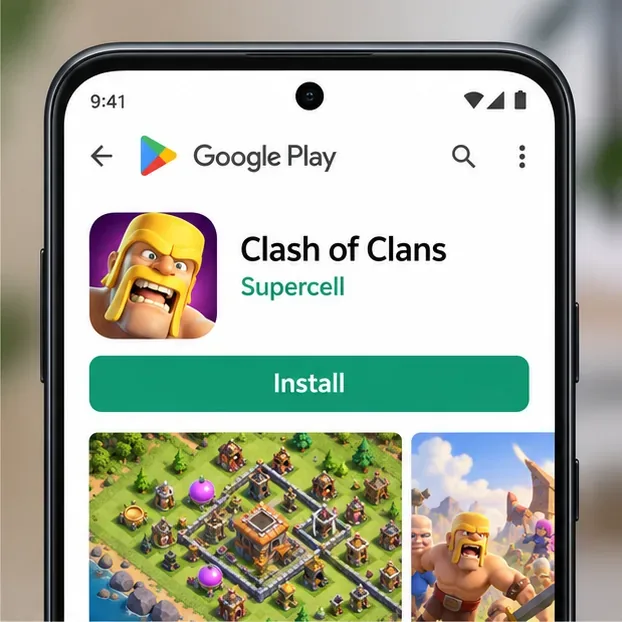
Supercell’s current support guidance lists Android 7.0 or later, 0.5 GB of RAM as a minimum, and 1 GB or more as recommended. The available download size can change with updates, so leave additional free storage rather than relying on an old file-size estimate.
How to download Clash of Clans on a Windows PC
Supercell officially supports Clash of Clans on Windows through Google Play Games on PC. Download the Google Play Games installer from Google’s own site; avoid third-party emulators or repackaged installers when you want the official PC version.
- Check that your Windows PC meets Google’s current requirements and that Google Play Games on PC is available in your region.
- Visit Google Play Games on PC, choose Download, and open the downloaded installer.
- Follow the setup prompts and sign in with a personal Google account. If Windows asks to enable Windows Hypervisor Platform or virtualization, follow the prompt and restart if required.
- Search for Clash of Clans in Google Play Games, open the Supercell game listing, and choose Install. Launch it after installation finishes.
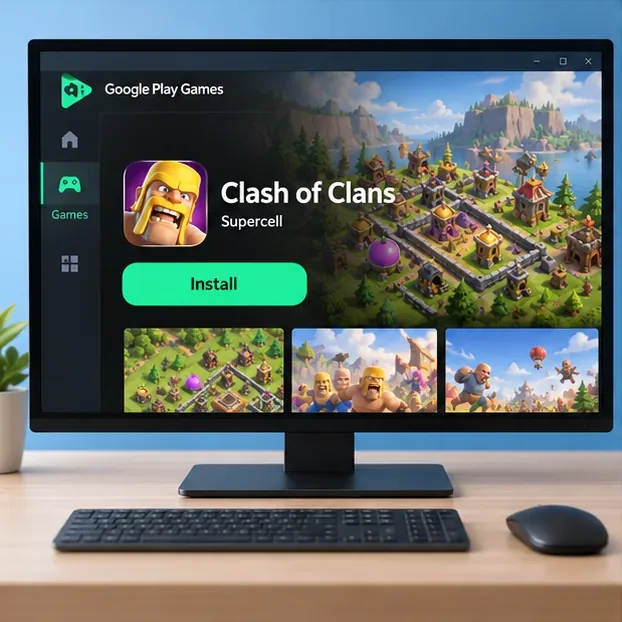
Google currently lists Windows 10 version 2004, an SSD with 10 GB of available storage, 8 GB of RAM, four physical CPU cores, an administrator account, and hardware virtualization among the minimum requirements. Some games may need virtualization settings enabled. Google Play Games is only available in supported countries and regions, so check Google’s availability page if you cannot find the installer or game.
Open the game and protect your village
On first launch, follow the in-game introduction and keep a network connection active. Clash of Clans requires internet access. To protect a village you already have—or to make a new village easier to restore—open the game’s settings and connect it to a Supercell ID. Follow the email verification steps shown in the game.
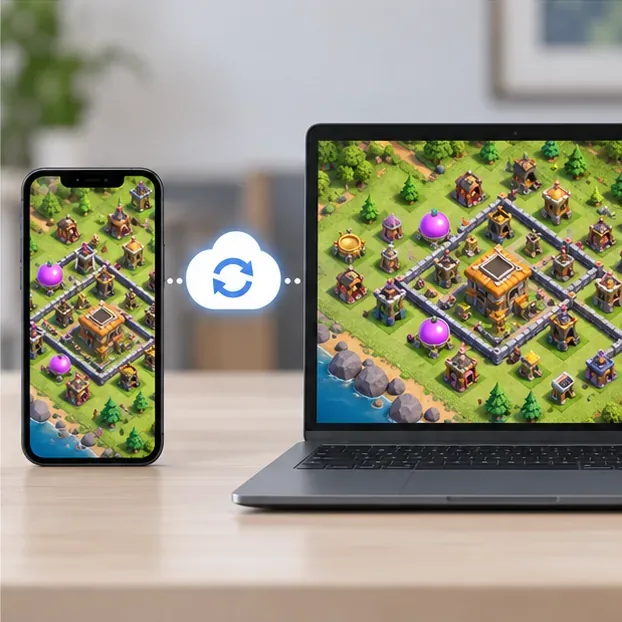
When moving to another phone, reinstall the game from its official store and sign in with the same Supercell ID to load the saved village. To play on both mobile and Windows PC, sign in to the same game account; Supercell says progress is saved with Supercell ID across the two versions. The same account cannot play on both devices at the same time, so starting a session on one device can sign the other out.
Fix common download problems
Clash of Clans does not appear in the store
Check that you are using the official store for your device and that your device meets the current OS requirement. Store listings can differ by country or region. On PC, confirm that both Google Play Games and the game are available for your Google Play country.
The download is stuck or will not start
Check your Wi-Fi or mobile connection, make sure enough storage is free, and review whether another app is already downloading. Pause and retry the installation, then restart the device if the store still appears stuck. On PC, restart Google Play Games and confirm that the installer’s system requirements are met.
The device is marked incompatible
Install available operating-system updates and compare the device with the requirements above. An older phone or tablet may no longer support the current game build. On Windows, check available SSD space, RAM, processor, administrator access, and virtualization settings in Google’s eligibility tool.
Official download and support links
- Clash of Clans on the Apple App Store
- Clash of Clans on Google Play
- Google Play Games on PC download
- Supercell’s current device requirements and troubleshooting
- Google Play Games on PC requirements and availability
- Google’s PC installation and setup instructions
- Supercell’s announcement about Clash games on PC
- Supercell’s guidance on saving Clash account progress









