How to Download Apex Legends on PC, PlayStation, Xbox, and Switch 2
Apex Legends is free to download from the digital store for your platform. On PC, choose the EA app, Steam, or Epic Games Store; on console, use the PlayStation Store or Microsoft Store; on Nintendo hardware, use the Nintendo eShop on Switch 2. You’ll need an internet connection and an EA Account to play. One important update: the original Nintendo Switch version stopped connecting to Apex servers on August 4, 2026, so the current Nintendo option is Switch 2.
This guide covers the current Apex Legends download paths, the storage space EA lists, how to use the same account across platforms, and what to check if installation stalls. The game is free to play, with optional in-game purchases. Store availability and button labels can vary by region and software version.
Where to download Apex Legends
| Platform | Store | Storage note |
|---|---|---|
| Windows PC | EA app, Steam, or Epic Games Store | EA lists at least 75 GB free for PC; updates may need more. |
| PlayStation 4 or PlayStation 5 | PlayStation Store | Check the console’s current download prompt for required space. |
| Xbox One or Xbox Series X|S | Microsoft Store on Xbox | Check the console’s current download prompt for required space. |
| Nintendo Switch 2 | Nintendo eShop | EA currently says at least 80 GB; a microSD card may be needed. |
EA notes that storage requirements can change. Check the live store listing and leave additional room for updates instead of planning around the minimum alone. For Windows, review EA’s current PC system requirements before starting a large download.
Before you install
- Check the device and store: use the platform versions listed above. The original Switch is no longer playable; Switch 2 is supported.
- Make room: keep at least 75 GB available on PC. EA’s current download help page lists 80 GB for Switch 2 and says a microSD card may be needed, depending on the console’s storage.
- Have an EA Account: you can create one when the game first asks you to sign in. A platform account is also needed to download from its store.
- Use a reliable connection: Apex is an online game, so downloading the files is only the first step; an internet connection is required to play.
EA says a platform subscription may be required in some cases, so follow the requirements shown by your local console store. The base game costs nothing to download; optional cosmetics and other in-game purchases are separate.
Download Apex Legends on PC
Pick one PC storefront. You do not need to install the game from all three. Download time depends on your connection, the current game files, and the amount of free disk space.
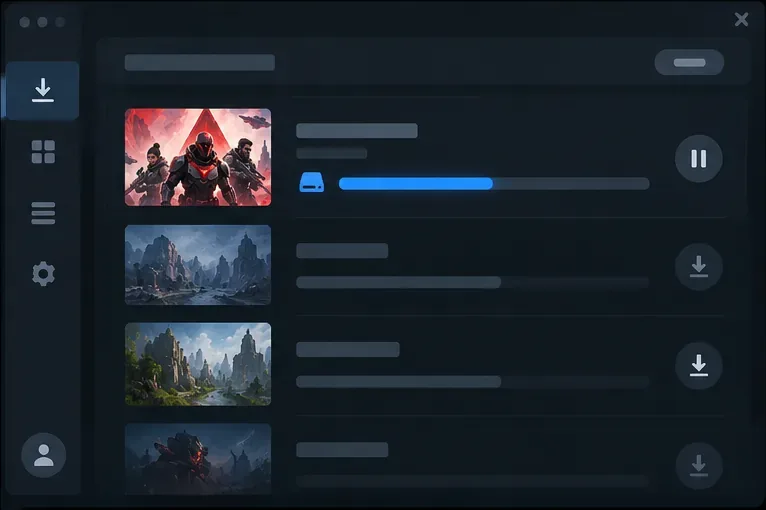
Option 1: Install through the EA app
- Install and open the EA app, then sign in to your EA Account.
- Open your Library and find Apex Legends. If it is not listed, search the store for the game.
- Select the install option, confirm the destination drive and language, accept the terms, and start the download.
- When installation finishes, launch the game from the EA app and complete any sign-in prompts.
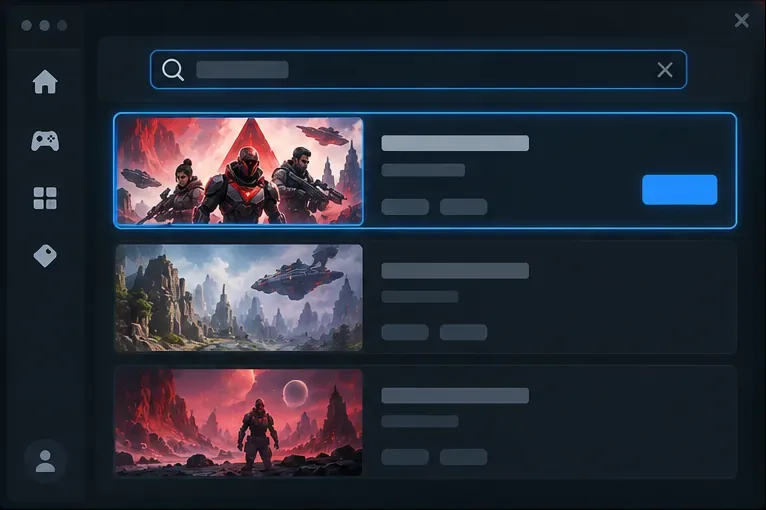
Option 2: Install through Steam
- Open Steam and search for Apex Legends, or use the official Apex Legends page on Steam.
- Select Play Game or the equivalent install button on the store page, then choose Install.
- Pick a Steam library folder with enough room and allow the download to finish.
- Launch the game. Steam players need to link or sign in to an EA Account when prompted.
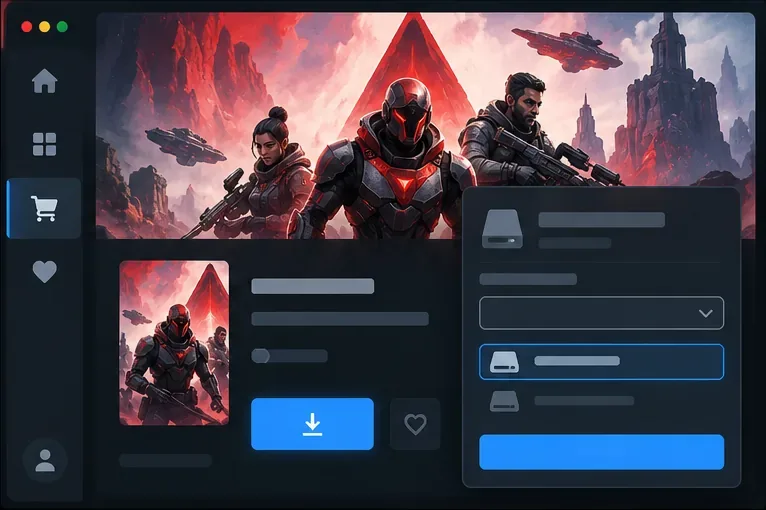
Option 3: Install through the Epic Games Store
- Open the Epic Games Launcher and sign in to your Epic account.
- Search for Apex Legends or open the official Epic Games Store listing.
- Select Get to add the free game to your library, then follow the launcher’s install prompts.
- When you first start the game, sign in to the EA Account you want to use for Apex progress.
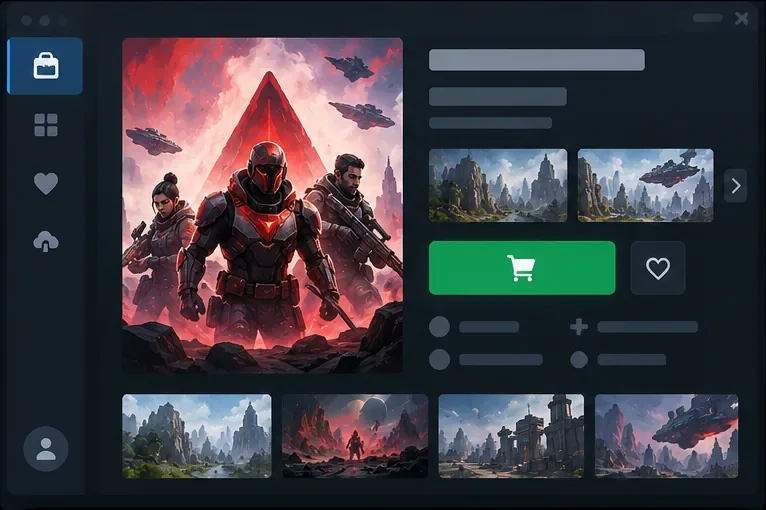
Download Apex Legends on PlayStation or Xbox
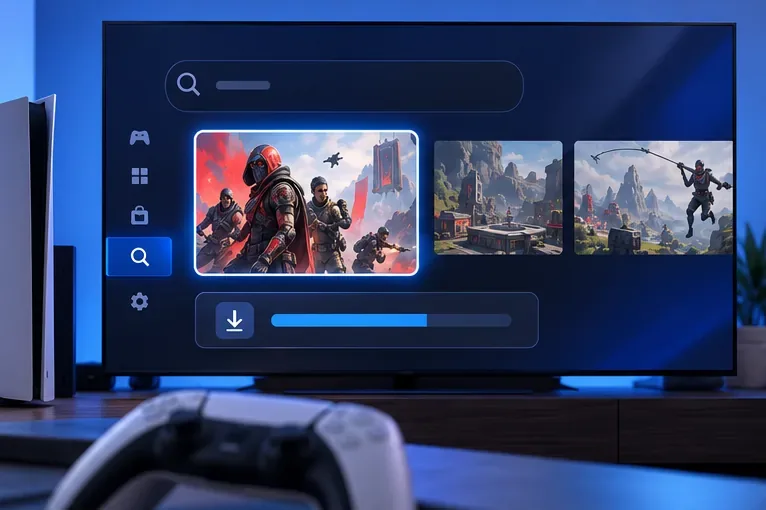
PlayStation 4 and PlayStation 5
- Open the PlayStation Store from the console home screen.
- Use Search to find Apex Legends, then open the game’s listing.
- Choose Download or add the free game to your library and follow the download prompt.
- After installation, open Apex Legends and connect the platform account to your EA Account when asked.
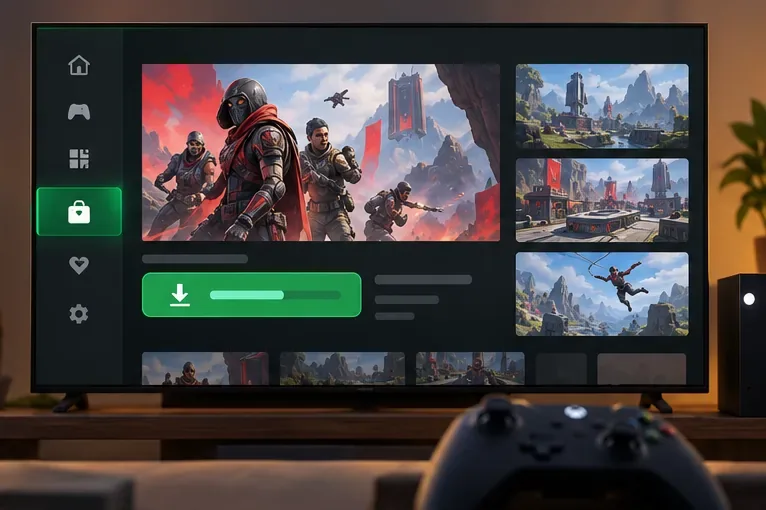
Xbox One and Xbox Series X|S
- Open the Store from the Xbox home menu.
- Search for Apex Legends and select the game listing.
- Choose Install and select a storage location if the console asks.
- Launch the game after the download completes and sign in to your EA Account.
Download Apex Legends on Nintendo Switch 2
Use the Nintendo eShop on Switch 2. Open the eShop, choose the Nintendo Account that should own the download, search for Apex Legends, open its listing, and select Download. EA currently says to have at least 80 GB available; depending on built-in storage, you may need a compatible microSD card. If you had the older Switch version installed, EA says to follow the in-game steps to download the Switch 2 version where prompted.
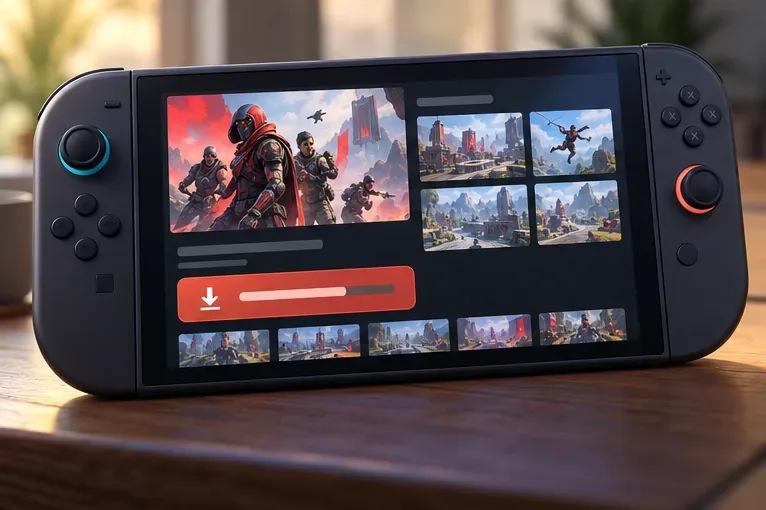
Do not follow older instructions for the original Nintendo Switch. EA ended server access for that version on August 4, 2026, and the game cannot be played on it after that date. The original Switch and Switch 2 versions are separate downloads. See EA’s Nintendo Switch support notice for the transition details.
Use Cross Progression across platforms
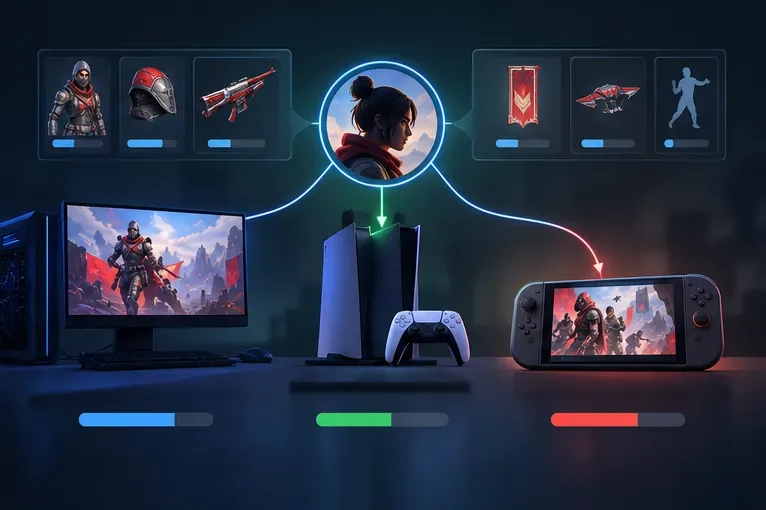
Apex Legends has Cross Progression on PC, PlayStation, Xbox, and Nintendo Switch 2. Link each platform account you use to the same EA Account, then sign in with that account when launching the game. EA says your Apex progress is permanently tied to the EA Account and cannot be moved to a different EA Account. If you already have progress, check which EA Account is linked before creating a new one or changing links.
Some content or currency can be platform-specific, so Cross Progression does not mean every purchase or balance will display identically on every device. Read EA’s Cross Progression help page before unlinking an account; unlinking and switching to another EA Account will not transfer the old progress.
If the download will not start or finish
- Check the queue: make sure the game is not paused and that the launcher or console is not waiting on another update or install.
- Confirm free space: compare the available storage with the current store prompt. On PC, EA lists 75 GB minimum; Switch 2 currently lists 80 GB.
- Restart the storefront: pause and resume the download, then restart the EA app, Steam, Epic Games Launcher, or console if it remains stuck.
- Check the connection and account: retry on a stable network and confirm you are signed in to the intended platform account and EA Account.
- Use the supported Nintendo version: the original Switch version is no longer playable; install from the eShop on Switch 2.
For platform-specific button names and any changes to requirements, use EA’s official Apex Legends download instructions. The game and store pages can update, so their live prompts are the best place to confirm current regional availability and install size.









