How to 1v1 in Warzone: Set Up a Fair Duel
You can 1v1 in Warzone with a friend only if the current Private Match rules let your chosen lobby start with two players. Open the private lobby and check its player requirement before planning a duel: Warzone’s Battle Royale custom games may require more participants, and the minimum can depend on the selected mode and season. If the game will not launch with two, there is no reliable private two-player Battle Royale workaround. The Gulag is Warzone’s built-in 1v1 in some modes, but it pairs you with an opponent from the match rather than a friend.
That distinction matters for anyone searching for a Warzone 1v1. A private lobby can keep strangers out, but it does not automatically mean a two-person match is supported. Use the steps below to check first, set fair house rules if it is available, and understand what to do when it is not.
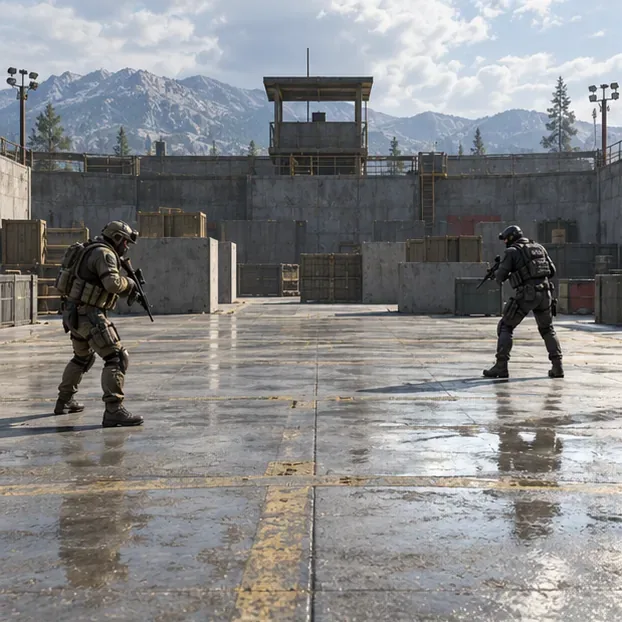
How to set up a private 1v1 in Warzone
Find the current Private Match option
From the Warzone main lobby, open Play and look for Private Match or the current custom-lobby entry. Menu names and available playlists can change with seasonal updates, so use the option shown in your installed game rather than following an old button-by-button video. If no private Warzone option appears, check the current playlist list and official update notes; a public match is not a private duel.
Choose the mode, then check its player minimum
Select a mode and map that are actually offered in the private lobby. A compact Resurgence map can make a duel quicker when it is available, but it does not remove a lobby’s start requirement. Before inviting a group, look at the lobby’s minimum-player count or whether the start control is enabled. If the minimum is higher than two, you and one friend cannot start that Warzone match as a genuine private 1v1. Do not assume that the lobby will fill missing places with bots.
Invite one opponent and keep the lobby private
When the selected mode supports your player count, invite your friend through the in-game friends or party list, or use the lobby code if that option is available. Activision’s Season 03 update said private-match codes are hidden by default and that hosts can toggle their visibility. Share a code only with the intended opponent, and check that both players have loaded into the same lobby before starting.
Agree on rules and keep score yourselves
Warzone does not automatically turn every private match into a scored duel. Before the first fight, choose a simple format such as first to five eliminations or best of seven rounds, and track the score in voice chat or a note. Match weapons and attachments when the mode allows it; otherwise agree to use the same weapon class and pickup rules. Ban vehicles and killstreaks if you want a pure gunfight, use the same starting area, and reset positions between rounds. If the lobby does not offer round resets, agree how you will restart or return to the lobby.
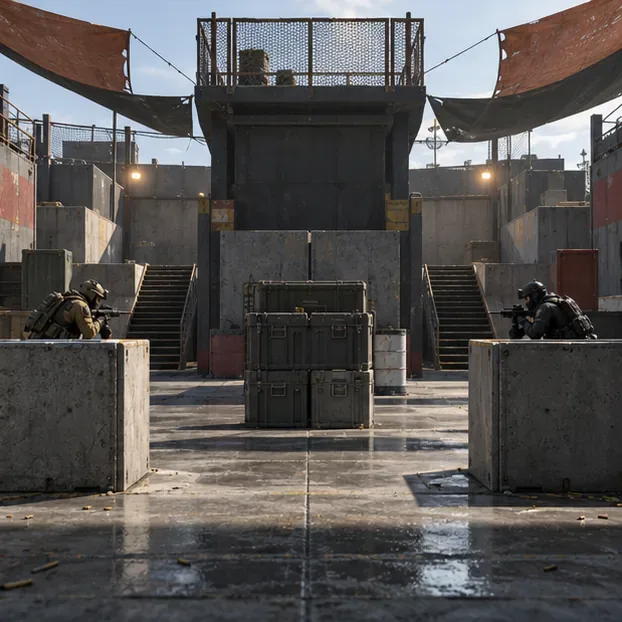
What if two players cannot start the Private Match?
Then that selected Warzone playlist is not suitable for a controlled friend-versus-friend duel. Try another private mode only if its own lobby permits two players. If every available Warzone private option shows a higher minimum, use a supported Call of Duty Multiplayer Private Match for a direct 1v1 if you have access to it, or wait for a Warzone playlist or private-match update that supports a smaller lobby. The available modes can rotate, so check the game rather than relying on an outdated minimum from another season.
A public Solos match is not an equivalent substitute. You cannot control who lands nearby, and deliberately coordinating with someone on another team can disrupt other players and may run into Warzone’s anti-teaming enforcement. Keep a friend duel in a private mode designed for it.
How the Gulag 1v1 works
The Gulag 1v1 is an in-match second-chance fight, not a way to invite a friend. In Battle Royale modes that include the Gulag, an eliminated player can be matched against another recently eliminated player. Both enter a compact arena with the mode’s supplied equipment; winning can earn redeployment. Learn the available cover, check the weapon you receive, and use equipment or information cues rather than sprinting straight into the middle.
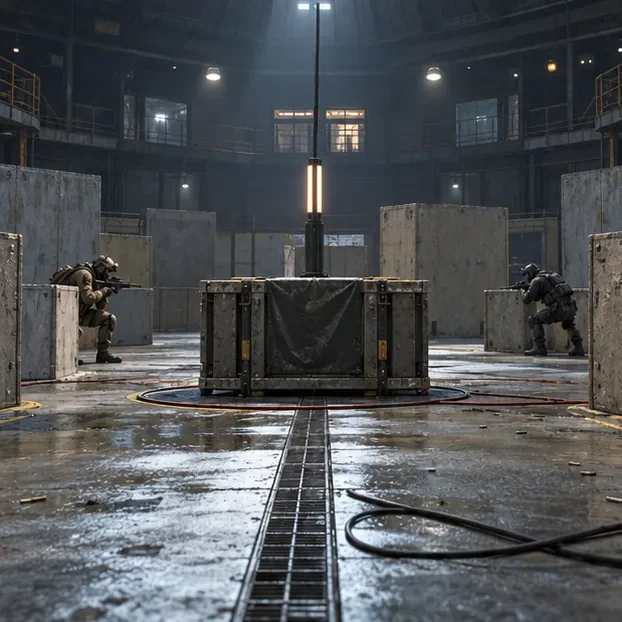
Not every Warzone mode has a Gulag. The official Warzone overview explicitly lists No Gulag for Black Ops Royale. Check the selected mode’s current description before expecting a second-chance duel. For general Gulag basics, see Call of Duty’s Warzone training guide.
Tips for winning a fair Warzone 1v1
- Keep your crosshair ready. Aim at likely doorways and cover edges before exposing yourself, so you are not starting every fight from a low-ready position.
- Move with purpose. Strafe and use slides or other movement available in the current game to make yourself harder to track. Avoid repeating a movement trick if it leaves you exposed or costs accuracy.
- Use cover and audio. Listen for footsteps, reloads, and equipment, then take a short angle that lets you see the opponent while limiting how much of your body is exposed.
- Do not chase every tag. If you damage the other player, hold a useful angle or reposition instead of running into a likely pre-aim.
- Reset fairly. Use the same start point and rules each round. If one player has a connection or loadout issue, pause and reset rather than counting a compromised round.
Quick answers
Can you 1v1 in Warzone with only two players?
Only if the current Private Match mode lets a two-player lobby start. Check the lobby’s player requirement; do not assume every Battle Royale private match supports two people.
Can I invite a friend to fight me in the Gulag?
No. The Gulag pairs you with an opponent from the match. It is a built-in 1v1 opportunity, not a friend challenge.
Does every Warzone mode have a Gulag?
No. Mode rules differ. For example, the official Warzone page says Black Ops Royale has no Gulag.









