How Much Is Rainbow Six Siege on PS4? 2026 Prices
Quick answer: In the U.S. PlayStation Store, checked October 16, 2026, Rainbow Six Siege on PS4 costs $0 to download as Free Access. The paid listings are the Elite Edition, shown with a $19.99 original price, and the Ultimate Edition at $39.99. Free Access covers Quick Match and Unranked; you need a paid edition for Ranked and Siege Cup. PlayStation Plus is a separate requirement for online play. Prices and edition availability vary by PlayStation Store region.
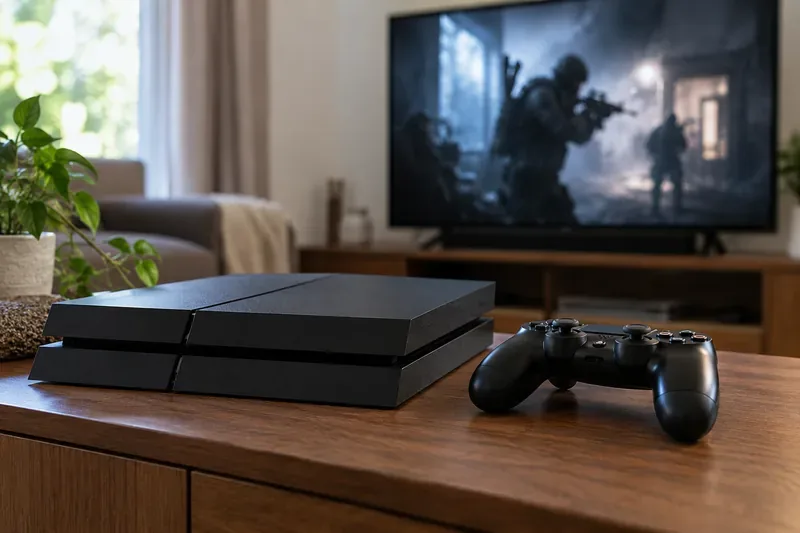
Rainbow Six Siege PS4 prices at a glance
The current U.S. store page uses the labels Free Access, Elite Edition, and Ultimate Edition; older guides may use Standard or Deluxe. Use the live product page for your account’s region before checkout because promotions, catalog access, and local prices can change.
| PS4 option | U.S. price shown | What it includes |
|---|---|---|
| Free Access | $0 | Quick Match, Unranked, and a starting selection of Operators |
| Elite Edition | $19.99 original/list price | Ranked playlist and Siege Cup access, plus 16 additional Year 1–2 Operators |
| Ultimate Edition | $39.99 | Ranked and Siege Cup access, 54 additional Operators from Years 1–10, and the Disruptor Pack |
The PlayStation Store also shows an option to access Elite through PlayStation Plus Extra. That catalog route requires the membership and can vary by region or change over time; check the price or subscription button shown to your own account. The Ultimate Edition is the clearest current cash price on the U.S. listing at $39.99.
What does Free Access include?
The Rainbow Six Siege Free Access download is the lowest-cost way to try the game on PS4. The PlayStation Store lists Quick Match and Unranked, along with a limited starting selection of Operators. The same product page calls the download “Free Trial,” so confirm the live listing for your account if access terms have changed since this guide was checked.
Free Access does not include everything in the paid editions. Ranked playlists and Siege Cup are listed as paid-edition features. The store page also identifies additional Operators and cosmetics among content that may require payment. If your main reason for downloading Siege is competitive play, compare the Elite and Ultimate listings before you install or buy.

Which PS4 edition should you choose?
- Choose Free Access if you want to try Quick Match or Unranked before spending money. The download price is $0 in the U.S. store.
- Choose Elite Edition if you want the lowest-priced paid route to Ranked and Siege Cup. Its listing includes 16 additional Operators from Years 1–2.
- Choose Ultimate Edition if you want the larger operator bundle. At the listed U.S. prices, it costs $20 more than Elite and includes 54 additional Operators from Years 1–10 plus the Disruptor Pack.
You do not need Ultimate just to unlock Ranked: the PlayStation Store lists Ranked and Siege Cup access in both Elite and Ultimate. The main difference is the amount of extra operator content and the included pack. If you already own an older copy, sign in and check your library before purchasing another edition.
Does online play add another cost?
Yes, it can. The PS4 Free Access product page says PlayStation Plus is required for online play. That means a $0 game download does not necessarily mean a $0 way to play Siege online. If you already have an eligible PlayStation Plus membership, you may not need to add another subscription; if not, check the membership price and terms for your account’s region. The game price and PlayStation Plus are separate purchases.
In-game purchases are optional. The store page lists add-ons such as R6 Credits, but they are not part of the base download price. You can begin with Free Access or a paid edition without buying every add-on shown on the product page.
Does a PS4 purchase also work on PS5?
For the U.S. digital listings checked here, the product description says the purchase entitles you to download both the PS4 and PS5 versions. The Free Access listing and the paid-edition listing each describe both console versions, so the same PlayStation account can use the supported version on either console without buying a separate PS5 copy through those listings.
There is one platform limitation to know: Ubisoft says the Dual Front mode is not supported on PS4. The core Siege experience remains available on PS4, but do not buy the game expecting every mode available on newer consoles.
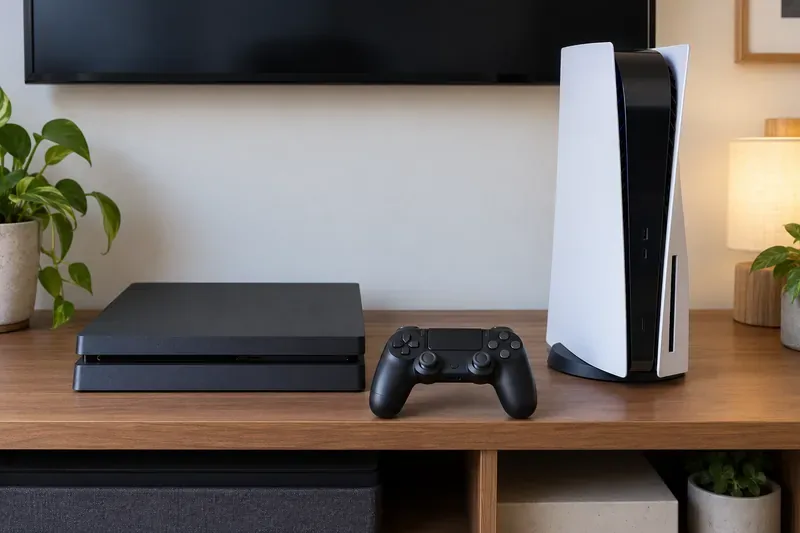
Before you pay: a short checklist
- Check the PlayStation Store region attached to your account; the prices above are U.S. dollar examples.
- Read the edition’s included modes. Free Access does not list Ranked or Siege Cup access.
- Check whether your account already has PlayStation Plus, which the PS4 product page requires for online play.
- Look at the live checkout amount and any catalog option before confirming; sale prices, subscriptions, taxes, and regional bundles can affect the final total.
For the U.S. Store prices checked on October 16, 2026, Free Access is $0, Elite is listed at $19.99, and Ultimate is $39.99. Add PlayStation Plus separately if you need it for online play.
Official listings checked October 16, 2026: PlayStation Store Free Access, PlayStation Store editions, and Ubisoft’s Siege X platform notes.









