How to Check Real-Time Server Latency in the PUBG HUD

Enable PUBG’s network statistics HUD to monitor ping and packet loss in a match. See where to find it, what the numbers mean, and what they cannot diagnose.
In the U.S., recent marketplace sale averages put a used PlayStation 5 at roughly $385 to $501, depending on the model. The latest model-level snapshot available as of October 15, 2026, shows the original Digital Edition near $385, the original disc model near $444, and PS5 Slim versions from $464 to $501. Treat those numbers as comparison points, not guaranteed offers: condition, bundle contents, location, and selling fees all affect what a buyer pays and what a seller keeps.
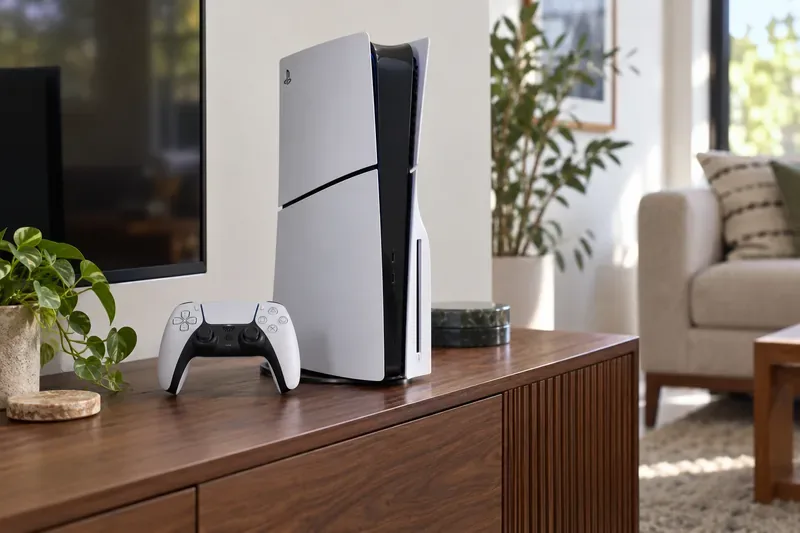
The table uses Swappa’s reported average sale prices for each model and Sony’s current U.S. recommended retail prices. Sony’s updated U.S. recommended prices took effect April 2, 2026. A store promotion can make a new console cheaper than its list price, so compare against the actual new price available to you before deciding whether a used listing is a deal.
| Used PS5 model | Average sale price | Current new MSRP |
|---|---|---|
| Original PS5 Disc Edition (2020, 825GB) | $444 | $649.99 |
| Original PS5 Digital Edition (2020, 825GB) | $385 | $599.99 |
| PS5 Slim Disc Edition (2023, 1TB) | $481 | $649.99 |
| PS5 Slim Digital Edition (2023, 825GB) | $464 | $599.99 |
| PS5 Slim Digital Edition (2023, 1TB) | $501 | $599.99 |
These are marketplace averages, not a promise that every console is worth exactly that amount. The Slim Digital readings vary by storage version, and the 1TB average is higher than the disc model’s average in this snapshot. That does not mean the digital hardware is inherently more valuable; sale samples can differ in condition and included accessories. Check the price page for the exact model and compare several recent completed sales before setting a price.
The PS5 Pro, special editions, bundles, and consoles with extra controllers are separate comparisons. Do not use the table as a price guide for those versions. For model identification, Sony explains where to find the CFI model number on the console in its PS5 model-number guide.
First establish whether the console is an original PS5 or a Slim, then confirm whether it has a disc drive. A disc model lets its owner play physical PS5 and supported PS4 games, while the Digital Edition relies on downloads. Slim Digital consoles may have different storage configurations, so verify the exact model instead of trusting a listing title or a photo of the white side panels. The disc drive can make a unit more useful to some buyers, but the current sale averages overlap; there is no reliable fixed 10% or 20% premium for every disc version.
Cosmetic wear matters, but working condition matters more. A drifting DualSense stick, damaged HDMI port, noisy fan, failed USB port, unreadable discs, or unreliable Wi-Fi can reduce value or make a console a risky purchase. A clean unit that boots normally and includes its original controller, power lead, and HDMI cable is easier to compare with standard listings.
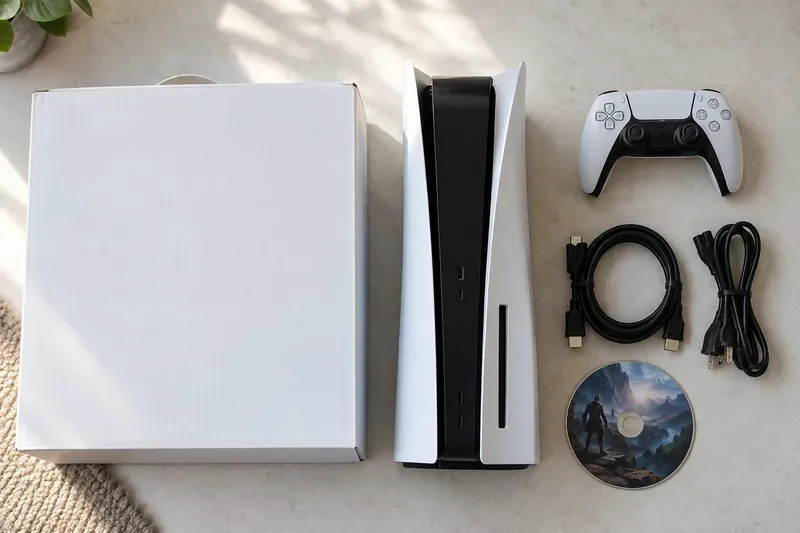
A box, a second controller, physical games, or an installed M.2 SSD may help a listing stand out, but they do not automatically add their full retail price to the console’s value. Compare the whole bundle with other sold bundles; price the console separately if buyers in your area are unlikely to want every extra. Do not pay a premium for a seller’s digital games or PSN account as though they were transferable accessories.
Used values move when new prices change, retailers run promotions, or a model-specific bundle becomes common. Sony’s April 2026 U.S. list prices are $649.99 for the PS5 and $599.99 for the Digital Edition, but the best new deal in your area is the more useful comparison for a buyer. A marketplace sale average also excludes the effort and any costs a seller faces: shipping, packaging, payment or platform fees, and possible returns.
For a quick sale, compare your asking price with the lower end of current completed sales for the same model. If you can wait, use the matching average as an anchor and make the condition, warranty status, and included extras clear. Refresh your comps on the day you list because a few weeks can shift the market.
Ask to see the exact console working, not just a photo of its startup screen. Connect it to a display and check that it stays on, produces a stable picture, and connects to the internet. Test the controller’s sticks, triggers, buttons, and charging; on a disc model, try a game disc and listen for unusual grinding. Check the ports and vents, and confirm that the seller can remove their account and reset the console.
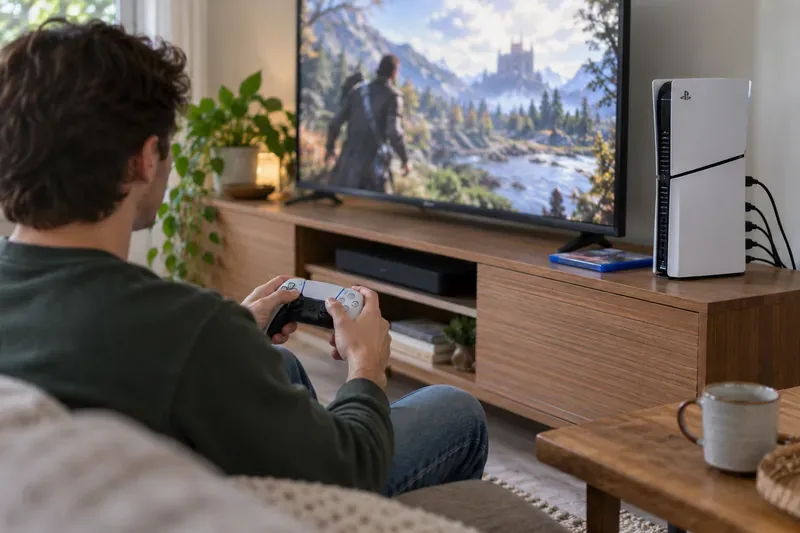
At an in-person sale, compare the serial and model information on the console with what the seller described, but avoid posting the full serial number publicly. For an online purchase, review the marketplace’s payment, shipping, and return protections before sending money. A price far below comparable sales deserves extra scrutiny; it is not proof of a scam, but do not skip the functional checks.
Use the original PS5 Disc, original PS5 Digital, PS5 Slim Disc, and PS5 Slim Digital price pages as model-specific starting points. For an instant trade-in, use GameStop’s trade-in lookup and check the live quote for your exact console; the offer can change and may depend on working condition, required accessories, and store rules.
In short: The most recent model-level benchmarks available for October 2026 put an ordinary used PS5 between about $385 and $501 on Swappa, depending on version. Confirm the exact model, compare like-for-like completed sales, and adjust for condition and bundle contents to decide what your particular console is worth.
Enable PUBG’s network statistics HUD to monitor ping and packet loss in a match. See where to find it, what the numbers mean, and what they cannot diagnose.
Learn how to import VALORANT crosshair codes, compare presets with manual settings and spectator copy, and fix common import issues.
Choose Dota 2 minimap size, hero icons, team colors, and background settings by readability, fewer misclicks, and clear results on your own display.
Fix Fortnite texture pop-in on PC with official steps for GPU drivers, file verification, DirectX 12, high-resolution textures, VRAM, SSDs, and stutter.
Learn what Heroes of the Storm minimap size and position options are verified, improve readability, and choose camera-click controls that suit you.
Set Super Smash Bros. Ultimate Quickplay to prefer hazards-off stages. Follow the Preferred Rules menu steps and learn why matchmaking may not always honor them.
Enable Server Latency and Packet Loss in Warzone to monitor connection quality, read the overlay, and use recurring spikes to guide troubleshooting.
Learn how to carry from mid lane in League of Legends by setting up waves, choosing safe roam windows, reading side lanes, and converting pressure into objectives.
Fix Minecraft Evoker spell problems with a safe vanilla test, version checks, log review, and a step-by-step way to isolate mod or datapack conflicts.
Fix PUBG stuck on Initializing on Steam with a focused checklist for PC service notices, launch options, game files, downloads, and connection issues.








