How to Import Custom Crosshair Codes in VALORANT: Steps, Options, and Fixes

Learn how to import VALORANT crosshair codes, compare presets with manual settings and spectator copy, and fix common import issues.
Quick answer: In the U.S. market, a tested, working used PlayStation 5 with one working DualSense controller and its standard cables generally falls around $200 to $425, depending on the model. A used PS5 Pro can be worth more, roughly $600 to $800. These are practical private-sale guide ranges, not guaranteed offers or a nationwide average. Condition, exact model, included accessories, and the price of a new console on sale can move the number.
The supplied article uses USD and names U.S. marketplaces, so the estimates below are in U.S. dollars. Prices elsewhere vary by region; compare local completed sales and local retail prices instead of converting these figures directly.
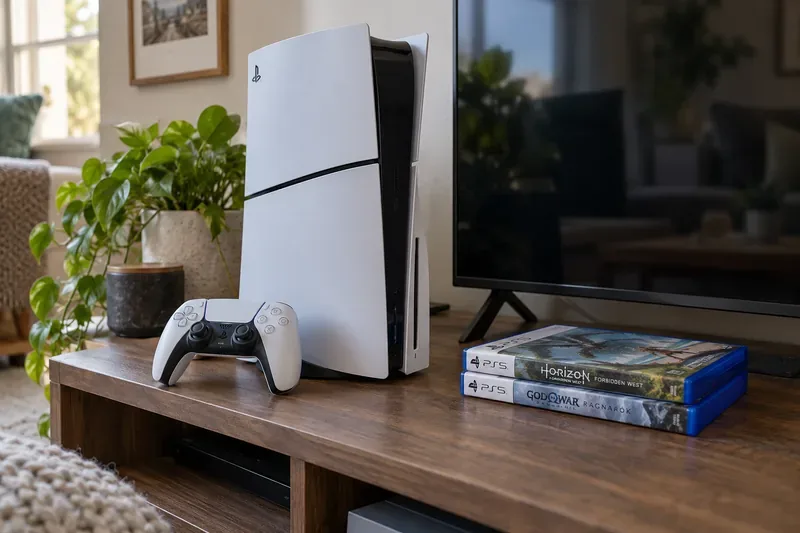
Use this table as a starting point for a clean, fully working console with one working controller, power cable, and HDMI cable. It excludes games, shipping, tax, and unusual editions. “Original” means the larger first-generation PS5 design; “Slim” means the later, smaller model.
| Model | Estimated private-sale range (USD) | What to check |
|---|---|---|
| Original PS5 Digital Edition | $200–$275 | No disc drive; identify the exact model group. |
| Original PS5 Disc Edition | $250–$325 | Test the drive with a game disc; check eject and playback. |
| PS5 Slim Digital Edition | $275–$375 | Some newer model groups support an add-on disc drive; verify compatibility and whether the drive is included. |
| PS5 Slim Disc Edition | $325–$425 | Test the built-in drive and confirm the included controller and cables. |
| PS5 Pro | $600–$800 | Check the exact bundle; a disc drive is a separate add-on on the Pro. |
How firm are these numbers? Treat them as valuation bands, not precise market averages. Sony’s U.S. recommended retail prices, effective April 2, 2026, are $649.99 for PS5, $599.99 for PS5 Digital Edition, and $899.99 for PS5 Pro. A sale at a retailer can be below MSRP, so compare a used offer with the actual new price available to you—not MSRP alone. Sony lists the change and effective date in its 2026 PS5 price announcement.
Recent eBay sold pages show why one “average” can mislead: a used Slim Disc listing sold for $394 in June; a separate September listing at $375 included three controllers; and an October Slim Disc listing displayed $450 even though the seller accepted a best offer, so the final price was not shown. Those are different configurations and dates, not a controlled sample. Check the latest sold listings for the exact model before you set a price. See the $394 Slim Disc sale, the $375 three-controller listing, and the October listing with an undisclosed accepted offer.
A disc-drive PS5 can play physical PS5 and compatible PS4 game discs, which can matter to buyers who borrow, buy, or resell games. The original Digital Edition does not play disc-based games or media. Some later Digital Edition models can accept a separately sold drive: Sony says the drive works with PS5 CFI-2000 and CFI-7000 model groups, and setup requires an internet connection for pairing. Check the label on the console and the official disc-drive compatibility and setup guide before paying extra for that option.
Cosmetic marks usually matter less than functional problems. Test HDMI output, Wi-Fi, USB ports, power, the controller’s sticks and buttons, and the disc drive when present. Listen for unusual fan noise and confirm the console does not shut down during a game. A seller who can show a clear boot-up and gameplay video gives buyers more confidence; disclose any issue instead of listing the system as fully working.
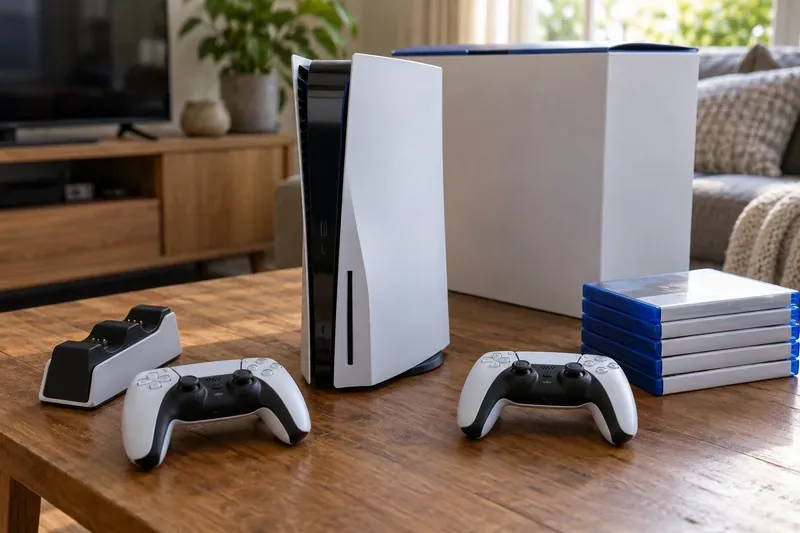
A second controller, charging dock, compatible M.2 SSD, or physical game can help a bundle sell, but do not add its original retail price to the console’s value. Estimate each item at its current used value and compare similar bundles. Digital games tied to a PlayStation account are not a transferable bonus, so do not pay extra for a seller’s account or promises of installed games.
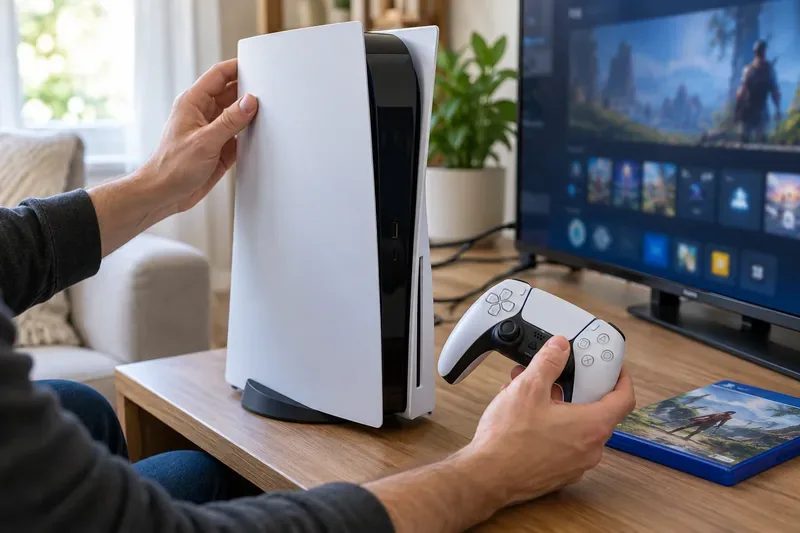
The best estimate is the median of recent completed sales for your exact PS5 model and condition. Use the table to narrow the search, then adjust for what is actually included and what a new console costs in your market that day.
Learn how to import VALORANT crosshair codes, compare presets with manual settings and spectator copy, and fix common import issues.
Choose Dota 2 minimap size, hero icons, team colors, and background settings by readability, fewer misclicks, and clear results on your own display.
Fix Fortnite texture pop-in on PC with official steps for GPU drivers, file verification, DirectX 12, high-resolution textures, VRAM, SSDs, and stutter.
Learn what Heroes of the Storm minimap size and position options are verified, improve readability, and choose camera-click controls that suit you.
Set Super Smash Bros. Ultimate Quickplay to prefer hazards-off stages. Follow the Preferred Rules menu steps and learn why matchmaking may not always honor them.
Enable Server Latency and Packet Loss in Warzone to monitor connection quality, read the overlay, and use recurring spikes to guide troubleshooting.
Learn how to carry from mid lane in League of Legends by setting up waves, choosing safe roam windows, reading side lanes, and converting pressure into objectives.
Fix Minecraft Evoker spell problems with a safe vanilla test, version checks, log review, and a step-by-step way to isolate mod or datapack conflicts.
Fix PUBG stuck on Initializing on Steam with a focused checklist for PC service notices, launch options, game files, downloads, and connection issues.
Fix Brawl Stars stuck at 92% loading with an ordered checklist for service notices, network tests, safe updates, Android cache, and account-safe reinstalling.








