Games Like Clash of Clans You Should Try (2026)
Looking for games like Clash of Clans? Start with Castle Clash if you want another hero-led base builder, choose Boom Beach for tactical island raids, and try Lords Mobile or Rise of Kingdoms for a larger alliance-driven world. Clash Royale keeps familiar characters and troops but turns the action into quick, real-time card battles.
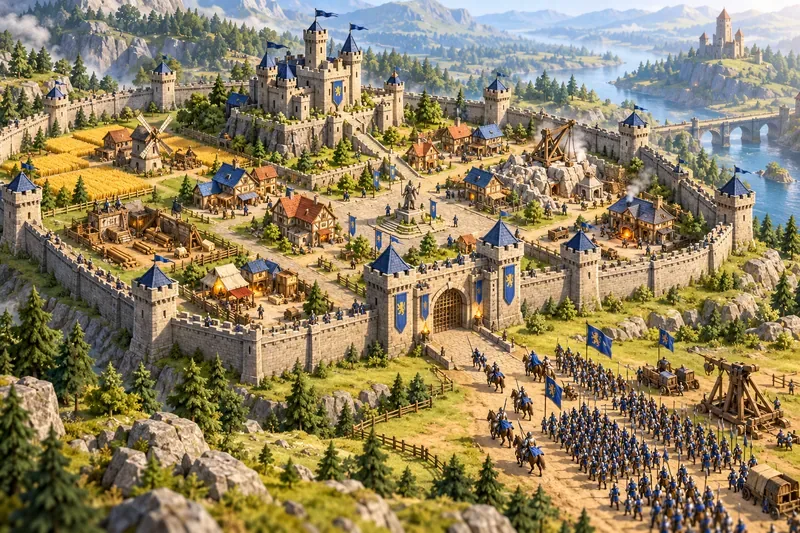
Clash of Clans combines three satisfying loops: improving a village, planning defenses, and sending an army to attack. The best Clash of Clans alternatives preserve at least one of those loops. Some emphasize base upgrades; others move the strategy to a battlefield or a shared map. This guide compares the five games by what they feel like to play, so you can pick the one that matches your favorite part of the original.
Games like Clash of Clans at a glance
| Game | Best for | Main difference |
|---|---|---|
| Castle Clash | Base development and hero collecting | More hero, dungeon, and guild systems |
| Boom Beach | Tactical raids and island defense | Attacks begin with landing craft and use battlefield abilities |
| Lords Mobile | Guild play and kingdom warfare | A broader strategy MMO with heroes and map activity |
| Rise of Kingdoms | Real-time movement across a shared world | City building feeds into a large, continuous map |
| Clash Royale | Fast competitive matches | Deck-building and live arena battles replace village growth |
Best games like Clash of Clans by play style
These picks are alternatives, not exact copies. The titles below were checked against publisher and app-store information available in October 2026; features, storefronts, and regional availability can change.
1. Castle Clash: closest for base building and heroes
Castle Clash: World Ruler is the most direct choice if you want to keep developing a base while building an army of collectible heroes. Its current listing describes non-linear base development, hero recruitment, arena battles, tower-defense modes, guild competitions, cooperative dungeons, and server-wide events. That gives it a familiar build-and-defend foundation with a larger roster of hero and event systems around it.
Pick Castle Clash when base growth and hero collection are the draw. Its many modes make it feel busier than a simple village builder, and the current Android listing says an internet connection is required. Check the listing for your region before installing.
2. Boom Beach: best for tactical raids
Boom Beach trades a medieval village for a tropical archipelago. You build and defend a home base, explore islands, and attack enemy bases. Troops board Landing Craft before an assault, while the Gunboat and its support options add more moment-to-moment decisions. Supercell also describes cooperative Task Force play, so friends can take on the enemy together.
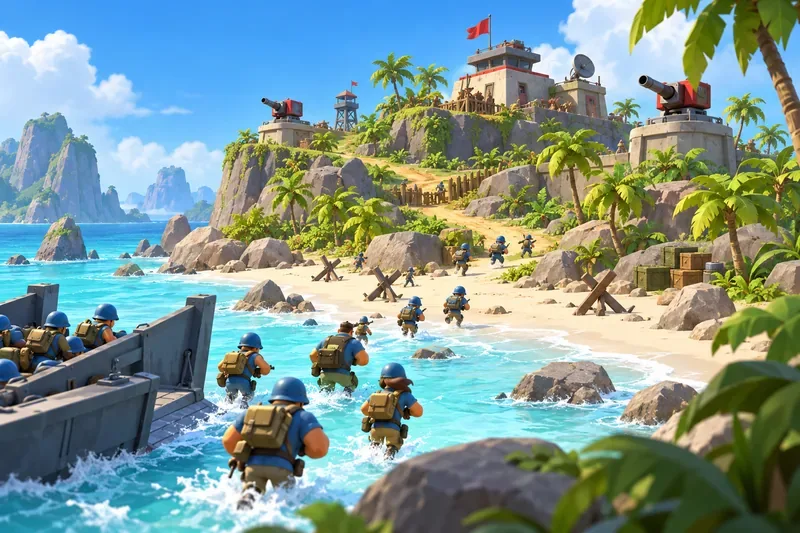
The result is a strong fit for players who enjoy the attack phase and want more control over how a raid unfolds. Boom Beach is also available on Windows through its official launcher, with progress syncing across desktop and mobile via Supercell ID. See Supercell’s Windows PC support details before installing on a computer.
3. Lords Mobile: best for guild-scale strategy
Lords Mobile starts with the familiar work of expanding a stronghold, collecting resources, training troops, and recruiting heroes. It then stretches that loop into a real-time strategy MMO with guild activities, monster hunts, and kingdom-wide conflict. The official Google Play listing describes it as a mobile MMO strategy game and highlights its heroes, empire-building, and Guild Expedition.
Choose it if the social layer matters as much as your own base. Guilds coordinate larger objectives, and the long progression gives you plenty to manage between battles. That scale can make it a bigger time commitment than a compact village-and-raid routine.
4. Rise of Kingdoms: best for a shared world map
Rise of Kingdoms pairs city development with a large shared map. You choose a civilization, improve your city, recruit commanders, and move troops through a world where players and non-player forces occupy the same connected space. Its store description emphasizes the seamless map, zooming between the world and individual cities, and terrain features such as rivers and passes.
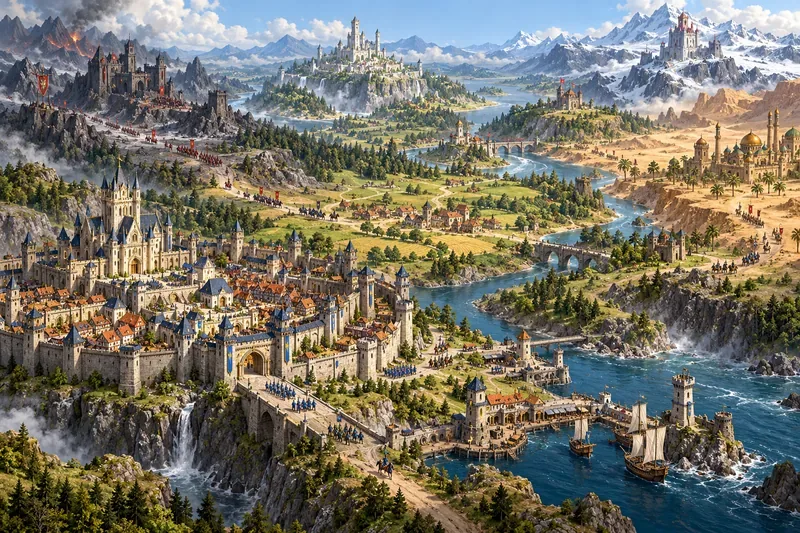
This is the pick for players who want alliance strategy and map decisions to shape every session. Scouting, moving forces, and coordinating with an alliance become as important as choosing which building to upgrade. If you mainly want to arrange a village and launch occasional raids, Rise of Kingdoms may feel like a much larger commitment.
5. Clash Royale: best for short, competitive battles
Clash Royale shares familiar Clash characters, troops, spells, and defenses, then rebuilds the loop around cards and real-time arena fights. You assemble a deck, deploy units, and push toward the opponent’s towers. Supercell describes it as a real-time multiplayer card battler, making it a good option when you want strategy in a faster match format.
It is the least similar option here for base building: there is no village layout to perfect between sessions. The appeal is the direct competition, quick tactical choices, and recognizable Clash style.
Which Clash of Clans alternative should you try first?
- You like designing and upgrading a base: start with Castle Clash.
- You like planning attacks: try Boom Beach and its landing-craft assaults.
- You want guilds and ongoing wars: compare Lords Mobile with Rise of Kingdoms.
- You prefer quick PvP: Clash Royale is the closest match for short, head-to-head sessions.
- You want to play on PC: Boom Beach has an official Windows option. For other titles, check the publisher’s current download page or your local store instead of assuming an emulator is supported.
Most of these games are free to download and include optional in-app purchases, but pricing, platform support, and availability vary by country and device. Before you commit, check the game’s current official store page for purchase details, age rating, and system requirements. That quick check helps you find the right base-building strategy game without mistaking a similar theme for the same style of play.









