Games Like Clash of Clans for PC: 2026 Picks
If you want games like Clash of Clans for PC, start with Boom Beach for the closest base-building and raid loop, Lords Mobile for a PC strategy game with guild warfare, or Rise of Kingdoms for a larger shared world map. One useful 2026 update: you can also play Clash of Clans itself on a Windows PC through Google Play Games, while Boom Beach now has an official Windows launcher.
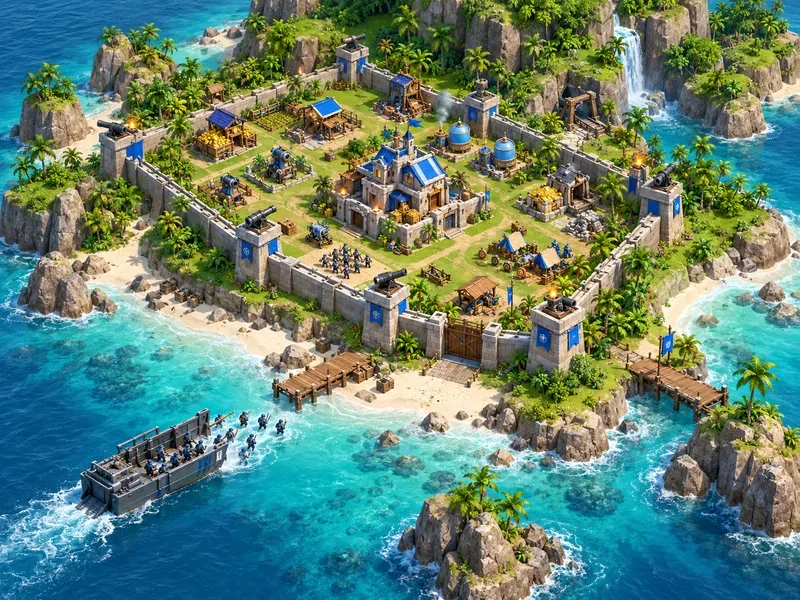
These picks are not exact copies. Some keep a persistent base that you upgrade between attacks; others move the action to a shared map or turn it into short real-time battles. The comparison below highlights both the gameplay and the current PC route, so you can choose a title that fits your computer and preferred pace.
Best Clash of Clans alternatives for PC at a glance
| Game | Best for | PC access | Cost model |
|---|---|---|---|
| Boom Beach | Closest base-and-raid feel | Official Windows launcher | Free to play |
| Lords Mobile | Base building, heroes, and guild battles | Steam for Windows | Free to play |
| Rise of Kingdoms | Alliance strategy across a shared map | Google Play Games on Windows | Free to play |
| Total Battle | Browser-based castle and army building | Play in a web browser | Free to play |
| Clash Royale | Fast competitive matches in the Clash universe | Google Play Games on Windows | Free to play |
| Age of Empires IV | Traditional PC real-time strategy | Steam, Microsoft Store, or PC Game Pass | Paid game; subscription option may be available |
1. Boom Beach: the closest match for base raiding
Boom Beach comes from Supercell and shares the most familiar rhythm with Clash of Clans: improve a home base, prepare troops, and attack enemy islands. Its beach landings and island defenses give battles a different shape, while Task Force play adds cooperative goals for players who want to coordinate with a group.
For PC players, this is no longer an emulator-only recommendation. Supercell announced the official Windows launcher in April 2026. It supports mouse and keyboard controls, and Supercell ID can sync progress between mobile and PC. The same account cannot play on both devices at the same time. Supercell says the launcher is for Windows only; Mac and Linux users should not expect a native client.
Read Supercell’s Boom Beach PC announcement for the launcher details.
2. Lords Mobile: a persistent kingdom with hero progression
Lords Mobile is a strong fit if you like upgrading a base but want heroes and RPG-style progression layered on top. You develop a city, research upgrades, train troops, build hero teams, and join a guild for group events and wars. That makes its long-term progression familiar to Clash players, though the hero systems and alliance scale make it busier than a simple village builder.
Its official Steam listing offers a free-to-play PC version for Windows. The game includes optional in-game purchases, so free access does not mean every upgrade or item is free. Pick it when you want a persistent strategy game with a PC storefront and a large guild focus.
3. Rise of Kingdoms: build for an alliance, not just your village
Rise of Kingdoms shifts attention from one defended base to a living world map. You grow a city, develop commanders, and send armies across the map in real time. Alliances and larger kingdom conflicts are central, so it suits players who enjoy coordination, map movement, and long-term group goals more than designing a compact defensive layout.
Google Play currently lists Rise of Kingdoms for Windows through Google Play Games on PC. That makes it a useful middle ground: it is a mobile-origin strategy game with a supported PC route, but it is not a native standalone RTS like Age of Empires IV. Availability and performance can depend on your Google Play country and PC compatibility.
4. Total Battle: a browser option with no game client to install
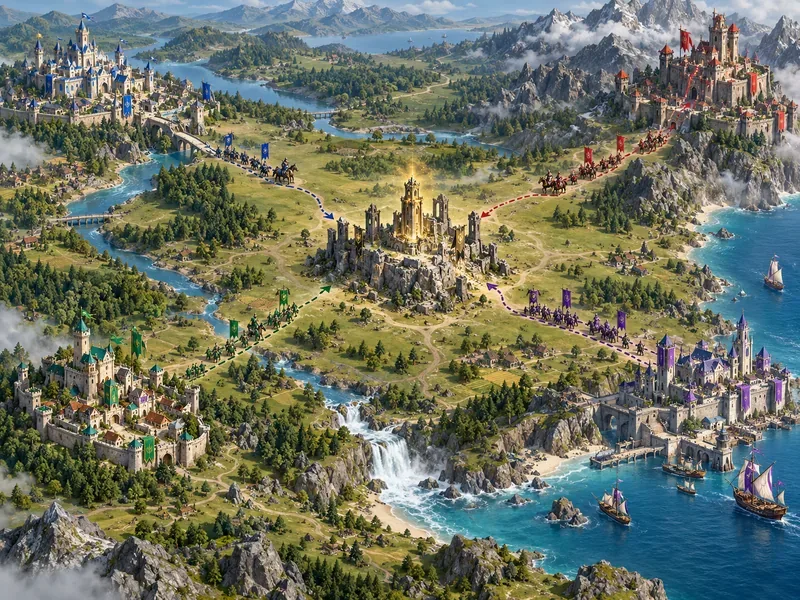
Total Battle is worth considering when you want a persistent castle-building strategy game without installing a Windows launcher. Its official site describes it as a browser war game with city building, army development, player tournaments, and kingdom-wide competition. Open the official site in a current browser to begin; because it is browser-based, it is the most convenient choice here for Mac users or for PCs where installing a dedicated game client is impractical.
The trade-off is that Total Battle is an MMO strategy game, not a direct Clash clone. Expect a broader progression and competition loop rather than the same short troop-deployment attacks. It is free to start, with in-game purchases available.
5. Clash Royale: choose it for battles, not base building
Clash Royale is a good PC pick if what you enjoy most is Supercell’s characters and competitive matches. It is built around real-time card-and-tower duels, not a persistent village that you arrange and defend, so it is less similar to Clash of Clans than Boom Beach or Lords Mobile. The advantage is its shorter match format and direct competition.
Supercell and Google list Clash Royale among the games playable on Windows through Google Play Games. If you already use a Supercell ID, Supercell says progress can be used across its PC and mobile versions; you still cannot play the same account simultaneously on both devices.
6. Age of Empires IV: the best fit for classic PC strategy
Age of Empires IV is the pick for players who want keyboard-and-mouse real-time strategy rather than mobile-style upgrade timers. You gather resources, construct buildings, produce units, defend against attacks, and push toward victory in a match. Its campaigns and competitive modes offer more direct control over the whole economy and army.
It does not reproduce Clash of Clans’ persistent village, asynchronous raids, or clan war schedule. Think of it as a deeper traditional RTS with base building at its center. It is available through PC storefronts including Steam and the Microsoft Store, and the official Age of Empires site also lists PC Game Pass access where offered. Store prices and subscription availability vary by region.
Which game should you try first?
- Closest to Clash of Clans: Start with Boom Beach for island bases, troop attacks, and cooperative play.
- Want a PC client with guild wars: Choose Lords Mobile on Steam.
- Prefer a large alliance map: Try Rise of Kingdoms through Google Play Games on PC.
- Need a browser game: Open Total Battle in a web browser.
- Want short competitive rounds: Pick Clash Royale, knowing it has no village-building loop.
- Want a native-feeling classic RTS: Choose Age of Empires IV for campaigns and match-based strategy.
How to play these strategy games on a PC
Use each publisher’s official route: Google Play Games on PC for Clash of Clans, Clash Royale, and Rise of Kingdoms; Supercell’s launcher for Boom Beach; Steam for Lords Mobile; the Total Battle website for its browser version; and a PC storefront for Age of Empires IV. Google Play Games is a Windows app, and Google publishes minimum requirements that include an SSD, 8 GB of memory, and hardware virtualization. Check its current compatibility page before installing, because game availability and PC requirements can change.
If you use macOS, Total Battle is the browser-based option in this list. The dedicated launchers and Google Play Games route described above are for Windows. Avoid assuming that a Windows client has a supported Mac version; check the publisher’s download page first.
For cross-device progress, use the account system the publisher documents. Supercell confirms Supercell ID syncing for Clash of Clans and Boom Beach between PC and mobile. Other titles may have separate account or sync rules, so check the game’s official support page before switching platforms.
Frequently asked questions
Can you play Clash of Clans on PC in 2026?
Yes. Supercell lists Clash of Clans as playable on a Windows PC through Google Play Games. Sign in with the account linked to your village to continue your progress; Supercell ID supports progress across PC and mobile.
What is the closest PC game to Clash of Clans?
Boom Beach is the closest match in this list because it combines a persistent base, troop-based attacks, and cooperative group play. Its official PC launcher is currently for Windows.
Which Clash-like strategy games work on Mac?
Total Battle is the browser-based option here. The official Boom Beach launcher and Google Play Games on PC are Windows routes; check each storefront for current operating-system support before downloading.
Are these games free?
Boom Beach, Lords Mobile, Rise of Kingdoms, Total Battle, and Clash Royale are free to start and include optional in-game purchases. Age of Empires IV is a paid PC game, with PC Game Pass access available where the subscription and game are offered.









