How to Check Real-Time Server Latency in the PUBG HUD

Enable PUBG’s network statistics HUD to monitor ping and packet loss in a match. See where to find it, what the numbers mean, and what they cannot diagnose.
If your Xbox controller will not connect to Android, start with three checks: confirm the controller supports Bluetooth, remove its old pairing from Android, then pair it again while the controller is discoverable. If it connects but feels delayed or does nothing in a game, troubleshoot the game and input separately. This guide covers Xbox Wireless Controllers and Android phones or tablets; Microsoft notes that Bluetooth compatibility depends on the controller, device, and software version. Check Microsoft’s Xbox Wireless Controller compatibility details before assuming every controller revision works the same way.
The phone-screen visuals below illustrate common settings flows; wording and menu locations vary by Android version and manufacturer.
Not every older Xbox One controller has Bluetooth, and Xbox controller support does not mean every Android game accepts a gamepad. Check your controller’s model or manual and the game’s control-support notes. Microsoft lists Android Bluetooth support for selected devices and software versions. Charge the controller or replace weak AA batteries before troubleshooting; low power can make a stable connection harder to maintain.
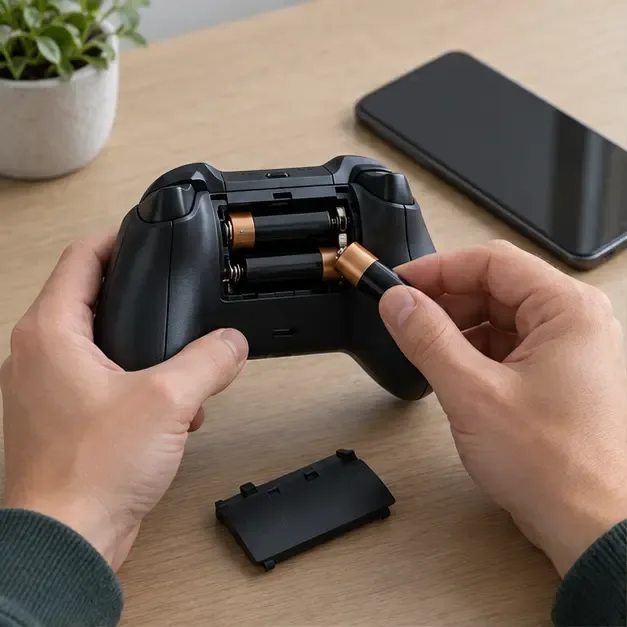
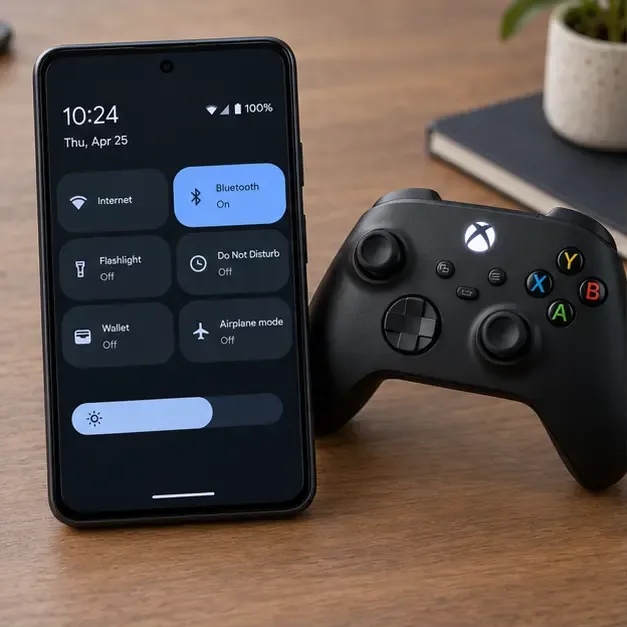
Turn the controller off by holding the Xbox button until it shuts down, then turn it back on. On Android, open Settings or Quick Settings, switch Bluetooth off, wait a few seconds, and switch it on again. If that does not help, restart the phone too. Google’s Android Bluetooth troubleshooting guidance recommends cycling Bluetooth and restarting both devices as basic checks.
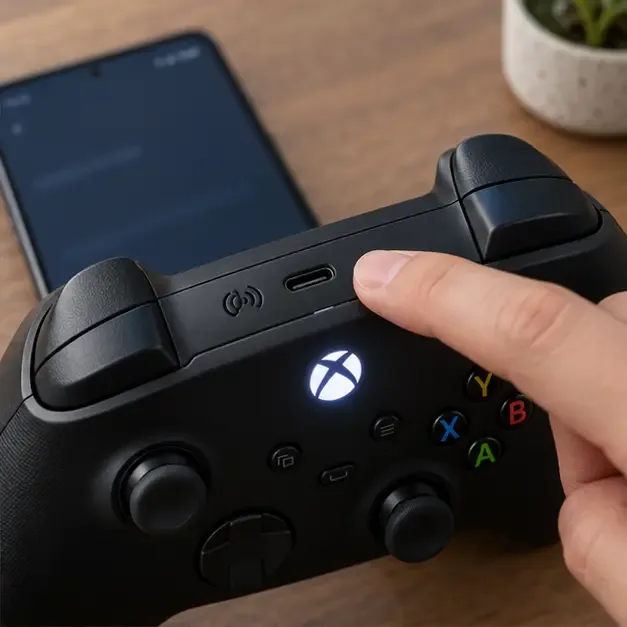
If the controller was recently used with an Xbox console, PC, tablet, or another phone, temporarily disconnect Bluetooth on that device or move it out of range. Then press and hold the controller’s Pair button until the Xbox light flashes rapidly. A flashing light means the controller is available to pair; a steady light usually means it is already connected. Button position varies by model. See the Xbox Wireless Controller quick-start guide for model-specific instructions.
On the phone, open Settings and find Bluetooth or Connected devices. Open the saved Xbox controller entry, tap its settings gear, and choose Forget or Unpair. Names vary by device. This removes the stale pairing record so Android can create a fresh one; it does not reset the controller. Google documents the Forget action under the saved Bluetooth-device settings.
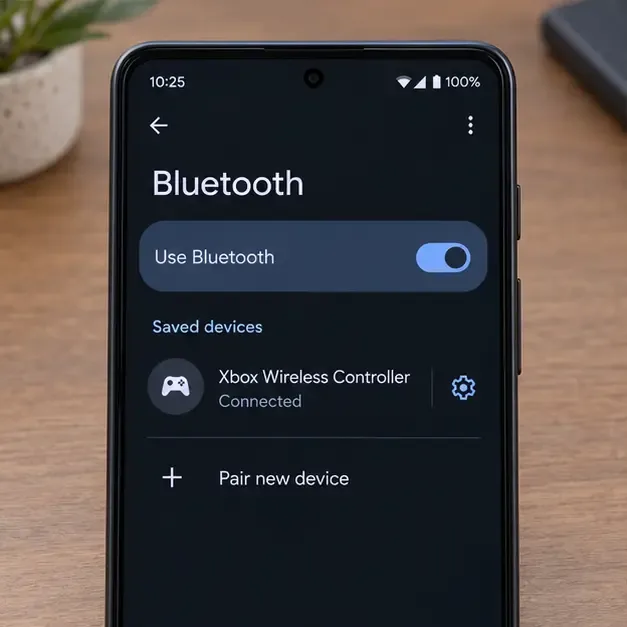
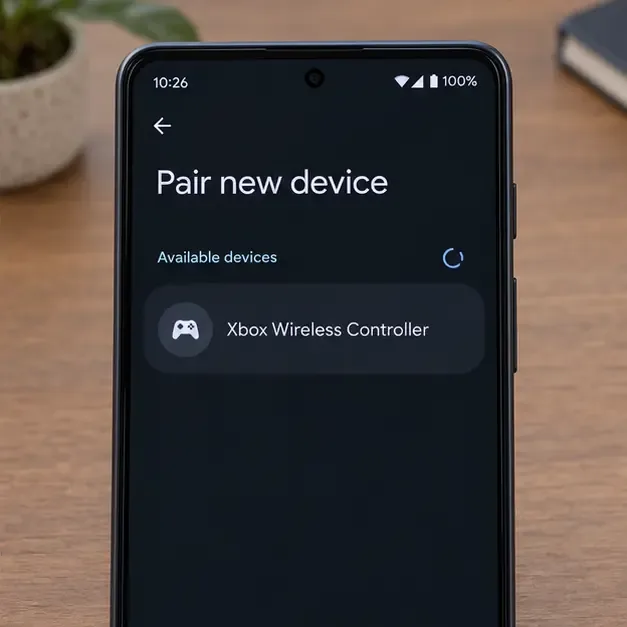
Keep Android’s Bluetooth page open and select Pair new device (or the equivalent on your phone). Put the controller back into pairing mode, then tap Xbox Wireless Controller when it appears. Accept the on-screen pairing prompt and wait for Android to show it as connected. If it does not appear, make sure the controller light is still flashing, move the devices closer, and refresh the available-device list before retrying. Google’s Android pairing instructions describe the general Settings flow.
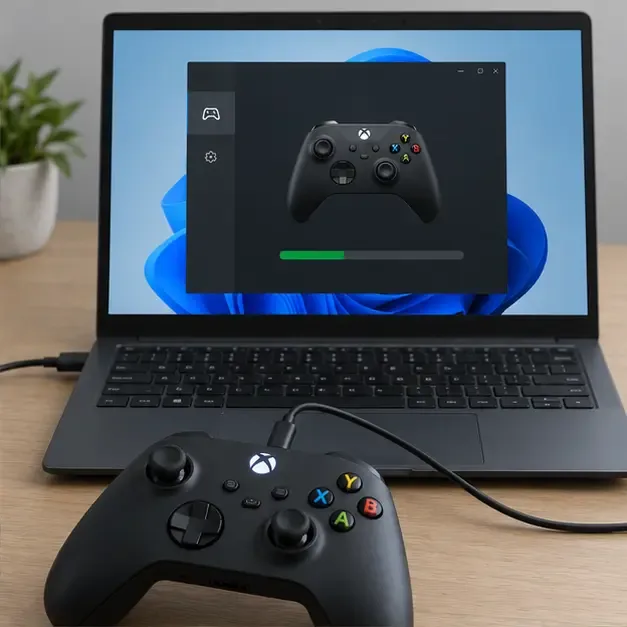
Do not install the old draft’s suggested Android Xbox app as a controller-firmware updater. Microsoft’s current instructions use the Xbox Accessories app on a supported Xbox console or Windows PC. Connect the controller with a compatible USB cable, open the app, and follow its update prompt if one is offered. On Windows, the cable must match the controller port. You can also check for Android system updates through your phone manufacturer’s Settings app, since menu names differ across brands. See Microsoft’s Xbox controller firmware update instructions.
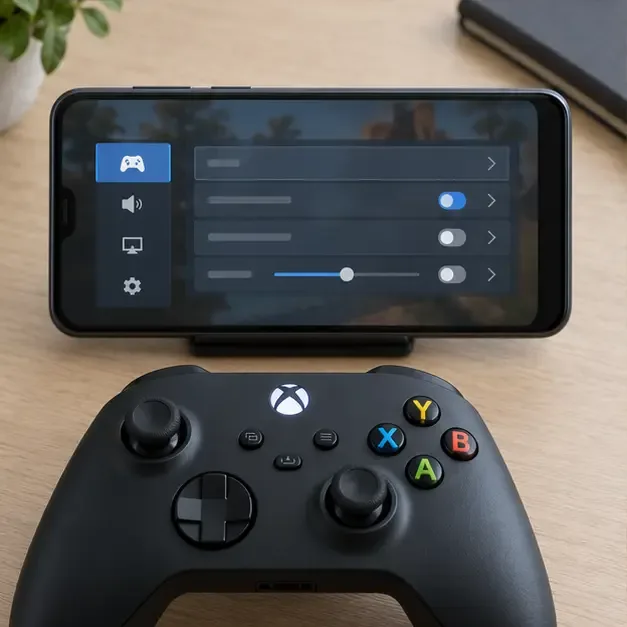
After Android says the controller is connected, close and reopen the game. Test a second title that explicitly supports controllers. If the second game works, the Bluetooth link is probably established and the first game may lack gamepad support or need its own controller setting. If both games lag, test with the phone and controller close together and temporarily disconnect unused Bluetooth accessories. Avoid changing Bluetooth audio codecs or “Absolute Volume”: those settings target audio behavior and are not established fixes for gamepad pairing or input lag.
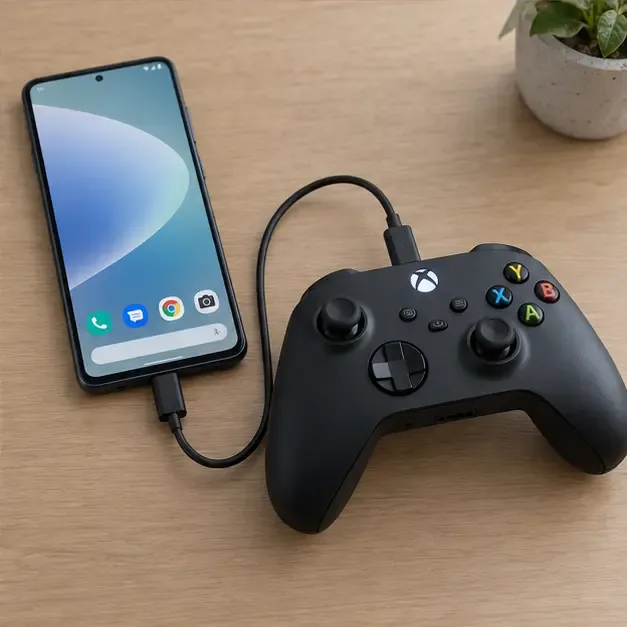
If your phone supports USB host or OTG and the game supports wired controllers, connect the controller with a data-capable cable and the correct adapter for its port. A wired connection working while Bluetooth fails points back to pairing, firmware, or the phone’s Bluetooth stack. If Bluetooth problems affect several accessories on that phone, install available system updates and contact the phone maker for device-specific troubleshooting. Resetting network settings is a last resort: on many phones it also removes saved Wi-Fi networks and Bluetooth pairings.
| What you see | Most useful next check |
|---|---|
| Controller never appears in Android’s list | Confirm Bluetooth support, fresh batteries, and a rapidly flashing Xbox light. |
| Android pairs, but one game ignores the controller | Check that game’s controller support and in-game input settings. |
| Controller repeatedly disconnects | Forget and re-pair, disconnect other paired hosts, then check firmware. |
| Bluetooth fails with multiple accessories | Restart and update Android; ask the phone manufacturer for device-specific help. |
No. Bluetooth support depends on the controller revision, and Android compatibility also varies by device and software version. Check the model’s official documentation; a controller without Bluetooth will not appear in Android’s Bluetooth list.
Microsoft’s firmware instructions direct users to Xbox Accessories on a supported Xbox console or Windows PC. Use a compatible data cable and follow the current on-screen update flow.
Android pairing and gamepad support are separate. Try another game that supports controllers, then check the affected game’s own control options or support page.
For Android-specific Bluetooth steps, consult Google’s Bluetooth troubleshooting guide. For controller compatibility and firmware details, use the official Xbox pages linked above.
Enable PUBG’s network statistics HUD to monitor ping and packet loss in a match. See where to find it, what the numbers mean, and what they cannot diagnose.
Learn how to import VALORANT crosshair codes, compare presets with manual settings and spectator copy, and fix common import issues.
Choose Dota 2 minimap size, hero icons, team colors, and background settings by readability, fewer misclicks, and clear results on your own display.
Fix Fortnite texture pop-in on PC with official steps for GPU drivers, file verification, DirectX 12, high-resolution textures, VRAM, SSDs, and stutter.
Learn what Heroes of the Storm minimap size and position options are verified, improve readability, and choose camera-click controls that suit you.
Set Super Smash Bros. Ultimate Quickplay to prefer hazards-off stages. Follow the Preferred Rules menu steps and learn why matchmaking may not always honor them.
Enable Server Latency and Packet Loss in Warzone to monitor connection quality, read the overlay, and use recurring spikes to guide troubleshooting.
Learn how to carry from mid lane in League of Legends by setting up waves, choosing safe roam windows, reading side lanes, and converting pressure into objectives.
Fix Minecraft Evoker spell problems with a safe vanilla test, version checks, log review, and a step-by-step way to isolate mod or datapack conflicts.
Fix PUBG stuck on Initializing on Steam with a focused checklist for PC service notices, launch options, game files, downloads, and connection issues.








