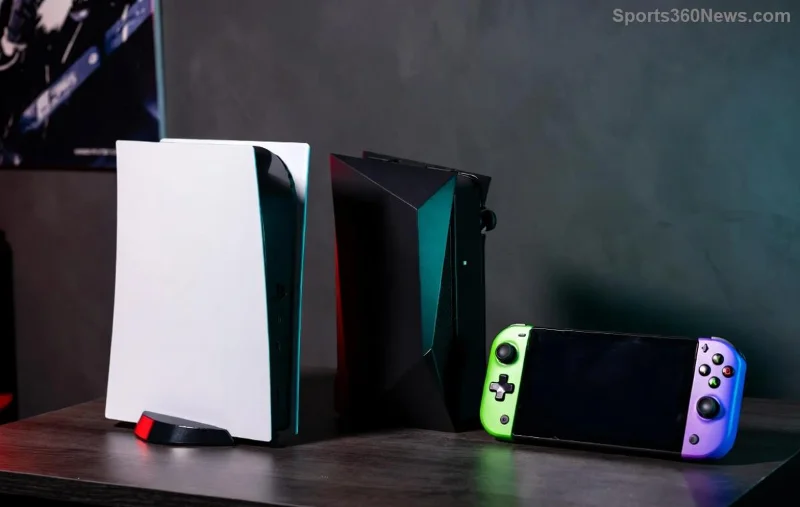
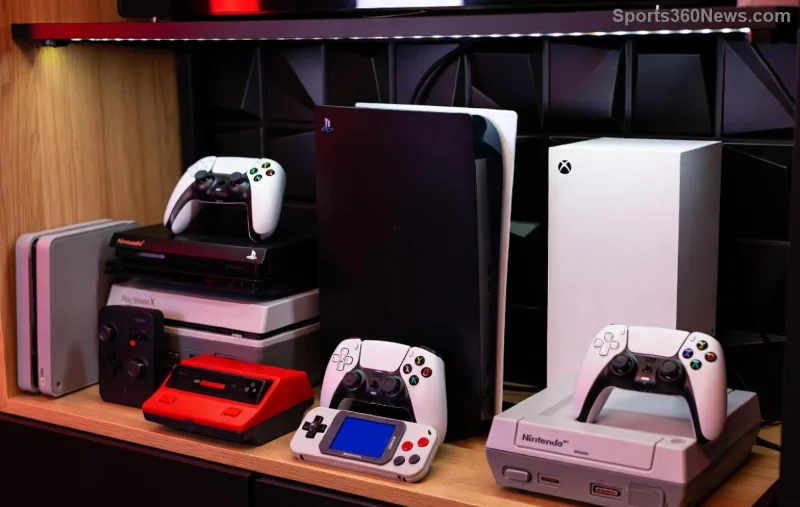
Imagine powering up your Xbox, watching the dashboard start to load, only to be hit with a frustrating Xbox black screen after dashboard loading. That sinking feeling when your epic gaming session grinds to a halt? We've all been there, fellow gamers. But don't worry—this common glitch on Xbox Series X|S and Xbox One has straightforward fixes that will have you back in the action quicker than a speedrun. In this guide, we'll dive straight into the most effective solutions, backed by the latest troubleshooting from official sources. Let's crush this bug together! 🚀
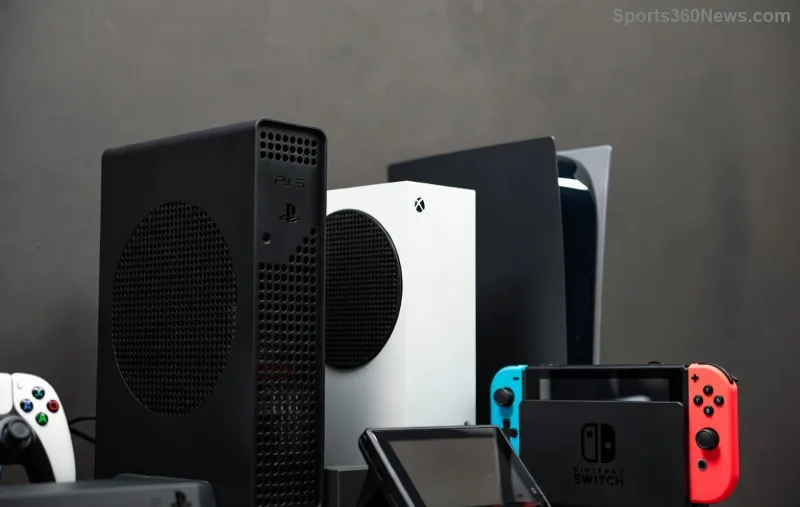
Common Causes of Xbox Black Screen After Dashboard Loading ⚠️
Before we fix it, let's pinpoint why it happens. This issue often stems from:
- Cache buildup: Temporary files overload the system.
- HDMI handshake failures: Connection glitches between console and TV.
- Software glitches: Outdated firmware or dashboard bugs.
- Power supply issues: Unstable electricity or overheating.
- Hardware faults: Rare, but possible disc drive or AV port problems.
Understanding these empowers you to tackle the root cause. Ready to game on? Follow these steps in order—start simple and escalate as needed. Most users resolve it in under 10 minutes! ⏱️
Quick Fixes: Power Cycle and Basic Checks First 🔧
These no-tools-required steps fix 80% of cases. Patience is key—give each a full try.
- Hard Power Cycle (The #1 Fix)
Unplug your Xbox from the wall for 5 full minutes. This resets the power state and clears transient glitches. Plug back in, turn on, and check the dashboard. Pro tip: Do this weekly for prevention! ✅
- Check HDMI Cable and Ports
Swap to a different HDMI port on your TV or use a new certified HDMI 2.1 cable. Test on another TV if possible. Faulty cables cause black screens post-loading more than you think.
- Restart from Controller
Hold the Xbox button on your controller for 10 seconds to fully shut down, then repower. Avoid quick restarts—they don't clear everything.
If the screen flickers briefly before going black, it's likely a display sync issue. Success here? High-five! 👏 Otherwise, level up to advanced fixes.
Advanced Xbox Black Screen After Dashboard Loading Fix Methods
For stubborn cases, dive deeper. We'll use a structured troubleshooting table for clarity—pick based on your symptoms.
| 🔍 Method |
Steps |
Time Needed |
Success Rate |
| Clear Persistent Storage (Cache Clear) |
1. Power off completely.
2. Unplug power & wait 2 mins.
3. Plug in power only (no HDMI/AV).
4. Hold power button 10 secs (hear 2 beeps).
5. Reconnect everything. |
5-10 mins |
90% ⭐⭐⭐⭐⭐ |
| Factory Reset (Keep Games) |
From dashboard (if accessible): Settings > System > Console Info > Reset Console > Reset and Keep My Games. Or blind reset: Hold pair + eject + Xbox button 10 secs. |
15-30 mins |
95% ⭐⭐⭐⭐⭐ |
| System Update Check |
Boot to safe mode (hold power 10 secs during startup). Select "Offline System Update" via USB from Xbox Support. |
10-20 mins |
85% ⭐⭐⭐⭐ |
| AV Port Clean & Test |
Gently clean HDMI port with compressed air. Test composite AV cables if available. |
5 mins |
70% ⭐⭐⭐ |
![Troubleshooting Xbox black screen issue with cables and ports]()
💡 Blind Navigation Tip: If no video output, use voice guides or a phone camera to see controller lights. Xbox beeps confirm actions—first beep for power, second for reset.
Still black? It might be hardware. Contact Xbox Support for warranty checks—they've streamlined repairs for these exact symptoms.
Prevention Tips to Avoid Future Xbox Black Screen Drama ⭐
Stay ahead of the game with these gamer-approved habits:
- ✅ Power cycle monthly.
- 🔌 Use surge protectors—power spikes are sneaky culprits.
- 📡 Keep firmware updated via Settings > System > Updates.
- 🌡️ Ensure good ventilation; overheating triggers shutdowns.
- 🕹️ Eject discs before shutdown to prevent drive glitches.
Bonus: Enable "Auto Power Mode: Instant-On" for easier updates, but switch to Energy Saving if traveling.
![Happy gamer with fixed Xbox console ready for play]()
Final Boss: When to Seek Pro Help & What's Next 🎯
Congrats on making it this far—you're now armed against the Xbox black screen after dashboard loading! Most fixes work on the latest Xbox OS builds, ensuring smooth sails ahead. If issues persist post-reset, it could signal a rare hardware fault—grab your serial number and hit up official support for free diagnostics.
Drop your success story in the comments below. What fixed it for you? Share the love and help a fellow gamer level up. Now, fire up that console and dive back into your backlog. Game on! 🏆
Quick Links: Xbox Won't Turn On Guide | Startup Troubleshooting