Fix PlayStation Account Creation Errors: Step-by-Step Troubleshooting
If you cannot finish signing up, match the message on screen to the right fix: confirm your email and personal details, check PlayStation Network status, and retry through an official signup route. Most importantly, use your real date of birth and the correct country or region; PlayStation says both matter during registration, and the account country or region cannot be changed afterward. This guide to PlayStation account creation errors covers email, verification, browser, and connection problems without relying on made-up error rates or outdated console menus.
Start with the current PlayStation account setup flow
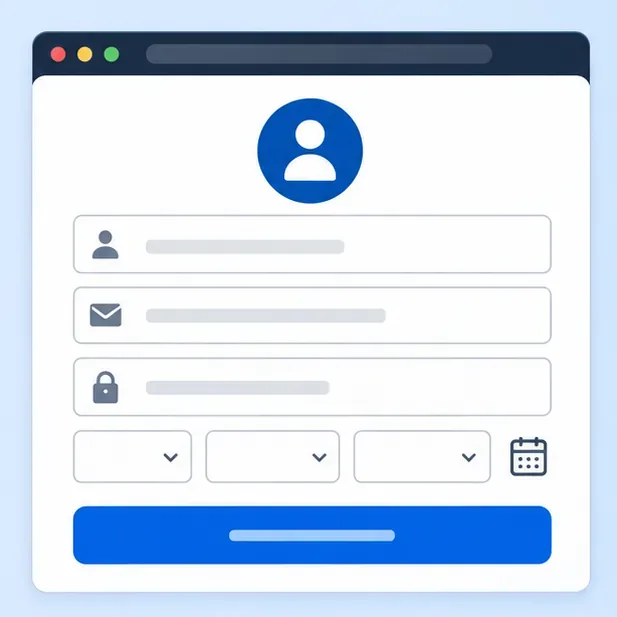
Creating a PlayStation account is free, and PlayStation says you do not need to provide payment details. For web signup, open PlayStation’s account creation guide, go to Account Management, and select Create New Account. Enter the requested details and preferences, choose Next on each screen, then verify the email address using the message PlayStation sends.
Before submitting, check the details carefully. PlayStation asks for your date of birth, country or region, preferred language, sign-in email, password, online ID, and name. The official guide says the birth date is required for security and cannot be changed later. The country or region also cannot be changed after account creation, and it affects local services and purchases. Choose the country or region where you actually live and can use the corresponding services.
Create the account from a PS5 or PS4
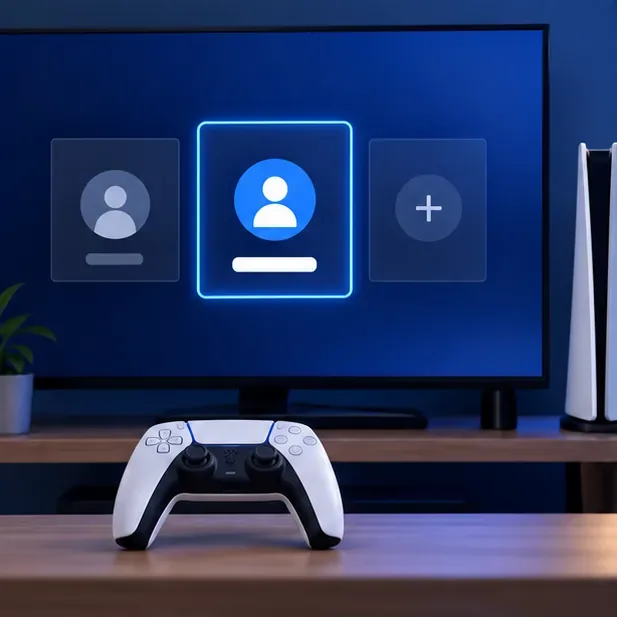
- PS5: From the home screen, select your profile picture, then Switch User > Add User > Get Started. Choose Create an Account and follow the prompts.
- PS4: Open the quick menu by pressing and holding the PS button. Select Power > Switch User > New User > Create a User, then follow the prompts.
Both routes still require email verification. If you already use a PlayStation account on a PS4, you can sign in with that same account on a PS5; you do not need to register another one just because you changed consoles.
Match the signup problem to its fix
| What you see | What to do next |
|---|---|
| Email address already in use | Try account recovery if you may have registered before. If you do not recognize the account or still cannot use the address, contact PlayStation Support to verify it. |
| No verification email | Check the inbox and spam/junk folder, search for “PlayStation verify,” and confirm the sign-in email was entered correctly. Allow a few minutes for the message. |
| Password rejected | Follow the requirements shown in the current signup form, check for a typo or accidental space, and make sure any confirmation field matches. |
| Date of birth or age issue | Use the correct date. For a child, use the family setup process rather than entering an adult’s details. |
| Country or region problem | Choose the correct country or region before you submit. If the option or service is unavailable, check PlayStation’s region information or contact support. |
| Network, timeout, or generic error | Check your connection and the PlayStation status page. If services are available, retry once on a stable connection or use the other official signup route. |
If PlayStation says the email is already in use
An email address can only help you sign in to the account associated with it. If you may have an older account, use PlayStation account recovery instead of creating several accounts or changing the address by guesswork. If the email belongs to an account you do not recognize, or the registration page continues to reject an address you control, PlayStation’s own account guide recommends contacting support to verify email use.
If the verification message does not arrive
First confirm that the email shown during signup is spelled correctly and that you can open that mailbox. Search all folders for “PlayStation verify,” then wait a few minutes before trying again. If you requested another message, open the verification link sent for your current signup attempt. If you can sign in but verification remains incomplete, follow the account recovery or sign-in help steps instead of repeatedly submitting the signup form.
If the form rejects your details
Do not guess at your birth date to get past an age prompt. PlayStation states that the date of birth cannot be changed after an account is created. If you are setting up an account for a child, a parent or family manager should use the PlayStation family account setup instructions. For password errors, do not rely on old online advice that lists a fixed set of character rules; follow the requirements displayed in the signup form you are using.
If signup freezes, CAPTCHA fails, or the page will not submit
These checks help isolate a local browser issue; they do not override an account restriction. Reload the official page, open a private/incognito window, temporarily turn off browser extensions that alter page content, and try a current browser on another device. If you are on a console and the prompt stalls, restart the console and router, then retry when your internet connection is stable. Avoid third-party signup links and do not share verification codes with anyone.
If you get a connection error or “Something went wrong”
PlayStation lists a lost internet connection or ongoing maintenance among reasons account creation may fail. Check PlayStation Network status for your region, then confirm another trusted website loads on the same device. If you are using Wi-Fi on a console, restart the router and console; if practical, test a wired connection. When the status page shows an issue, wait for service to recover before making repeated signup attempts.
An eight-step checklist for troubleshooting PlayStation account creation errors
- Write down the exact message. Include any error code; a specific code is more useful to support than “it failed.”
- Check PlayStation Network status. Select the country or region relevant to your account.
- Use an official route. Start at Account Management or follow the PS5/PS4 menu path above.
- Review the registration details. Check email spelling, date of birth, country or region, and any field the page marks as incomplete.
- Recover before recreating. If the email is already registered, use account recovery or ask support to verify it.
- Complete email verification. Search for the PlayStation verification message and open the newest valid link.
- Isolate device and connection issues. Retry in a clean browser session, on another device, or on a stable network.
- Escalate with useful details. If the same error persists, contact PlayStation Support and provide the exact message, the step where it appears, your console/browser, and the account country or region.
When to contact PlayStation Support
Contact support if the email is being used by an account you cannot access, the account creation form repeatedly rejects correct details, or the same error continues after you have checked service status and tried an official route. Use the official PlayStation Support page for account help. Never send your password or a one-time verification code in a public post or to someone claiming to be support through an unsolicited message.
Once registration completes, keep access to the sign-in email and secure the account using the options in PlayStation’s official security guidance. If the signup page changes, follow the instructions currently shown by PlayStation for your account region.









