How to Check Real-Time Server Latency in the PUBG HUD

Enable PUBG’s network statistics HUD to monitor ping and packet loss in a match. See where to find it, what the numbers mean, and what they cannot diagnose.
If Microsoft Edge on your Xbox shows an Out of Memory message, close extra tabs, quit and reopen Edge, then reload the page. If the message returns, clear cached browsing data if that option is available, restart the console, and check for an Xbox system update. These steps address temporary browser or page load problems without starting with a factory reset or deleting game data.
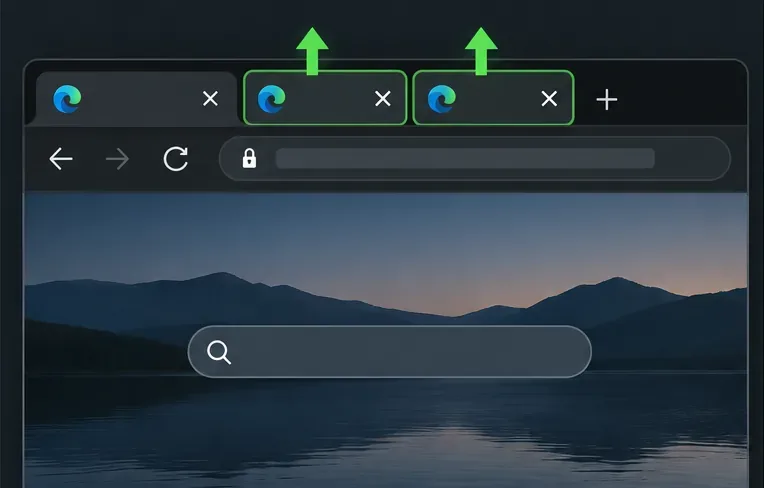
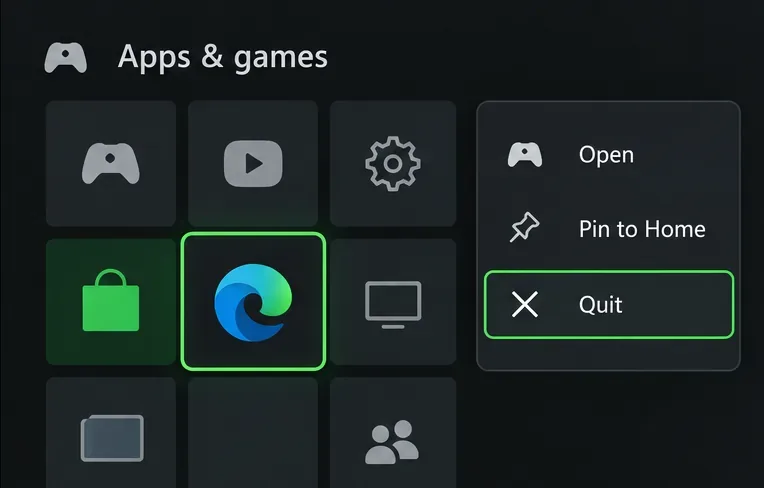
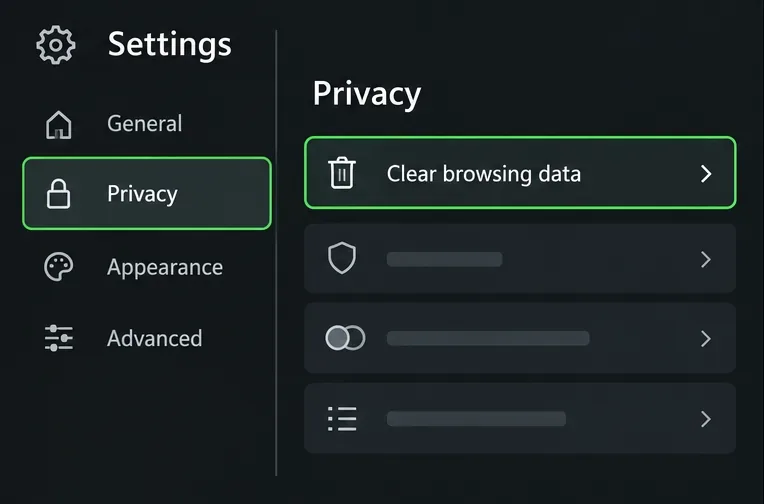
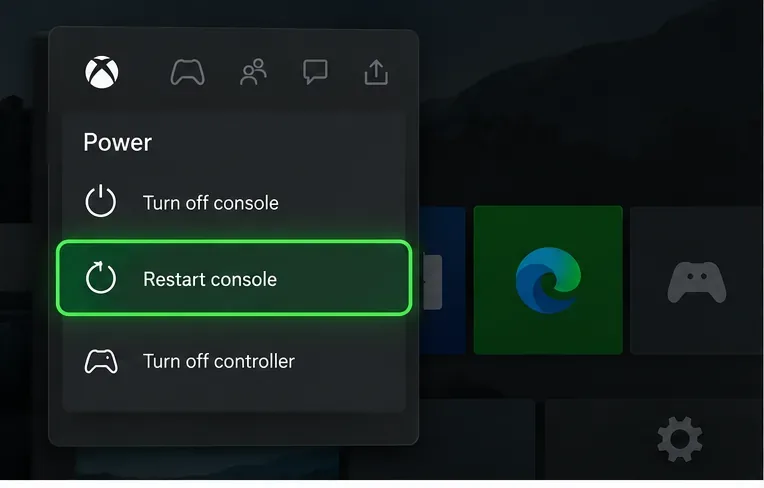
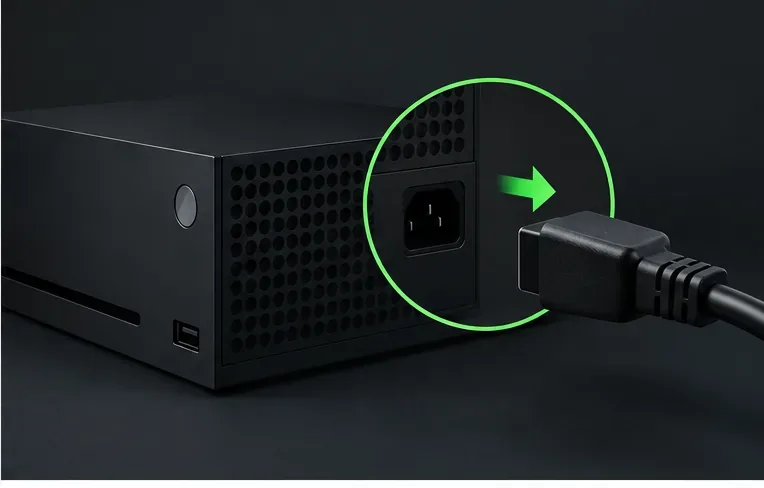
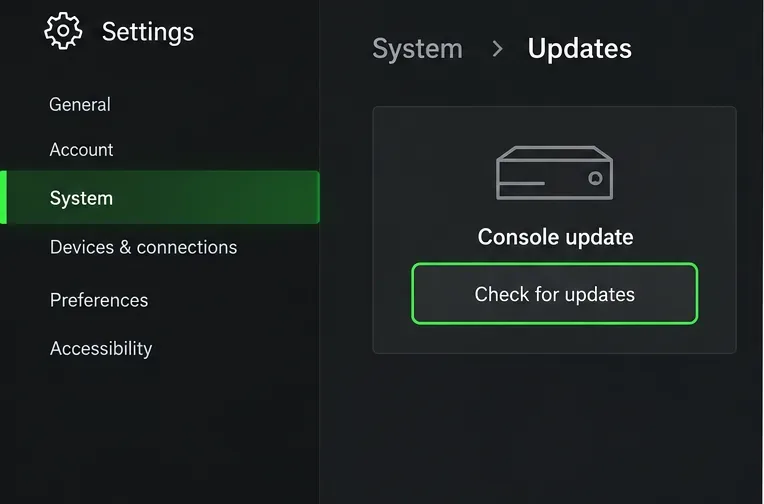
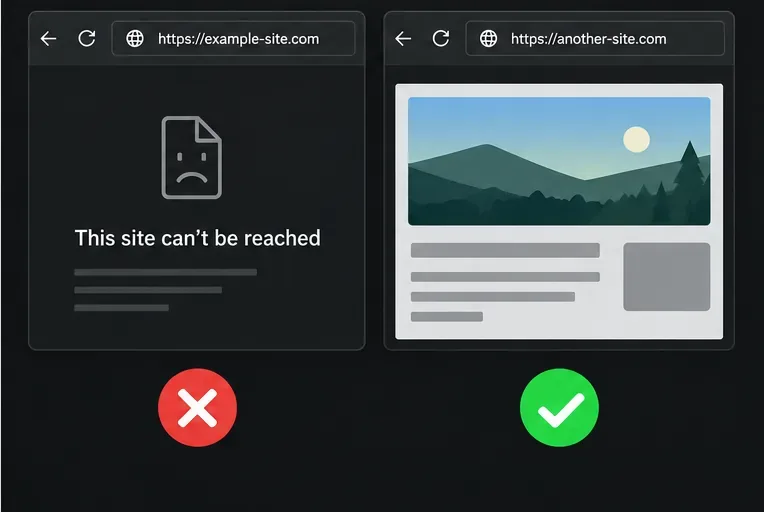
This guide is for the browser on Xbox consoles. It does not assume that every Edge menu matches the Windows version: Microsoft notes that features can change, and console menus may differ by model and software version. The images below are simplified visual guides, not actual Xbox screenshots. Follow the on-screen labels if your layout looks different.
The message means Edge could not finish loading a page with the resources available to that browser session. It can happen when several demanding pages are open, a site is running heavy video or scripts, or the browser has temporary state that needs to be cleared. The message by itself does not prove that your Xbox has faulty memory or that the console needs repair.
Use the pattern to narrow it down. If one page fails but other websites load, the page itself may be the trigger. If Edge fails on several unrelated pages, restart the browser and console, then check for updates. If other Xbox apps also cannot connect, investigate the console’s network or service status separately; that is a different symptom from an Edge memory error.
Work through the steps in order and test the same page after each change. That makes it easier to see what helped.
In Edge, close tabs you are not using and leave only the page that produced the error. On Xbox, the left and right bumper buttons move between browser tabs. Then reload the affected page once. Microsoft’s general Edge troubleshooting recommends closing unused tabs and reloading when a page fails because of memory pressure. If the error returns immediately, move on instead of repeatedly refreshing.
If a tab is frozen or the error survives a reload, press the Xbox button to open the guide. Go to My games & apps > See all > Apps, highlight Microsoft Edge, press the Menu button, and choose Quit if that option appears. Reopen Edge from your apps list and visit the page again. The app list wording can change, so use the current labels shown on your console.
Open Edge’s settings and look for Privacy or Privacy, search, and services, then choose Clear browsing data. The exact wording and options may differ on Xbox. If you can choose data types, start with cached images and files. That removes temporary copies of page content without intentionally clearing passwords. Clearing cookies or other site data can sign you out of websites, so select those only if needed. Do not delete saved passwords unless you mean to.
Microsoft documents the browsing-data categories and desktop Edge menu path, while Xbox publishes separate console guidance for Edge tabs. If your Xbox browser does not show a clear-cache option, skip this step; do not follow Windows-only instructions to repair or reinstall Edge.
After closing tabs, restarting Edge, or clearing its cache, open one fresh tab and enter the site address again. Avoid restoring a large set of old tabs during this check. If the page loads, add other browsing activity back gradually; if it fails again only on the same site, use Step 8 to isolate a site-specific problem.
Press and hold the Xbox button on your controller to open the Power Center, select Restart console, and confirm Restart. This is the normal restart to try before unplugging anything. When the console is back at Home, launch Edge and test the page once more. A restart can clear a temporary stuck state, but it is not a guaranteed fix for a page that consistently exceeds the browser’s available resources.
Shut the console down fully. If it is unresponsive, press and hold the Xbox button on the front of the console for about 10 seconds until it turns off. Disconnect the power cable for at least 10 seconds, reconnect it, and turn the console back on. Then launch Edge and test again. Xbox Support includes this power-cycle procedure in its console troubleshooting. Avoid interrupting a system update while it is installing.
Press the Xbox button and go to Profile & system > Settings > System > Updates. Install an available console update and allow the console to restart if prompted. Xbox system updates are separate from the Edge browser settings, so use the console’s own update screen; do not look for a Windows Edge installer on Xbox.
Open two or three unrelated sites. If they work and only one page produces the error, the site may be using more browser resources than Edge can provide, or it may have a temporary compatibility issue. Try again later, use a lighter version of the page if the site offers one, or contact that site’s support. If many unrelated sites fail after the previous steps, note the console model, the exact error text, the sites affected, and the steps you already tried before contacting Xbox Support.
Contact Xbox Support if Edge continues to fail across unrelated sites after you have quit the app, restarted or power-cycled the console, and checked for updates—or if the browser will not open at all. Include whether you use Xbox One or Xbox Series X|S, the exact error wording, whether other sites load, and whether other console apps have network trouble. This helps distinguish a browser-only problem from a console, network, or website issue.
For the console-specific steps, see Xbox Support’s Microsoft Edge tab troubleshooting, restart or power-cycle instructions, and Xbox system update guidance. Microsoft’s Edge on Xbox overview explains the console browser, while its general Edge troubleshooting and browsing-data guide cover browser tabs, reloads, cached files, and what clearing data removes.
Enable PUBG’s network statistics HUD to monitor ping and packet loss in a match. See where to find it, what the numbers mean, and what they cannot diagnose.
Learn how to import VALORANT crosshair codes, compare presets with manual settings and spectator copy, and fix common import issues.
Choose Dota 2 minimap size, hero icons, team colors, and background settings by readability, fewer misclicks, and clear results on your own display.
Fix Fortnite texture pop-in on PC with official steps for GPU drivers, file verification, DirectX 12, high-resolution textures, VRAM, SSDs, and stutter.
Learn what Heroes of the Storm minimap size and position options are verified, improve readability, and choose camera-click controls that suit you.
Set Super Smash Bros. Ultimate Quickplay to prefer hazards-off stages. Follow the Preferred Rules menu steps and learn why matchmaking may not always honor them.
Enable Server Latency and Packet Loss in Warzone to monitor connection quality, read the overlay, and use recurring spikes to guide troubleshooting.
Learn how to carry from mid lane in League of Legends by setting up waves, choosing safe roam windows, reading side lanes, and converting pressure into objectives.
Fix Minecraft Evoker spell problems with a safe vanilla test, version checks, log review, and a step-by-step way to isolate mod or datapack conflicts.
Fix PUBG stuck on Initializing on Steam with a focused checklist for PC service notices, launch options, game files, downloads, and connection issues.








