How to Check Real-Time Server Latency in the PUBG HUD

Enable PUBG’s network statistics HUD to monitor ping and packet loss in a match. See where to find it, what the numbers mean, and what they cannot diagnose.
A Minecraft Bedrock authentication glitch usually means the game cannot refresh your Microsoft account session or complete an online access check. Sign-in loops, a “Drowned” or “Axolotl” error, and blocked multiplayer messages can look similar, but their fixes differ. Start by checking whether services are available, then refresh sign-in, update the game, and review network or family settings only when the symptom points there.
This guide covers Bedrock on Windows, Android, iPhone and iPad, Xbox, PlayStation, and Nintendo Switch. The menu names vary by platform; the illustrations below explain the type of screen to find and are not screenshots of an exact current Minecraft interface.
If Minecraft cannot sign in or the profile keeps loading, begin with the Microsoft account session. If sign-in succeeds but only one friend’s world or Realm will not open, check the game versions, host availability, and multiplayer requirements. If Minecraft says multiplayer is disabled, focus on privacy or family permissions. A console sign-in code that fails belongs to the device-linking flow.
| What happens | Start with |
|---|---|
| Sign-in loop, “Drowned,” “Axolotl,” or “Bamboo” | Refresh the Microsoft account sign-in and check service status. |
| One friend’s world fails to load | Check both players’ Bedrock updates and whether the world is open to friends. |
| “Multiplayer is disabled” or online play is unavailable | Review the account’s privacy and family permissions. |
| Console link code is rejected or times out | Restart the in-game linking flow and use the new code it displays. |
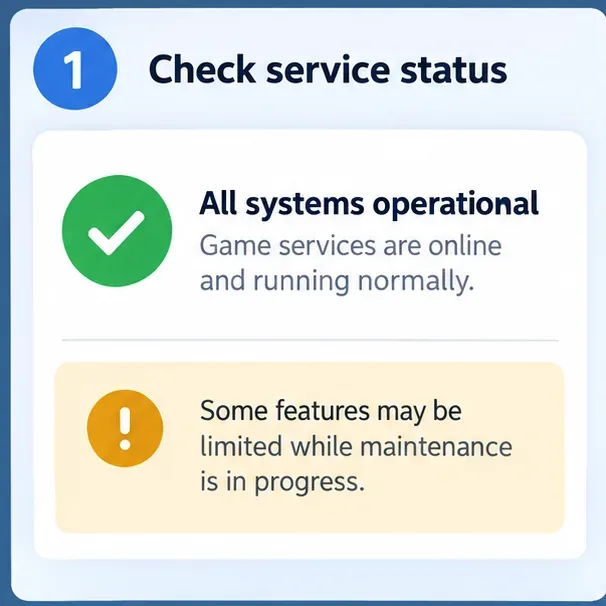
Before changing settings, check Minecraft’s Bedrock error troubleshooting guidance and the service-status page for the platform you are using. The Minecraft guidance links to relevant platform status checks. If a service is down or under maintenance, wait and try again later. Repeatedly unlinking accounts or reinstalling the game will not repair a service outage.
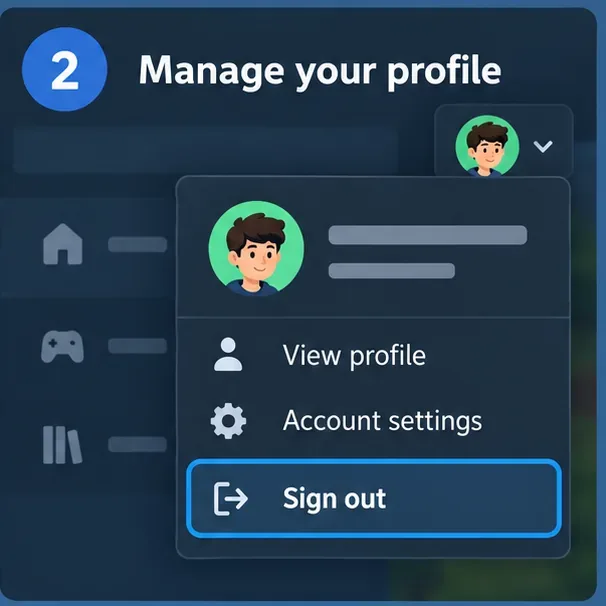
A stale sign-in session is a common cause of an authentication error. Use Minecraft’s profile or account menu to sign out. Close the game completely rather than leaving it suspended, restart the device, reopen Minecraft, and sign in with the Microsoft account you intend to use. On Windows, follow the official Minecraft sign-in reset steps; the Launcher may have its own account selector.
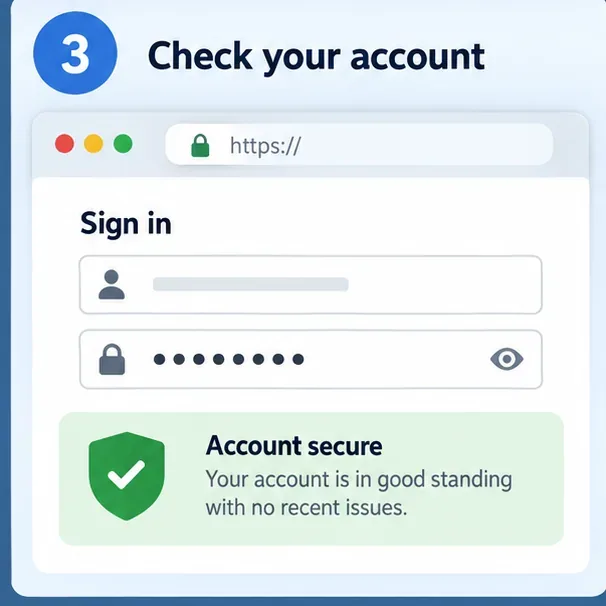
Open Microsoft account in a browser and sign in there. Complete any security prompt or account recovery step on Microsoft’s own site, then return to the game. Make sure you have chosen the account tied to the Minecraft profile and purchases you want. Never give a one-time verification code or password to another person or an unofficial “support” site.
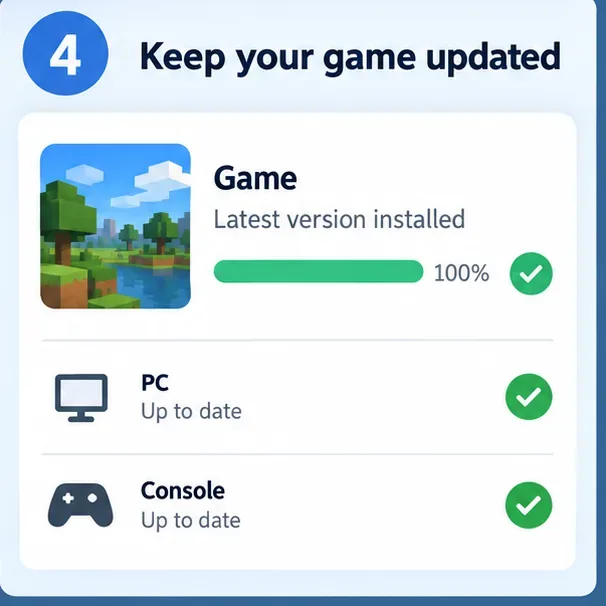
Open the official store or update screen on each player’s device and install any available Bedrock update. Restart the game after updating. Different platforms may receive an update at different times, so if one player can join and another cannot, compare the installed versions shown by the game or store. Minecraft’s multiplayer requirements explain the broader conditions for a successful session.
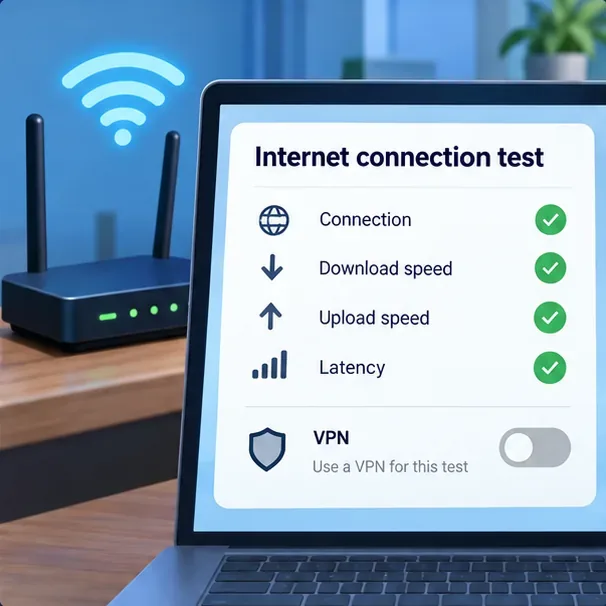
Restart the affected device and, if practical, the router. Try one connection using your usual home network with a VPN, proxy, or custom DNS filter temporarily disabled. Re-enable it after the test if you rely on it. A school, workplace, hotel, or public network may restrict game services; testing another trusted connection can help identify that. Avoid port-forwarding changes, unofficial DNS instructions, or editing system files just because the message mentions authentication.
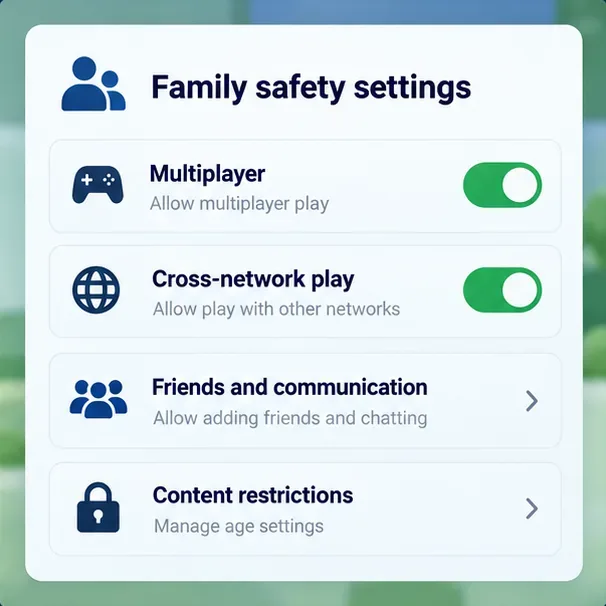
If the account is supervised, ask the parent or family organizer to check multiplayer and cross-network play permissions. Minecraft uses Microsoft/Xbox family safety controls for social and multiplayer features, including when the child is playing on a non-Xbox device. Use the official child-account multiplayer guide. On consoles, online multiplayer may also require the applicable platform subscription; see Minecraft’s current requirements for multiplayer.
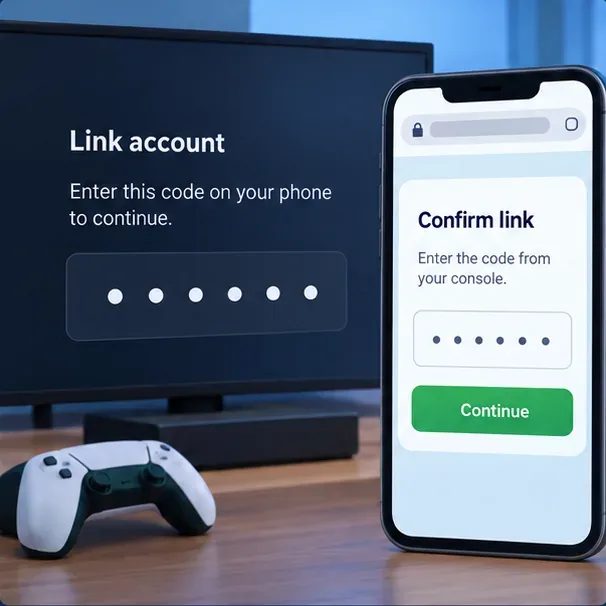
On PlayStation or Nintendo Switch, start sign-in from Minecraft and follow the console’s on-screen instructions. Enter only the current code shown by the game on the official page or browser flow it specifies. If the code expires, restart the link flow to receive a fresh one. Use the Microsoft account you intend to keep associated with the platform account; do not repeatedly unlink accounts as a first troubleshooting step. Follow the official guides for PlayStation account linking and Nintendo Switch sign-in.
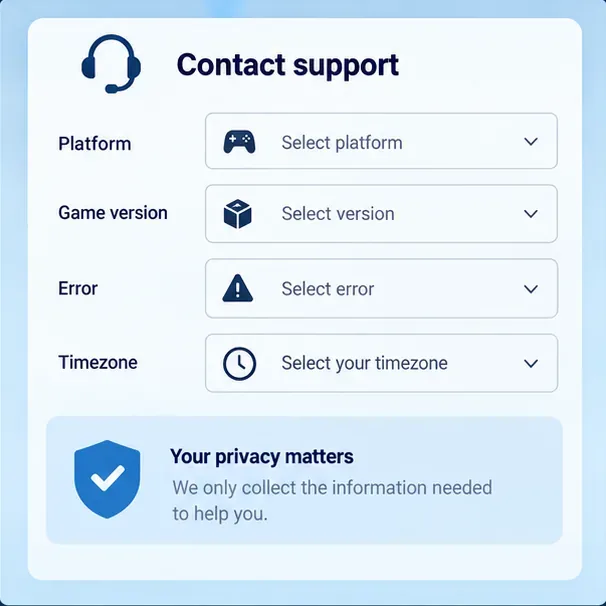
If the error remains, note the exact wording or named code, device and operating system, Minecraft version, whether single-player works, and whether the failure affects one world, a Realm, or all online play. Include when it happened and your time zone. Do not include your password, recovery code, or full payment details. Use Minecraft Support and check the current named Bedrock error guide if a named code appears.
Do not delete saved worlds, clear console save data, install unofficial APKs, or change router port forwarding as a routine authentication fix. Those actions can create new problems without addressing the account session. Change your Microsoft password only when Microsoft’s recovery or security flow indicates it is necessary or the official troubleshooting steps call for it. Back up local worlds before any reinstall.
Account requirements depend on the platform and the feature. Cross-platform play and many online services require Microsoft sign-in on consoles and mobile. Check Minecraft’s accounts-required reference for the platform you use.
A device-specific session, game update, platform account link, network restriction, or privacy setting can cause that pattern. Compare the Microsoft account, Minecraft version, and permissions on both devices before changing account links.
Reinstalling is a late option. First refresh the sign-in session, verify the account, install available updates, and check permissions and connectivity. Back up local worlds before uninstalling any edition.
Enable PUBG’s network statistics HUD to monitor ping and packet loss in a match. See where to find it, what the numbers mean, and what they cannot diagnose.
Learn how to import VALORANT crosshair codes, compare presets with manual settings and spectator copy, and fix common import issues.
Choose Dota 2 minimap size, hero icons, team colors, and background settings by readability, fewer misclicks, and clear results on your own display.
Fix Fortnite texture pop-in on PC with official steps for GPU drivers, file verification, DirectX 12, high-resolution textures, VRAM, SSDs, and stutter.
Learn what Heroes of the Storm minimap size and position options are verified, improve readability, and choose camera-click controls that suit you.
Set Super Smash Bros. Ultimate Quickplay to prefer hazards-off stages. Follow the Preferred Rules menu steps and learn why matchmaking may not always honor them.
Enable Server Latency and Packet Loss in Warzone to monitor connection quality, read the overlay, and use recurring spikes to guide troubleshooting.
Learn how to carry from mid lane in League of Legends by setting up waves, choosing safe roam windows, reading side lanes, and converting pressure into objectives.
Fix Minecraft Evoker spell problems with a safe vanilla test, version checks, log review, and a step-by-step way to isolate mod or datapack conflicts.
Fix PUBG stuck on Initializing on Steam with a focused checklist for PC service notices, launch options, game files, downloads, and connection issues.








