How to Check Real-Time Server Latency in the PUBG HUD

Enable PUBG’s network statistics HUD to monitor ping and packet loss in a match. See where to find it, what the numbers mean, and what they cannot diagnose.
The strongest PUBG Mobile shotgun meta plan is simple: pick a shotgun whose firing rhythm suits you, keep fights inside short covered lanes, and carry a rifle for distance. There is no official season-wide shotgun tier list, and a weapon that wins a doorway fight can be a liability across an open street.
Version matters. PUBG MOBILE’s official announcement timeline lists Version 4.6 on September 7, 2026, while Version 4.7 appears in beta-test announcements later that month and on October 10. Use the live build shown in your game as the final reference. One documented 2026 balance change in Version 4.4 increased shotgun damage drop-off and reduced armor wear for the DBS, M1014, NS2000, S12K, S1897, and S686. That makes range discipline central to the current shotgun meta; it does not support treating shotguns as mid-range spray weapons. Read the official V4.4 update announcement and the V4.6 update page when checking what changed.
The best shotgun in PUBG Mobile is the one you can use accurately in the space where you expect to fight. The following is a playstyle guide, not a developer ranking. Availability and exact behavior can vary by map, mode, and later patches; check the match’s weapon pool and the current official weapon guide.
| Shotgun | What it rewards | Good fit when… |
|---|---|---|
| DBS | Follow-up pressure in a close fight | You can stay composed and place the opening shots before an opponent crosses your angle. |
| S686 | Deliberate timing and accurate peeks | You want a hard-hitting two-shot rhythm and are willing to disengage after a miss. |
| S12K | Responsive follow-up shots | You prefer a semi-automatic cadence while holding a room or short lane. |
| S1897 | Shot timing around its pump cycle | You can fire, use cover during the action cycle, and avoid standing exposed between shots. |
| M1014 | Repeated close-range shots | It is available in your current mode and its rhythm feels easier to control than a pump-action option. |
| NS2000 | Choosing between hip-fire pellets and aimed slugs | You understand the difference between firing from the hip and aiming down sights; the official introduction describes those two ammunition behaviors. |
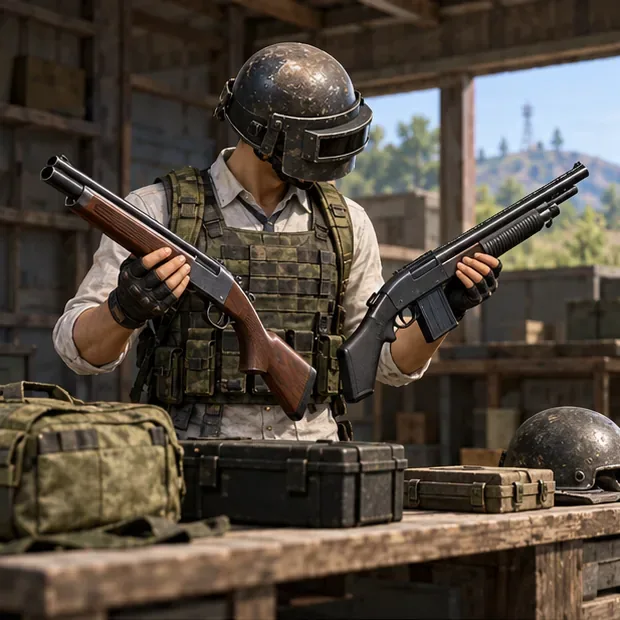
Do not build a loadout around an old damage chart that lists fixed pellet totals as if they settle every fight. Range, armor, the part of the target covered by the pellet pattern, and the current build all affect the outcome. The official NS2000 introduction, for example, describes pellets when hip-firing and slugs when aiming down sights—two different ways to use that weapon.
A shotgun should own the room; your second weapon should cover the approach and the rotation. Pair it with an assault rifle for flexible mid-range fights, or choose a dependable SMG if you expect to stay in tight compounds. Carry enough shells for a short engagement, but leave space for healing items and utility. A shotgun-only kit makes it too easy for an opponent to hold a longer angle beyond your effective comfort zone.
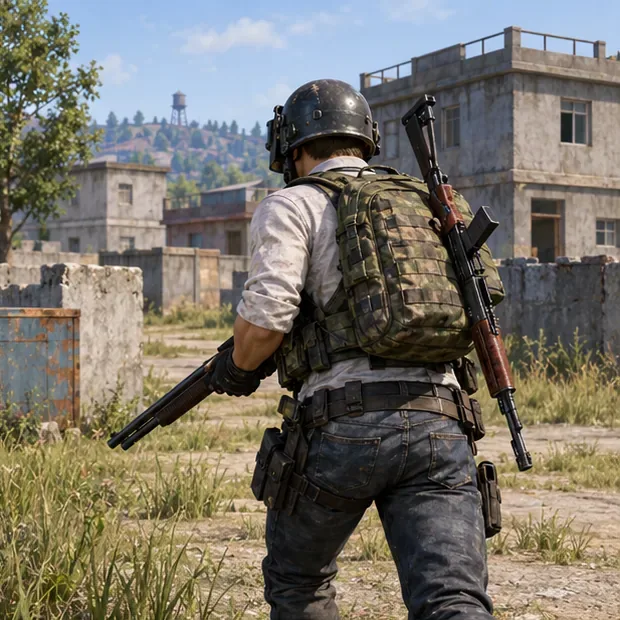
There is no universal shotgun attachment recipe. Check the weapon’s attachment slots in the current match before spending time looting for a part. A Choke can help tighten the pattern on compatible shotguns; a Duckbill changes the pattern rather than adding damage. PUBG MOBILE’s official attachment guide describes the Duckbill as reducing horizontal spread while slightly increasing vertical spread, so decide whether that tradeoff fits your aim and the angles you take.
Reload attachments such as Bullet Loops or magazine upgrades are worth considering only when the weapon accepts them. A sight is a preference, not a requirement: use a simple optic if the shotgun supports it and aiming down sights helps you, but do not assume every shotgun accepts the same sight or stock. Avoid advice that calls for an “extended choke” or promises a guaranteed one-shot distance across different guns. The in-game compatibility indicator is the practical check.
Shotguns reward controlled entries, not blind aggression. These close-range combat habits make your damage more consistent and reduce the time you spend exposed.
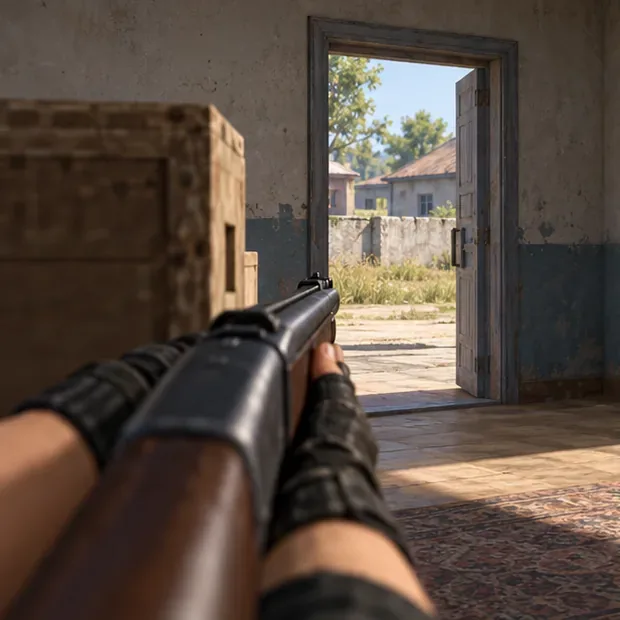
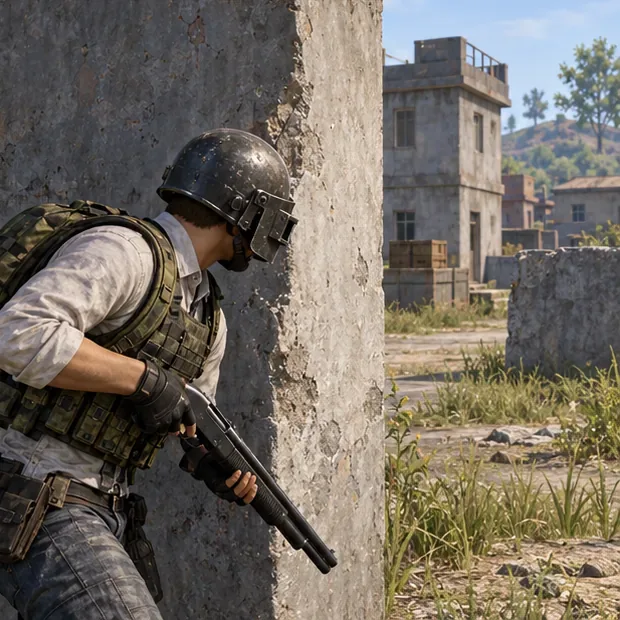
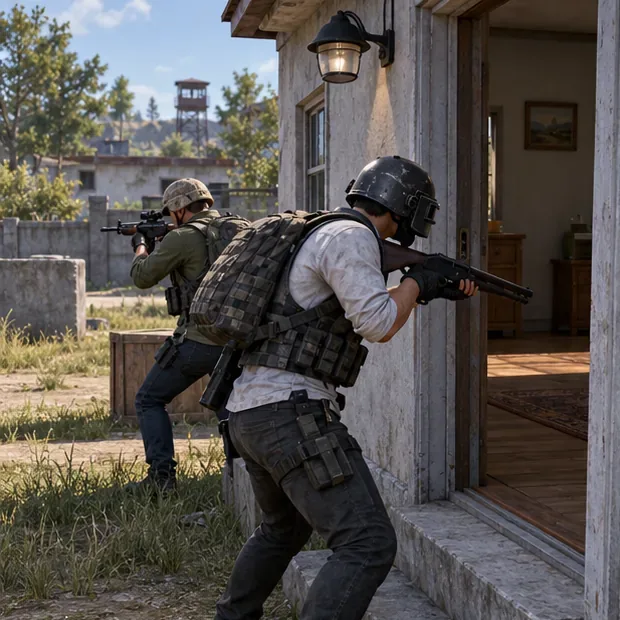
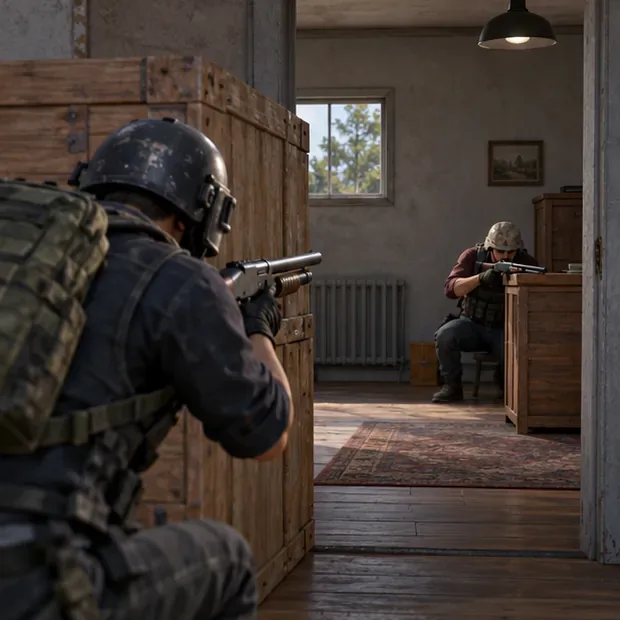
The shotgun’s job is to win nearby fights, not to replace every weapon in your inventory. If an opponent creates space, is crossing a long lane, or is holding a window you cannot approach safely, switch to your rifle. Use the shotgun again when terrain, cover, or teammate pressure lets you close the distance. This is especially important after the official 2026 balance notes increased damage drop-off for the shotgun class.
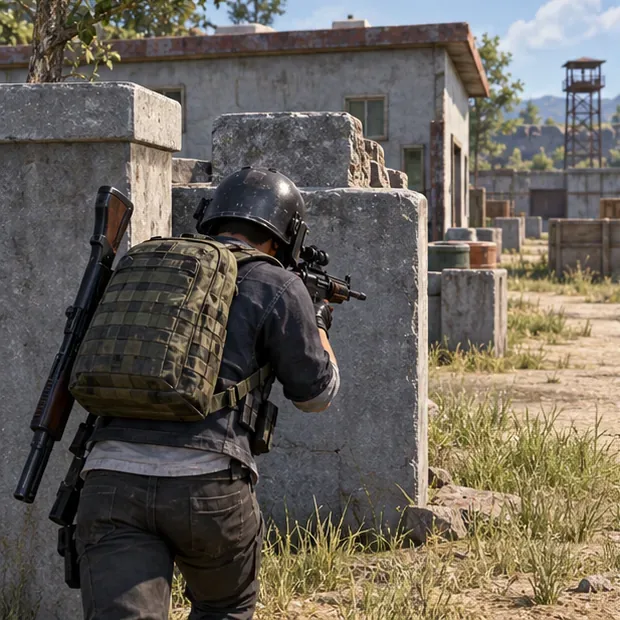
For practice locations, choose a dense compound with rooms, stairways, and outside cover rather than treating a named hot drop as mandatory. Erangel, Livik, and Sanhok can all offer close-quarters layouts, but the flight path, zone, and loot distribution change each match. A useful route has both a building for shotgun practice and a covered exit where you can transition back to your rifle.
Use Training Grounds or a private room when available. Practice one skill at a time and review your misses; the goal is repeatable control, not a made-up number of “required” wins.
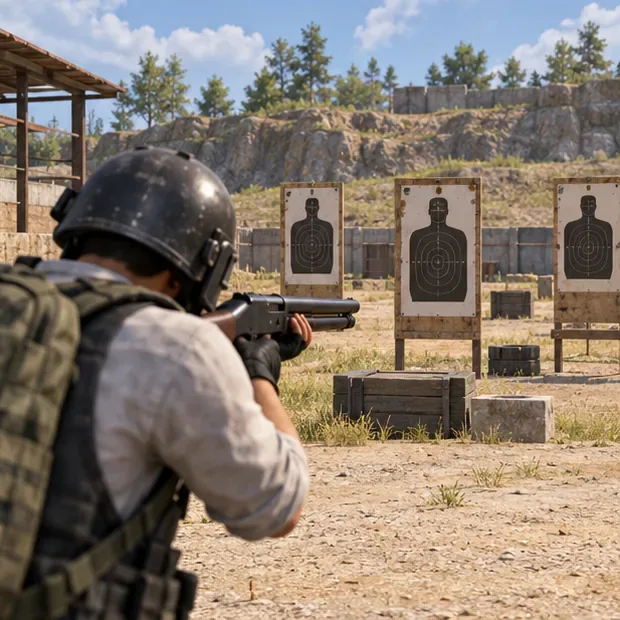
After a match, review whether your loss came from a missed first shot, poor cover, a repeated peek, or choosing the shotgun at the wrong distance. Fix one cause in the next match. That feedback loop is more useful than copying a tier list that may be out of date after the next weapon update.
The strongest PUBG Mobile shotgun meta is a close-range plan with an exit: take the fight on your terms, use the right weapon for the distance, and leave when the angle no longer favors you.
Enable PUBG’s network statistics HUD to monitor ping and packet loss in a match. See where to find it, what the numbers mean, and what they cannot diagnose.
Learn how to import VALORANT crosshair codes, compare presets with manual settings and spectator copy, and fix common import issues.
Choose Dota 2 minimap size, hero icons, team colors, and background settings by readability, fewer misclicks, and clear results on your own display.
Fix Fortnite texture pop-in on PC with official steps for GPU drivers, file verification, DirectX 12, high-resolution textures, VRAM, SSDs, and stutter.
Learn what Heroes of the Storm minimap size and position options are verified, improve readability, and choose camera-click controls that suit you.
Set Super Smash Bros. Ultimate Quickplay to prefer hazards-off stages. Follow the Preferred Rules menu steps and learn why matchmaking may not always honor them.
Enable Server Latency and Packet Loss in Warzone to monitor connection quality, read the overlay, and use recurring spikes to guide troubleshooting.
Learn how to carry from mid lane in League of Legends by setting up waves, choosing safe roam windows, reading side lanes, and converting pressure into objectives.
Fix Minecraft Evoker spell problems with a safe vanilla test, version checks, log review, and a step-by-step way to isolate mod or datapack conflicts.
Fix PUBG stuck on Initializing on Steam with a focused checklist for PC service notices, launch options, game files, downloads, and connection issues.








